Currency Converter Plus icon

Phone

Currency Converter Plus

Finance Designer Calculators ⭐ 4.90 10,000+
Version 5.3.9 Everyone

Screenshots

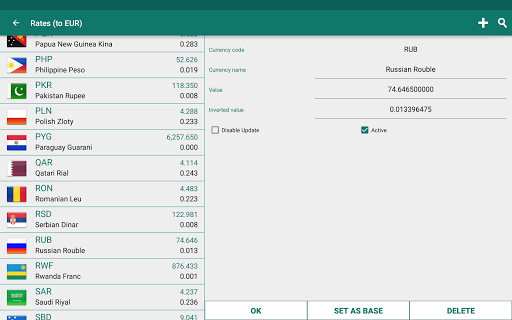
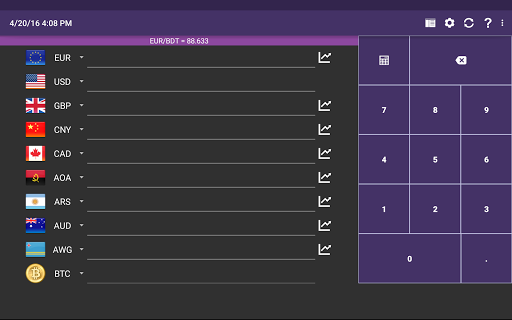
Currency Converter Plus screenshot
Permissions Explained 7 permissions requested View details

This app requests 7 permissions. The table below explains what each permission may allow and what users should review before installing.

Status Permission What it means Why it may be used User safety note
ℹ️ Review Approximate Location (network Based) approximate location (network-based) This is an Android permission or app-specific permission requested by the app. The app may use this permission for features related to its category, device support, background behavior, storage, connectivity, or system integration. Review this permission before installing, especially if it does not match the app’s expected purpose.
ℹ️ Review Precise Location (gps And Network Based) precise location (GPS and network-based) This is an Android permission or app-specific permission requested by the app. The app may use this permission for features related to its category, device support, background behavior, storage, connectivity, or system integration. Review this permission before installing, especially if it does not match the app’s expected purpose.
ℹ️ Review View Network Connections view network connections This is an Android permission or app-specific permission requested by the app. The app may use this permission for features related to its category, device support, background behavior, storage, connectivity, or system integration. Review this permission before installing, especially if it does not match the app’s expected purpose.
ℹ️ Review Full Network Access full network access This is an Android permission or app-specific permission requested by the app. The app may use this permission for features related to its category, device support, background behavior, storage, connectivity, or system integration. Review this permission before installing, especially if it does not match the app’s expected purpose.
ℹ️ Review Run At Startup run at startup This is an Android permission or app-specific permission requested by the app. The app may use this permission for features related to its category, device support, background behavior, storage, connectivity, or system integration. Review this permission before installing, especially if it does not match the app’s expected purpose.
ℹ️ Review Control Vibration control vibration This is an Android permission or app-specific permission requested by the app. The app may use this permission for features related to its category, device support, background behavior, storage, connectivity, or system integration. Review this permission before installing, especially if it does not match the app’s expected purpose.
ℹ️ Review Prevent Device From Sleeping prevent device from sleeping This is an Android permission or app-specific permission requested by the app. The app may use this permission for features related to its category, device support, background behavior, storage, connectivity, or system integration. Review this permission before installing, especially if it does not match the app’s expected purpose.

About Currency Converter Plus

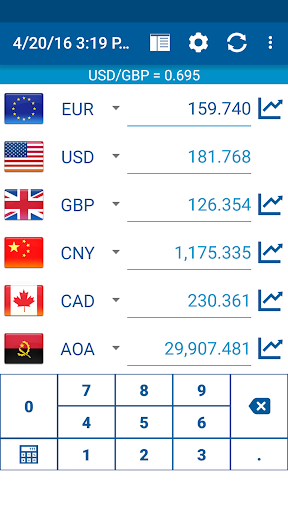
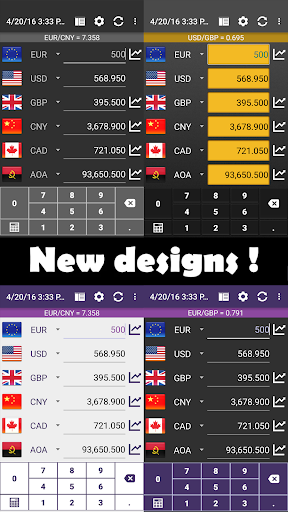
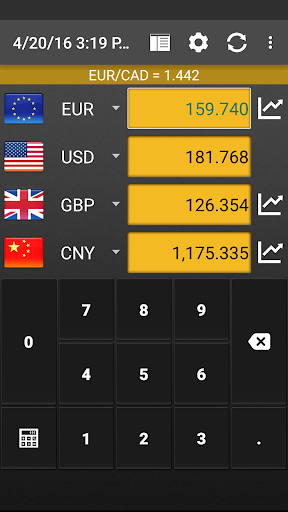
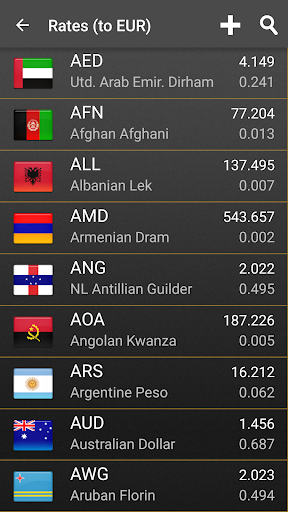
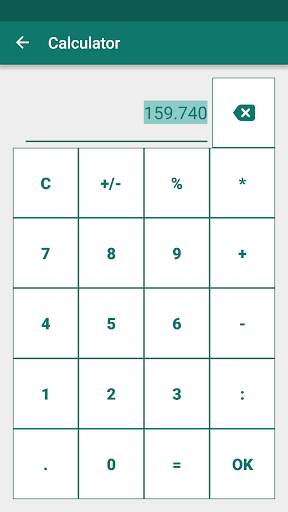
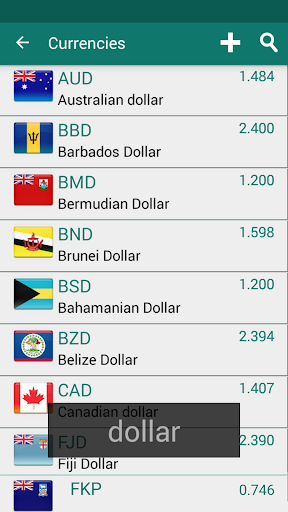
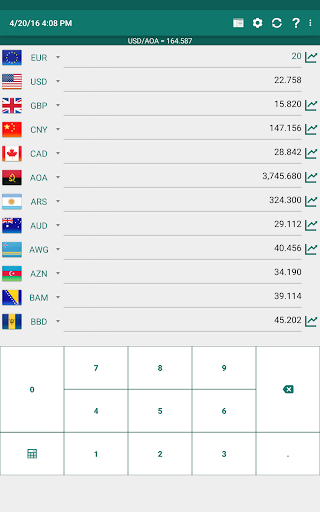
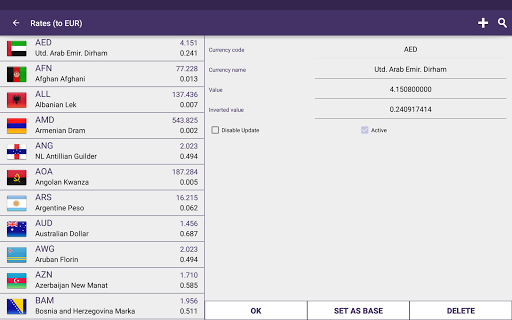
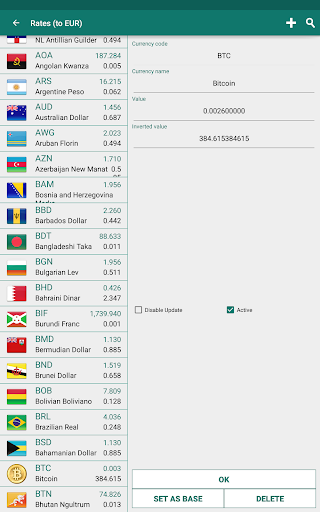
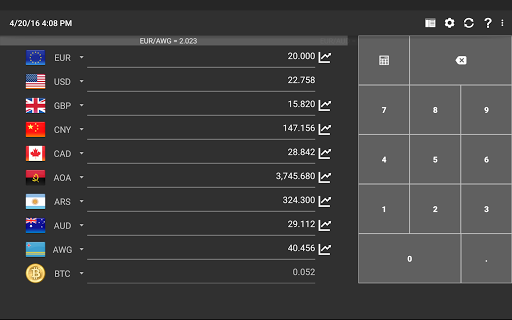
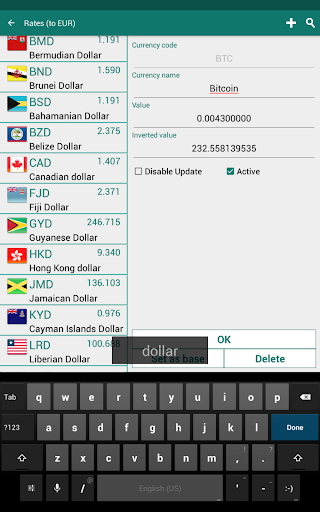
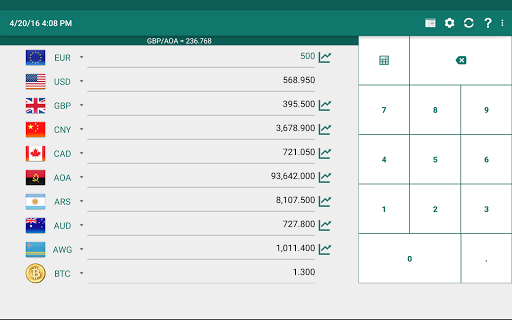
Simple currency converter and exchange rates calculator for up to 15 currencies at once! We've seen it all - various currency converters, exchange rates lists with charts and historic data. But who need all that fancy stuff, when you simply need to find out on holiday how much does that thing cost, right? This app will do exactly what you'd expect of it during the vacation in some country. It's main advantage is that you can choose up to 15 currencies that are visible on mainscreen. Conversion will take place right away - just as you start to type the numbers. Do you wish to do some math with the numbers? No problem - use built-in calculator. Result will be automaticaly converted to all currencies. Can't find your currency? Just add it as a new currency code and simply run update. App will download it's name and fresh exchange rate. From now on it will always auto-update. Main features of this currency converter are: - nice graphics, also suited for tablets and android wear. - ease of use - convert up to 15 currencies at once! - offline usage - roaming prices are no longer a problem now - all the exchange rates are cached! - filter of currencies - just press search in list - various preferences that allows you to change all the small things - online update is provided via European central bank, Additional sources, RSS feeds or you can manually add any custom currency

What Currency Converter Plus Is Used For

Currency Converter Plus appears to be a phone-based finance app for checking exchange values and doing quick currency calculations. Based on the metadata, it is commonly used when traveling, shopping abroad, or comparing prices across different currencies. It supports up to 15 currencies on the main screen, which suggests it is designed for fast side-by-side conversion rather than a more complex financial dashboard.

The app also includes a built-in calculator, so users may be able to enter amounts and see the result converted into multiple currencies at once. Its permission set points to internet access for fetching exchange rates, startup behavior for keeping data current, and location access that may help with regional currency or rate handling. The description also suggests some offline use, which could be useful when roaming or in places with limited connectivity.

Common uses

  • Convert prices during travel or while shopping internationally
  • Compare up to 15 currencies on one screen
  • Use the built-in calculator for quick amount conversions
  • Update exchange rates through network access when available
  • Work with cached rates for limited offline use
  • Add custom currency codes if a currency is not listed
  • Use on a phone, with tablet-friendly visuals mentioned in the metadata
Best for:
Travelers Quick conversions Budget checks Tablet users Phone app

App Details

Package:
sk.halmi.ccalcpluss
Category:
Finance
Developer:
Designer Calculators
Version:
5.3.9
Updated:
Aug 19, 2025
Min Android:
6.0
Age Rating:
Everyone
Contains Ads:
No
In-App Purchases:
No

Official Listing

  • Official listing available on Google Play
  • Package name: sk.halmi.ccalcpluss
  • Age rating: Everyone

Explore More

Browse more apps in Finance or explore the Phone hub .

Related Finance Apps

Investing.com: Stock Market icon

Investing.com: Stock Market

Finance INVESTING.com

Get real-time stock market alerts & investment ideas. Track your stocks & ETFs.

Version 6.47.1 104.3 MB ⭐ 4.60 50,000,000+ installs
TradingView: Track All Markets icon

TradingView: Track All Markets

Finance TradingView Inc.

From stocks to crypto. Technical analysis, Trading ideas and Financial news.

Version Varies with device 54.1 MB ⭐ 4.70 50,000,000+ installs
Splitwise icon

Splitwise

Finance Splitwise

Split expenses with friends, roommates, group trips, and more

Version 26.3.1 69.5 MB ⭐ 4.20 10,000,000+ installs
Yahoo Finance: Stocks & News icon

Yahoo Finance: Stocks & News

Finance Yahoo

Breaking Financial News about the market, Stocks, Crypto & Portfolio Tracking

Version Varies with device 40.4 MB ⭐ 4.60 10,000,000+ installs
Experian® icon

Experian®

Finance Experian

Your Big Financial Friend

Version 4.2.15 117.5 MB ⭐ 4.70 10,000,000+ installs
Webull: Investing & Trading icon

Webull: Investing & Trading

Finance Webull Technologies Pte. Ltd.

Stocks, Options, Crypto, Futures, and ETFs

Version 11.8.0.38 90.3 MB ⭐ 4.60 10,000,000+ installs

How to Download Currency Converter Plus

If this app is not hosted directly on APKApps official link, then for the safest and most up-to-date version, install it from its official Google Play listing.