About OG Arcade - 150+ Retro Games
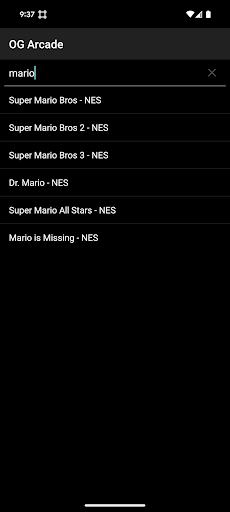
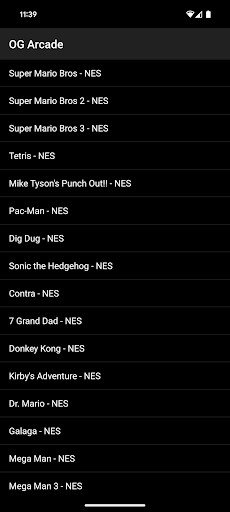
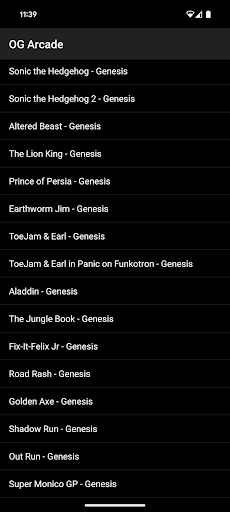
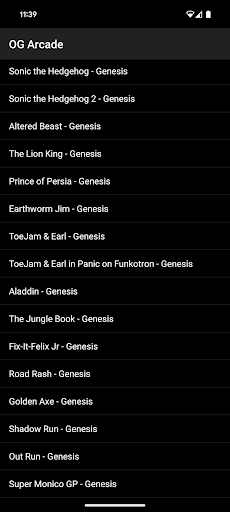
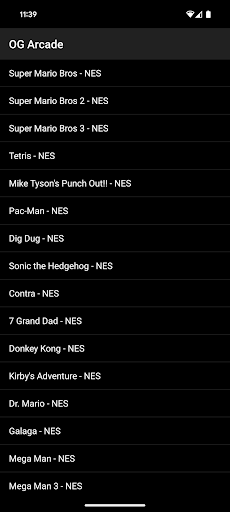
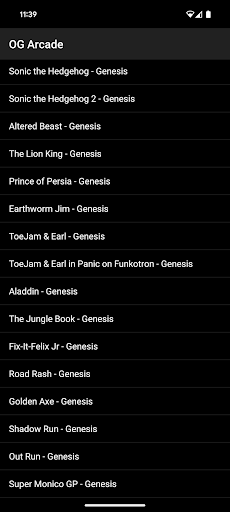
Looking to feel the nostalgia of a classic game from the 70s, 80s and 90s? OG Arcade is the place. Looking for a retro NES (TM), Genesis (TM), Arcade or PC Game? OG Arcade is the place. Play a ever expanding list of classic games found on the Internet Archive. They have everything from Mario Bros (TM) to Oregon Trail (TM) and we will make it so all of those work on your device. To get started it is as simple as this: 1) Choose the game from the list. 2) Use the built-in controls. Most games have user guides that can be found online if it is not obvious, but we will add links later. You need internet access the first time you play a game, but you don't afterwards. If you want to save your progress, you must click the save button in the app regardless of whether the game supports save slots or not. Later you must use the restore button to get back your progress. This is different than the normal save and restore functionality on a console. It is better in that you can save at any point. It is worse in that you must click restore the next time around. This will be improved over time. No technical steps are required. You don't need to provide a ROM file or anything like that. What am I paying for: This app just acts as a browser extension of sorts and loads the publicly available streaming versions of the games posted on the Internet Archive unmodified. These generally don't work well on an Android device. It then provides the ability to find the games easily and control that makes playing them possible on a Android device. We also game test to make sure the games function as expected and match the age rating of this app. Future plans: MORE GAMES - continuously adding Play games in landscape - coming soon Search, sort and filter the game list (basic search only now) - will improve soon Support in game save capability (basic functionality ready now) - will improve soon Add ability to save game states - coming soon Multiplayer - longer term goal Cast to larger screen - longer term goal Use physical controllers - longer term goal What if I want a game added? Just send a request to
[email protected] What if I want a game removed? If it is a copyright issue please see: https://help.archive.org/help/how-do-i-request-to-remove-something-from-archive-org We don't host any files ourselves and just link to their content and make it useable. What if I have some other issue: Just report it to
[email protected]
What OG Arcade - 150+ Retro Games Is Used For
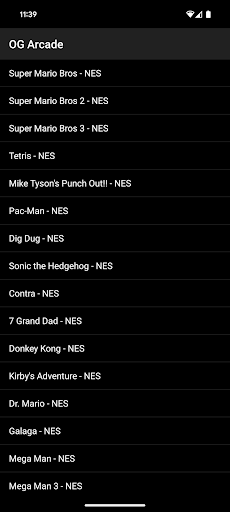
OG Arcade appears to be a retro game launcher for Android phones that helps people browse and play a large list of classic arcade, console, and PC-style games. Based on the metadata, it is designed for users who want quick access to older titles without supplying their own ROM files or setting up separate emulators. The app seems focused on making Internet Archive-hosted games easier to find and control on a mobile device, with built-in on-screen controls for play.
The permission for full network access fits its need to load games the first time you open them, since the app relies on online streaming versions rather than locally stored files. After that first launch, it appears some games may be playable offline, depending on how the game loads. The save and restore buttons suggest it is useful for people who want to pause progress and return later, even if that process is handled differently from a typical console save system. Because it is listed as a phone app and mentions built-in controls, it seems best suited to handheld play rather than large-screen use.
Common uses
- Browse a catalog of retro-style games from different eras
- Launch classic games directly on an Android phone
- Use on-screen controls when a physical controller is not available
- Load games over the internet on first play
- Save progress through the app’s save and restore controls
- Replay older titles without importing your own game files
- Find games by list and basic search
How to Download OG Arcade - 150+ Retro Games
If this app is not hosted directly on APKApps official link,
then for the safest and most up-to-date version, install it from its official Google Play listing.