About OG Trail - Travel to Oregon
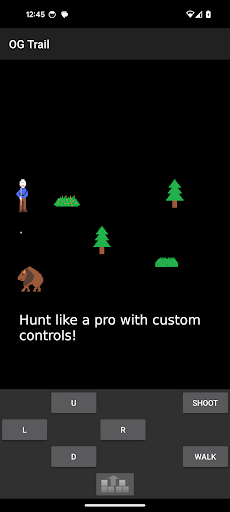
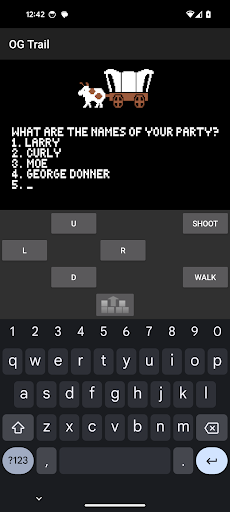
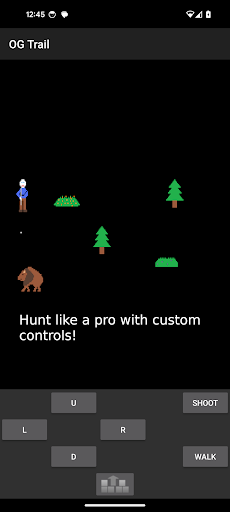
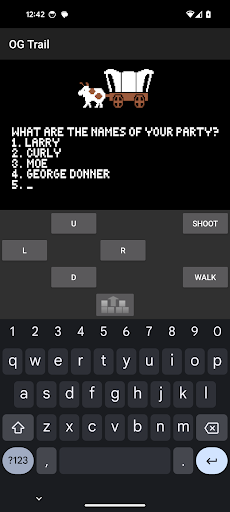
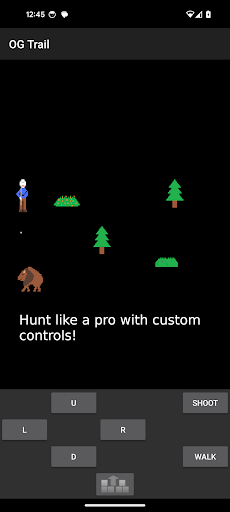
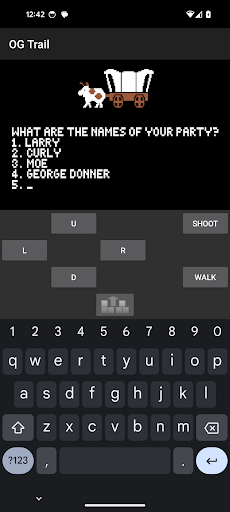
OG Trail - makes playing the classic Oregon Trail simulation possible and easy on Android devices. OG Trail is not the game itself and does not contain or require any ROM to play. OG Trail simply provides an interface to the publicly available Internet Archive posting of the streaming version of that game found here: https://archive.org/details/msdos_Oregon_Trail_The_1990 This requires internet to load, but does not use any data after that. Instructions for new users or testers: OG Trail lets you play an unmodified version of The Oregon Trail (TM) game. As such, you don't tap on the game itself to interact with it as the game wasn't made originally for touchscreens. Instead you use the onscreen keyboard or onscreen control pad to interact with the game. For example, when the game gives you a set of choices, you click the number on the keyboard or control pad that matches your choice and then hit the enter button. If the game give you a yes/no question, you can either type "y" or "yes" for affirmative and "n" or "no" for negative and then hit the enter button using the onscreen keyboard. Alternatively you can hit the check mark for affirmative or the x for negative on the onscreen control pad. For more details about the original game and how to play it, please see this user guide: https://archive.org/details/A2_MECC_A157_The_Oregon_Trail_manual Current icon provided by Creative Commons Attribution, https://creativecommons.org/licenses/by/4.0/ by vectorportal.com
What OG Trail - Travel to Oregon Is Used For
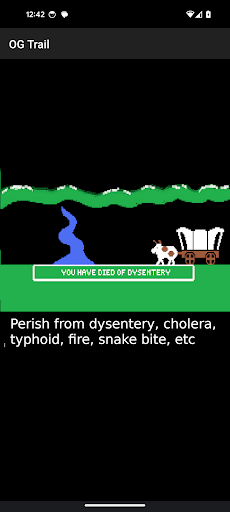
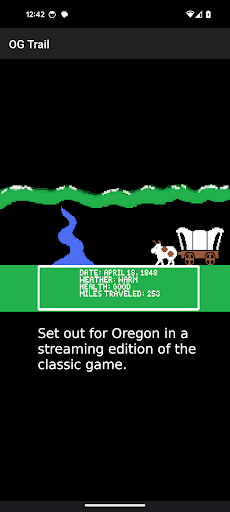
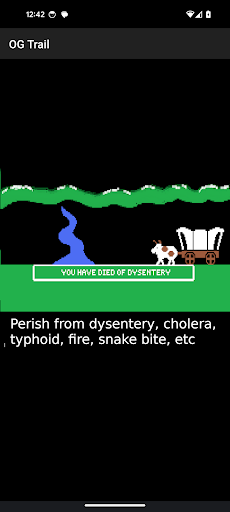
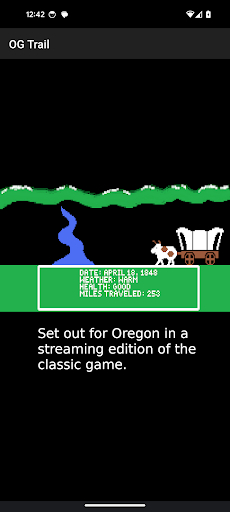
OG Trail - Travel to Oregon appears to be a launcher-style app for playing a streaming version of the classic Oregon Trail simulation on Android phones. Based on the metadata, it is not the game itself; instead, it provides an interface for accessing the publicly available Internet Archive copy of the game in a format that works more easily on touch devices. This makes it useful for people who want to revisit the original game without needing a ROM or separate game file.
Because the game was not originally designed for touchscreens, the app seems to rely on an on-screen keyboard and control pad for input rather than direct tapping on game elements. Common use on a phone may involve entering numbered choices, typing simple yes/no responses, and using the provided controls to move through prompts. The network permission suggests the app needs internet access to load the streaming version, while the description notes that it does not continue using data after the game is loaded. It may appeal to users who want an educational or retro gaming experience on Android, especially on a phone rather than a tablet or TV.
Common uses
- Launches a playable, streaming version of The Oregon Trail on Android phones
- Uses on-screen keyboard or controls for number choices and yes/no prompts
- May help make an older DOS-style game easier to use on touch devices
- Requires internet access to load the streamed game content
- Does not appear to include the game files directly in the app
- Fits users looking for a classic educational game experience
App Details
Package:
tech.ula.ogtrail
Developer:
UserLAnd Technologies
Version:
25.12.05
Updated:
Dec 5, 2025
Min Android:
6.0
Age Rating:
Everyone 10+
Contains Ads:
No
In-App Purchases:
No
Official Listing
-
Official listing available on
Google Play
-
Package name:
tech.ula.ogtrail
-
Age rating:
Everyone 10+
Related Educational Apps
Adventure
•
LEVEL-5 Inc.
Version 1.0.8
⭐ 4.40
50,000+ installs
Adventure
•
LEVEL-5 Inc.
Version 1.0.5
⭐ 4.80
5,000+ installs
How to Download OG Trail - Travel to Oregon
If this app is not hosted directly on APKApps official link,
then for the safest and most up-to-date version, install it from its official Google Play listing.