About Solitaire Pro
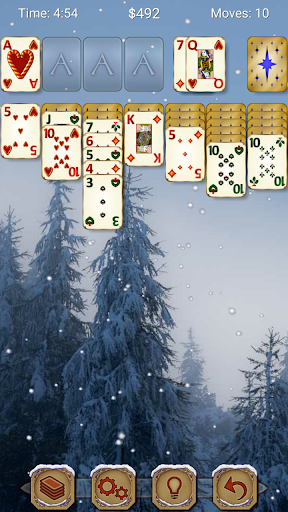
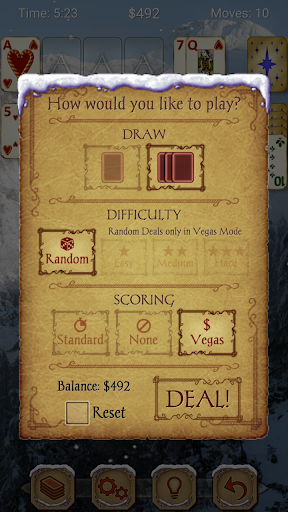
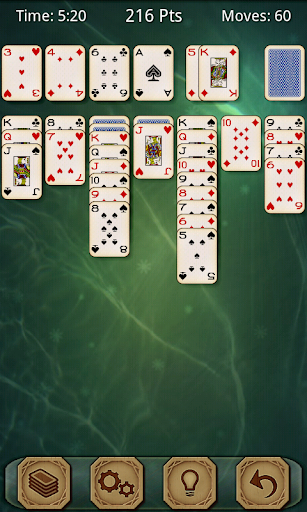
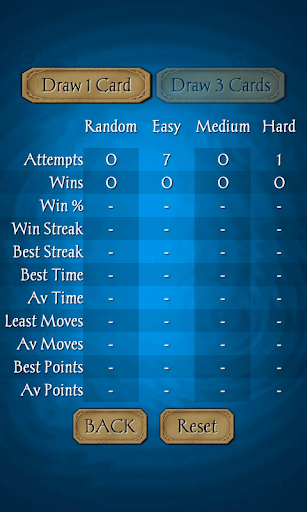
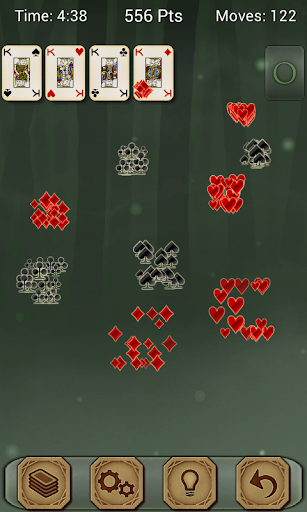
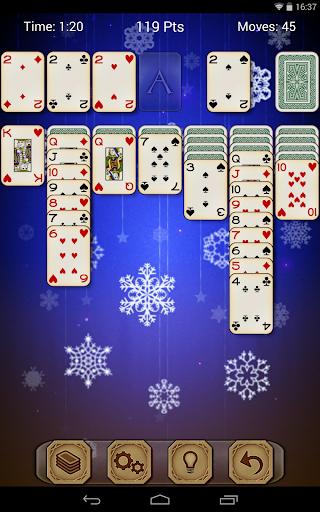
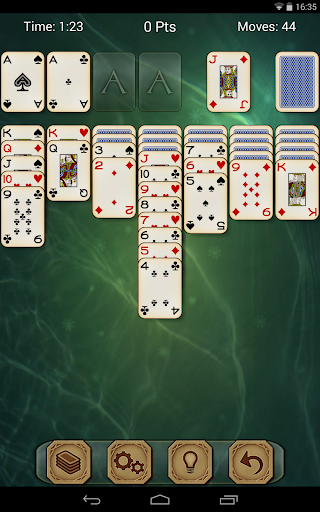
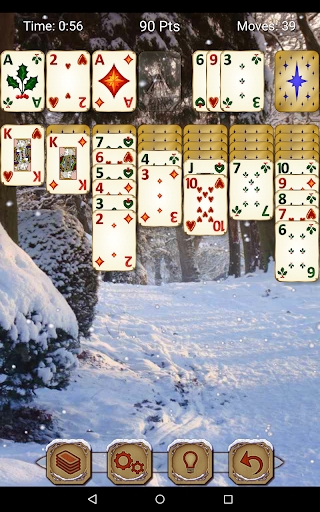
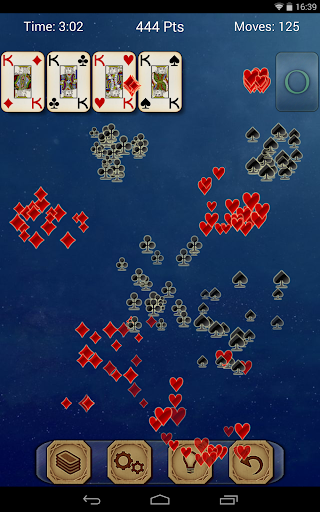
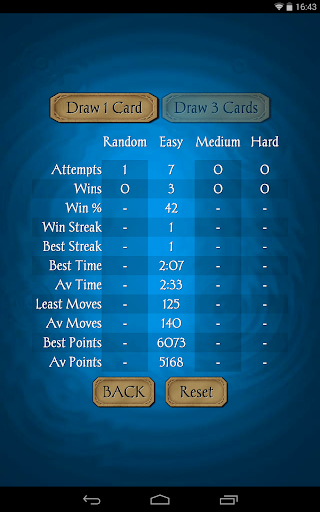
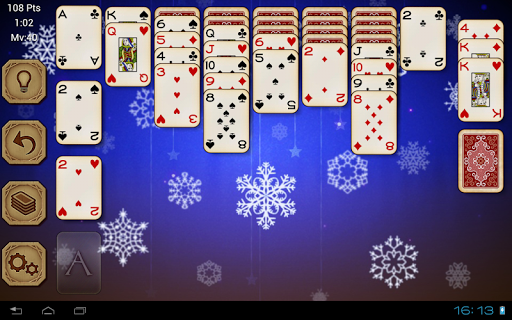
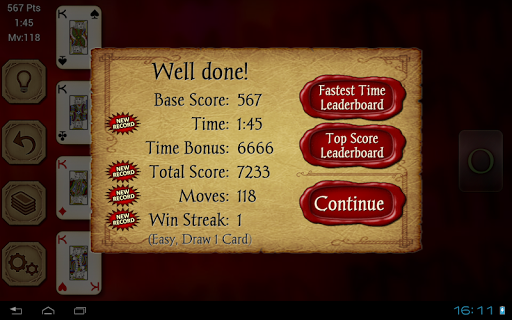
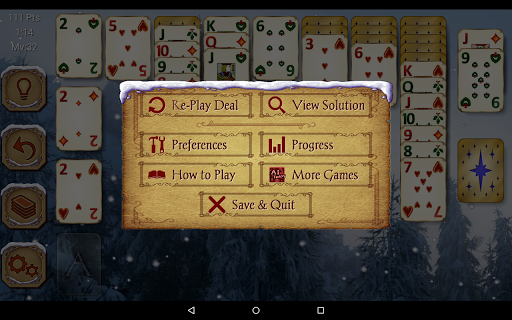
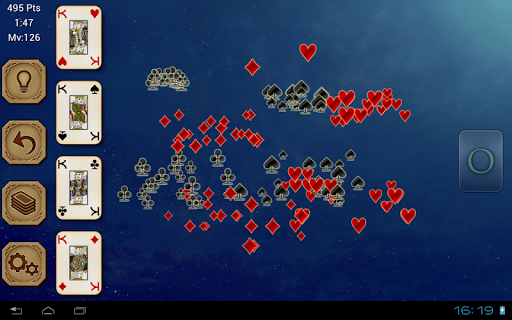
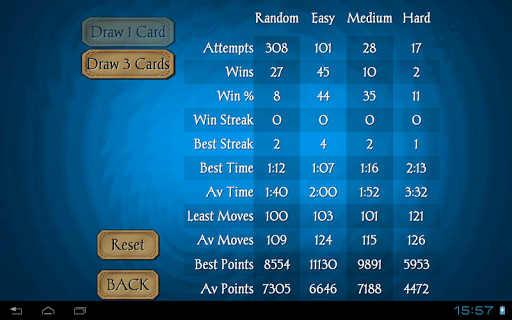
★ Top Developer (awarded 2013) ★ AI Factory's Solitaire brings the popular card game Solitaire (also known as Klondike and Patience) to Google Play. Enjoy a well-crafted game of Solitaire with lots of play options – 1 or 3 card draw / standard scoring, no scoring or Vegas / 3 difficulty levels or random deals / statistics / undo / left-handed or right-handed layout / choice of gorgeous graphics or enhance with your own images. Immerse yourself in Solitaire… (This version is the same as free version, but with advertising removed) Featuring: - Random/Easy/Medium/Hard levels - Achievements and Leaderboards (via Google Play Games) - Solutions viewable for non-Random games - Standard & Vegas scoring - 1 card draw / 3 card draw - Select from 4 different card sets, 4 card backs and many backgrounds or… - Select your own photos to use as a background or card back! - Tap to move cards - Both landscape & portrait supported on resolutions above 320x240 - Game stats - Undo & Hints - Game Rules & Help - Designed for both Tablet and Phone
What Solitaire Pro Is Used For
Solitaire Pro appears to be a mobile card game for playing classic Solitaire, also known as Klondike or Patience. Based on the metadata, it is meant for people who want a familiar single-player card game on an Android phone, with layout options that support both portrait and landscape play.
The app may be used for casual gameplay, practice, or quick break-time sessions. The listed options suggest it supports different draw styles, scoring modes, and difficulty or deal variations, so players can choose a version that matches their preferred rules. Features like undo, hints, statistics, and game rules may help with learning the game or tracking progress over time.
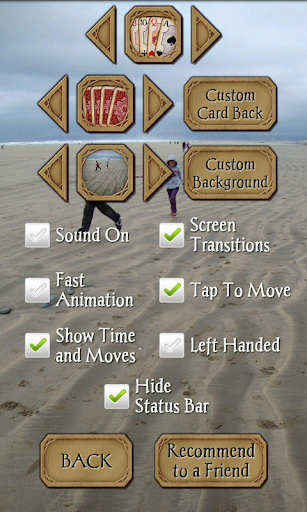
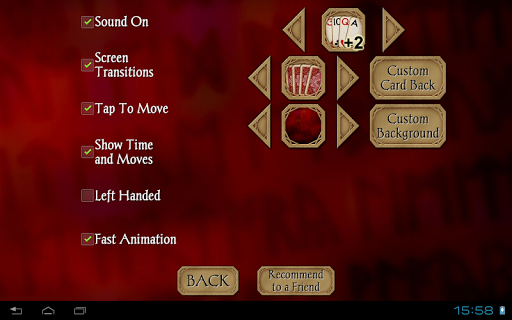
The metadata also suggests some customization and accessibility-related convenience, such as left-handed or right-handed layout, tap-to-move controls, and the ability to change card sets, card backs, backgrounds, or even use personal photos. The only listed permission is Google Play license check, which is tied to app licensing rather than gameplay features.
Common uses
- Play classic Solitaire/Klondike on a phone
- Choose 1-card or 3-card draw rules
- Switch between standard, no-score, or Vegas-style scoring
- Use undo and hints during play
- Track stats and view achievements or leaderboards
- Customize card sets, card backs, and backgrounds
- Adjust the layout for left-handed or right-handed use
How to Download Solitaire Pro
If this app is not hosted directly on APKApps official link,
then for the safest and most up-to-date version, install it from its official Google Play listing.