REC - Screen | Video Recorder icon

Phone

REC - Screen | Video Recorder

Video Players & Editors ZipoApps ⭐ 4.60 10,000,000+

Record your screen in HQ, FHD, and UHD easily with Screen Recorder With Audio.

Version 4.6.11 29.8 MB Everyone

Screenshots

REC - Screen | Video Recorder screenshot
Permissions Explained 19 permissions requested View details

This app requests 19 permissions. The table below explains what each permission may allow and what users should review before installing.

Status Permission What it means Why it may be used User safety note
Common View network status android.permission.ACCESS_NETWORK_STATE Allows the app to check whether the device is connected to Wi-Fi, mobile data, or another network. Often used to avoid loading content when offline or to adjust loading based on connection quality. Generally low risk by itself.
ℹ️ Review Access Wifi State android.permission.ACCESS_WIFI_STATE This is an Android permission or app-specific permission requested by the app. The app may use this permission for features related to its category, device support, background behavior, storage, connectivity, or system integration. Review this permission before installing, especially if it does not match the app’s expected purpose.
ℹ️ Review Action Manage Overlay Permission android.permission.ACTION_MANAGE_OVERLAY_PERMISSION This is an Android permission or app-specific permission requested by the app. The app may use this permission for features related to its category, device support, background behavior, storage, connectivity, or system integration. Review this permission before installing, especially if it does not match the app’s expected purpose.
Common Internet access android.permission.INTERNET Allows the app to open network connections and communicate with online services. Commonly used for streaming, syncing, login, ads, analytics, downloads, cloud features, and app updates. Common permission. Review the app’s behavior if it does not appear to need online access.
⚠️ Sensitive Read external storage android.permission.READ_EXTERNAL_STORAGE Allows the app to read files from shared device storage. Used by media players, file managers, backup apps, editors, upload tools, and document apps. Sensitive permission. Review carefully if the app does not need access to files or media.
⚠️ Sensitive Microphone access android.permission.RECORD_AUDIO Allows the app to record audio from the device microphone. Used for voice messages, calls, video chat, speech search, audio recording, or voice commands. Sensitive permission. Only grant it to apps where microphone use is expected.
ℹ️ Review System Alert Window android.permission.SYSTEM_ALERT_WINDOW This is an Android permission or app-specific permission requested by the app. The app may use this permission for features related to its category, device support, background behavior, storage, connectivity, or system integration. Review this permission before installing, especially if it does not match the app’s expected purpose.
Common Vibration control android.permission.VIBRATE Allows the app to control device vibration. Used for notifications, alerts, haptic feedback, timers, alarms, or game feedback. Generally low risk by itself.
ℹ️ Review Foreground Service android.permission.FOREGROUND_SERVICE This is an Android permission or app-specific permission requested by the app. The app may use this permission for features related to its category, device support, background behavior, storage, connectivity, or system integration. Review this permission before installing, especially if it does not match the app’s expected purpose.
ℹ️ Review Write Settings android.permission.WRITE_SETTINGS This is an Android permission or app-specific permission requested by the app. The app may use this permission for features related to its category, device support, background behavior, storage, connectivity, or system integration. Review this permission before installing, especially if it does not match the app’s expected purpose.
⚠️ Sensitive Modify external storage android.permission.WRITE_EXTERNAL_STORAGE Allows the app to write or modify files in shared device storage. Used for saving downloads, media files, exports, edited documents, backups, or cached content. Sensitive permission. Make sure file access matches the app’s purpose.
ℹ️ Review Keep device awake android.permission.WAKE_LOCK Allows the app to prevent the device from sleeping while a task is running. Used for media playback, downloads, navigation, alarms, calls, or long-running background tasks. Review battery usage if the app keeps the device awake too often.
ℹ️ Review Send notifications android.permission.POST_NOTIFICATIONS Allows the app to send notifications to the device. Used for alerts, reminders, messages, account activity, updates, or media controls. Review notification settings if the app sends too many alerts.
ℹ️ Review Gms Permission Ad Id com.google.android.gms.permission.AD_ID This is an Android permission or app-specific permission requested by the app. The app may use this permission for features related to its category, device support, background behavior, storage, connectivity, or system integration. Review this permission before installing, especially if it does not match the app’s expected purpose.
ℹ️ Review C2dm Permission Receive com.google.android.c2dm.permission.RECEIVE This is an Android permission or app-specific permission requested by the app. The app may use this permission for features related to its category, device support, background behavior, storage, connectivity, or system integration. Review this permission before installing, especially if it does not match the app’s expected purpose.
ℹ️ Review Com Applovin Array Apphub Permission Bind Apphub Service com.applovin.array.apphub.permission.BIND_APPHUB_SERVICE This is an Android permission or app-specific permission requested by the app. The app may use this permission for features related to its category, device support, background behavior, storage, connectivity, or system integration. Review this permission before installing, especially if it does not match the app’s expected purpose.
ℹ️ Review Finsky Permission Bind Get Install Referrer Service com.google.android.finsky.permission.BIND_GET_INSTALL_REFERRER_SERVICE This is an Android permission or app-specific permission requested by the app. The app may use this permission for features related to its category, device support, background behavior, storage, connectivity, or system integration. Review this permission before installing, especially if it does not match the app’s expected purpose.
ℹ️ Review Vending Billing com.android.vending.BILLING This is an Android permission or app-specific permission requested by the app. The app may use this permission for features related to its category, device support, background behavior, storage, connectivity, or system integration. Review this permission before installing, especially if it does not match the app’s expected purpose.
ℹ️ Review Us Rec Screen Dynamic Receiver Not Exported Permission us.rec.screen.DYNAMIC_RECEIVER_NOT_EXPORTED_PERMISSION This is an Android permission or app-specific permission requested by the app. The app may use this permission for features related to its category, device support, background behavior, storage, connectivity, or system integration. Review this permission before installing, especially if it does not match the app’s expected purpose.

About REC - Screen | Video Recorder

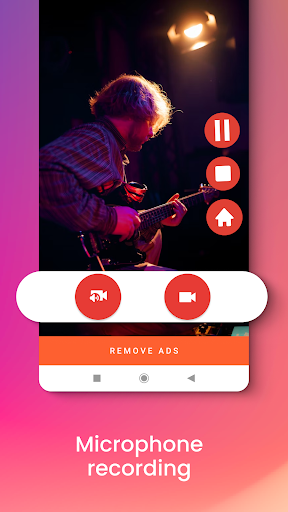
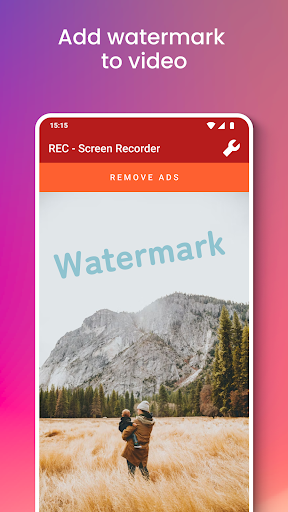
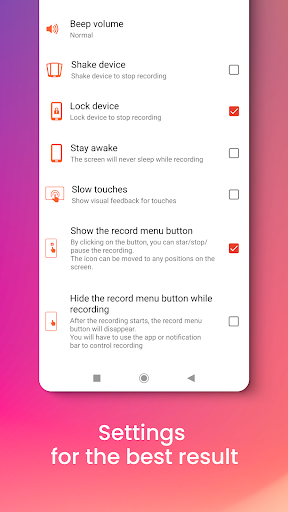
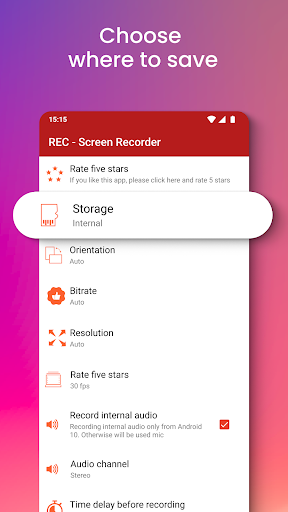
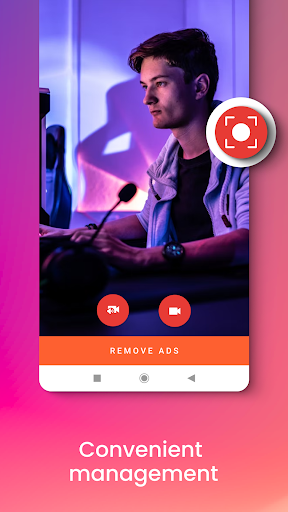
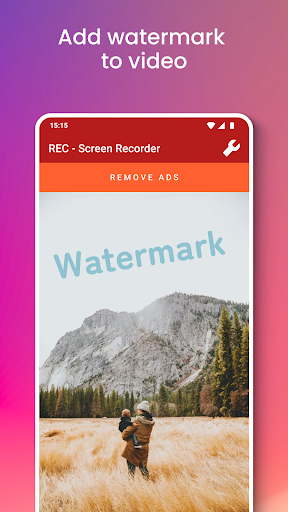
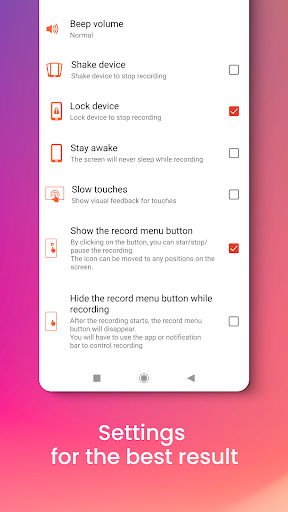
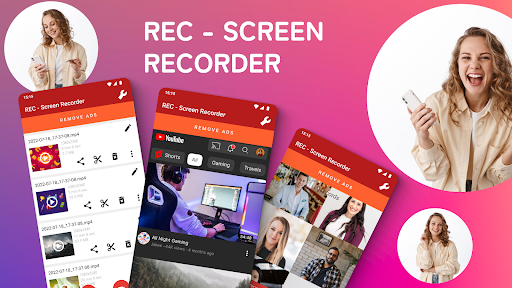
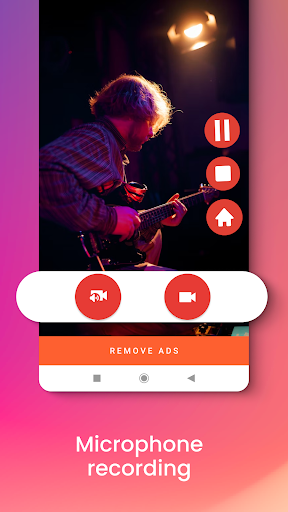
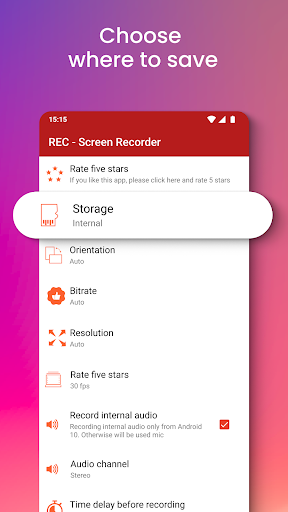
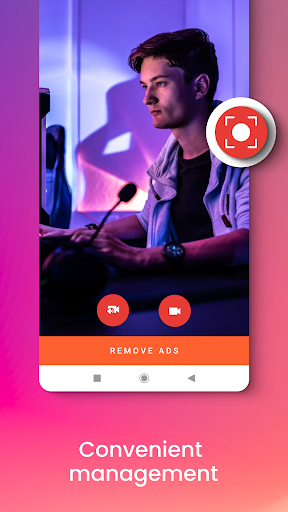
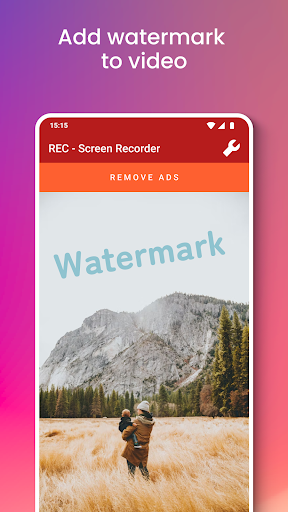
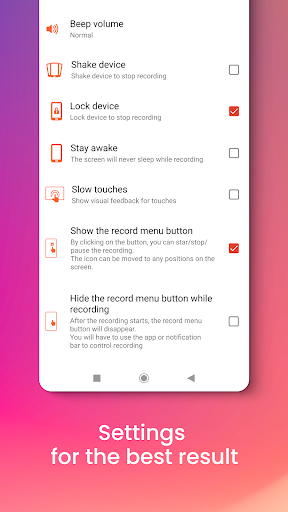
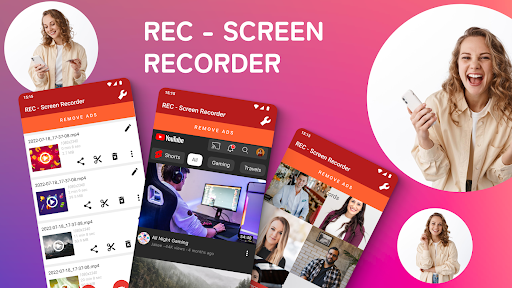
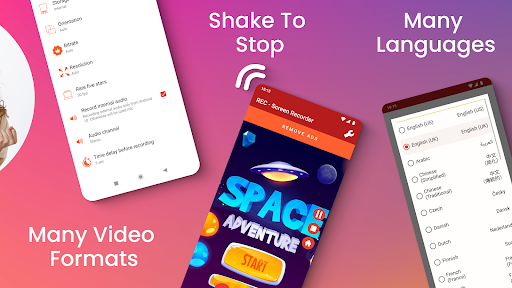
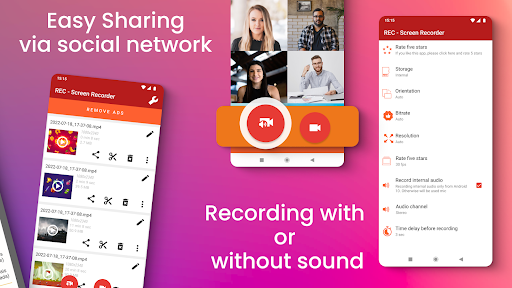
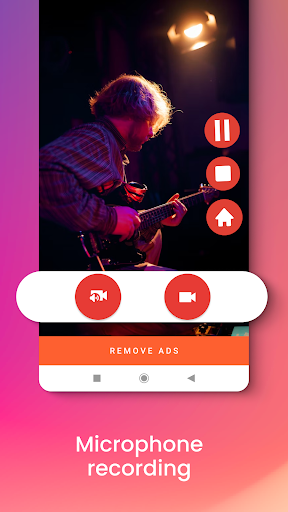
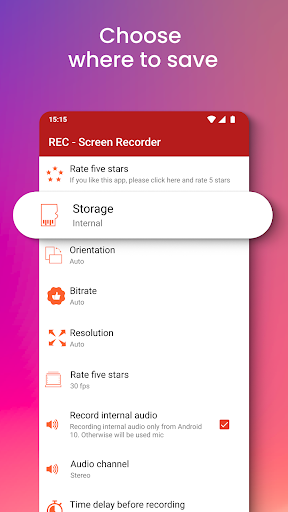
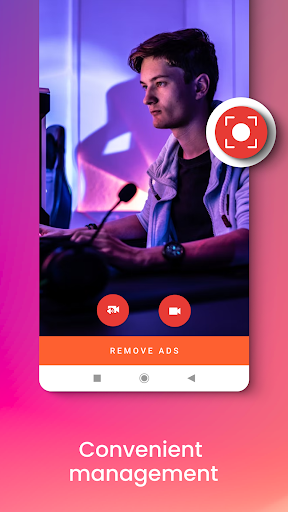
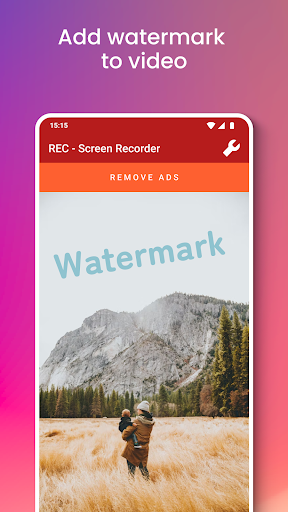
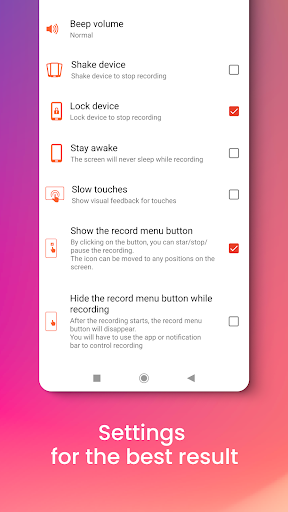
REC - Screen | Video Recorder is a free screen recording app that allows you to record your screen in high quality (UHD, FHD, HD, etc.) with great audio from your microphone. Record Screen - Audio and Video! Screen Recorder with Audio in HQ REC - Screen Recorder works on games, tutorials, video calls, live shows, video players, and much more. Live Screen Recorder Say yes to the screen recorder app, which provides excellent video screen recorder capabilities in one intuitive UI with super-optimized screen capturing performance. Smart video recordings storage & sharing The videos of your screen recordings can be stored in the internal memory of your device or on an SD card or external (USB) storage. The video files can be shared via email, Messenger, and social media. REC - Screen | Video Recorder allows you to upload to Dropbox, Google Drive, OneDrive, YouTube, and others. REC - Screen | Video Recorder fantastic features: ✔️ Easy-to-use Screen Recorder! ✔️ Great audio quality - Screen Recorder with Audio HQ! ✔️ No recording time limit - Video Recorder without limits! ✔️ Many storage locations: internal memory / SD card / external USB device ✔️ Records Screen & Records external sound! ✔️ Can show screen touches while recording ✔️ Pauses/resumes screen recording ✔️ Stay awake mode prevents the screen from going black ✔️ Controls screen recording through floating window or notification bar ✔️ Shake the device to stop the recording screen ✔️ Switch off the screen to stop the video recording ✔️ Option to delay the start of the video recording ✔️ Choose portrait or landscape video orientation ✔️ Support for many video resolutions: UHD, FHD, HD, HQ, SD And that's not all! We bring you more awesome features! ✔️ Configurable frame rates and bitrates ✔️ Choose whether the audio recording is made or not ✔️ Share recorded videos easily ✔️ Option to edit the video ✔️ Add your logo or watermark to the video ✔️ Provides interfaces in more than 30 languages ✔️ Use our screen recorder for free ✔️ Live Screen & Audio Recorder ✔️ And much more! Yes, you see now why we are the most powerful Screen and Audio Recorder app! Perfect for tutorials, promo videos, comments, etc. An ability to record audio from the microphone and to show screen touches while recording is very useful when creating tutorials, promotional videos, comments about your game, etc. You can also add your logo or watermark to protect your work. See why we are one of the best recorder apps for years! Millions have already enjoyed the free screen recording features of REC! So now it's time for you to try superior screen recording! Download the #1 video screen recording app for FREE! - Disclaimer All product names, logos, brands, trademarks and registered trademarks, which are not owned by us, are property of their respective owners. All company, product and service names used in this app are for identification purposes only. Use of these names, trademarks and brands does not imply endorsement. REC -…

What REC - Screen | Video Recorder Is Used For

REC - Screen | Video Recorder appears to be a phone app for recording what happens on an Android screen, with support for capturing video and microphone audio. Based on the metadata, it is commonly used when someone wants to save gameplay, make step-by-step tutorials, record video calls, or capture clips from apps and live content for later review.

The app also seems designed for sharing and organizing recordings after they are made. Its storage-related permissions suggest it may save files to internal storage, SD cards, or external USB storage, while network and internet permissions may support sharing or uploading recordings to services such as cloud storage or video platforms. The overlay permission hints that it may offer floating controls or recording shortcuts on top of other apps. Because it is a phone app, it is most relevant on Android handsets where quick screen capture, audio recording, and touch indicators can be useful for practical how-to content and everyday app documentation.

Common uses

  • Record on-screen activity from games, apps, or tutorials
  • Capture microphone audio along with the screen recording
  • Save recordings to device storage or external storage locations
  • Use floating controls or notifications to start and stop recording
  • Record in different orientations and resolution levels
  • Share saved clips through email or social apps
  • Upload recordings to cloud or video services if connected
Best for:
phone users screen recording tutorial creators game capture audio recordings content sharing

App Details

Package:
us.rec.screen
Developer:
ZipoApps
Version:
4.6.11
Updated:
Jun 5, 2025
Min Android:
5.0
Age Rating:
Everyone
Contains Ads:
Yes
In-App Purchases:
Yes

Official Listing

  • Official listing available on Google Play
  • Package name: us.rec.screen
  • Age rating: Everyone

Explore More

Browse more apps in Video Players & Editors or explore the Phone hub .

Related Video Players & Editors Apps

Screen Recorder - XRecorder icon

Screen Recorder - XRecorder

Video Players & Editors InShot Inc.

Screen recorder with audio to take live videos & Screenshot in high quality!

Version 2.5.0.1 29.4 MB ⭐ 4.70 100,000,000+ installs
Screen Recorder Video Recorder icon

Screen Recorder Video Recorder

Video Players & Editors VIDEOSHOW Video Editor & Maker & AI Chat Generator
Version 8.3.0.0 23.7 MB ⭐ 4.40 100,000,000+ installs
Screen Recorder - AZ Recorder icon

Screen Recorder - AZ Recorder

Video Players & Editors AZ Screen Recorder

An easy-to-use and all-round screen recorder with audio

Version 6.8.1 85.9 MB ⭐ 4.80 100,000,000+ installs
Screen Recorder: Facecam Audio icon

Screen Recorder: Facecam Audio

Video Players & Editors Prometheus Interactive LLC

Record screen: optional camera overlay, gaming use, mic & share! No watermarks.

Version 2.7.3 48.0 MB ⭐ 4.30 10,000,000+ installs

How to Download REC - Screen | Video Recorder

If this app is not hosted directly on APKApps official link, then for the safest and most up-to-date version, install it from its official Google Play listing.