About Plasma Flow Full Watch Face
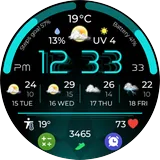
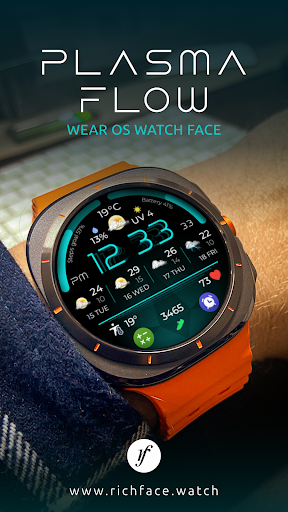
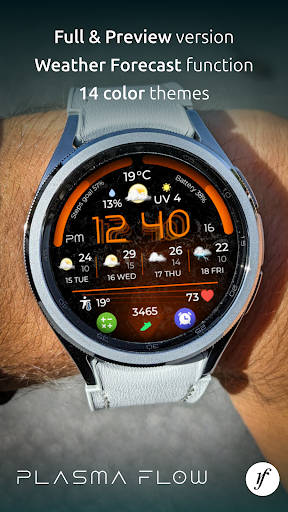
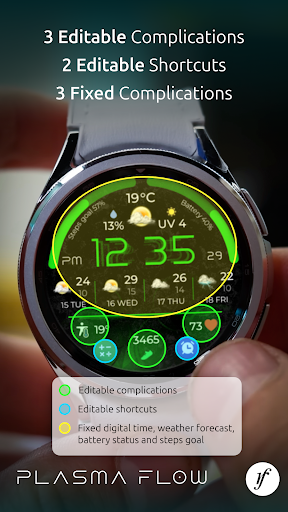
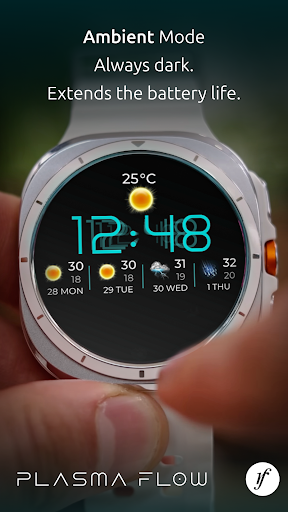
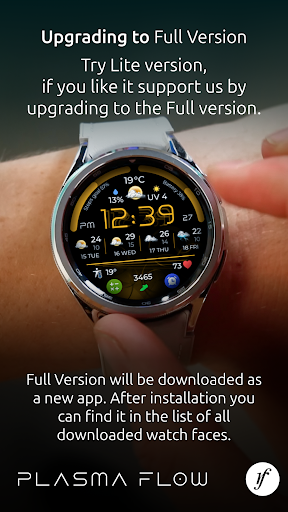
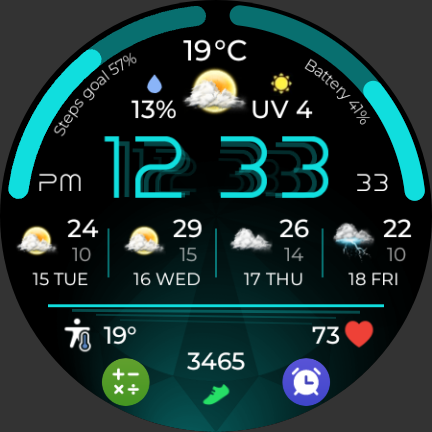
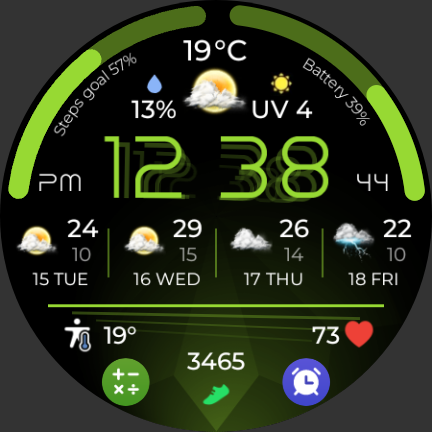
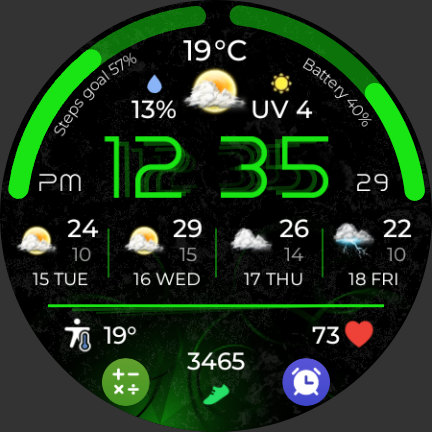
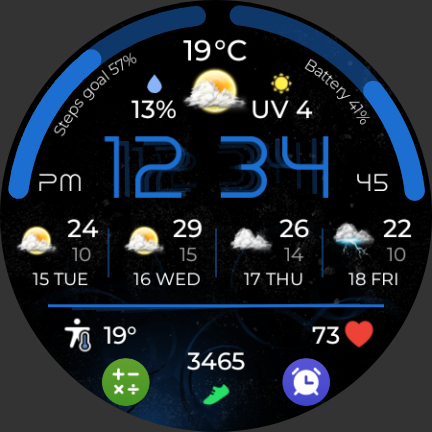
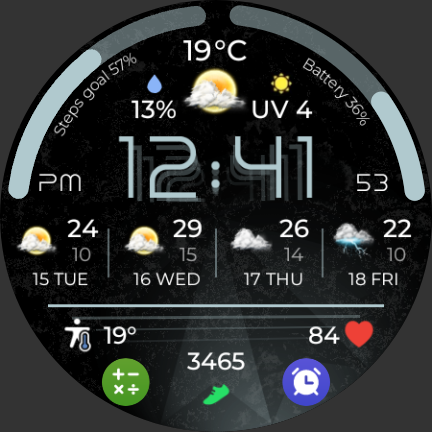
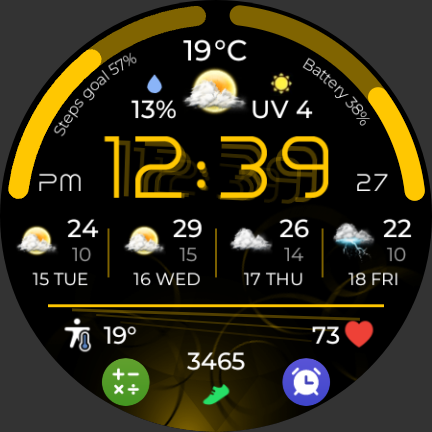
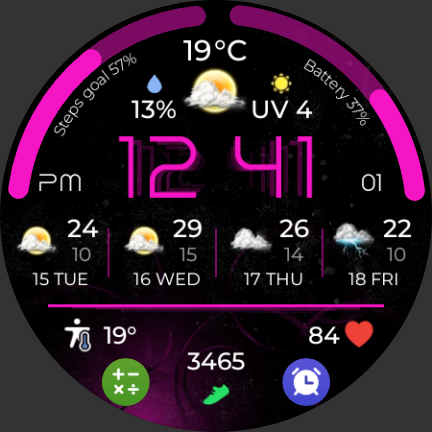
🌟 Futuristic Weather Watch Face for Wear OS 🌟 Level up your smartwatch with a sleek and stylish futuristic look that keeps you informed and ready for anything – all at a glance! 💠 Designed for Wear OS, this dynamic watch face combines time, weather, battery, steps, and forecast – all in a glowing high-tech interface that turns heads! ⚡ Key Features: •. Digital Time & Date – Clear and bold time display with AM/PM indicator • Current Weather Conditions – Real-time updates with temperature, rain chance & UV index •. 4-Day Weather Forecast – Plan ahead with detailed icons and temperature range •. Battery Indicator – Stay charged with a smooth arc visual •. Steps Goal Tracker – Instantly see your daily progress •. Futuristic Neon Design – Stunning high-contrast style for day & night readability •. Optimized for Wear OS Smartwatches – Smooth performance and easy setup 📱 Compatible with all Wear OS devices ✅ Easy installation and quick setup 💡 Tip: Tap the center to explore premium features! ★ PERMISSIONS Explained https://www.richface.watch/privacy
What Plasma Flow Full Watch Face Is Used For
Plasma Flow Full Watch Face is a personalization app for Wear OS watches that appears to be used to install and apply a digital watch face with a futuristic, neon-style design. Based on the metadata, it is meant to show everyday information at a glance on a smartwatch, including the time, date, current weather, battery level, step progress, and a short weather forecast.
This app may be especially useful for people who want their watch face to combine style with practical glanceable data. The listed network permissions suggest it can fetch updated weather and forecast information from the internet, while the sleep-related permission may support keeping the watch face running smoothly on a smartwatch. Because it is described as optimized for Wear OS, it is mainly relevant on Wear OS devices rather than as a general phone app. The mention of tapping the center to explore premium features suggests the watch face may include interactive elements, though the core use is still watch face customization and at-a-glance information display.
Common uses
- Set a custom watch face on a Wear OS smartwatch
- View time and date in a digital layout
- Check current weather and forecast data at a glance
- Monitor battery and step progress from the watch face
- Use a high-contrast design for easier readability on the wrist
- Access a watch-focused interface designed for Wear OS devices
App Details
Package:
watch.richface.app.plasmaflow.premium
Developer:
RichFace
Version:
1.0.0
Updated:
Apr 22, 2025
Min Android:
Varies with device
Age Rating:
Everyone
Contains Ads:
Yes
In-App Purchases:
No
Official Listing
-
Official listing available on
Google Play
-
Package name:
watch.richface.app.plasmaflow.premium
-
Age rating:
Everyone
Related Personalization Apps
Personalization
•
Zedge
Discover millions of background wallpapers & ringtones or make your own with AI.
Version 9.14.2
55.5 MB
⭐ 4.70
500,000,000+ installs
Personalization
•
LBE Tech
Run multiple accounts of the same app on a single device
Version 4.0.9557
34.4 MB
⭐ 4.10
100,000,000+ installs
Personalization
•
Nexileap
6000+ Emojis, Custom Keyboard, Fonts, Themes, Genmoji AI Generator,Stickers,GIFs
Version 3.6.3.1
36.7 MB
⭐ 4.70
100,000,000+ installs
Personalization
•
Nebuchadnezzar DOO
Check Wallcraft Live 4D Wallpaper - 4k HD wallpapers & stunning 3D backgrounds!
Version Varies with device
29.6 MB
⭐ 4.60
100,000,000+ installs
Personalization
•
Delicate theme for Android App
Install our stylish keyboard with Neon Love Theme now!
Version 10.7.2.0323
33.2 MB
⭐ 4.60
100,000,000+ installs
Personalization
•
Battery Stats Saver
Ultimate Gallery Lock App - Hide Pictures, Videos and Lock Apps Instantly!
Version 2.1.12
24.6 MB
⭐ 4.60
100,000,000+ installs
How to Download Plasma Flow Full Watch Face
If this app is not hosted directly on APKApps official link,
then for the safest and most up-to-date version, install it from its official Google Play listing.