About ILLUMINATOR Digital Watch face
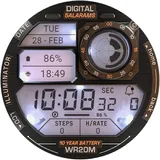
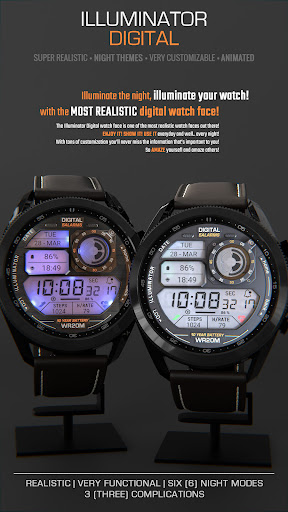
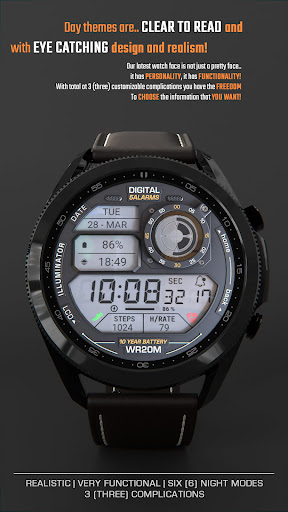
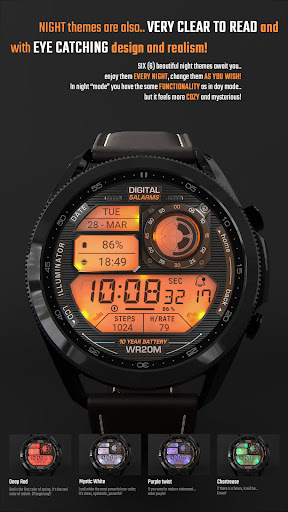
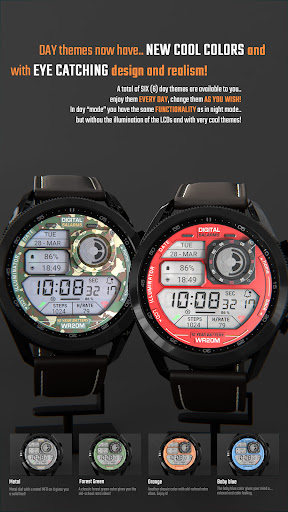
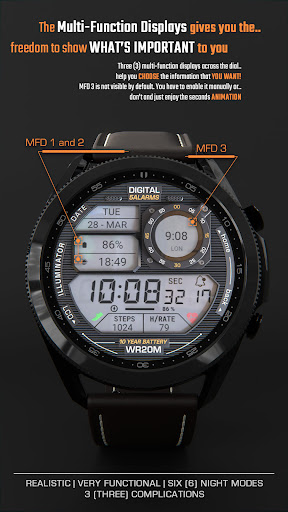
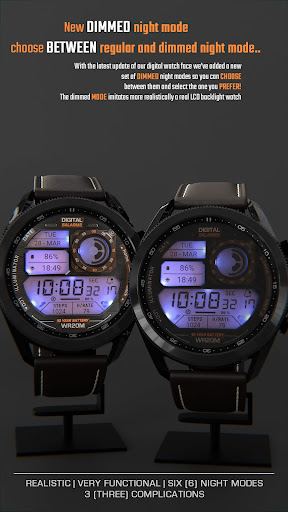
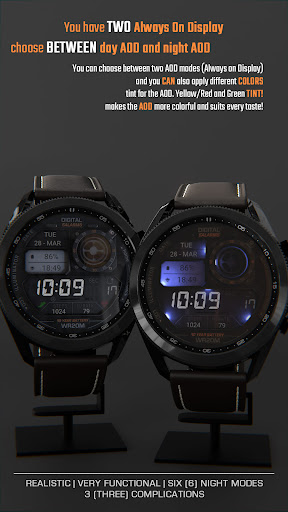
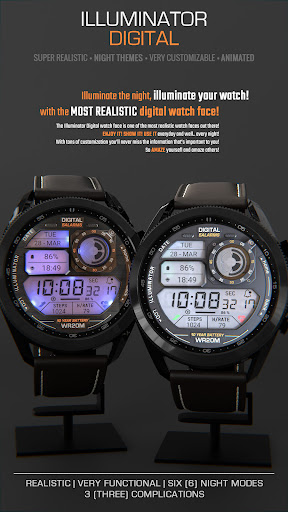
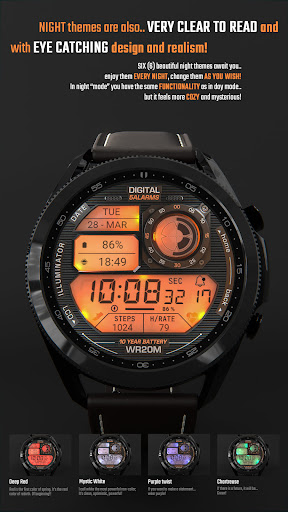
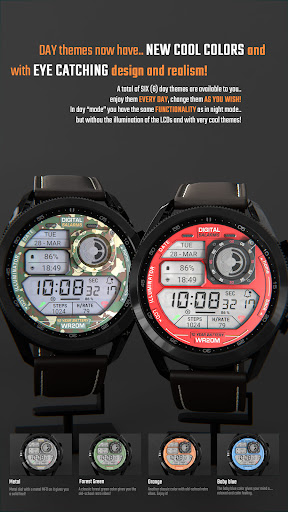
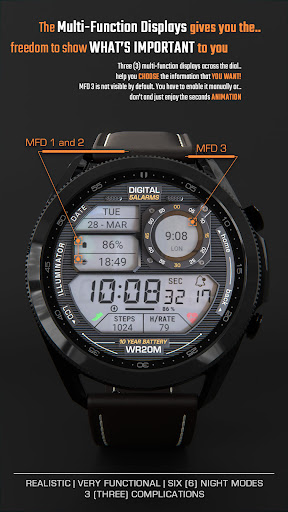
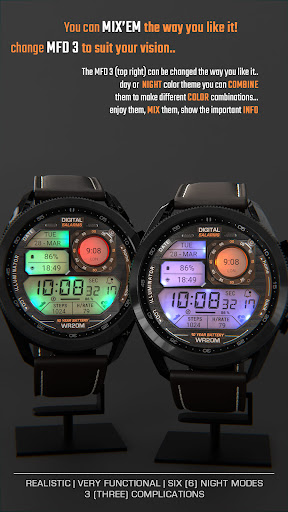
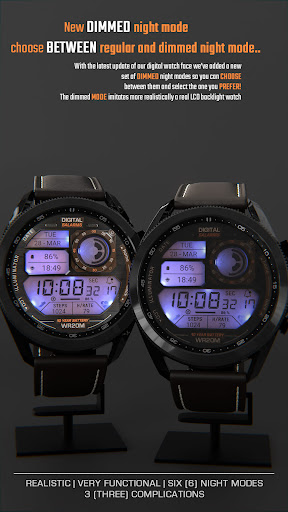
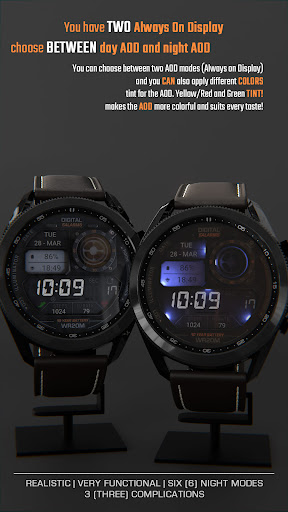
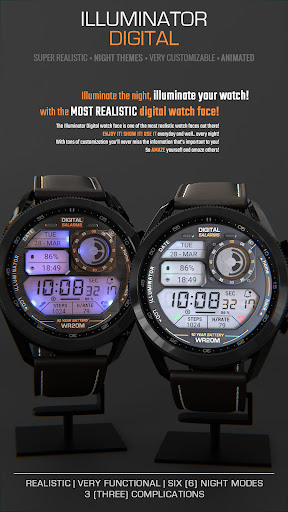
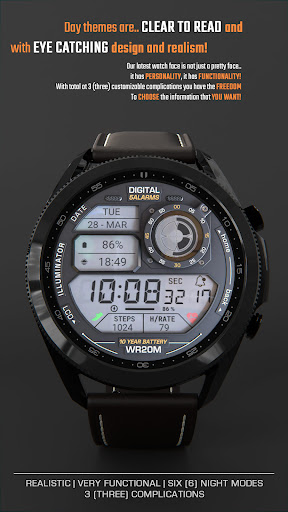
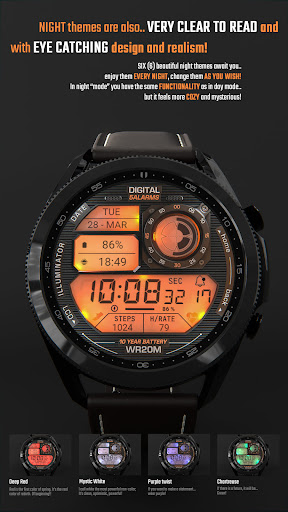
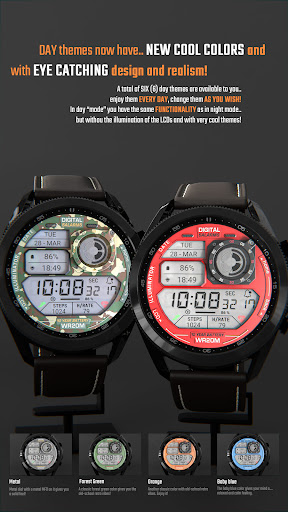
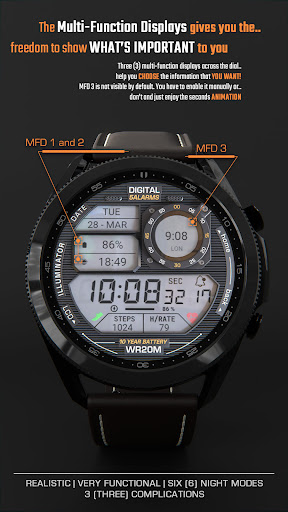
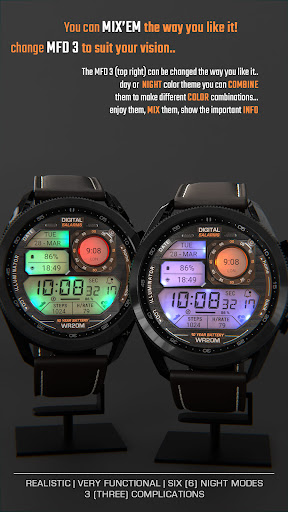
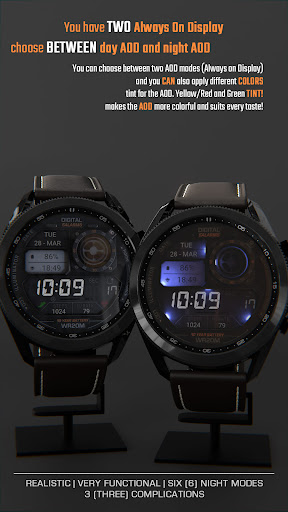
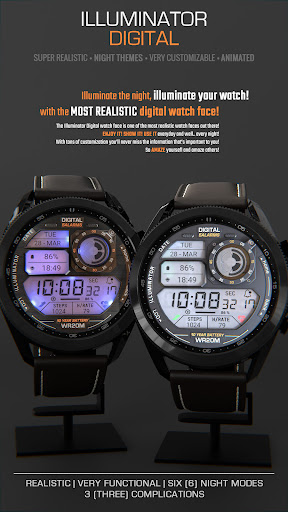
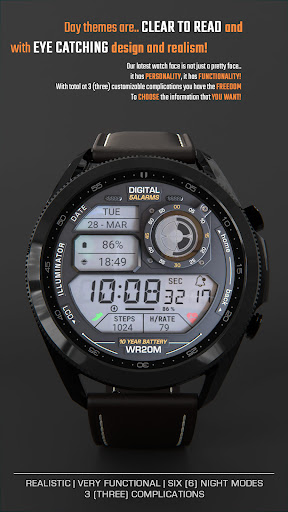
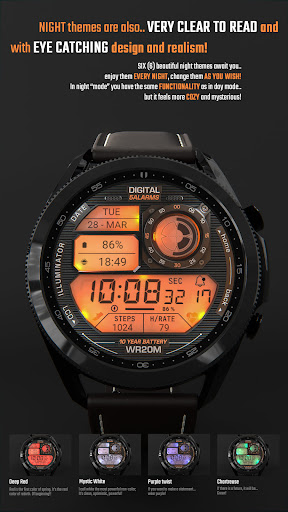
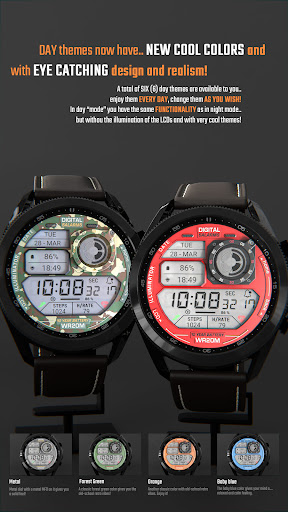
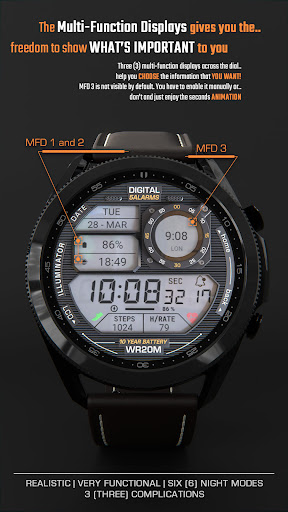
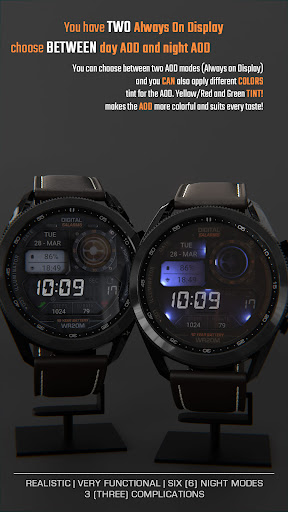
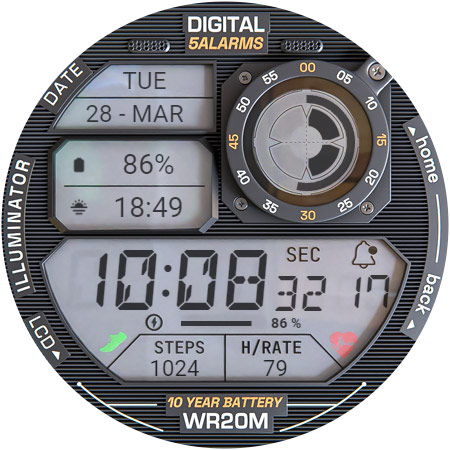
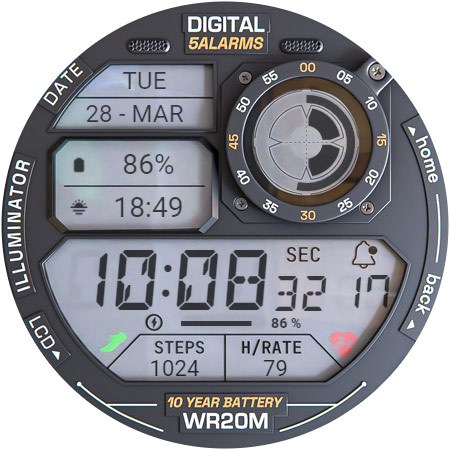
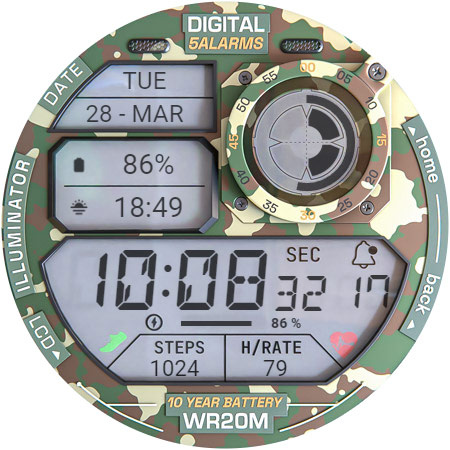
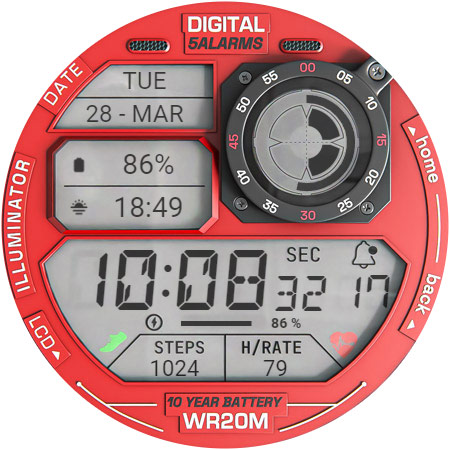
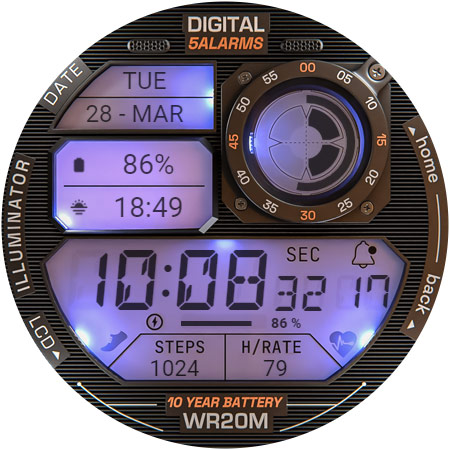
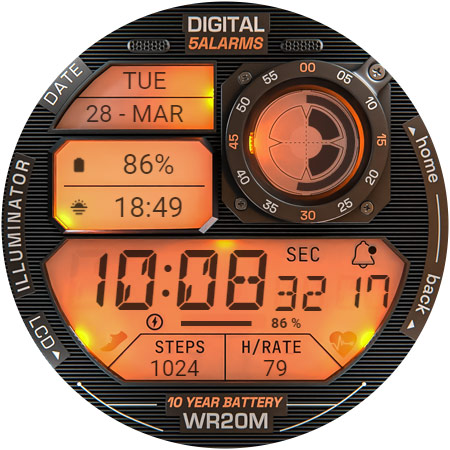
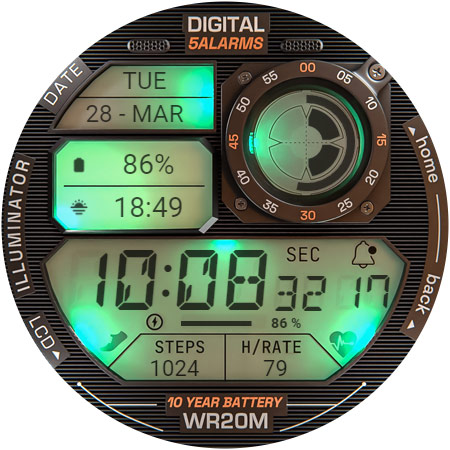
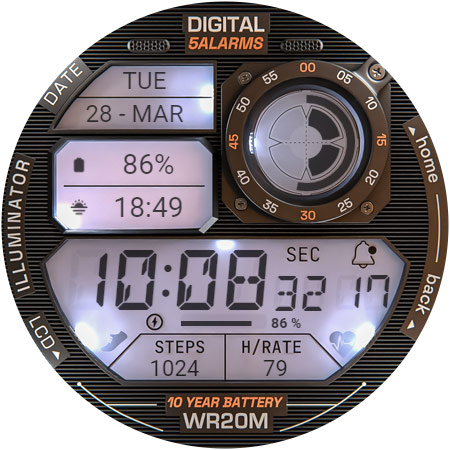
Very realistic and easy to read retro-like style digital watch face for Wear OS with 3 custom complications and beautiful night modes and animations. NOTE: Please read the How to section and Installation section !!! ⓘ Features: - Realistic design. - Animated. - 3 MFD (custom complications). - Auto 12h/24h mode. - Night modes. - Time and date. - Battery indicator. - Notifications count. - Custom Alway On Display (Choose between day/night AOD). ⓘ How to: - Long press (touch and hold) on the screen to customize hands color. * IMPORTANT - if you enable MFD display you must choose/customize it with the information you want. If you turn off the MFD you must choose "Empty" as a complication option to avoid text/info being displayed over the MFD 3 display (top right LCD). Want another SUPER REALISTIC watch faces? Here you go: Luna Benedicta: https://play.google.com/store/apps/details?id=wb.luna.benedicta WatchBase. Illuminator: https://play.google.com/store/apps/details?id=wb.illuminator.hybrid ⓘ Heart rate info In order for the HR to work, you must first allow health sensors. When you apply the watch face if you see "-" or "E" heart rate was not measured, just tap on it to measure it. 1. If you see "M" for HR value, then heart rate is being measured. 2. If you see "E" for HR value, then the heart measurement was not successful (dirty sensor or any kind of reason). Just tap to try again. ** Heart rate is not always automatically available. If not, then read the above. ⓘ Installation How to install: https://watchbase.store/static/ai/ After installation: https://watchbase.store/static/ai/ai.html If you have any issues installing the watch face, please note that we have no control over the installation process or any other Google Play / Watch processes. The most common issue that people face is after they buy the watch face and install it, they can't see/find it. In order to apply the watch face after you install it, touch and hold on the main screen (your current watch face) the swipe left to look for it. If you can't see it, tap on the " + " sign at the end (add a watch face) and find our watch face there. We use a companion app for the phone to make the installation process easier. If you buy our watch face, tap on the install button (on the phone app) you must check your watch.. a screen will appear with the watch face.. tap install again and wait for the installation to finish. If you already bought the watch face and it still asks you to buy it again on the watch, don't worry you will not be charged twice. This is a common synchronization issue, just wait a little or try to restart your watch. Another solution for installing the watch face is to try to install it from a browser, logged with your account (google play account that you use on the watch). * The text/labels - "5 ALARMS" , "10 YEAR BATTERY" and "WR20M" are for decoration purposes only and do not reflect the watch face/watch functions and/or features. They allow us to get the retro vibe…
What ILLUMINATOR Digital Watch face Is Used For
ILLUMINATOR Digital Watch face appears to be a Wear OS personalization app used to apply a retro-style digital watch face to a smartwatch. Based on the metadata, it is mainly for people who want a watch face that is easy to read and visually styled with realistic digital display elements, animated details, and night modes. It is not a general-purpose phone app; the app type and description point to use on a Wear OS watch, with the phone possibly serving as a companion during setup.
Common uses include checking the time and date at a glance, viewing battery status, and seeing notification counts directly on the watch face. The metadata also mentions up to three custom complications, automatic 12h/24h display, and an always-on display option with separate day and night variants. Because it references health sensor access for heart rate, the watch face may also be used to surface heart-rate information when the watch supports it and permissions are enabled. Customization appears to be part of the experience, such as changing hands color and selecting complication content.
Common uses
- Apply a retro-style digital watch face on a Wear OS watch
- Check time, date, battery level, and notification count at a glance
- Use up to 3 custom complications for watch face data
- Switch between 12-hour and 24-hour time display automatically
- Enable night modes and animated visual effects for the watch face
- Use always-on display options with day or night layouts
- View heart rate information if health sensor access is allowed and supported
App Details
Package:
wb.illuminator.digital
Developer:
WatchBase
Version:
Varies with device
Updated:
Oct 29, 2025
Min Android:
Varies with device
Age Rating:
Everyone
Contains Ads:
No
In-App Purchases:
No
Official Listing
-
Official listing available on
Google Play
-
Package name:
wb.illuminator.digital
-
Age rating:
Everyone
Related Personalization Apps
Personalization
•
Zedge
Discover millions of background wallpapers & ringtones or make your own with AI.
Version 9.14.2
55.5 MB
⭐ 4.70
500,000,000+ installs
Personalization
•
LBE Tech
Run multiple accounts of the same app on a single device
Version 4.0.9557
34.4 MB
⭐ 4.10
100,000,000+ installs
Personalization
•
Nexileap
6000+ Emojis, Custom Keyboard, Fonts, Themes, Genmoji AI Generator,Stickers,GIFs
Version 3.6.3.1
36.7 MB
⭐ 4.70
100,000,000+ installs
Personalization
•
Nebuchadnezzar DOO
Check Wallcraft Live 4D Wallpaper - 4k HD wallpapers & stunning 3D backgrounds!
Version Varies with device
29.6 MB
⭐ 4.60
100,000,000+ installs
Personalization
•
Delicate theme for Android App
Install our stylish keyboard with Neon Love Theme now!
Version 10.7.2.0323
33.2 MB
⭐ 4.60
100,000,000+ installs
Personalization
•
Battery Stats Saver
Ultimate Gallery Lock App - Hide Pictures, Videos and Lock Apps Instantly!
Version 2.1.12
24.6 MB
⭐ 4.60
100,000,000+ installs
How to Download ILLUMINATOR Digital Watch face
If this app is not hosted directly on APKApps official link,
then for the safest and most up-to-date version, install it from its official Google Play listing.