About Military FIELD watch face
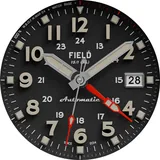
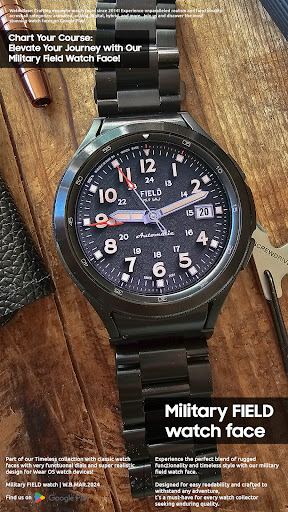
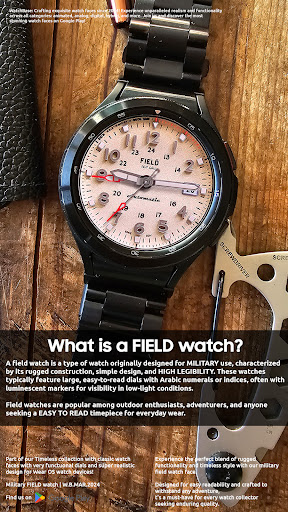
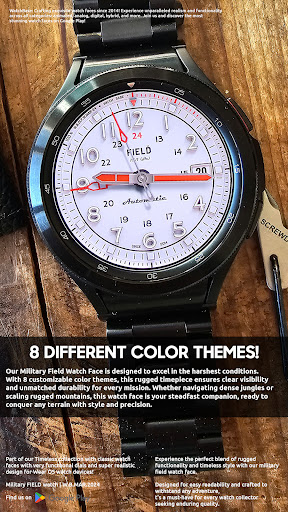
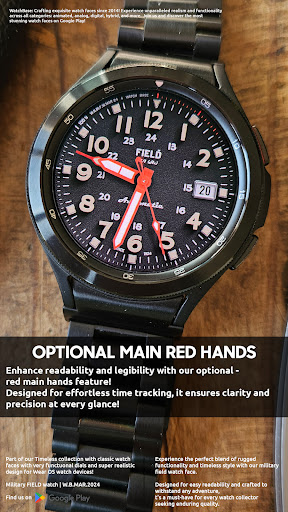
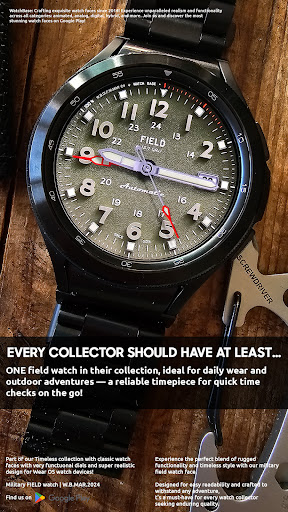
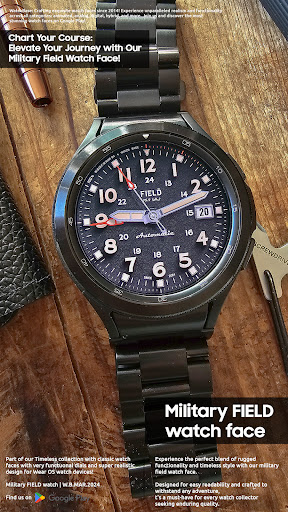
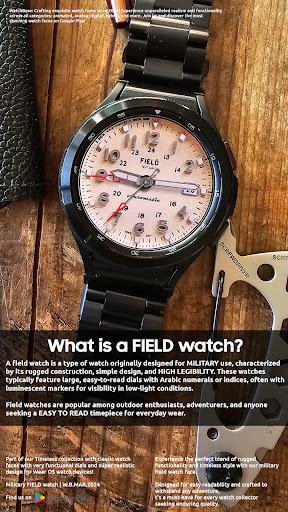
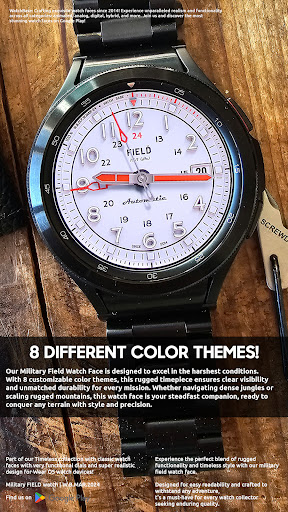
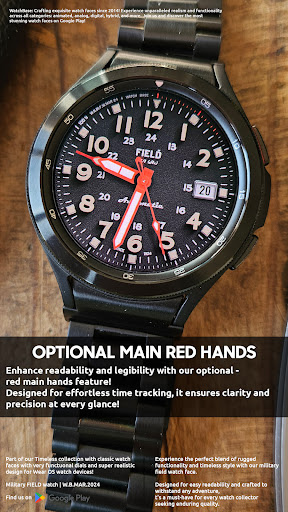
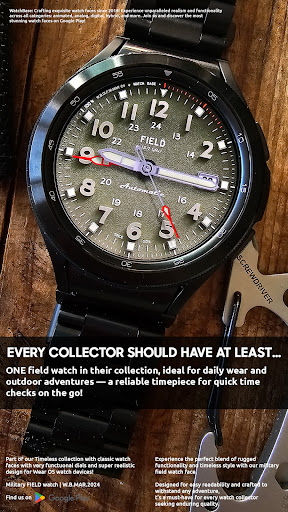
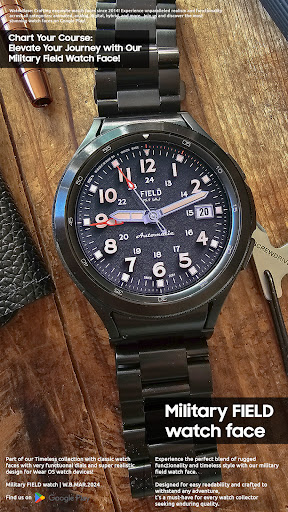
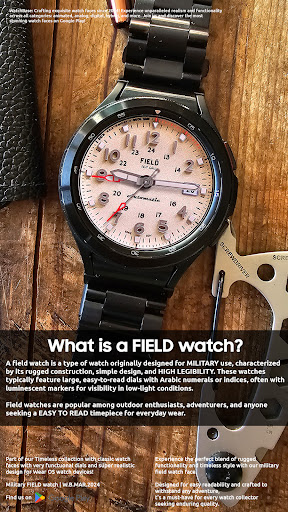
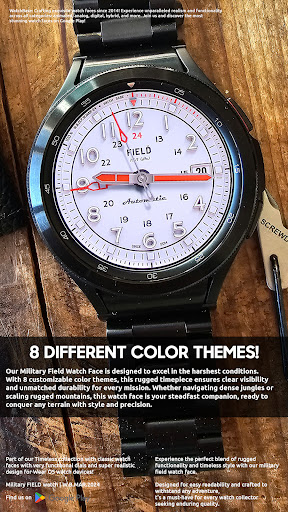
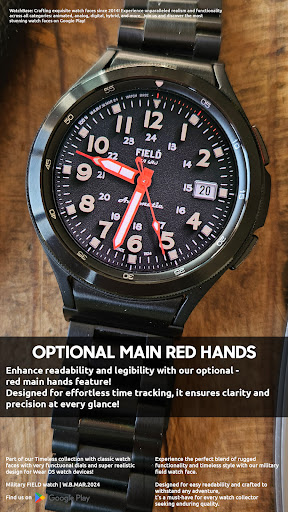
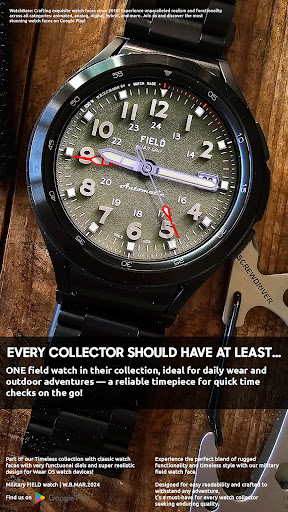
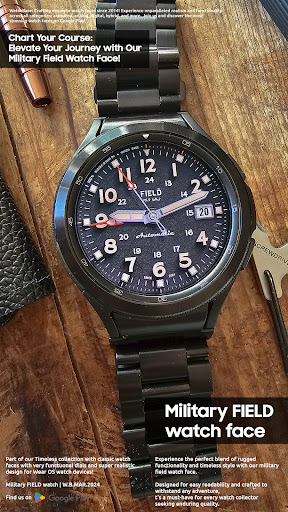
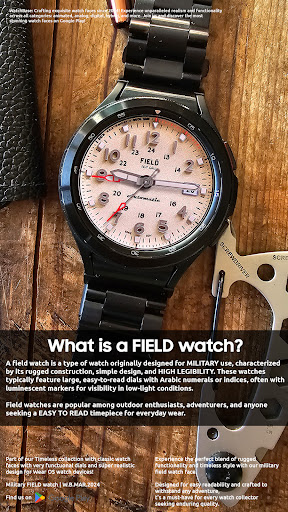
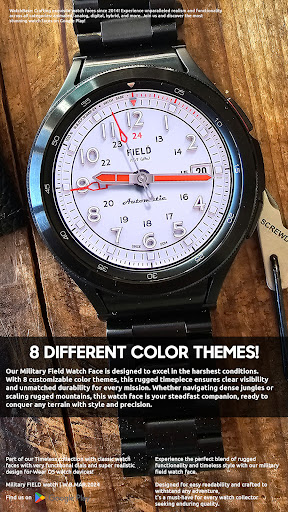
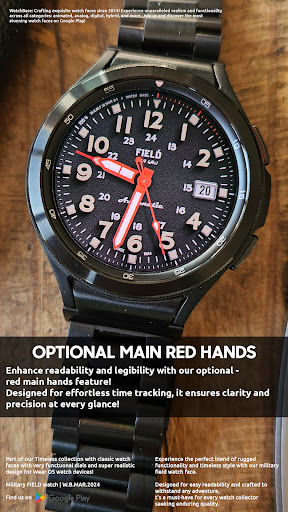
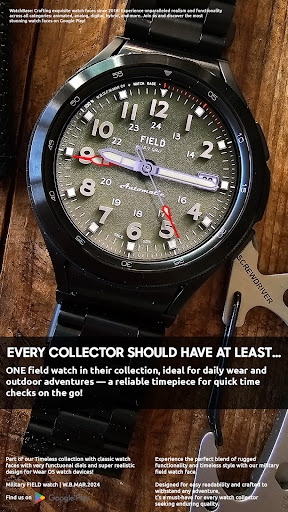
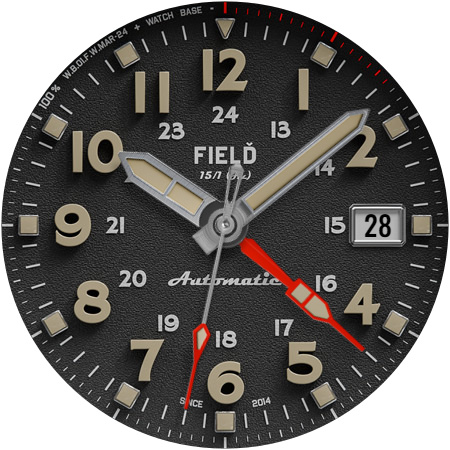
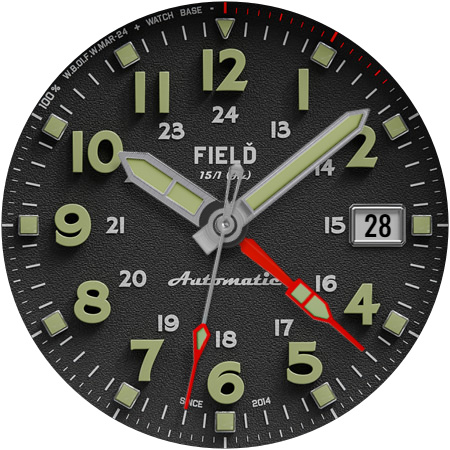
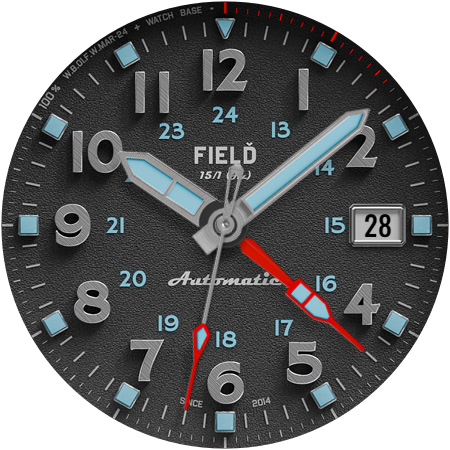
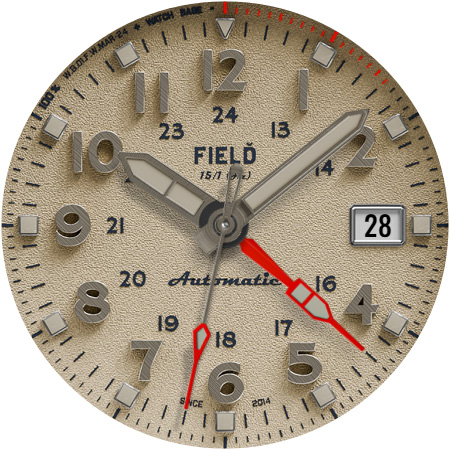
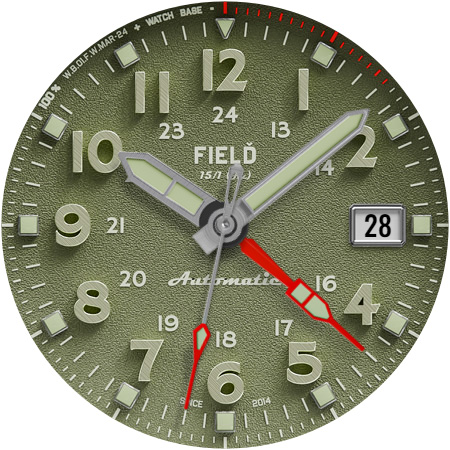
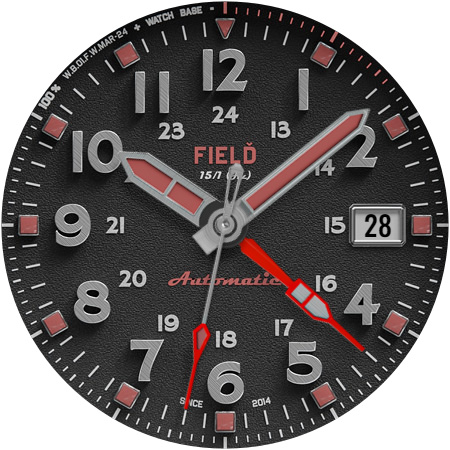
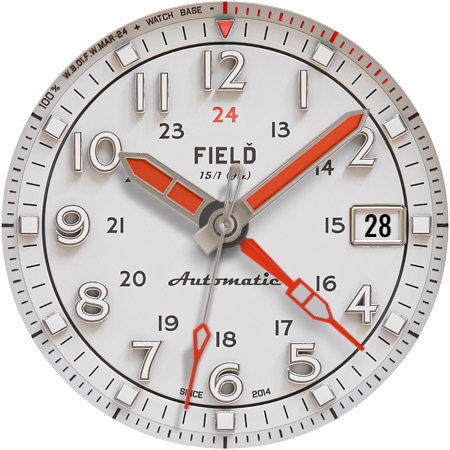
What is a FIELD watch? Field watches: originally for military use, known for ruggedness, simplicity, and excellent LEGIBILITY. Perfect for outdoor adventures and daily wear, featuring large dials with luminescent markers for low-light visibility. Every collector should have at least... ONE field watch in their Wear OS watch face collection! NOTE: Please read the how to section and installation section and check out the images !!! ⓘ Features: - Military design. - FIELD watch design and color themes. - BIG Hour numbers! - BIG main hands! - Date. - 8 different main dial color themes. - Additional RED main hands for even easier reading. - Battery indicator. - Always On Display. ⓘ How to: - To customize your watch face, touch and hold on the screen, then tap on customize. ⓘ Battery hand: - The large red battery hand at the bottom indicates the current battery percentage, starting from 12 o'clock (0%) and ending at 10 o'clock (100%). The main dial hour digits also serve as a battery level indicator (excluding 12). For example, if the battery hand points to 4 o'clock, it means the current battery percentage is 40%. Don't miss out our top REALISTIC watch faces: LUNA BENEDICTA - https://play.google.com/store/apps/details?id=wb.luna.benedicta Harmony GT Premium - https://play.google.com/store/apps/details?id=wb.harmony.gt Classic GMT President - https://play.google.com/store/apps/details?id=wb.classic.gmt VOYAGER WorldTimer - https://play.google.com/store/apps/details?id=wb.voyager.automatic Analog Master - https://play.google.com/store/apps/details?id=wb.analog.master ⓘ Installation How to install: https://watchbase.store/static/ai/ After installation: https://watchbase.store/static/ai/ai.html * Luna Benedicta watch face shown in "How to install" and "After installation". The same installation process is valid for all of our watch faces. If you have any issues installing the watch face, please note that we have no control over the installation process or any other Google Play / Watch processes. The most common issue that people face is after they buy the watch face and install it, they can't see/find it. In order to apply the watch face after you install it, touch and hold on the main screen (your current watch face) the swipe left to look for it. If you can't see it, tap on the " + " sign at the end (add a watch face) and find our watch face there. We use a companion app for the phone to make the installation process easier. If you buy our watch face, tap on the install button (on the phone app) you must check your watch.. a screen will appear with the watch face.. tap install again and wait for the installation to finish. If you already bought the watch face and it still asks you to buy it again on the watch, don't worry you will not be charged twice. This is a common synchronization issue, just wait a little or try to restart your watch. Another solution for installing the watch face is to try to install it from a browser, logged with your account…
What Military FIELD watch face Is Used For
Military FIELD watch face appears to be a Wear OS personalization app for changing the look of a compatible smartwatch screen. Based on the metadata, it is used to apply an analog-style field watch face with a military-inspired design, large hour markings, and multiple color themes. It may be most useful for people who want a rugged, easy-to-read watch face for everyday wear or outdoor settings.
The listing also suggests practical watch-face functions such as date display, battery level indication, and always-on display support. Because it is a watch face app, it is mainly for customizing the home screen of a Wear OS watch rather than for general phone use. The included customization steps indicate that users can long-press the watch face and adjust settings like colors or hands if supported by the device.
Common uses
- Applies a military-style analog watch face on a Wear OS smartwatch
- May help with quick time reading thanks to large numbers and bold hands
- Includes date and battery indicator elements
- Offers several main dial color themes
- Supports an always-on display mode on compatible devices
- Appears suited for outdoor, casual, or everyday wear
- Customizations may be available through the watch face settings menu
App Details
Package:
wb.military.field
Developer:
WatchBase
Version:
Varies with device
Updated:
Oct 29, 2025
Min Android:
Varies with device
Age Rating:
Everyone
Contains Ads:
No
In-App Purchases:
No
Official Listing
-
Official listing available on
Google Play
-
Package name:
wb.military.field
-
Age rating:
Everyone
Related Personalization Apps
Personalization
•
Zedge
Discover millions of background wallpapers & ringtones or make your own with AI.
Version 9.14.2
55.5 MB
⭐ 4.70
500,000,000+ installs
Personalization
•
LBE Tech
Run multiple accounts of the same app on a single device
Version 4.0.9557
34.4 MB
⭐ 4.10
100,000,000+ installs
Personalization
•
Nexileap
6000+ Emojis, Custom Keyboard, Fonts, Themes, Genmoji AI Generator,Stickers,GIFs
Version 3.6.3.1
36.7 MB
⭐ 4.70
100,000,000+ installs
Personalization
•
Nebuchadnezzar DOO
Check Wallcraft Live 4D Wallpaper - 4k HD wallpapers & stunning 3D backgrounds!
Version Varies with device
29.6 MB
⭐ 4.60
100,000,000+ installs
Personalization
•
Delicate theme for Android App
Install our stylish keyboard with Neon Love Theme now!
Version 10.7.2.0323
33.2 MB
⭐ 4.60
100,000,000+ installs
Personalization
•
Battery Stats Saver
Ultimate Gallery Lock App - Hide Pictures, Videos and Lock Apps Instantly!
Version 2.1.12
24.6 MB
⭐ 4.60
100,000,000+ installs
How to Download Military FIELD watch face
If this app is not hosted directly on APKApps official link,
then for the safest and most up-to-date version, install it from its official Google Play listing.