ai.type keyboard Plus+ icon

Phone

ai.type keyboard Plus+

Tools ai.type ⭐ 3.70 500,000+

ai.type's revolutionary keyboard will help you type faster and smarter!

Version Paid-10.0.0.3 35.9 MB Everyone

Screenshots

ai.type keyboard Plus+ screenshot
Permissions Explained 10 permissions requested View details

This app requests 10 permissions. The table below explains what each permission may allow and what users should review before installing.

Status Permission What it means Why it may be used User safety note
⚠️ Sensitive Modify external storage android.permission.WRITE_EXTERNAL_STORAGE Allows the app to write or modify files in shared device storage. Used for saving downloads, media files, exports, edited documents, backups, or cached content. Sensitive permission. Make sure file access matches the app’s purpose.
⚠️ Sensitive Read phone state android.permission.READ_PHONE_STATE Allows the app to access phone status and device-related information. Used for call handling, carrier services, device identification, account security, or playback interruption handling. Sensitive permission. Review whether the app has a clear phone-related reason.
Common Internet access android.permission.INTERNET Allows the app to open network connections and communicate with online services. Commonly used for streaming, syncing, login, ads, analytics, downloads, cloud features, and app updates. Common permission. Review the app’s behavior if it does not appear to need online access.
ℹ️ Review Access Wifi State android.permission.ACCESS_WIFI_STATE This is an Android permission or app-specific permission requested by the app. The app may use this permission for features related to its category, device support, background behavior, storage, connectivity, or system integration. Review this permission before installing, especially if it does not match the app’s expected purpose.
Common View network status android.permission.ACCESS_NETWORK_STATE Allows the app to check whether the device is connected to Wi-Fi, mobile data, or another network. Often used to avoid loading content when offline or to adjust loading based on connection quality. Generally low risk by itself.
ℹ️ Review Keep device awake android.permission.WAKE_LOCK Allows the app to prevent the device from sleeping while a task is running. Used for media playback, downloads, navigation, alarms, calls, or long-running background tasks. Review battery usage if the app keeps the device awake too often.
ℹ️ Review System Alert Window android.permission.SYSTEM_ALERT_WINDOW This is an Android permission or app-specific permission requested by the app. The app may use this permission for features related to its category, device support, background behavior, storage, connectivity, or system integration. Review this permission before installing, especially if it does not match the app’s expected purpose.
⚠️ Sensitive Read external storage android.permission.READ_EXTERNAL_STORAGE Allows the app to read files from shared device storage. Used by media players, file managers, backup apps, editors, upload tools, and document apps. Sensitive permission. Review carefully if the app does not need access to files or media.
⚠️ Sensitive Approximate location android.permission.ACCESS_COARSE_LOCATION Allows the app to access an approximate device location. Used for weather, local content, regional features, nearby services, or location-based settings. Sensitive permission. Review whether the app needs location access.
⚠️ Sensitive Precise location android.permission.ACCESS_FINE_LOCATION Allows the app to access the device’s precise location when granted by the user. Used for maps, navigation, local recommendations, weather, rideshare, nearby devices, or location-based content. Sensitive permission. Grant only when location access matches the app’s purpose.

About ai.type keyboard Plus+

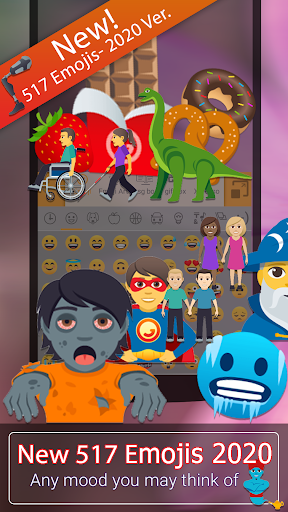
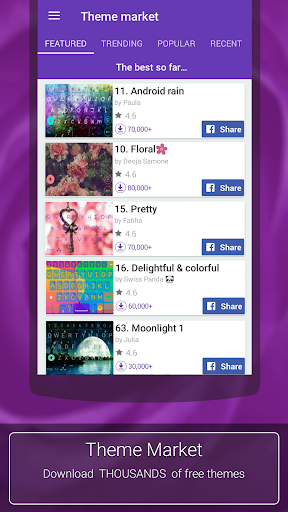
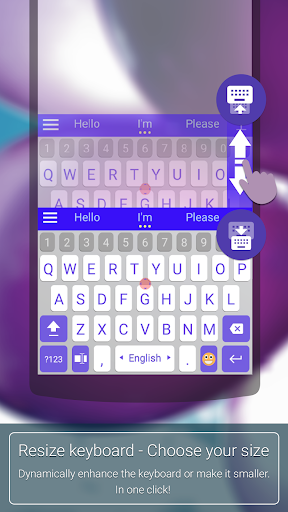
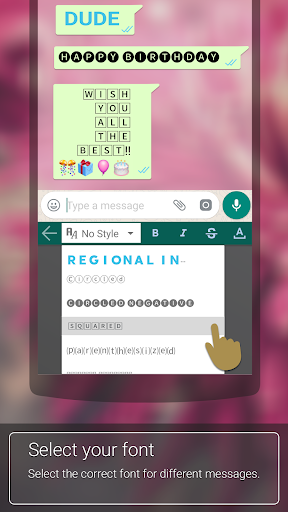
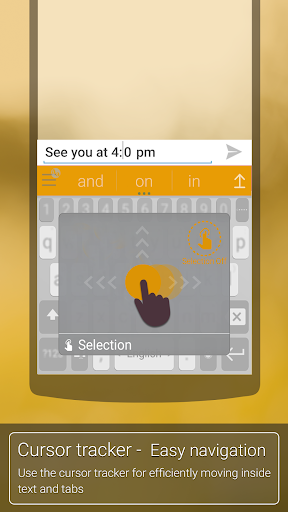
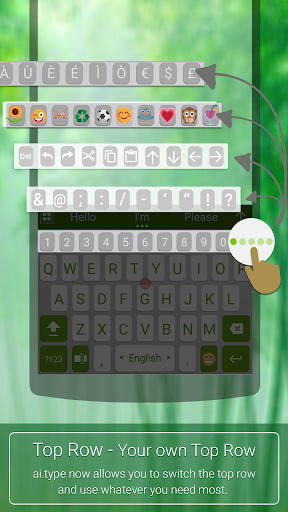
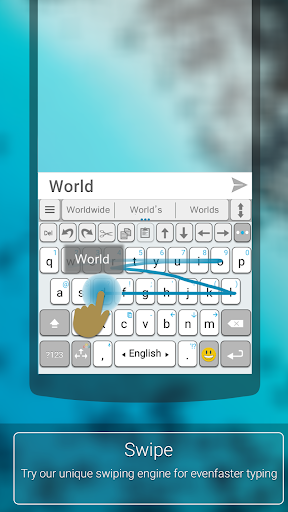
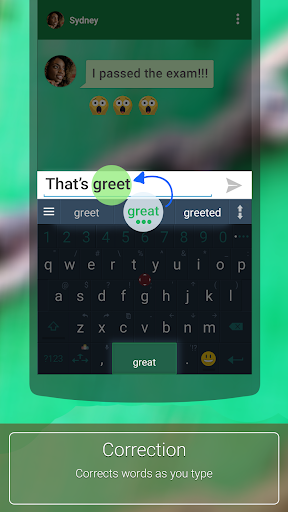
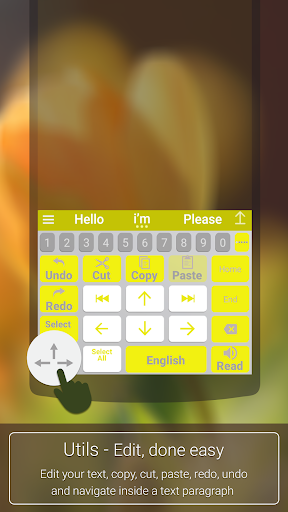
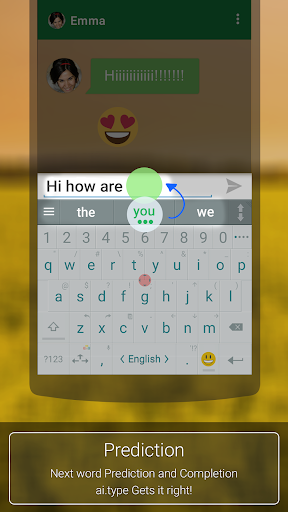
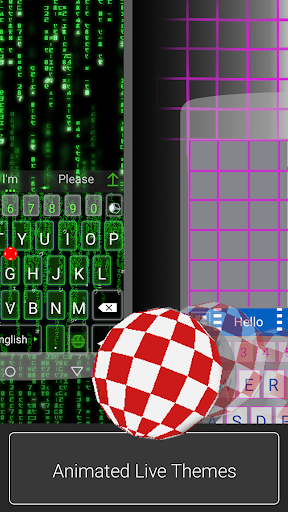
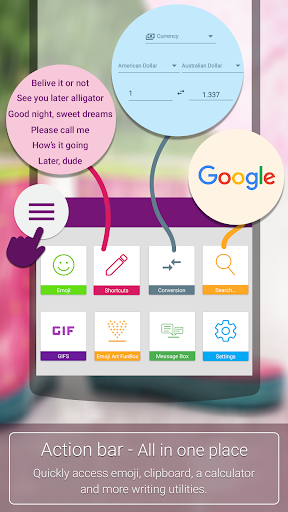
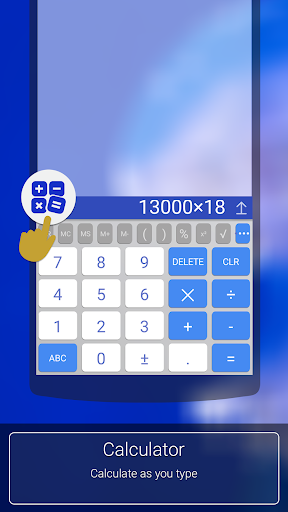
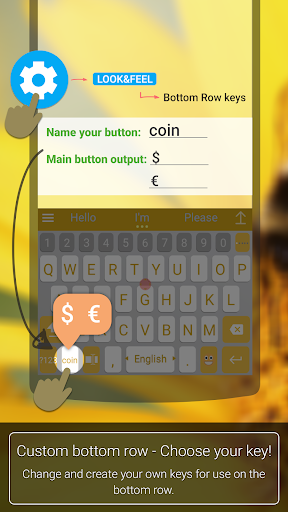
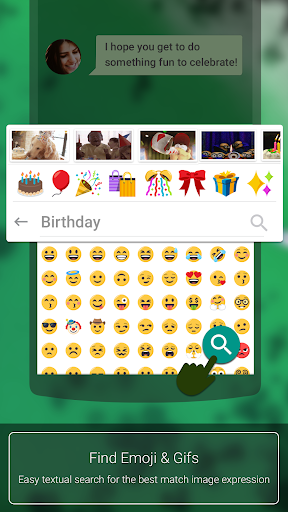
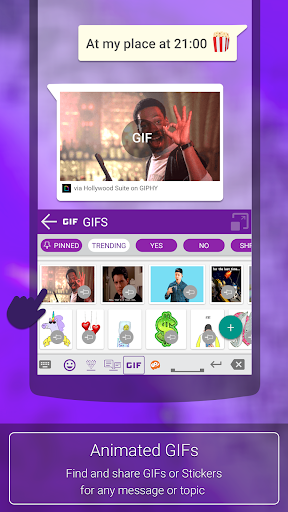
ai.type is the smartest, most personalized keyboard for smartphones and tablets. With over 50 million users worldwide, we transform the messaging experience. Support new Emoji 12.1 for 2020 NEW 😍 517 new emojis New design for all emojis! Shown for the first time are otter emoji, ringed planet, beverage box, and pinching hand emojis, amongst other 👫 Woman and Man Holding Hands 👭 Women Holding Hands 👬 Men Holding Hands In total, 23 new gender-neutral emojis have been added to the mix. These include a gender-neutral fire fighter, astronaut, person in wheelchair, judge, and more. With skin-tone support. To get the new emojis, You must download latest "ai.type Emoji Keyboard plugin" Our app lets you type better and faster by learning your writing style, it allows you to customize and personalize your keyboard the way you like. *** Enjoy unlimited premium features, completely ad free experience, animated themes, Plus exclusive themes and more… Feature-set highlights Design keyboard layout, change themes, colors, fonts, use more than 800 emoji, and express yourself exactly the way you want to. ★ Thousands of free themes - Choose any of the free and attractive keyboard themes out of thousands available themes as part of our Theme Market. ★ Design and share your own theme - Design personalized layout (background, colors, fonts…), Share theme with friends and upload theme to our app Theme Market where millions of other users can see, rate and ⬇ download them. ★ Emoji Support - Enjoy our new Emoji scrollable layout helping you to easily navigate through 800 different emoji and more than 1000 graphical chars. ★ Auto suggested Emojis - Let us help and suggest the right 🙏 Emoji 😍 based on the words you use and context 🚄💑 🍩. ★ Next word prediction, completion & auto-correction - Context based next word prediction and auto-correction based on your own unique writing style. Auto prediction, available in more than 50 languages ★ Swipe - Write faster by swiping your finger from key to key. ★ Personalize - Select 🔧 your keyboard's look & feel, functionality and create your own custom keys & shortcuts. Set ANY image as your background image Dynamically resize your keyboard size according to your needs. ★ Efficient top row.Use our top (5th) row to efficiently add numbers, punctuation and emoji, from within the primary keyboard screen. ★ On-keyboard search 🔎 - to help you find text instantly. ★ Voice Narration - Dictates 🔊 the words as you type them. ★ Privacy - Your privacy is our main concern. We will never share your data or learn from password fields. Text stays encrypted and private. Language Support Afrikaans Albanian-Shqip Arabic-العربية Armenian-Հայերեն Azerbaijani-azərbaycan dili Belarusian-беларуская мова Bengali-বাংলা Bulgarian-български език Catalan-català Chinese-中国简化 Croatian-hrvatski jezik Czech-čeština Danish-dansk Dutch-Nederlands English Estonian-eesti Finnish-suomi French-français Georgian-ქართული German-Deutsch Greek-ελληνικά Hebrew-עברית…

What ai.type keyboard Plus+ Is Used For

ai.type keyboard Plus+ appears to be a customizable on-screen keyboard for Android phones, focused on typing, text prediction, and visual personalization. Based on the metadata, people may use it as their main keyboard for messaging, email, and general text entry when they want features like swipe typing, next-word prediction, and auto-correction. The app also seems designed to adapt to a user’s writing style, which suggests it is meant to support faster and more convenient typing over time.

The app description also points to a strong emphasis on appearance and emoji use. Users may choose themes, colors, fonts, keyboard layouts, and even custom backgrounds, which makes it relevant for people who want a more personalized keyboard interface. Permission details such as storage access and overlay-related access appear consistent with downloading themes, saving custom assets, and displaying the keyboard interface on top of other apps. Location and phone-state permissions are listed too, but the metadata does not explain exactly how they are used, so any specific purpose is unclear from the available information.

Common uses

  • May be used as the default keyboard for texting and typing on Android phones
  • May help with faster input through swipe typing, prediction, and auto-correction
  • Appears suited for users who want a more personalized keyboard look and layout
  • May be used to add and manage emoji during messaging and social chat
  • Could be helpful for multilingual typing, based on the listed support for many languages
  • May appeal to users who want custom themes, fonts, and background images
  • Appears to function as a phone app rather than a TV or large-screen app
Best for:
custom keyboard users emoji typing swipe typing personalization fans phone app

App Details

Package:
com.aitype.android.p
Category:
Tools
Developer:
ai.type
Version:
Paid-10.0.0.3
Updated:
Mar 21, 2026
Min Android:
6.0
Age Rating:
Everyone
Contains Ads:
No
In-App Purchases:
No

Official Listing

  • Official listing available on Google Play
  • Package name: com.aitype.android.p
  • Age rating: Everyone

Explore More

Browse more apps in Tools or explore the Phone hub .

Related Tools Apps

Microsoft SwiftKey Beta Keyboard icon

Microsoft SwiftKey Beta Keyboard

Personalization SwiftKey

Get early access to new Microsoft SwiftKey features. Let us know what you think!

Version 9.10.36.19 77.1 MB ⭐ 4.34 5,000,000+ installs

How to Download ai.type keyboard Plus+

If this app is not hosted directly on APKApps official link, then for the safest and most up-to-date version, install it from its official Google Play listing.