BeeLine Icon Pack icon

Phone

BeeLine Icon Pack

Personalization AlphaOne ⭐ 4.50 10,000+
Version 6.1 Everyone

Screenshots

BeeLine Icon Pack screenshot
Permissions Explained 12 permissions requested View details

This app requests 12 permissions. The table below explains what each permission may allow and what users should review before installing.

Status Permission What it means Why it may be used User safety note
ℹ️ Review Read The Contents Of Your Usb Storage read the contents of your USB storage This is an Android permission or app-specific permission requested by the app. The app may use this permission for features related to its category, device support, background behavior, storage, connectivity, or system integration. Review this permission before installing, especially if it does not match the app’s expected purpose.
ℹ️ Review Modify Or Delete The Contents Of Your Usb Storage modify or delete the contents of your USB storage This is an Android permission or app-specific permission requested by the app. The app may use this permission for features related to its category, device support, background behavior, storage, connectivity, or system integration. Review this permission before installing, especially if it does not match the app’s expected purpose.
ℹ️ Review View Wi Fi Connections view Wi-Fi connections This is an Android permission or app-specific permission requested by the app. The app may use this permission for features related to its category, device support, background behavior, storage, connectivity, or system integration. Review this permission before installing, especially if it does not match the app’s expected purpose.
ℹ️ Review View Network Connections view network connections This is an Android permission or app-specific permission requested by the app. The app may use this permission for features related to its category, device support, background behavior, storage, connectivity, or system integration. Review this permission before installing, especially if it does not match the app’s expected purpose.
ℹ️ Review Full Network Access full network access This is an Android permission or app-specific permission requested by the app. The app may use this permission for features related to its category, device support, background behavior, storage, connectivity, or system integration. Review this permission before installing, especially if it does not match the app’s expected purpose.
ℹ️ Review Run At Startup run at startup This is an Android permission or app-specific permission requested by the app. The app may use this permission for features related to its category, device support, background behavior, storage, connectivity, or system integration. Review this permission before installing, especially if it does not match the app’s expected purpose.
ℹ️ Review Set Wallpaper set wallpaper This is an Android permission or app-specific permission requested by the app. The app may use this permission for features related to its category, device support, background behavior, storage, connectivity, or system integration. Review this permission before installing, especially if it does not match the app’s expected purpose.
ℹ️ Review Control Vibration control vibration This is an Android permission or app-specific permission requested by the app. The app may use this permission for features related to its category, device support, background behavior, storage, connectivity, or system integration. Review this permission before installing, especially if it does not match the app’s expected purpose.
ℹ️ Review Prevent Device From Sleeping prevent device from sleeping This is an Android permission or app-specific permission requested by the app. The app may use this permission for features related to its category, device support, background behavior, storage, connectivity, or system integration. Review this permission before installing, especially if it does not match the app’s expected purpose.
ℹ️ Review Modify System Settings modify system settings This is an Android permission or app-specific permission requested by the app. The app may use this permission for features related to its category, device support, background behavior, storage, connectivity, or system integration. Review this permission before installing, especially if it does not match the app’s expected purpose.
ℹ️ Review Google Play License Check Google Play license check This is an Android permission or app-specific permission requested by the app. The app may use this permission for features related to its category, device support, background behavior, storage, connectivity, or system integration. Review this permission before installing, especially if it does not match the app’s expected purpose.
ℹ️ Review Adjust Your Wallpaper Size adjust your wallpaper size This is an Android permission or app-specific permission requested by the app. The app may use this permission for features related to its category, device support, background behavior, storage, connectivity, or system integration. Review this permission before installing, especially if it does not match the app’s expected purpose.

About BeeLine Icon Pack

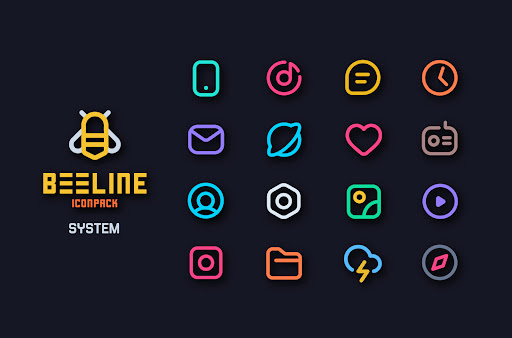
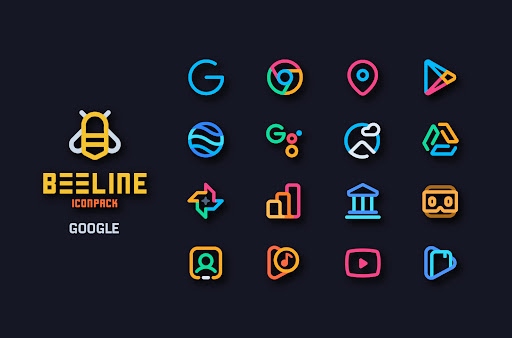
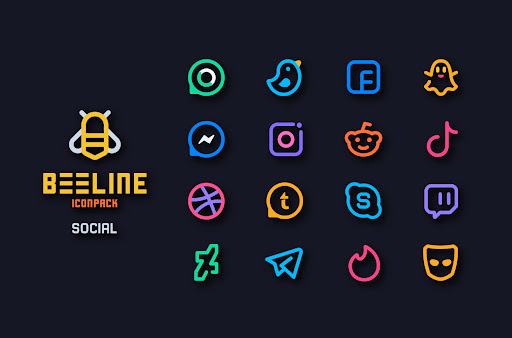
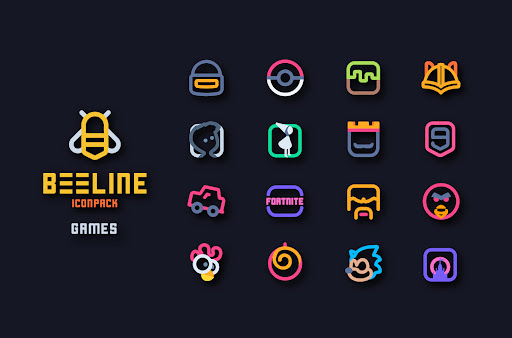
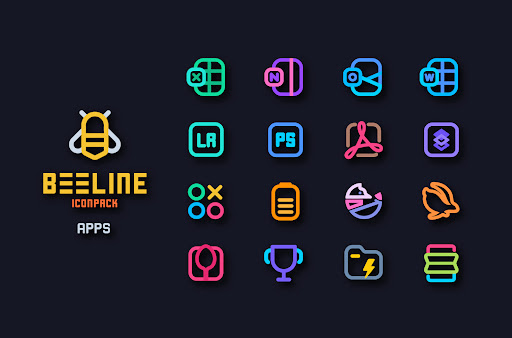
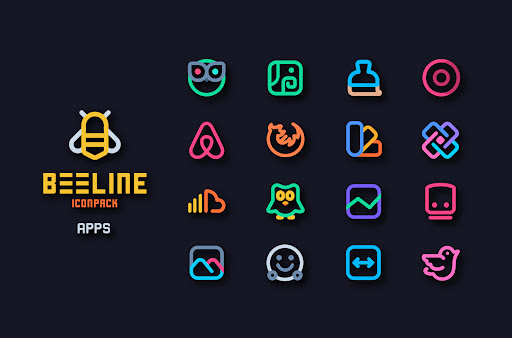
BeeLine Icons made of colorful linear linese with beautiful colors for both dark and Light setups. One of the easiest ways to breathe in new life in your phone's interface is by giving it a new look with amazing iconpack. There are already thousands of iconpacks on market. But BeeLine is totally awesome and beautiful icon pack for Android. BeeLine is a very Minimal, colorful Linial icon pack that comes along with 3000+ icons and tons of cloud-based wallpapers on deck. In this Iconpack We are taking Google' Material Design as a primary guideline for the size and dimentions, and applying our own creative touch! Every icon is a real masterpiece and crafted with lots of time and attention to smallest details. BeeLine Icon pack is still new with 3000+ Icons . And I can assure you to add lot more icons in every update. Why Choose BeeLine Icon Pack over other Packs? • 3000+ ICONS WITH TOP NOTCH QUALITY. • Frequent Updates with new icons and Updated activities • Alternative Icons for popular apps and system apps. • Matching Wallpaper Collection • Suppport Muzei Live Wallpaper • Server Base Icon Request System • Custom folder icons and app drawer icons. • Icon preview and search. • Dynamic Calendar support. • Slick Material Dashboard. Still Thinking? Undoubtedly, BeeLine Icon Pack is very attractive and unique. and we do offer a 100% refund in case you didn't like it. How to use this Icon pack? Step 1 : Install supported theme Launcher (Recommended NOVA LAUNCHER or Lawnchair). Step 2 : Open Icon Pack and click on Apply. Icon Pack Supported Launchers Action Launcher • ADW Launcher • Apex Launcher •Atom Launcher • Aviate Launcher • CM Theme Engine • GO Launcher • Holo Launcher • Holo Launcher HD • LG Home • Lucid Launcher • M Launcher • Mini Launcher • Next Launcher • Nougat Launcher •Nova Launcher(recommended) • Smart Launcher •Solo Launcher •V Launcher • ZenUI Launcher •Zero Launcher • ABC Launcher •Evie Launcher Icon Pack Supported Launchers not Included in Apply Section Arrow Launcher • ASAP Launcher •Cobo Launcher •Line Launcher •Mesh Launcher •Peek Launcher • Z Launcher • Launch by Quixey Launcher • iTop Launcher • KK Launcher • MN Launcher • New Launcher • S Launcher • Open Launcher • Flick Launcher • DISCLAIMER • A supported launcher is required to use this icon pack! • FAQ section inside the app which answers a lot of questions you may have. Please read it before you emailing your question. This icon pack has been tested, and it works with these launchers. However, it may also work with others too. In case you do not found an apply section in dashboard. You can apply icon pack from a theme setting. Extra Notes • Icon pack needs a launcher in order to work. (Few device support iconpack with their stock launcher like Oxygen OS, Mi Poco etc) • Google Now Launcher and ONE UI do not support any icon packs. • Missing an Icon? Feel free to send icon request from request section in the app. I will try my best to cover it in a next updates. Contact Me…

What BeeLine Icon Pack Is Used For

BeeLine Icon Pack appears to be a personalization app for Android phones that changes the look of app icons and parts of the home screen. Based on the metadata, it is meant to work with supported launchers such as Nova Launcher and similar home screen apps, where users can apply a custom icon set instead of the default system icons.

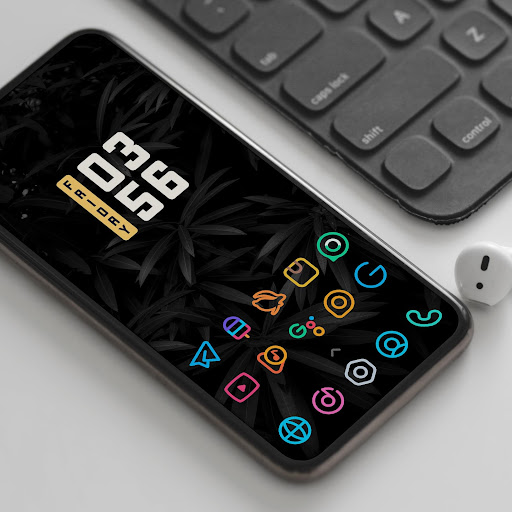
It may be most useful for people who want a more minimal, colorful icon style and a coordinated look across their device. The included wallpaper collection, custom folder icons, and dynamic calendar support suggest it is designed to help create a more consistent home screen setup. The permission to set wallpaper also fits this use case, since the app appears to manage both icons and matching backgrounds.

The network permissions and startup-related permission may be used for icon updates, wallpaper access, and request features mentioned in the metadata, while storage access appears to support app asset handling. In practice, this type of app is commonly used after installing a compatible launcher, then applying the icon pack to refresh the appearance of installed apps without changing their underlying functions.

Common uses

  • Customize app icons with a consistent visual style
  • Pair icons with matching wallpapers for a unified home screen
  • Use with supported launchers like Nova Launcher or Lawnchair
  • Apply alternative icons for popular apps and system apps
  • Refresh the look of folders and app drawer icons
  • Search and preview icons before applying them
  • Use on a phone home screen setup with personalization-focused launchers
Best for:
Home screen customization Minimal icon styles Launcher users Personalized phone setup

App Details

Package:
com.alphaone.beeline.iconpack
Developer:
AlphaOne
Version:
6.1
Updated:
Feb 14, 2026
Min Android:
5.0
Age Rating:
Everyone
Contains Ads:
No
In-App Purchases:
Yes

Official Listing

  • Official listing available on Google Play
  • Package name: com.alphaone.beeline.iconpack
  • Age rating: Everyone

Explore More

Browse more apps in Personalization or explore the Phone hub .

Related Personalization Apps

How to Download BeeLine Icon Pack

If this app is not hosted directly on APKApps official link, then for the safest and most up-to-date version, install it from its official Google Play listing.