All Deleted Messages Recovery icon

Phone

All Deleted Messages Recovery

Communication Battery Stats Saver ⭐ 4.20 10,000,000+
Version 2.1.4.1 Everyone

Screenshots

All Deleted Messages Recovery screenshot
Permissions Explained 8 permissions requested View details

This app requests 8 permissions. The table below explains what each permission may allow and what users should review before installing.

Status Permission What it means Why it may be used User safety note
ℹ️ Review Read The Contents Of Your Usb Storage read the contents of your USB storage This is an Android permission or app-specific permission requested by the app. The app may use this permission for features related to its category, device support, background behavior, storage, connectivity, or system integration. Review this permission before installing, especially if it does not match the app’s expected purpose.
ℹ️ Review Modify Or Delete The Contents Of Your Usb Storage modify or delete the contents of your USB storage This is an Android permission or app-specific permission requested by the app. The app may use this permission for features related to its category, device support, background behavior, storage, connectivity, or system integration. Review this permission before installing, especially if it does not match the app’s expected purpose.
ℹ️ Review View Wi Fi Connections view Wi-Fi connections This is an Android permission or app-specific permission requested by the app. The app may use this permission for features related to its category, device support, background behavior, storage, connectivity, or system integration. Review this permission before installing, especially if it does not match the app’s expected purpose.
ℹ️ Review View Network Connections view network connections This is an Android permission or app-specific permission requested by the app. The app may use this permission for features related to its category, device support, background behavior, storage, connectivity, or system integration. Review this permission before installing, especially if it does not match the app’s expected purpose.
ℹ️ Review Full Network Access full network access This is an Android permission or app-specific permission requested by the app. The app may use this permission for features related to its category, device support, background behavior, storage, connectivity, or system integration. Review this permission before installing, especially if it does not match the app’s expected purpose.
ℹ️ Review Prevent Device From Sleeping prevent device from sleeping This is an Android permission or app-specific permission requested by the app. The app may use this permission for features related to its category, device support, background behavior, storage, connectivity, or system integration. Review this permission before installing, especially if it does not match the app’s expected purpose.
ℹ️ Review Google Play License Check Google Play license check This is an Android permission or app-specific permission requested by the app. The app may use this permission for features related to its category, device support, background behavior, storage, connectivity, or system integration. Review this permission before installing, especially if it does not match the app’s expected purpose.
ℹ️ Review Receive Data From Internet receive data from Internet This is an Android permission or app-specific permission requested by the app. The app may use this permission for features related to its category, device support, background behavior, storage, connectivity, or system integration. Review this permission before installing, especially if it does not match the app’s expected purpose.

About All Deleted Messages Recovery

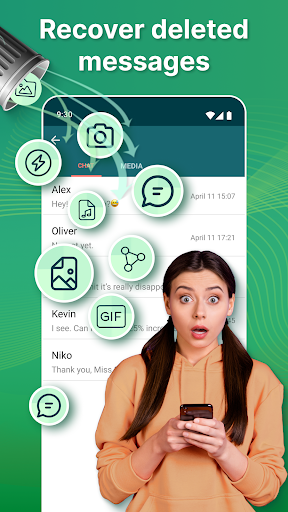
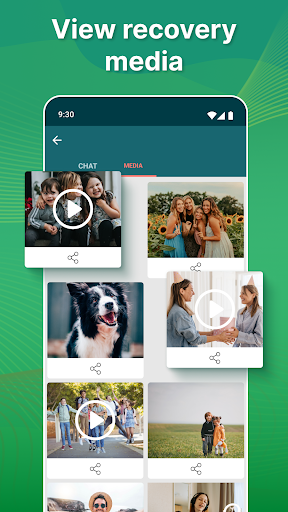
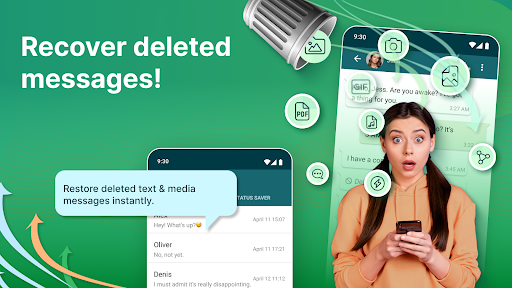
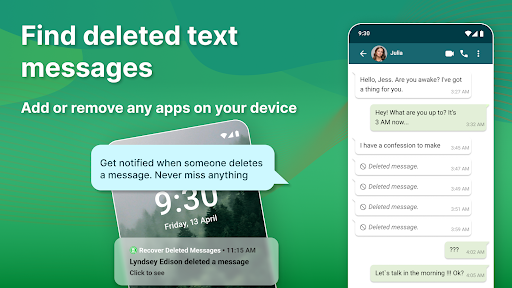
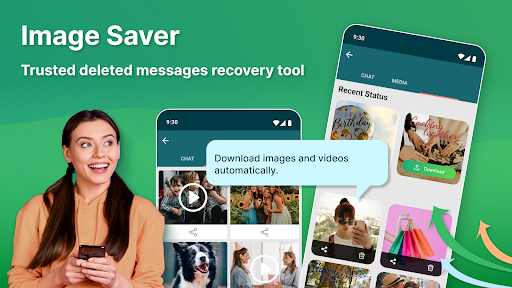
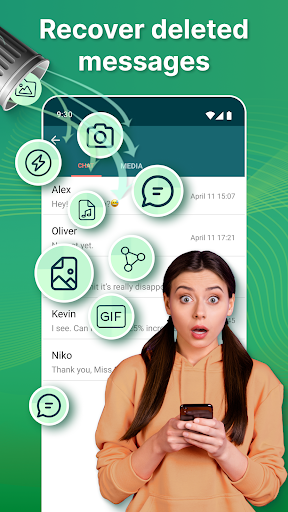
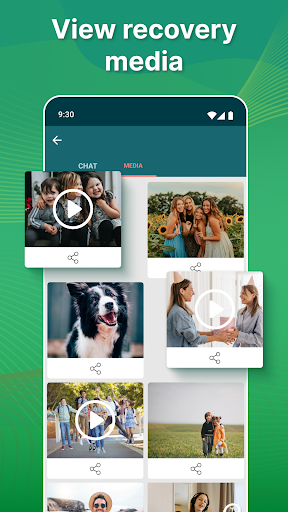
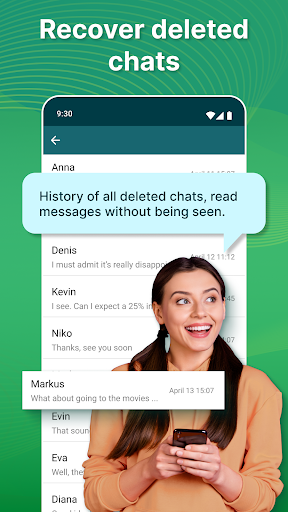
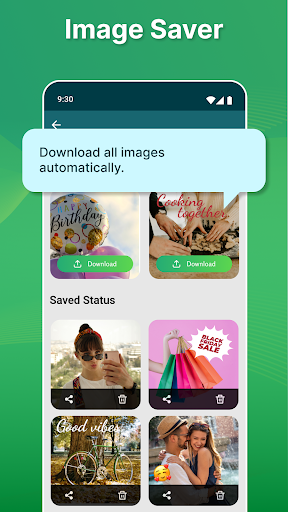
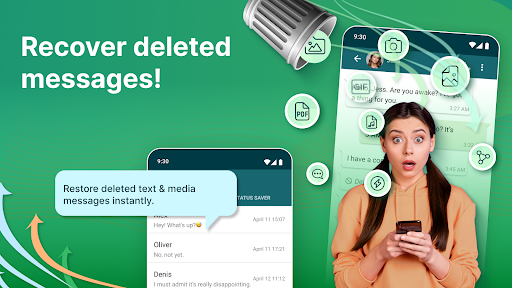
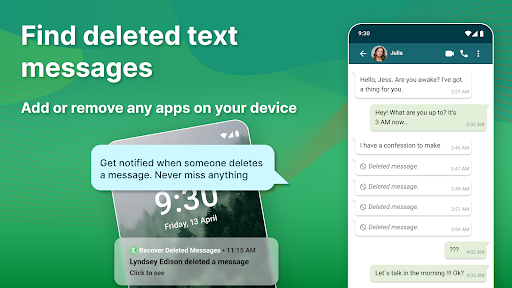
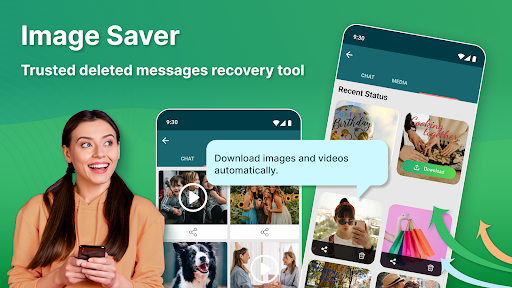
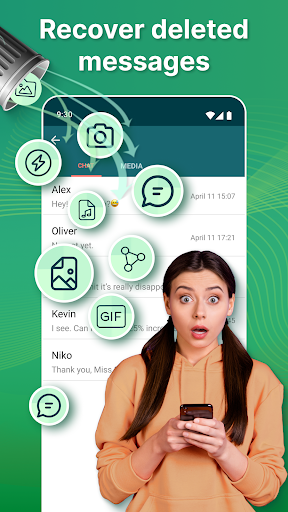
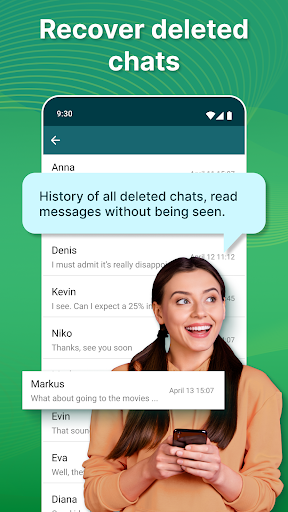
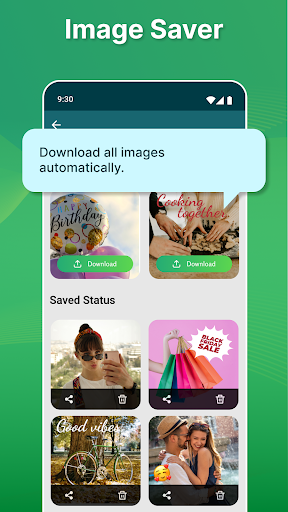
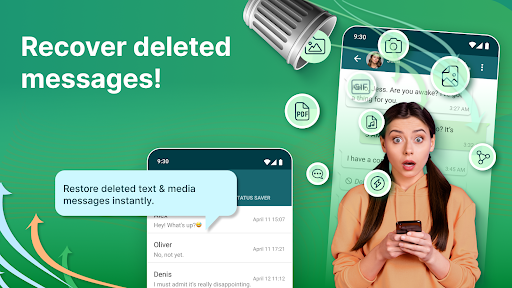
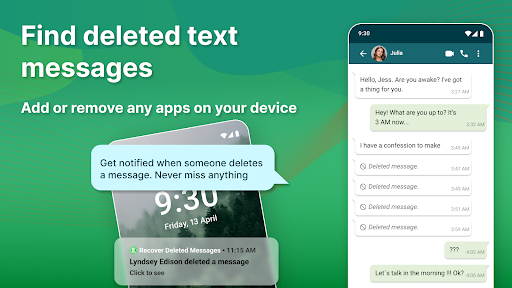
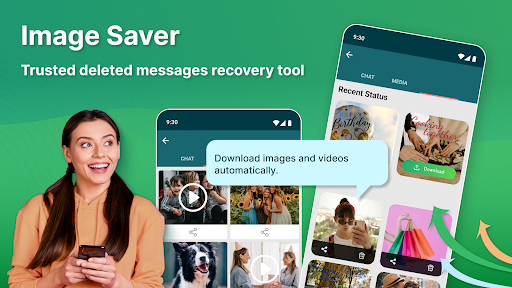
View and recover deleted messages easily. Would you like to know how to recover deleted messages? Yes, it can be annoying when someone deletes messages and media such as videos, pictures, stickers, and voice notes before you can download and see them. Recover Deleted Messages app is here to help! ⭐ Recover Messages Instantly. Do you want to recover deleted messages from Telegram or any other social media app? Don't worry; we have a solution. The Message Recovery app will help you to view deleted messages and media. Messages Recovery and view deleted messages tool is what you are looking for, and there are many fantastic features inside the single app. With the help of this recovers deleted messages app, you can recover deleted messages from Telegram or any other app. You can restore any media attachment, such as videos, audio, voice notes, and stickers. The ultimate solution to recover lost or deleted messages from popular messaging platforms. ✅ Fantastic features Features: 🌟 Recover deleted messages and media such as pictures, videos, voice notes, etc. 🌟 Message recovery from any social network app. 🌟 Read messages without being seen. 🌟 View and restore messages tool works as a status saver. 🌟 View deleted messages and other media files such as Audio, Video, Picture, Stickers, etc. How It Works: By default, all messages are encrypted, so Recover Deleted Messages app can't view deleted messages directly. The only solution to Recover deleted messages is to read from received notifications and instantly save the message before it gets deleted. When the app detects any deleted media file or message, it will immediately notify you. We take your privacy seriously, and our app does not collect or store any of your data. Your messages are securely recovered and saved directly to your device. ✅ Recover Deleted Pictures and Videos. View Deleted Messages tool will recover deleted data if the sender deletes it immediately. You will get a notification that we recovered deleted videos or photos. You can view deleted messages and media by clicking the notifications or by manually opening the restore app. You can recover pictures, videos, documents, animated gifs, voice notes, audio, and stickers. Want to read messages without being seen? The time has come to protect your privacy on social network applications. With the retrieve deleted messages tool, you can also read your family, and friends' messages, without leaving any blue check marks or being seen online. Status Saver. Like your friend's status and want to download them without the internet? Don't worry; we have a status saver feature here for you. By using Recover Deleted Messages, you can download any videos or images status. 💥 - Disclaimer All product names, logos, brands, trademarks, and registered trademarks, which are not owned by us, are the property of their respective owners. All company, product, and service names used in this app are for identification purposes only. Use of these names…

What All Deleted Messages Recovery Is Used For

All Deleted Messages Recovery appears to be a communication utility for viewing and recovering messages or media that were deleted before you could open them. Based on the metadata, it is aimed at phone users who want to keep track of deleted chats, photos, videos, stickers, voice notes, and similar attachments from messaging or social apps.

The app description suggests it works by reading incoming notifications and saving message content before it disappears, rather than directly restoring deleted data from the original app. That means it may be used as a notification-based message saver, a deleted-message viewer, and a media recovery helper. Because it requests storage access, it may also save recovered items to the device so they can be reviewed later. The metadata also mentions reading messages without being seen and using the app as a status saver, which suggests some people may use it for message monitoring and saving shared status content on Android phones.

Common uses

  • View messages that were deleted after they arrived as notifications
  • Recover or save attached media such as photos, videos, audio, stickers, and voice notes
  • Keep copies of incoming notifications before content is removed
  • Review deleted content later from the app instead of relying on the original chat thread
  • Save media files to device storage for local access
  • Use on an Android phone for messaging and social app monitoring
  • May be used as a status saver for shared content
Best for:
phone users deleted message tracking media recovery chat notification saving status saving

App Details

Package:
com.appsborn.whatsdelete.recover.deleted.messages.rdm
Category:
Communication
Developer:
Battery Stats Saver
Version:
2.1.4.1
Updated:
Apr 21, 2025
Min Android:
5.0
Age Rating:
Everyone
Contains Ads:
Yes
In-App Purchases:
Yes

Official Listing

  • Official listing available on Google Play
  • Package name: com.appsborn.whatsdelete.recover.deleted.messages.rdm
  • Age rating: Everyone

Explore More

Browse more apps in Communication or explore the Phone hub .

Related Communication Apps

WhatisRemoved icon

WhatisRemoved

Tools Development Colors

Recover deleted messages and files from your notifications

Version 12.0.0 WR- 22.0 MB ⭐ 3.99 10,000,000+ installs
Notisave icon

Notisave

Productivity Tenqube Inc.

No.1 Notification saver 👏 Read messages offline.

Version 4.6.0g 12.4 MB ⭐ 3.87 10,000,000+ installs

How to Download All Deleted Messages Recovery

If this app is not hosted directly on APKApps official link, then for the safest and most up-to-date version, install it from its official Google Play listing.