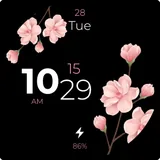
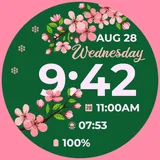
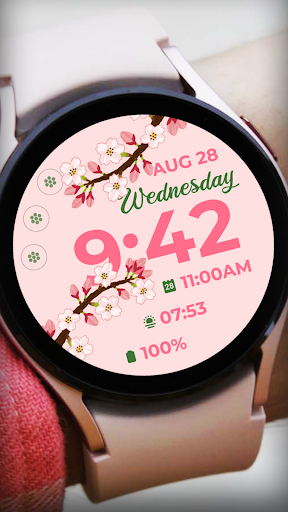
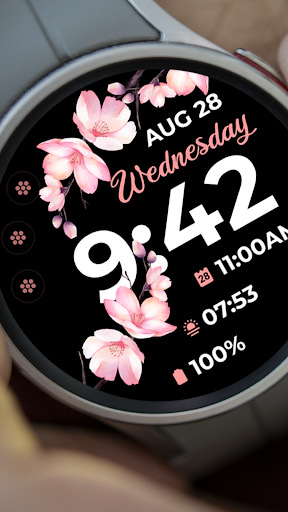
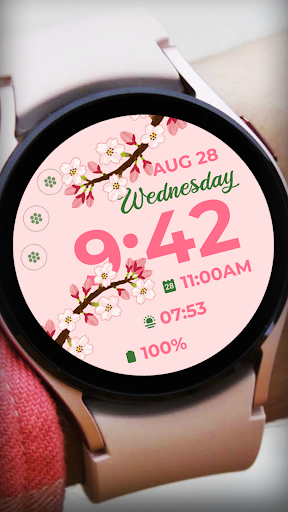
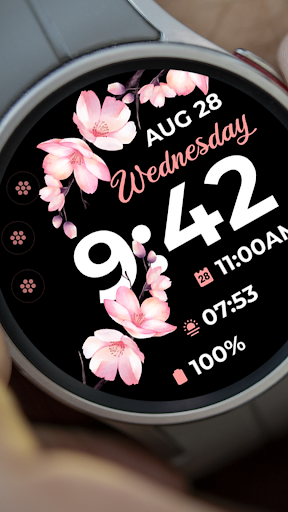
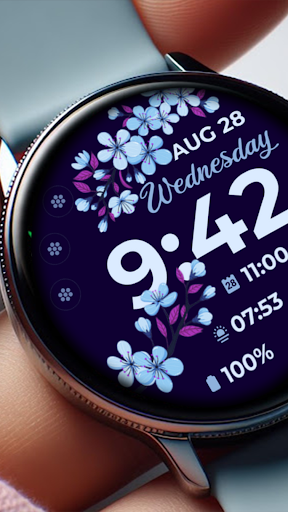
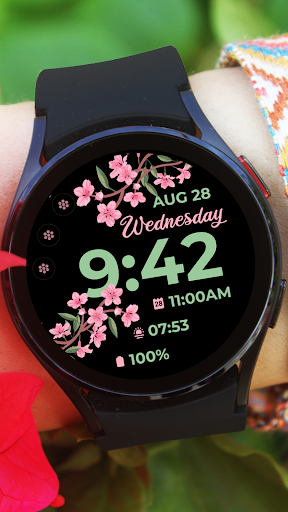
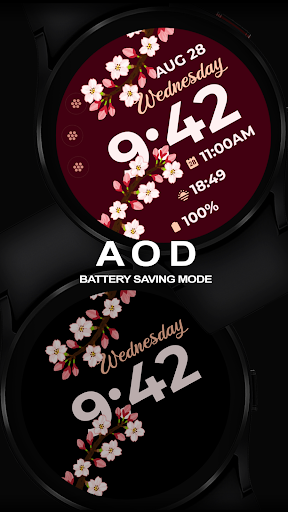
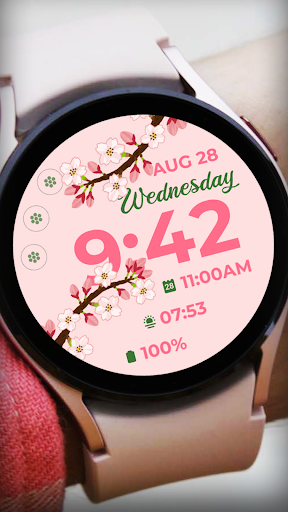
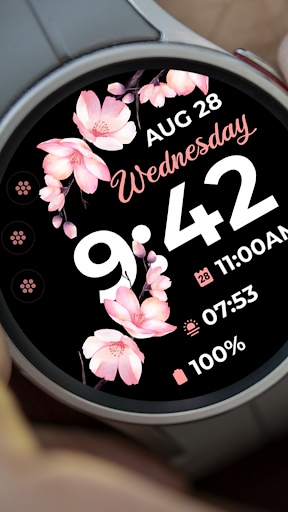
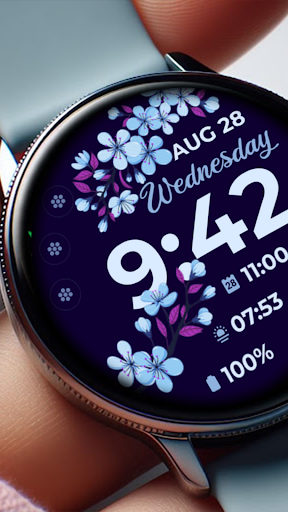
About Sakura Spring
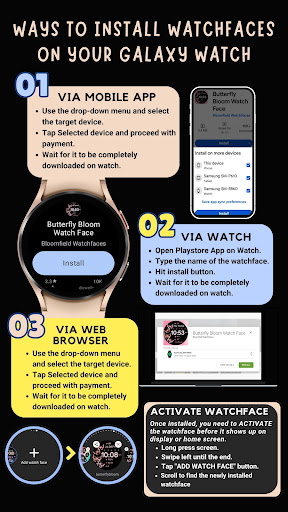
📍INSTALLATION GUIDE Our watch face apps are thoroughly tested in a real device (Galaxy Watch 4) and are "reviewed and approved" by the Google Play Store Team before publishing them. ⚠️⚠️⚠️ Before you rate us unfairly, reach us out at
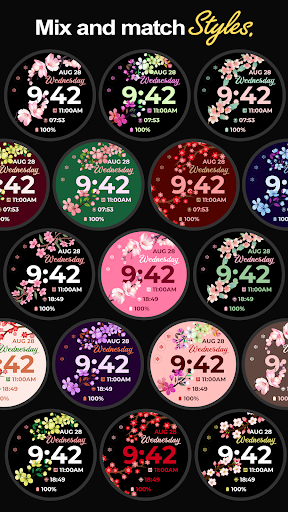
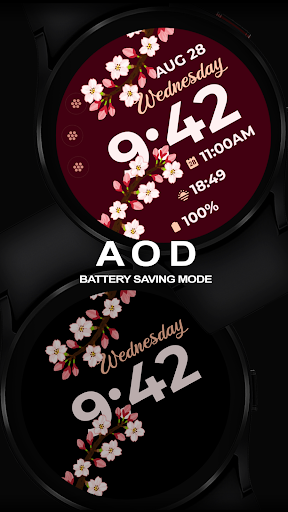
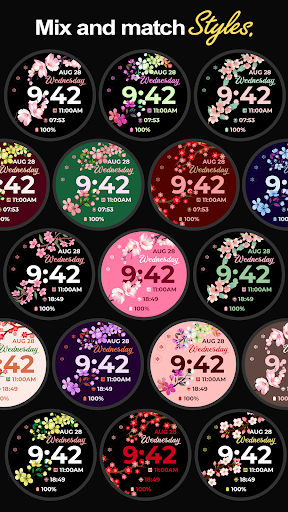
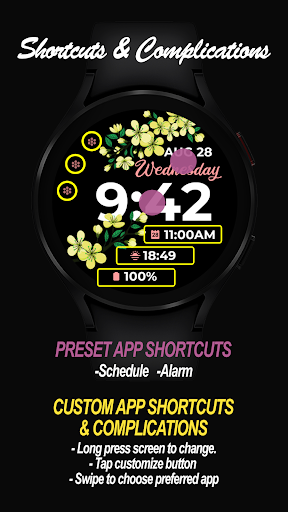
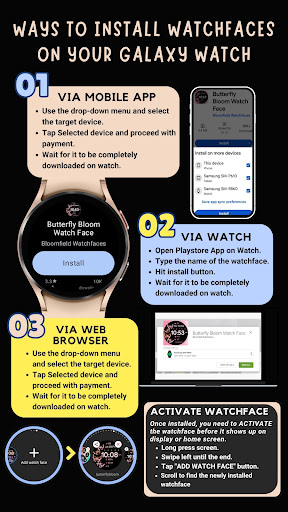
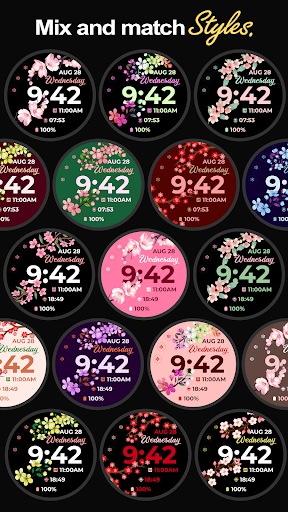
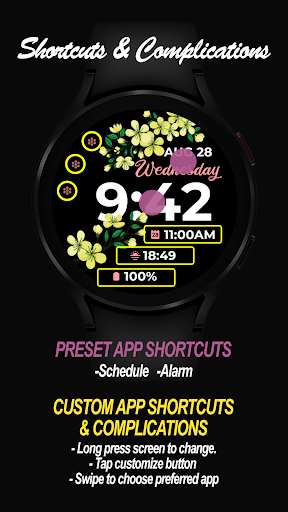
[email protected] and we will send you sceeenshots and instructions how to install the watchface. We are more than willing to help you step by step. TAKE NOTE❗️❗️❗️ 1️⃣ Watchfaces automatically install on watch. (There will be a download icon on screen while installing) 2️⃣ MAKE SURE THE WATCH IS STRONGLY CONNECTED TO YOUR PHONE USING THE SAME WIFI. MUST ALSO LOG IN TO YOUR GOOGLE ACCOUNT "ON WATCH" FOR SEAMLESS INSTALLATION. 3️⃣ After download, WAIT for a few minutes for the watchface to be transferred on watch. (There will be a notification on your watch if the watchface was successfully transferred.) 4️⃣ If incase there is no notification, Go to PLAYSTORE ON YOUR WATCH and type on the SEARCH BOX "Sakura Spring" 5️⃣ The watchface will show up, then hit on install button. ⭐️ Watchfaces don't automatically change after successful installion. Go back to home display. Tap and hold display, swipe until the end and tap + to add the watchface. Rotate Bezel to find the watchface. 📍Please see Feature Graphics for more details how to install. ⭐️ALLOW / ENABLE all permissions from settings -> applications -> permissions. ⚠️ Refund is ONLY allowed within 48 hours. 📍This watch face was developed with Samsung's "Watch Face Studio" tool for devices based on the new Wear OS Google / One UI Samsung operating system like Samsung Galaxy Watch 4. 📍FEATURES: -12/24hr Digital Time -Date -Always-On (AOD) -Preset App Shortcuts 📍Customizable Complications and App Shortcuts Different complications to choose from; weather, steps, sunset/sunrise, next appointment, settings shortcut, phone shortcut, message shortcut and more. -Changeable LCD styles and font color palette (Touch and hold display. Tap on customize option. See feature graphics for tutorial) 📍Some features may not be available on some watches. Full Collection: https://play.google.com/store/apps/developer?id=Bloomfield+Watchfaces Contact us at:
[email protected] Facebook Page: https://www.facebook.com/bloomfieldwatchfaces Youtube Installation Tutorial: https://www.youtube.com/watch?v=vMM4Q2-rqoM
What Sakura Spring Is Used For
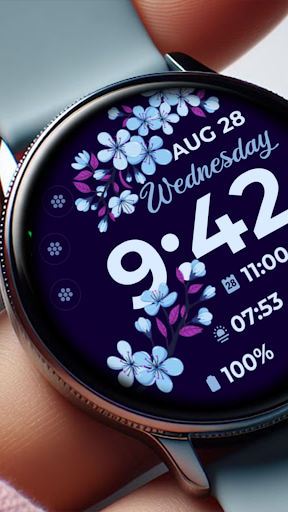
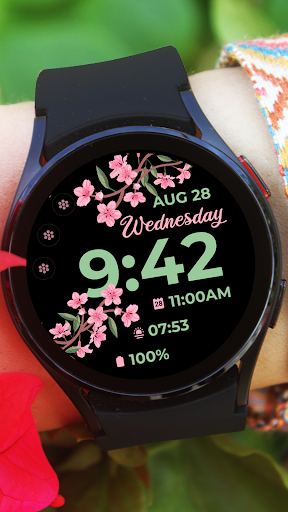
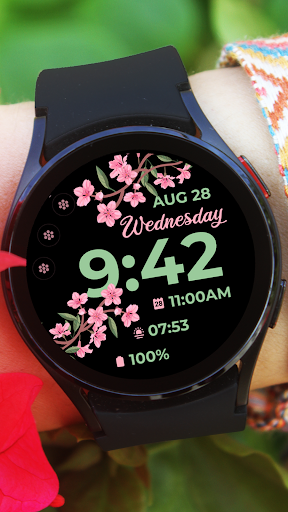
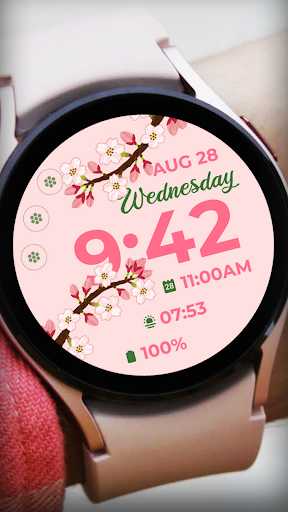
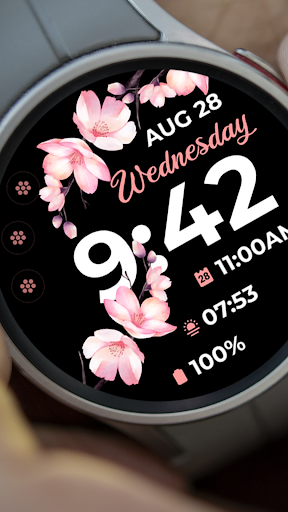
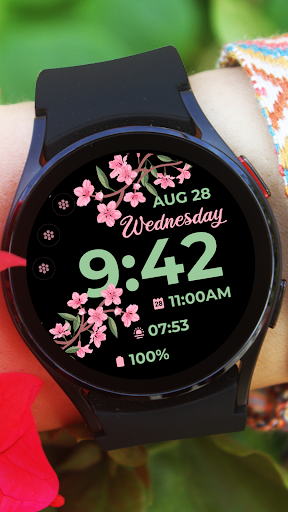
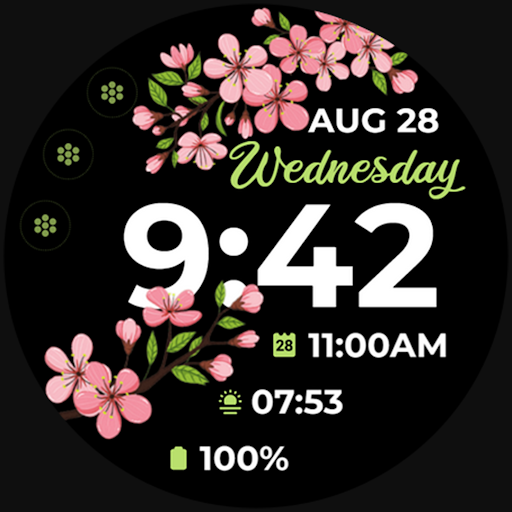
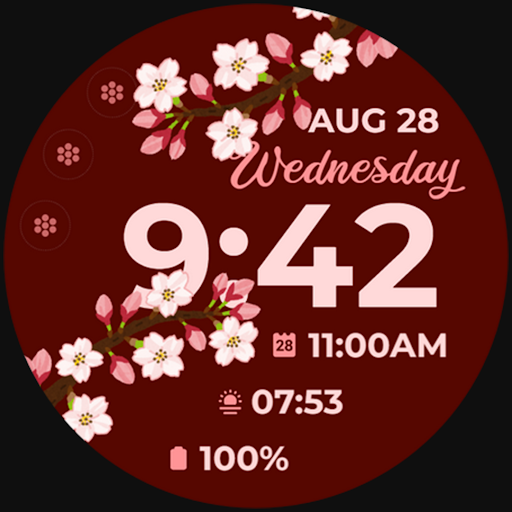
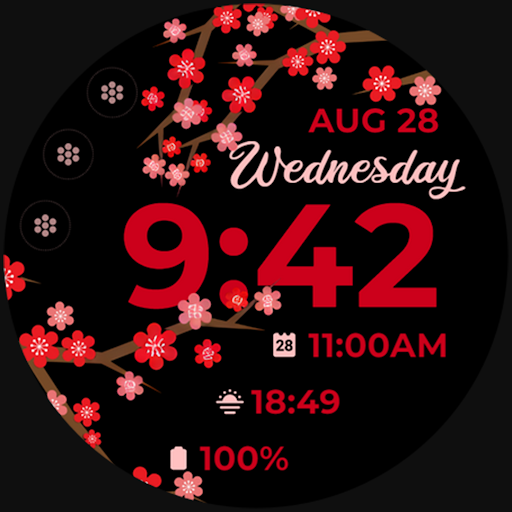
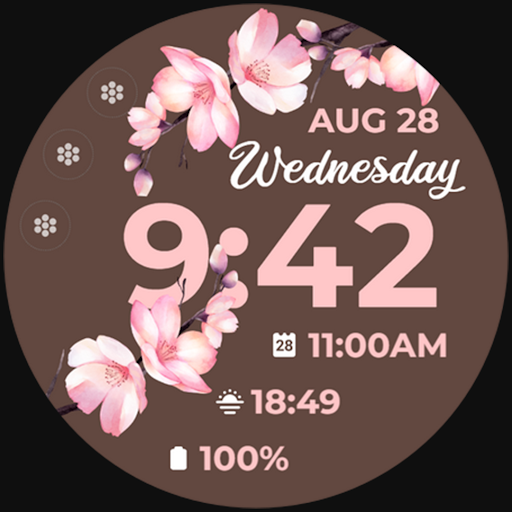
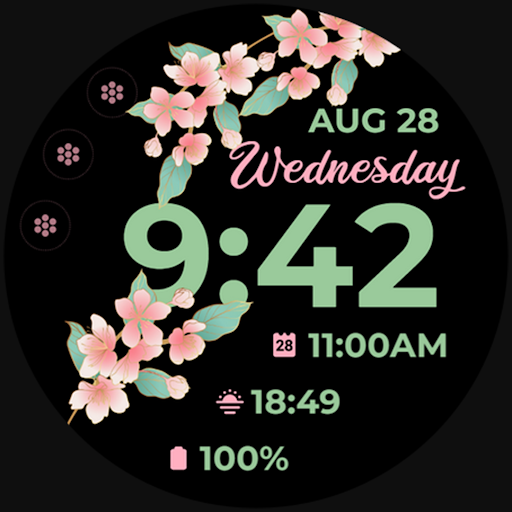
Sakura Spring appears to be a watch face app for Wear OS and compatible Samsung Galaxy Watch models, based on the metadata and installation notes. It is used to change the look and layout of a smartwatch home screen rather than to provide a general phone feature. The app’s personalization focus suggests it is meant for users who want a spring-themed digital watch face with a clean, customizable display.
Common uses may include showing the time in 12- or 24-hour format, displaying the date, and keeping selected watch information visible through always-on display support. The metadata also mentions customizable complications and app shortcuts, which suggests users may be able to add quick access items such as weather, steps, sunrise/sunset, next appointment, phone, messages, or settings. On a compatible watch, this kind of app is typically used to personalize the daily watch screen and make key information easier to check at a glance.
The listed permissions fit a watch-face style app: vibration control and preventing sleep may support display behavior or alerts, while body sensor access may relate to complications such as heart rate or activity data. Since the app is described for Wear OS and Samsung Watch 4-style devices, it appears most relevant for smartwatch owners who want a decorative face with practical glanceable data.
Common uses
- Customize the smartwatch home screen with a spring-themed watch face
- Display time in 12-hour or 24-hour format
- Show the date and supported always-on display information
- Add shortcuts or complications for quick access to watch functions
- Surface glanceable data such as weather, steps, or appointments if supported by the watch
- Use on compatible Wear OS or Samsung Galaxy Watch devices
- Personalize font colors and LCD-style elements from the watch face settings
How to Download Sakura Spring
If this app is not hosted directly on APKApps official link,
then for the safest and most up-to-date version, install it from its official Google Play listing.