About Flower Digital - Watch Face
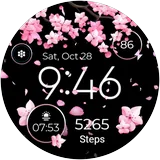
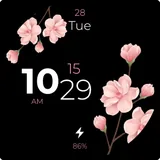
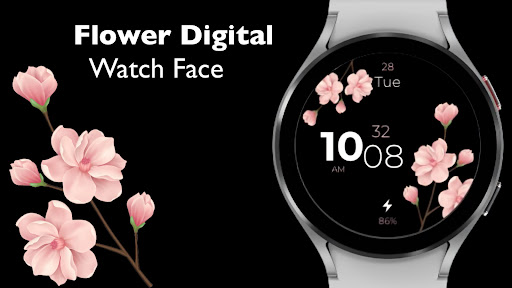
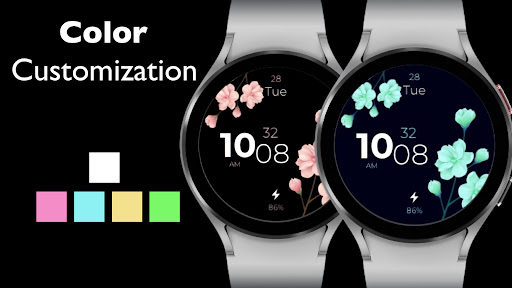
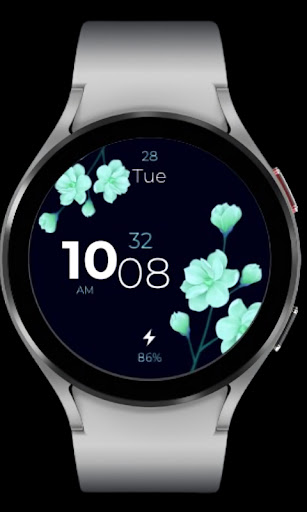
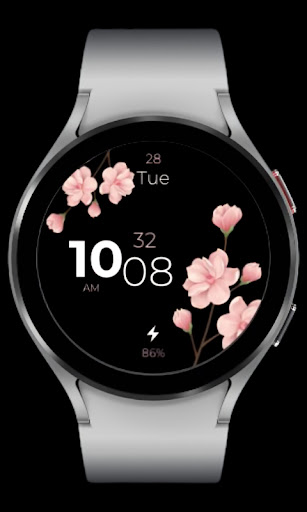
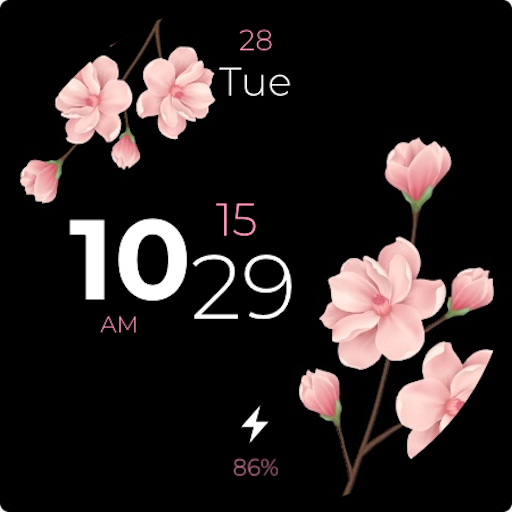
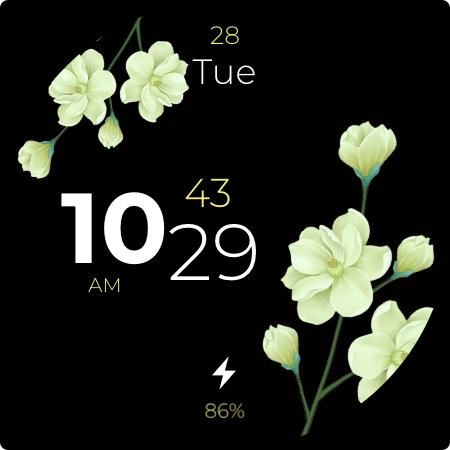
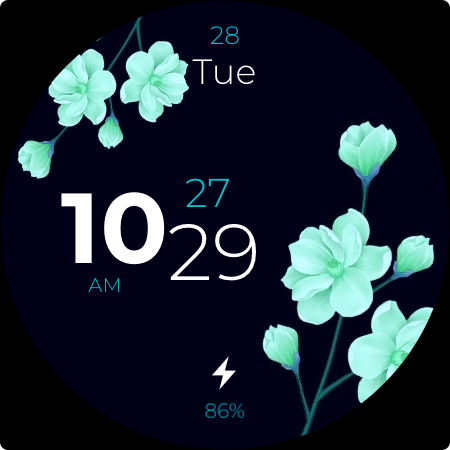
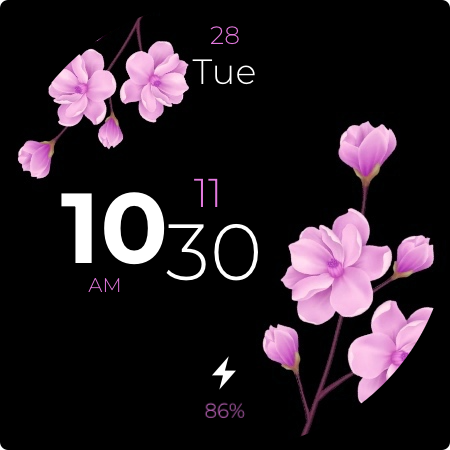
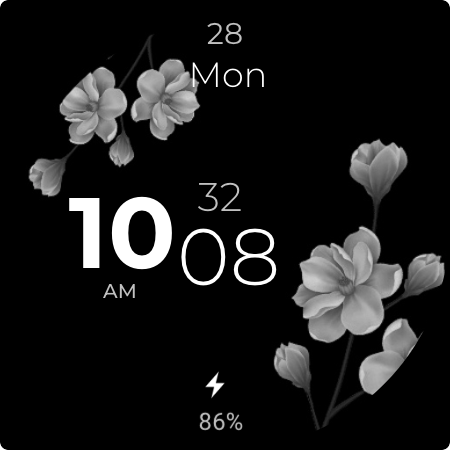
Overview Day and Date Digital Time Indicator Am Pm Indicator Animated seconds Digital Battery Indicator Colour Customization AOD Mode Custom Use Flower Digital watch face to give a whole new awesome look to your watches. Customization 1: Touch and hold the display. 2: Tap on the Customize button. 3: Enjoy! - Make sure you have enabled all permissions from settings -> applications.# Not Suitable for Rectangular Watches Designed for Wear OS Watches.
What Flower Digital - Watch Face Is Used For
Flower Digital - Watch Face appears to be a personalization app for Wear OS watches. Based on the metadata, it is used to apply a digital watch face that shows time, day, date, AM/PM, animated seconds, battery status, and color options on the watch display.
This type of app is commonly used when someone wants to change the look and layout of a smartwatch face while keeping practical information easy to read at a glance. The mention of always-on display mode suggests it may also be intended for users who want the watch face to remain usable in low-power or idle states. The app notes that it is designed for Wear OS watches and not suitable for rectangular watches, so it seems focused on round smartwatch screens rather than phone use. The permission note in the description suggests some features may depend on enabling required watch or app permissions in system settings.
Common uses
- Customize the appearance of a Wear OS watch face
- Display time, day, date, and AM/PM information
- Show animated seconds on the watch display
- Check battery status directly from the watch face
- Adjust colors and other visual options
- Use always-on display mode for low-power viewing
- Best suited for round Wear OS watches, not rectangular ones
How to Download Flower Digital - Watch Face
If this app is not hosted directly on APKApps official link,
then for the safest and most up-to-date version, install it from its official Google Play listing.