GIF maker & editor - GifBuz icon

Phone

GIF maker & editor - GifBuz

Video Players & Editors Brain Craft Limited ⭐ 4.30 100,000+
Version 2.0.47 Teen

Screenshots

GIF maker & editor - GifBuz screenshot
Permissions Explained 11 permissions requested View details

This app requests 11 permissions. The table below explains what each permission may allow and what users should review before installing.

Status Permission What it means Why it may be used User safety note
ℹ️ Review Approximate Location (network Based) approximate location (network-based) This is an Android permission or app-specific permission requested by the app. The app may use this permission for features related to its category, device support, background behavior, storage, connectivity, or system integration. Review this permission before installing, especially if it does not match the app’s expected purpose.
ℹ️ Review Read The Contents Of Your Usb Storage read the contents of your USB storage This is an Android permission or app-specific permission requested by the app. The app may use this permission for features related to its category, device support, background behavior, storage, connectivity, or system integration. Review this permission before installing, especially if it does not match the app’s expected purpose.
ℹ️ Review Modify Or Delete The Contents Of Your Usb Storage modify or delete the contents of your USB storage This is an Android permission or app-specific permission requested by the app. The app may use this permission for features related to its category, device support, background behavior, storage, connectivity, or system integration. Review this permission before installing, especially if it does not match the app’s expected purpose.
ℹ️ Review View Network Connections view network connections This is an Android permission or app-specific permission requested by the app. The app may use this permission for features related to its category, device support, background behavior, storage, connectivity, or system integration. Review this permission before installing, especially if it does not match the app’s expected purpose.
ℹ️ Review Change Network Connectivity change network connectivity This is an Android permission or app-specific permission requested by the app. The app may use this permission for features related to its category, device support, background behavior, storage, connectivity, or system integration. Review this permission before installing, especially if it does not match the app’s expected purpose.
ℹ️ Review Full Network Access full network access This is an Android permission or app-specific permission requested by the app. The app may use this permission for features related to its category, device support, background behavior, storage, connectivity, or system integration. Review this permission before installing, especially if it does not match the app’s expected purpose.
ℹ️ Review Run At Startup run at startup This is an Android permission or app-specific permission requested by the app. The app may use this permission for features related to its category, device support, background behavior, storage, connectivity, or system integration. Review this permission before installing, especially if it does not match the app’s expected purpose.
ℹ️ Review Reorder Running Apps reorder running apps This is an Android permission or app-specific permission requested by the app. The app may use this permission for features related to its category, device support, background behavior, storage, connectivity, or system integration. Review this permission before installing, especially if it does not match the app’s expected purpose.
ℹ️ Review Control Vibration control vibration This is an Android permission or app-specific permission requested by the app. The app may use this permission for features related to its category, device support, background behavior, storage, connectivity, or system integration. Review this permission before installing, especially if it does not match the app’s expected purpose.
ℹ️ Review Prevent Device From Sleeping prevent device from sleeping This is an Android permission or app-specific permission requested by the app. The app may use this permission for features related to its category, device support, background behavior, storage, connectivity, or system integration. Review this permission before installing, especially if it does not match the app’s expected purpose.
ℹ️ Review Receive Data From Internet receive data from Internet This is an Android permission or app-specific permission requested by the app. The app may use this permission for features related to its category, device support, background behavior, storage, connectivity, or system integration. Review this permission before installing, especially if it does not match the app’s expected purpose.

About GIF maker & editor - GifBuz

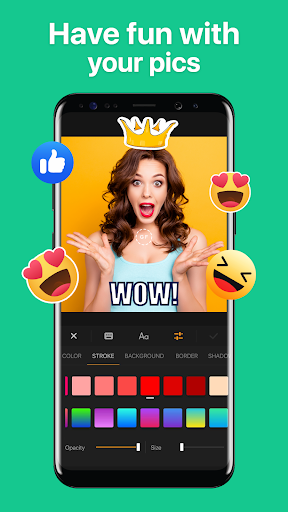
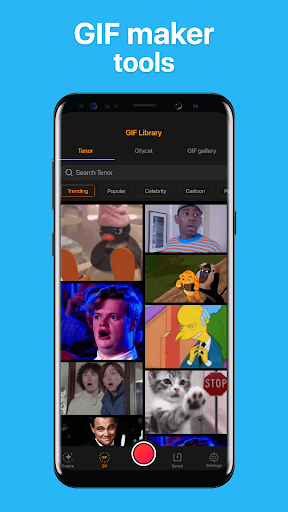
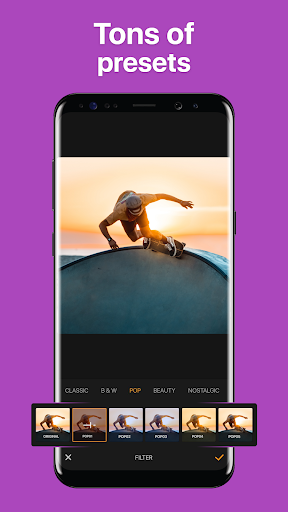
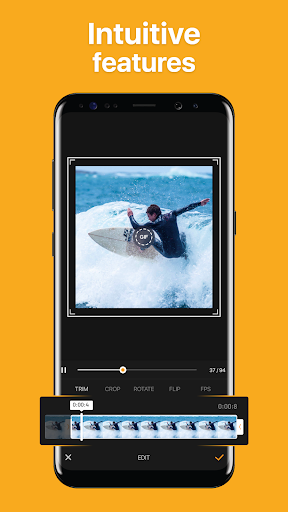
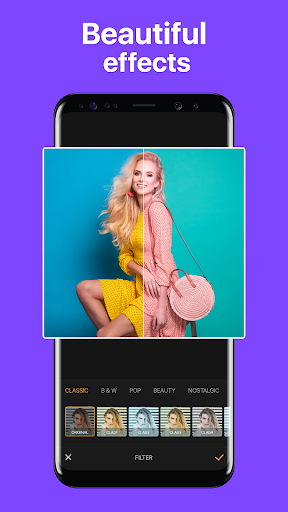
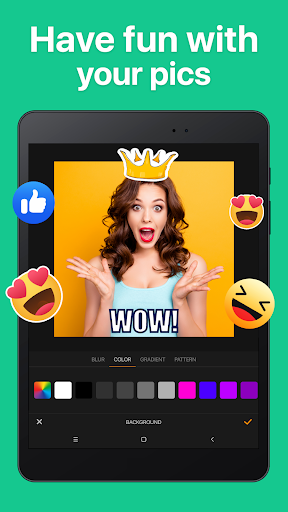
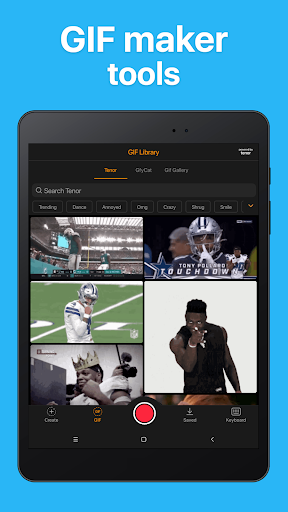
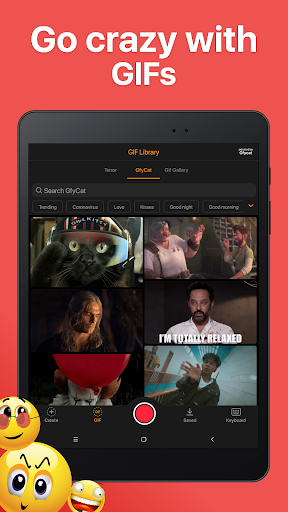
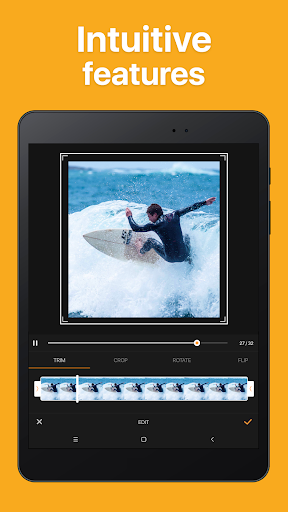
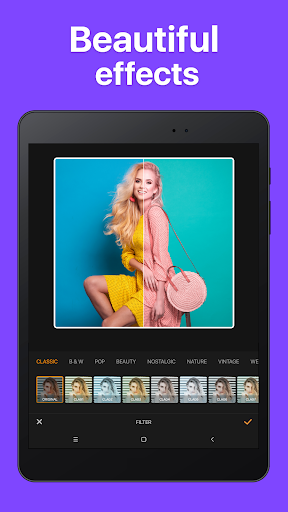
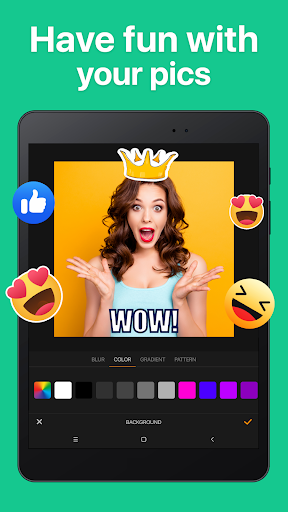
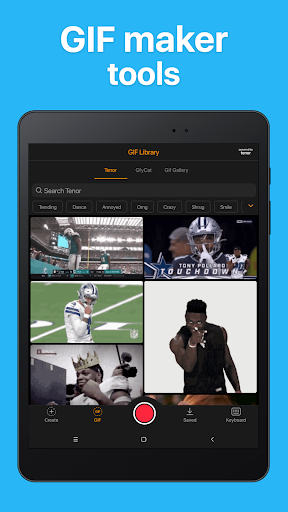
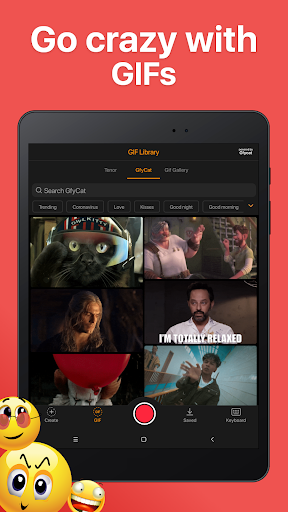
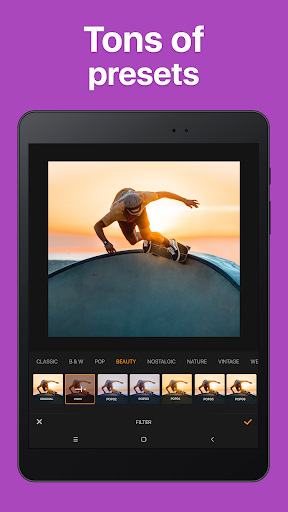
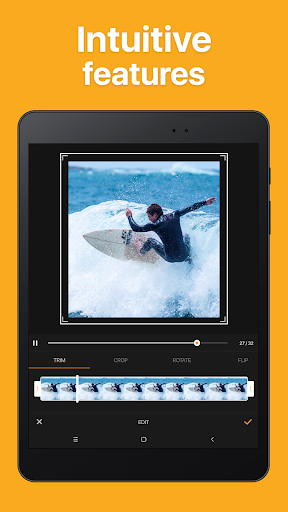
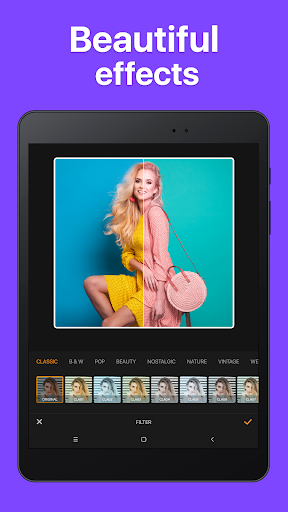
«GIF maker & editor – GifBuz» is an all-in-one GIF maker app that allows you to create GIFs, boomerang videos, memes, and share them on social media. Convert videos or photos into GIFs using this GIF editor and bring your pictures to life. Create your own GIFs for texting or share funny GIF memes from the app's GIF library with your friends. Share memorable moments from your favorite TV shows or movies, or promote your business or brand on social media. This GIF maker has got you covered, serving as a powerful GIF editor, boomerang maker, meme creator, and sticker creator all in one. WHAT YOU GET WHEN YOU DOWNLOAD: • Intuitive speed control for creating fast or slow-motion GIFs using this GIF editor. • Swift GIF cropping, rotation, and flipping options to achieve the perfect composition. Make your GIFs fit better on different platforms and in different contexts. • GIF reversal feature that provides additional creative control over your creations. • Emojis, stickers, text, and other GIFs that you can add to each frame, making your GIFs more expressive and personalized. • 30+ filters to apply stunning effects to your custom GIFs. • GIF Keyboard: Find trendy GIFs for any occasion in the app's gallery and easily share them directly to any messenger. • Text stickers: Say it faster with text stickers, or create your own. • GIF stickers: Express more and spice up your chats with trendy GIF stickers. WHY USERS CHOOSE OUR GIF MAKER & EDITOR APP: • User-friendly GIF maker and editor interface for converting videos to GIFs, creating GIFs from images, and making memes, including Instagram boomerangs. • Various tools available to create eye-catching GIFs for promotional campaigns, product demonstrations, or engaging social media content. • Convenient GIF creation directly from mobile devices, accessible to everybody, everywhere. • A customizable GIF keyboard for searching and sharing high-quality animated GIFs while texting, messaging, or posting on social media. Unleash your creativity with animated and photo GIFs. Whether you're a meme maker, an influencer, a marketer, or simply someone who loves GIFs, this GIF maker & editor is a must-have app for you.

What GIF maker & editor - GifBuz Is Used For

GIF maker & editor - GifBuz appears to be a mobile editing app for creating and sharing animated content from photos or videos. Based on the metadata, people commonly use it to turn clips or image sequences into GIFs, make boomerang-style loops, and add simple edits such as cropping, rotation, reversing, text, stickers, emojis, and filters.

The app also seems suited for social sharing and messaging workflows. Its GIF keyboard and built-in GIF library suggest it may be used to quickly find animated reactions or memes for chats, while the creation tools may help users make custom GIFs for posts, brand promotion, or casual sharing. Because it is categorized under Video Players & Editors and is listed as a phone app, it appears designed for everyday mobile editing rather than advanced desktop-style production.

Relevant permissions such as full network access and storage access are consistent with downloading, loading, saving, and sharing media, while startup and background-related permissions may support smoother app use. It may be useful for people who want a lightweight way to create quick animated content on Android without switching between separate editor and sharing apps.

Common uses

  • Convert videos or photos into GIFs on a phone
  • Create boomerang-style looping clips
  • Add text, stickers, emojis, and filters to animations
  • Crop, rotate, flip, or reverse GIFs for different formats
  • Search for animated GIFs to share in messaging apps
  • Make simple meme-style or social media content
  • Save and share custom GIFs from mobile devices
Best for:
casual gif creation social media posts messaging and chat mobile editing meme making

App Details

Package:
com.braincraftapps.droid.gifmaker
Developer:
Brain Craft Limited
Version:
2.0.47
Updated:
Oct 19, 2025
Min Android:
6.0
Age Rating:
Teen
Contains Ads:
Yes
In-App Purchases:
Yes

Official Listing

  • Official listing available on Google Play
  • Package name: com.braincraftapps.droid.gifmaker
  • Age rating: Teen

Explore More

Browse more apps in Video Players & Editors or explore the Phone hub .

Related Video Players & Editors Apps

Boosted Ad Maker by Lightricks icon

Boosted Ad Maker by Lightricks

Video Players & Editors Lightricks Ltd.

Marketing promo video maker. Ad creator for social media. Easy-to-use templates

Version 1.8.6.1 70.3 MB ⭐ 4.30 5,000,000+ installs
Snapfish icon

Snapfish

Photography Snapfish Mobile

Get 100 pics a month on us! Create Photo Gifts, Tiles, Mugs, Cards + Calendars

Version 15.9.0 42.1 MB ⭐ 4.50 5,000,000+ installs
Tenor GIF Keyboard icon

Tenor GIF Keyboard

Video Players & Editors Tenor Google

Say more with GIF Keyboard by Tenor. Add tone to your conversation.

Version 2.1.76 24.3 MB ⭐ 3.79 50,000,000+ installs

How to Download GIF maker & editor - GifBuz

If this app is not hosted directly on APKApps official link, then for the safest and most up-to-date version, install it from its official Google Play listing.