Cashew—Expense Budget Tracker icon

Phone

Cashew—Expense Budget Tracker

Finance Dapper App Developer ⭐ 4.80 500,000+
Version 5.4.4 Everyone

Screenshots

Cashew—Expense Budget Tracker screenshot
Permissions Explained 8 permissions requested View details

This app requests 8 permissions. The table below explains what each permission may allow and what users should review before installing.

Status Permission What it means Why it may be used User safety note
ℹ️ Review Read The Contents Of Your Usb Storage read the contents of your USB storage This is an Android permission or app-specific permission requested by the app. The app may use this permission for features related to its category, device support, background behavior, storage, connectivity, or system integration. Review this permission before installing, especially if it does not match the app’s expected purpose.
ℹ️ Review Modify Or Delete The Contents Of Your Usb Storage modify or delete the contents of your USB storage This is an Android permission or app-specific permission requested by the app. The app may use this permission for features related to its category, device support, background behavior, storage, connectivity, or system integration. Review this permission before installing, especially if it does not match the app’s expected purpose.
ℹ️ Review View Network Connections view network connections This is an Android permission or app-specific permission requested by the app. The app may use this permission for features related to its category, device support, background behavior, storage, connectivity, or system integration. Review this permission before installing, especially if it does not match the app’s expected purpose.
ℹ️ Review Full Network Access full network access This is an Android permission or app-specific permission requested by the app. The app may use this permission for features related to its category, device support, background behavior, storage, connectivity, or system integration. Review this permission before installing, especially if it does not match the app’s expected purpose.
ℹ️ Review Run At Startup run at startup This is an Android permission or app-specific permission requested by the app. The app may use this permission for features related to its category, device support, background behavior, storage, connectivity, or system integration. Review this permission before installing, especially if it does not match the app’s expected purpose.
ℹ️ Review Control Vibration control vibration This is an Android permission or app-specific permission requested by the app. The app may use this permission for features related to its category, device support, background behavior, storage, connectivity, or system integration. Review this permission before installing, especially if it does not match the app’s expected purpose.
ℹ️ Review Prevent Device From Sleeping prevent device from sleeping This is an Android permission or app-specific permission requested by the app. The app may use this permission for features related to its category, device support, background behavior, storage, connectivity, or system integration. Review this permission before installing, especially if it does not match the app’s expected purpose.
ℹ️ Review Read Google Service Configuration read Google service configuration This is an Android permission or app-specific permission requested by the app. The app may use this permission for features related to its category, device support, background behavior, storage, connectivity, or system integration. Review this permission before installing, especially if it does not match the app’s expected purpose.

About Cashew—Expense Budget Tracker

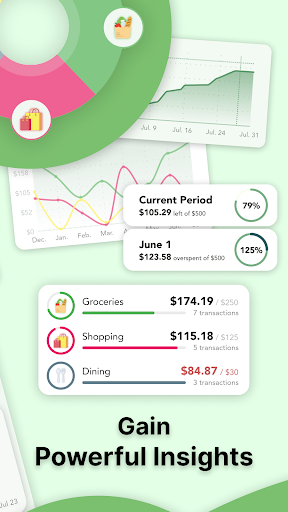
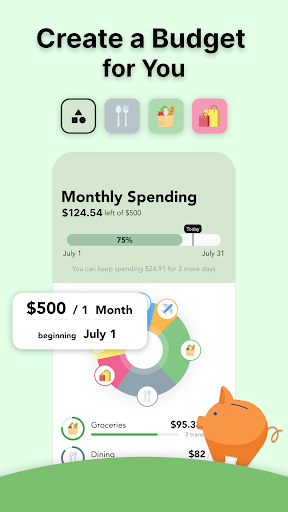
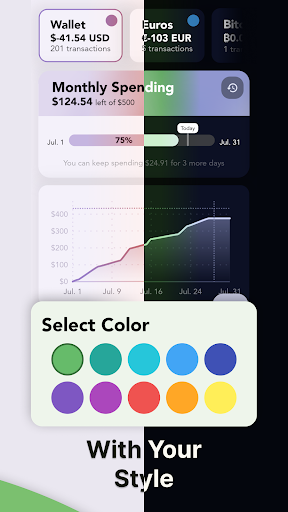
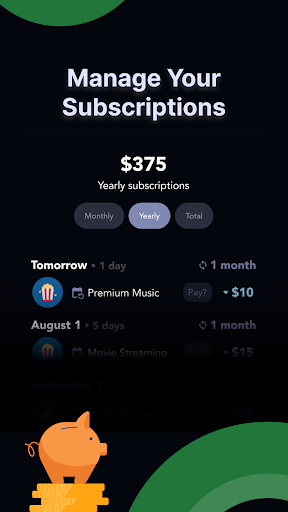
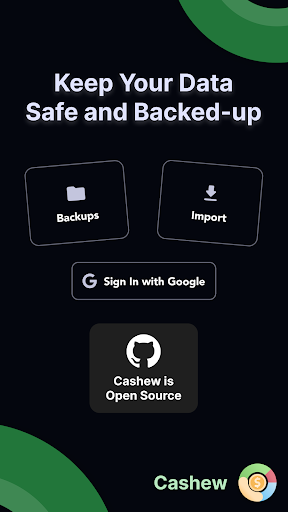
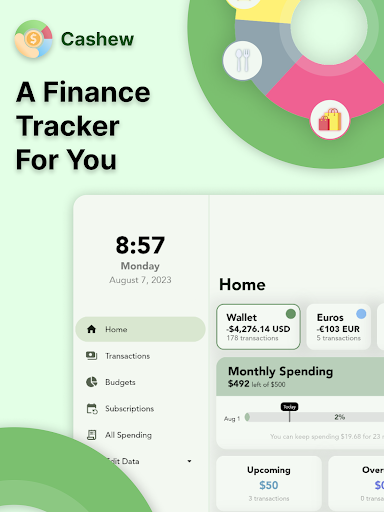
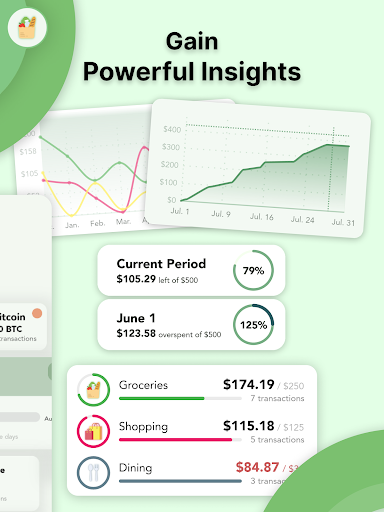
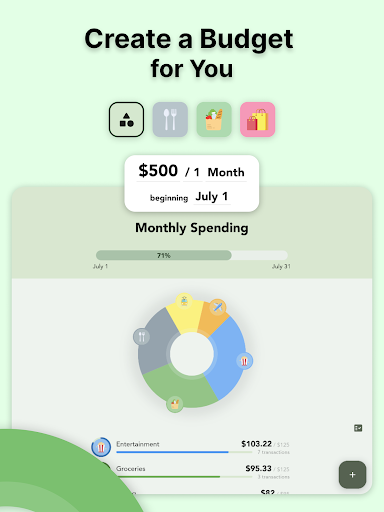
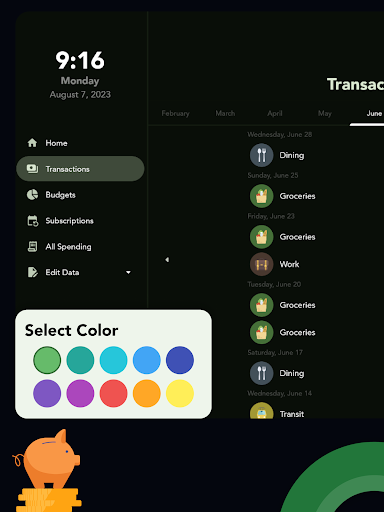
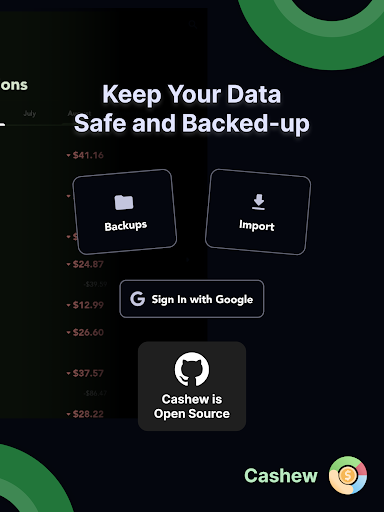
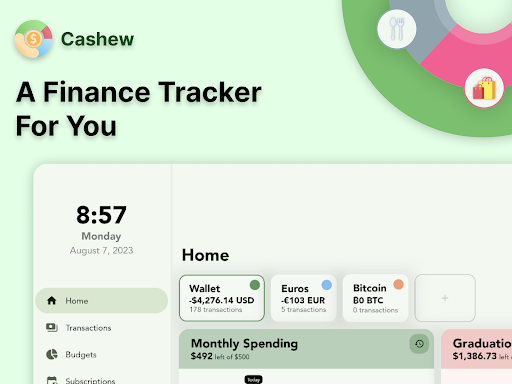
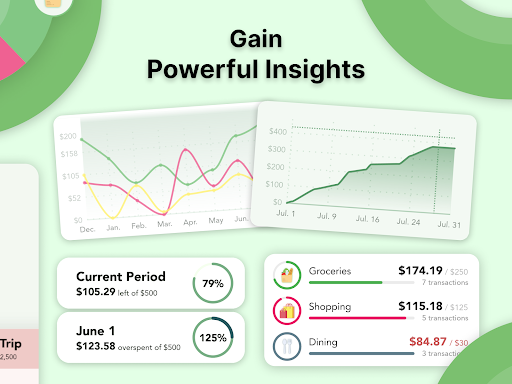
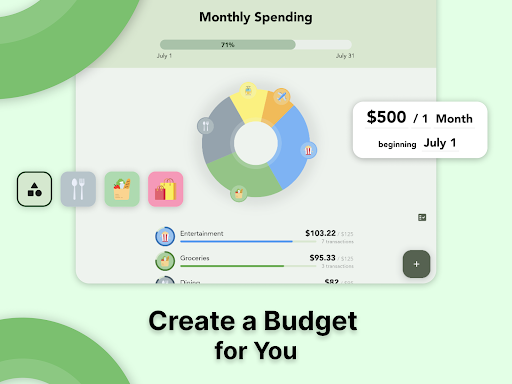
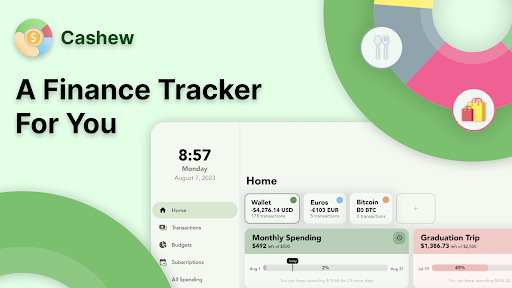
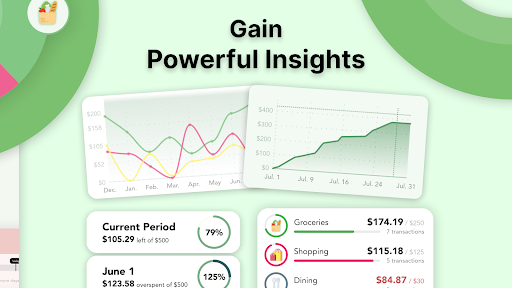
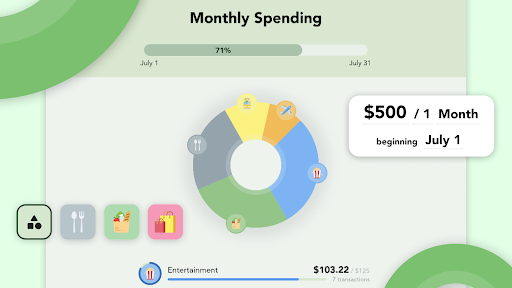
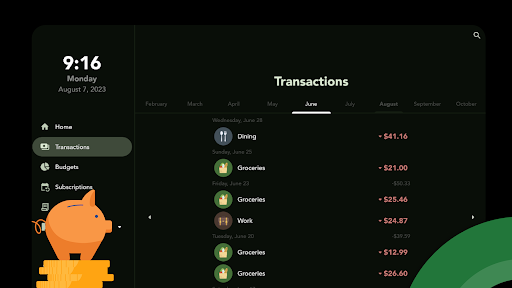
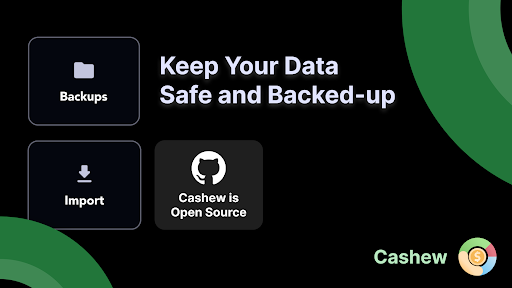
Start tracking your finances today and understand where your money is going with Cashew! Set budgets to monitor your financial progress and create responsible spending habits. It's not just an app – it's your personal guide. 💰 Flexible Budgeting, Tailored for You: Craft budgets that align with your life. Whether it's a monthly, weekly, or a unique time frame, set a budget that adapts to your rhythm. 📊 Visualize with Clarity: Pie charts and bar graphs transform numbers into visual stories, making your financial journey engaging and understandable. 📅 Understand Your Financial History: Easily comprehend your past spending periods, allowing you to fine-tune your budgeting strategies. ⏰ Stay in the Loop: Effortlessly track subscriptions and recurring transactions while receiving timely reminders, ensuring you remain in control. 🌟 Stunning Interface and Design: Immerse yourself in an interface that blends beauty and functionality seamlessly. 🎨 Personalization at Your Fingertips: Dive into the elegant interface with dark mode and personalize the app's accent colors to suit your style. 💱 Currency Support: Seamlessly manage finances across currencies, with current conversion rates. 🔒 Backup with Google Drive: Your financial data is precious. That's why we've integrated secure Google Drive backups, ensuring your information stays safe. Ready to revolutionize your financial journey? It's not just an app; it's your partner in getting control of your finances.

What Cashew—Expense Budget Tracker Is Used For

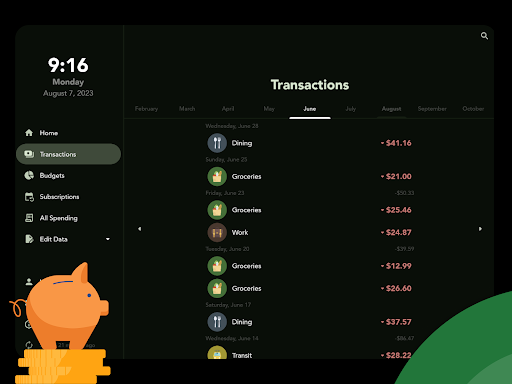
Cashew—Expense Budget Tracker appears to be a finance app for tracking personal spending and organizing budgets on a phone. Based on the metadata, people may use it to log expenses, set spending limits, and review where money is going over time. The app also appears geared toward routine money management, including monitoring recurring charges and keeping an eye on subscription payments.

The description suggests it is designed to help users understand financial patterns through charts and historical views, which can make it easier to compare spending across different periods. Since it supports multiple currencies and Google Drive backups, it may also be useful for people who manage money across currencies or want their records available across devices. The listed permissions fit this kind of app, with network access for syncing or rate updates and storage access for saving or restoring financial data.

Common uses

  • Track daily or monthly expenses
  • Set custom budgets by time period
  • Review spending with charts and graphs
  • Monitor subscriptions and recurring transactions
  • Use multi-currency budgeting and conversion support
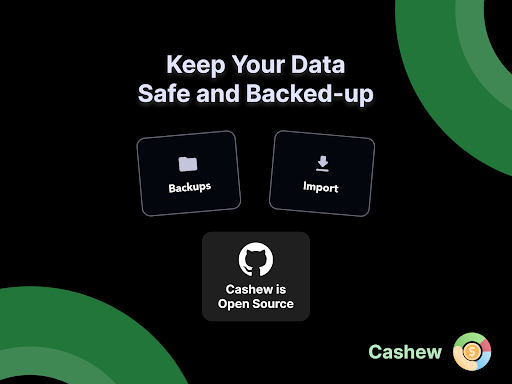
  • Back up financial data with Google Drive
  • Customize the interface with dark mode and accent colors
Best for:
budget tracking expense logging subscription tracking personal finance phone app

App Details

Package:
com.budget.tracker_app
Category:
Finance
Developer:
Dapper App Developer
Version:
5.4.4
Updated:
Jun 5, 2025
Min Android:
6.0
Age Rating:
Everyone
Contains Ads:
No
In-App Purchases:
Yes

Official Listing

  • Official listing available on Google Play
  • Package name: com.budget.tracker_app
  • Age rating: Everyone

Explore More

Browse more apps in Finance or explore the Phone hub .

Related Finance Apps

Monefy - Budget & Expenses app icon

Monefy - Budget & Expenses app

Finance Reflective Technologies

An easy and efficient budget app and expense tracker for managing your money.

Version 1.22.10 13.1 MB ⭐ 3.90 10,000,000+ installs

How to Download Cashew—Expense Budget Tracker

If this app is not hosted directly on APKApps official link, then for the safest and most up-to-date version, install it from its official Google Play listing.