Tidy: House Cleaning Schedule icon

Phone

Tidy: House Cleaning Schedule

House & Home Artem Chakhouski ⭐ 4.20 100,000+
Version 4.2.3 Everyone

Screenshots

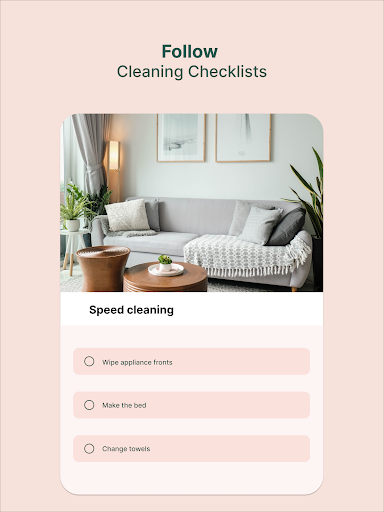
Tidy: House Cleaning Schedule screenshot
Permissions Explained 8 permissions requested View details

This app requests 8 permissions. The table below explains what each permission may allow and what users should review before installing.

Status Permission What it means Why it may be used User safety note
ℹ️ Review View Wi Fi Connections view Wi-Fi connections This is an Android permission or app-specific permission requested by the app. The app may use this permission for features related to its category, device support, background behavior, storage, connectivity, or system integration. Review this permission before installing, especially if it does not match the app’s expected purpose.
ℹ️ Review View Network Connections view network connections This is an Android permission or app-specific permission requested by the app. The app may use this permission for features related to its category, device support, background behavior, storage, connectivity, or system integration. Review this permission before installing, especially if it does not match the app’s expected purpose.
ℹ️ Review Full Network Access full network access This is an Android permission or app-specific permission requested by the app. The app may use this permission for features related to its category, device support, background behavior, storage, connectivity, or system integration. Review this permission before installing, especially if it does not match the app’s expected purpose.
ℹ️ Review Run At Startup run at startup This is an Android permission or app-specific permission requested by the app. The app may use this permission for features related to its category, device support, background behavior, storage, connectivity, or system integration. Review this permission before installing, especially if it does not match the app’s expected purpose.
ℹ️ Review Control Vibration control vibration This is an Android permission or app-specific permission requested by the app. The app may use this permission for features related to its category, device support, background behavior, storage, connectivity, or system integration. Review this permission before installing, especially if it does not match the app’s expected purpose.
ℹ️ Review Prevent Device From Sleeping prevent device from sleeping This is an Android permission or app-specific permission requested by the app. The app may use this permission for features related to its category, device support, background behavior, storage, connectivity, or system integration. Review this permission before installing, especially if it does not match the app’s expected purpose.
ℹ️ Review Read Google Service Configuration read Google service configuration This is an Android permission or app-specific permission requested by the app. The app may use this permission for features related to its category, device support, background behavior, storage, connectivity, or system integration. Review this permission before installing, especially if it does not match the app’s expected purpose.
ℹ️ Review Receive Data From Internet receive data from Internet This is an Android permission or app-specific permission requested by the app. The app may use this permission for features related to its category, device support, background behavior, storage, connectivity, or system integration. Review this permission before installing, especially if it does not match the app’s expected purpose.

About Tidy: House Cleaning Schedule

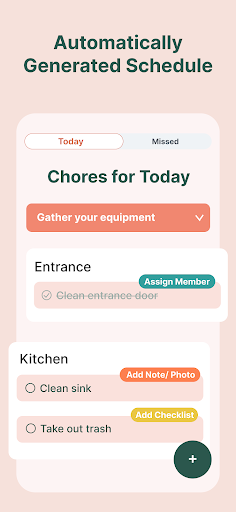
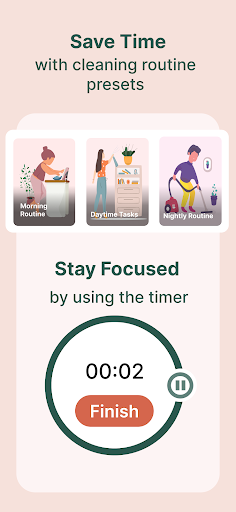
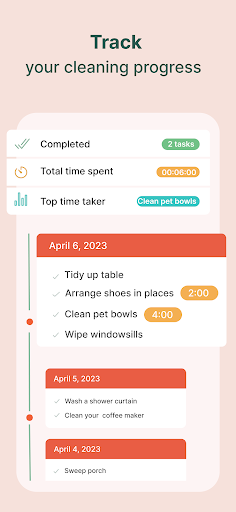
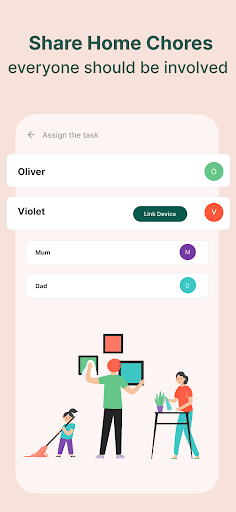
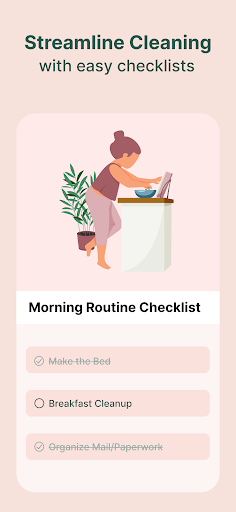
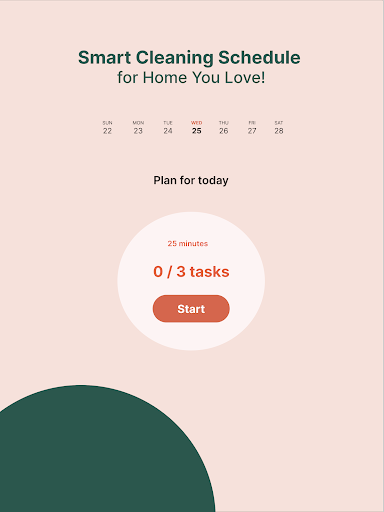
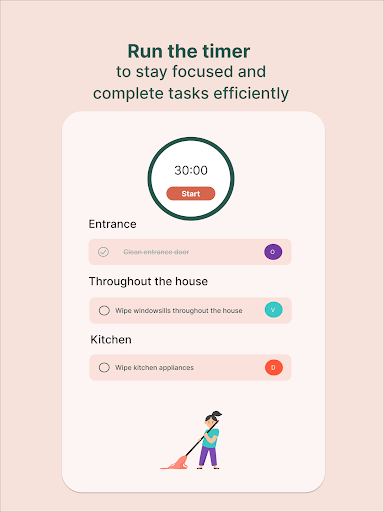
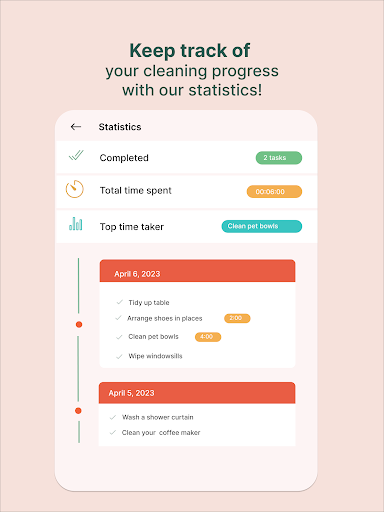
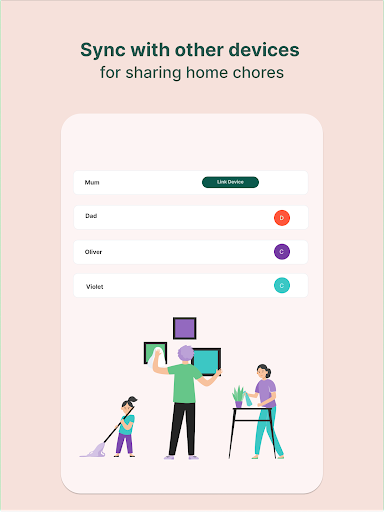
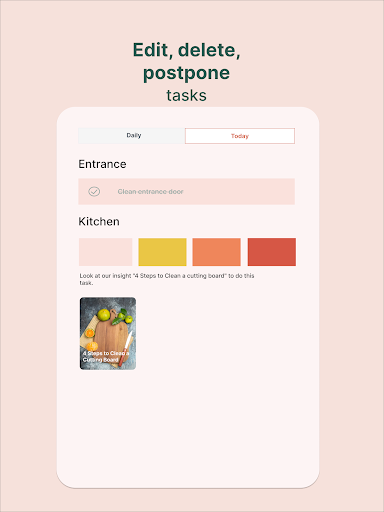
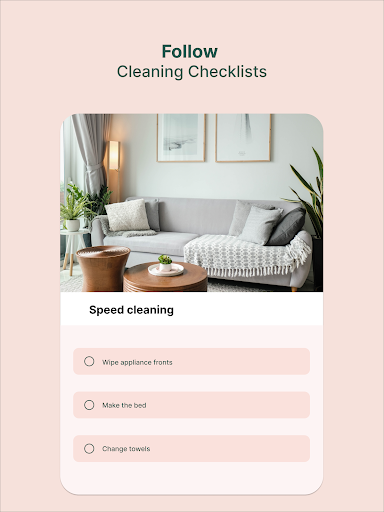
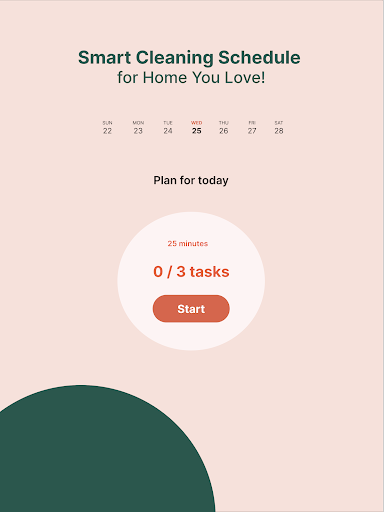
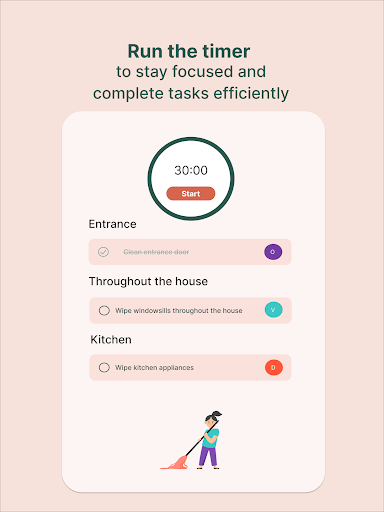
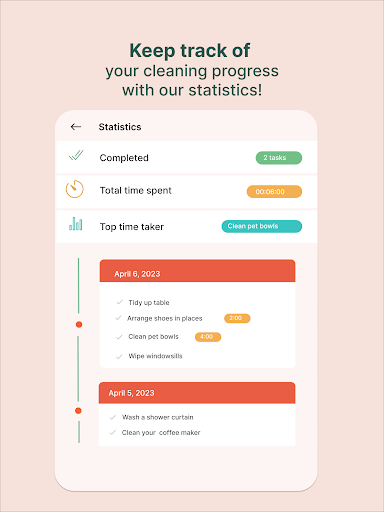
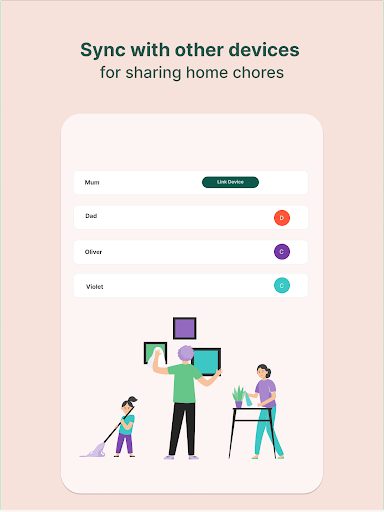
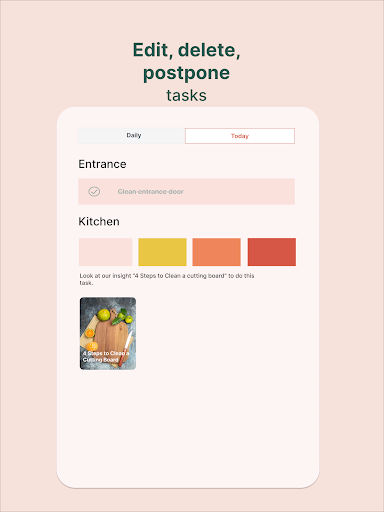
Tidy is a house cleaning schedule, chore tracker, and housekeeping app that helps you keep your home clean without feeling overwhelmed. Create a personalized cleaning checklist, plan daily, weekly, and monthly chores, and stay on top of housework with simple routines for every room. Whether you need a cleaning plan for the kitchen, bathroom, bedroom, or living room, Tidy helps you organize tasks, track completed chores, and build a routine that fits your lifestyle. Create your cleaning routine • Add rooms and areas in a few taps • Get a custom chore list for each room • Schedule recurring chores for daily, weekly, and monthly cleaning • Update your cleaning plan anytime Track chores and progress • Check off tasks as you finish them • See what was cleaned and what needs attention next • Use a clear housework checklist to stay consistent and motivated Share chores with your household • Plan chores with family, roommates, or a partner • Split tasks and stay in sync • Keep everyone on the same cleaning schedule Stay motivated • Try cleaning challenges and decluttering routines • Turn big cleaning jobs into small, manageable tasks • Build better housekeeping habits over time Why people choose Tidy • Cleaning checklist for every room • Chore calendar and recurring task planner • House cleaning schedule for busy households • Custom rooms and custom tasks • Offline access and fast sync • Ad-free experience If you want a simple cleaning app, chore organizer, home cleaning planner, and housekeeping checklist in one place, Tidy helps you stay organized and keep your home tidy every day.

What Tidy: House Cleaning Schedule Is Used For

Tidy appears to be a home organization app focused on cleaning schedules, chore tracking, and household routines. Based on the metadata, people may use it to plan regular housework for different rooms, such as the kitchen, bathroom, bedroom, and living room, and to keep a simple checklist of what has been done and what still needs attention.

The app also seems useful for households that want to divide chores among family members, roommates, or a partner. Its recurring daily, weekly, and monthly task planning suggests it is meant for ongoing routine management rather than one-time cleaning. The permission set includes network access and startup behavior, which may support syncing and background reminders, while vibration and sleep prevention could relate to task alerts or keeping the app responsive during use.

Common uses

  • Create room-based cleaning checklists for different areas of the home
  • Plan recurring chores on a daily, weekly, or monthly schedule
  • Track completed tasks and see what still needs attention
  • Split household chores with family, roommates, or a partner
  • Use cleaning challenges or decluttering routines for bigger jobs
  • Organize housekeeping on a phone for quick, everyday use
Best for:
busy households chore planning cleaning checklists shared chores phone app

App Details

Package:
com.cklab.cleaning
Category:
House & Home
Developer:
Artem Chakhouski
Version:
4.2.3
Updated:
Mar 24, 2026
Min Android:
7.0
Age Rating:
Everyone
Contains Ads:
No
In-App Purchases:
Yes

Official Listing

  • Official listing available on Google Play
  • Package name: com.cklab.cleaning
  • Age rating: Everyone

Explore More

Browse more apps in House & Home or explore the Phone hub .

Related House & Home Apps

AlfredCamera Home Security app icon

AlfredCamera Home Security app

House & Home Alfred Systems Inc.

Turn old phones into security cameras, baby monitors, pet cams, and more.

Version 2026.6.1 82.5 MB ⭐ 4.70 50,000,000+ installs
Planner 5D: AI Home Design icon

Planner 5D: AI Home Design

House & Home Planner 5D

House Design & AI Room planner tool. Create 3D Floor Plans and Interior designs

Version 2.69.0 206.0 MB ⭐ 4.50 50,000,000+ installs
Home Planner AI: Room Interior icon

Home Planner AI: Room Interior

House & Home Room Planner Ltd

AI floor creator to design your dream house, plan rooms & style your home

Version 2612 95.9 MB ⭐ 4.00 10,000,000+ installs
Universal TV Remote Control icon

Universal TV Remote Control

House & Home TV Master - Smart TV Remote Control

TV Remote Universal Control App, an All Remote for control universal smart TV

Version 5.6 24.7 MB ⭐ 4.30 10,000,000+ installs

How to Download Tidy: House Cleaning Schedule

If this app is not hosted directly on APKApps official link, then for the safest and most up-to-date version, install it from its official Google Play listing.