About Closet Planner 3D
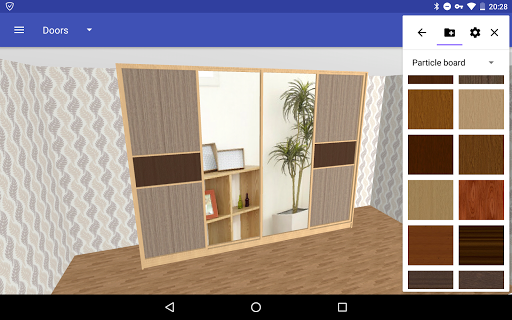
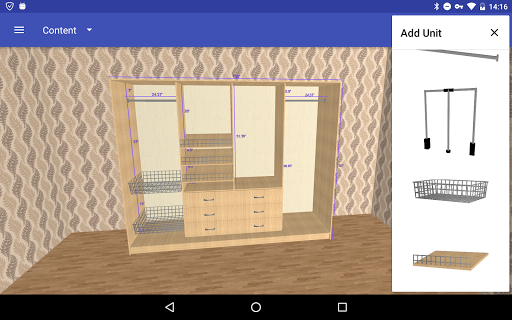
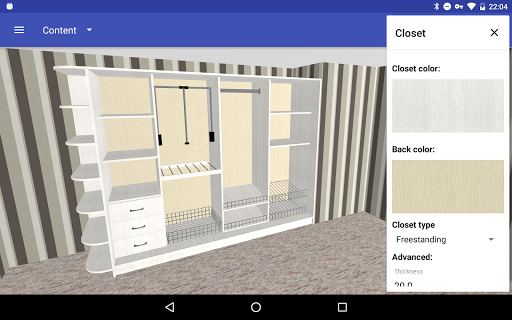
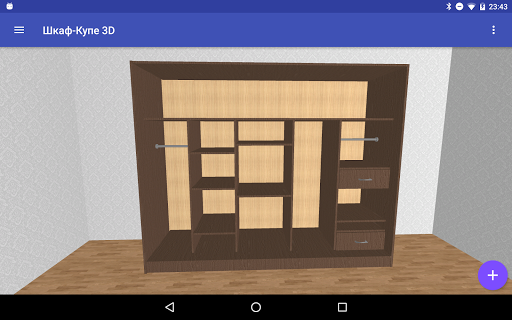
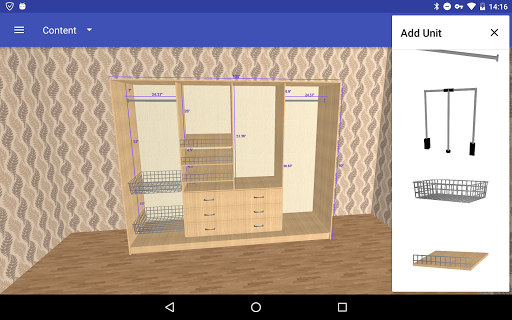
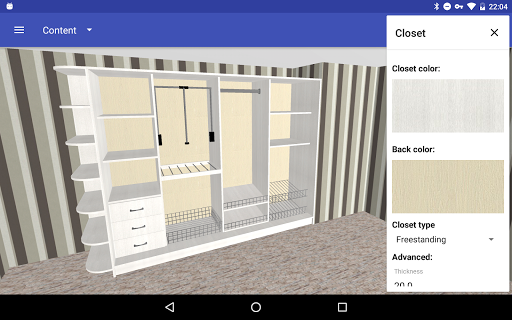
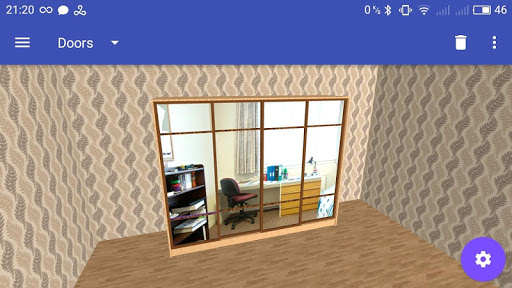
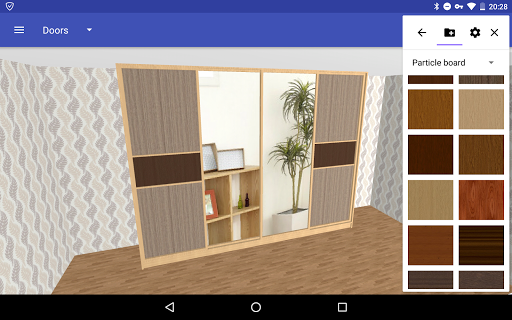
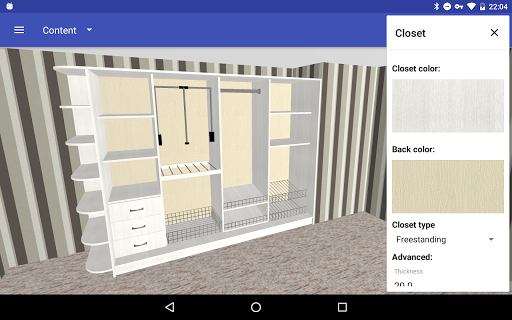
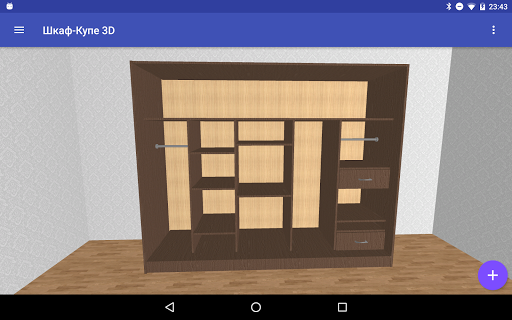
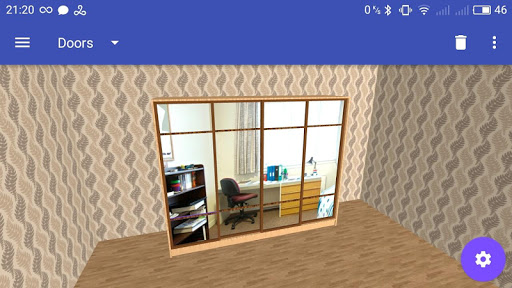
Closet Planner 3D is the easiest 3D design software for professional or amateur designers that lets you create in a few minutes a fully customized closet. Make a whole amazing design in just a few simple steps and share it with your friends. Design in real time with every detail of the closet. Create, move, customize or just recreate any component at any moment. Choose interesting colors, sizes, keep the successful versions and print them. Become your own interior designer with the help of the Closet Planner 3D! Functions available in the FREE version: - adjustment of the content of the wardrobe (shelves and partitions, pantographs, baskets and other modules) - configuration of sliding doors (mirror, particle board, glass) - saving and opening of the project - saving wardrobe image - room, floor and wall color settings Functions available in the PRO version: - display of the shelves sizes - undo of the action for more convenient work - function of import and export of the project for transfer of files between devices or sending by mail - side shelves Of course, there are plans to add new functions: - Corner cabinets - Possibility to build storage rooms and cloakrooms
What Closet Planner 3D Is Used For
Closet Planner 3D appears to be a phone app for planning and visualizing custom closet layouts in 3D. Based on the metadata, it is aimed at people designing wardrobes or storage spaces and may be useful for both home users and professional designers who want to sketch a layout before building or ordering parts.
The app seems focused on arranging closet components such as shelves, partitions, baskets, and sliding doors, then adjusting colors and sizes to see how the design looks in real time. It also supports saving projects and wardrobe images, which suggests it may be used to compare design ideas, keep versions, or share a finished concept with others. The listed storage permission fits these file-saving features, while network access may relate to sharing or syncing project-related content.
In practical use, Closet Planner 3D may help with early-stage planning for bedrooms, closets, or storage areas where you want a simple visual mockup instead of drawing by hand. The metadata also mentions print output and project transfer in the PRO version, so it appears to support moving designs between devices or preparing them for reference during a renovation or custom furniture discussion.
Common uses
- Plan a custom closet or wardrobe layout in 3D
- Arrange shelves, partitions, baskets, and other modules
- Configure sliding doors with different material options
- Change room, wall, and floor colors to preview the design
- Save design versions and export wardrobe images
- Use it on a phone for quick home design sketches
- Transfer or share projects if using PRO features
App Details
Package:
com.closetsketcher
Developer:
Ovchinnikov Andrey
Version:
2.18.0
Updated:
Nov 16, 2024
Min Android:
7.0
Age Rating:
Everyone
Contains Ads:
Yes
In-App Purchases:
Yes
Official Listing
-
Official listing available on
Google Play
-
Package name:
com.closetsketcher
-
Age rating:
Everyone
Related House & Home Apps
House & Home
•
CodeMatics Media Solutions
Version 3.0.8
⭐ 3.90
100,000,000+ installs
House & Home
•
Alfred Systems Inc.
Turn old phones into security cameras, baby monitors, pet cams, and more.
Version 2026.6.1
82.5 MB
⭐ 4.70
50,000,000+ installs
House & Home
•
Planner 5D
House Design & AI Room planner tool. Create 3D Floor Plans and Interior designs
Version 2.69.0
206.0 MB
⭐ 4.50
50,000,000+ installs
House & Home
•
One Music Player
Version 7.0.1
⭐ 4.20
10,000,000+ installs
House & Home
•
Room Planner Ltd
AI floor creator to design your dream house, plan rooms & style your home
Version 2612
95.9 MB
⭐ 4.00
10,000,000+ installs
House & Home
•
TV Master - Smart TV Remote Control
TV Remote Universal Control App, an All Remote for control universal smart TV
Version 5.6
24.7 MB
⭐ 4.30
10,000,000+ installs
How to Download Closet Planner 3D
If this app is not hosted directly on APKApps official link,
then for the safest and most up-to-date version, install it from its official Google Play listing.