








About The New Yorker
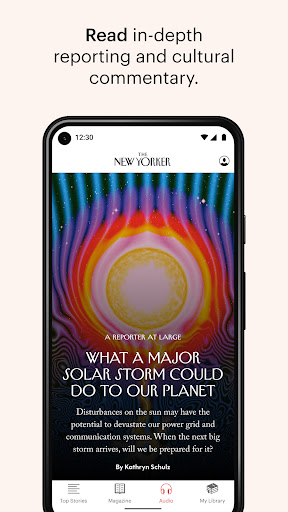
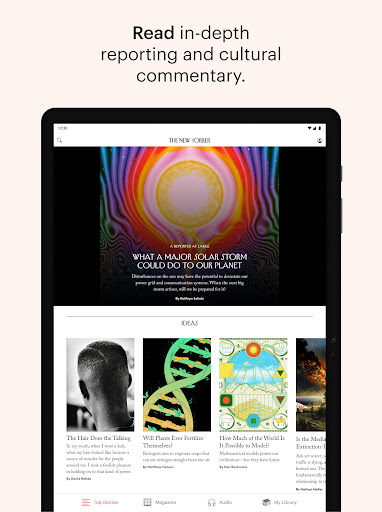
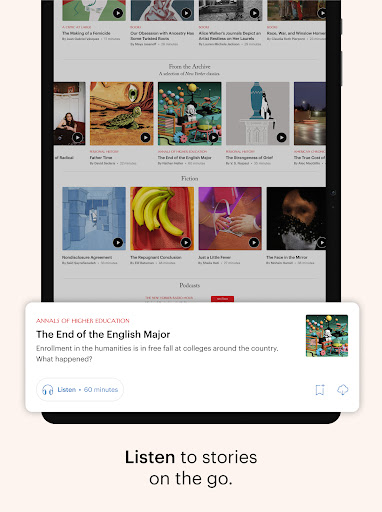
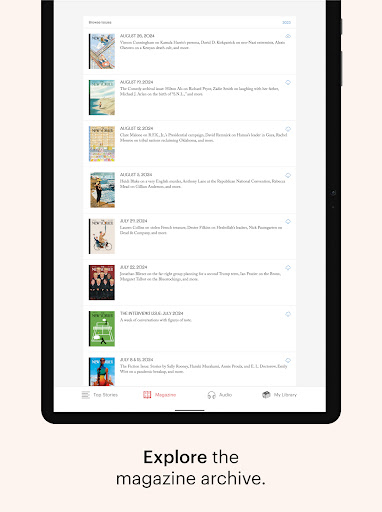
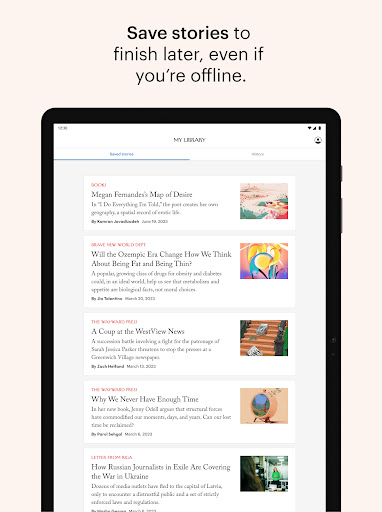
The New Yorker app is your digital destination for in-depth reporting, political and cultural commentary, fiction, and humor from New Yorker staff writers and contributors around the world. Stay up to date. Read or listen to top stories from your favorite writers, every day. Turn on notifications so you never miss an important story or your favorite topic. Be transported. News and politics. Books and culture. Fiction and poetry. Discover rich storytelling and rigorous reporting that will sweep you away and introduce you to something new. Go about your day. When your hands are full, listen to featured stories read by world-class narrators. If you need a break, solve a crossword puzzle or Name Drop quiz. And, when you’re on the go, save stories to access them on any device, even offline. The app is free to download. Subscribers receive unlimited access. Most current New Yorker subscribers have unlimited access to the app as part of their existing subscription. Subscribers with a print-only subscription may not have unlimited access. App subscribers have full access to the Web site, including the archive and most recent issue. Users who have trouble accessing stories can e-mail [email protected] for assistance. Non-subscribers may access the app by starting a free trial. A subscription costs $11.99 a month or $119.99 annually, and includes a 7-day free trial, after which it will automatically renew and your account will be charged, unless auto-renew is turned off before the end of the current period. Any unused portion of a free trial period, if offered, will be forfeited when the user purchases a subscription to that publication, where applicable. Subscriptions may be managed by the user, and auto-renewal may be turned off by updating the user’s Google Play Store subscriptions after purchase. Payment will be charged to the Google Play account at confirmation of purchase. Information about our Terms of Service & Privacy Policy can be found at http://www.condenast.com/privacy-policy.
What The New Yorker Is Used For
The New Yorker app appears to be a digital reading app for news, commentary, fiction, and culture content from The New Yorker. Based on the metadata, people commonly use it to read long-form reporting, political analysis, essays, and short fiction on a phone, either in the app or by saving items for later. It also supports listening to featured stories, which may make it useful when reading is not convenient.
Because it is a News & Magazines app, it may appeal to readers who want regular updates from a magazine-style publication rather than quick news alerts only. The notification and startup-related permissions suggest the app can send updates and keep some background functions ready, while storage access appears to support offline saving of stories. The app also includes extras like crosswords and the Name Drop quiz, so it may be used for a mix of reading and light puzzle activity. Subscription access is part of the app experience, with some content available through a trial or existing subscription.
Because it is a News & Magazines app, it may appeal to readers who want regular updates from a magazine-style publication rather than quick news alerts only. The notification and startup-related permissions suggest the app can send updates and keep some background functions ready, while storage access appears to support offline saving of stories. The app also includes extras like crosswords and the Name Drop quiz, so it may be used for a mix of reading and light puzzle activity. Subscription access is part of the app experience, with some content available through a trial or existing subscription.
Common uses
- Read long-form articles, essays, and commentary
- Listen to narrated stories on the go
- Save stories for offline reading
- Get notifications for new stories or topics
- Use crossword and quiz features for light puzzles
- Access magazine-style reporting and fiction on a phone
App Details
Package:
com.condenast.thenewyorker.android
com.condenast.thenewyorker.android
Category:
News & Magazines
News & Magazines
Developer:
Condé Nast Digital
Condé Nast Digital
Version:
10.0.2
10.0.2
Updated:
Mar 26, 2026
Mar 26, 2026
Min Android:
7.0
7.0
Age Rating:
Everyone
Everyone
Contains Ads:
No
No
In-App Purchases:
Yes
Yes
Official Listing
- Official listing available on Google Play
- Package name: com.condenast.thenewyorker.android
- Age rating: Everyone
Explore More
Browse more apps in News & Magazines or explore the Phone hub .
Related News & Magazines Apps
NewsBreak: Local News & Alerts
Reconnect with your neighborhood! Daily news alerts for local news headlines!
Version 26.13.3
60.6 MB
⭐ 4.60
50,000,000+ installs

ZINIO - Magazine Newsstand
Read your favorite magazines on the world's first and largest digital newsstand
Version 4.72.2
51.2 MB
⭐ 4.30
50,000,000+ installs

CNN: Live & Breaking News
Stay informed on the day’s breaking news, live updates, and headlines with CNN.
Version 26.6.0
61.9 MB
⭐ 4.30
50,000,000+ installs

NYTimes: US and Global News
Version 11.68.0
44.6 MB
⭐ 4.70
10,000,000+ installs

Scanner Radio - Police Scanner
Live Breaking News & Alerts. Police, Fire, Weather Radios, Air Traffic, & more.
Version 8.23
52.9 MB
⭐ 4.70
10,000,000+ installs
How to Download The New Yorker
If this app is not hosted directly on APKApps official link, then for the safest and most up-to-date version, install it from its official Google Play listing.