IPVanish: VPN Location Changer icon

Phone

IPVanish: VPN Location Changer

Tools IPVanish VPN ⭐ 4.40 10,000,000+
Version Varies with device Everyone

Screenshots

IPVanish: VPN Location Changer screenshot
Permissions Explained 7 permissions requested View details

This app requests 7 permissions. The table below explains what each permission may allow and what users should review before installing.

Status Permission What it means Why it may be used User safety note
ℹ️ Review View Wi Fi Connections view Wi-Fi connections This is an Android permission or app-specific permission requested by the app. The app may use this permission for features related to its category, device support, background behavior, storage, connectivity, or system integration. Review this permission before installing, especially if it does not match the app’s expected purpose.
ℹ️ Review View Network Connections view network connections This is an Android permission or app-specific permission requested by the app. The app may use this permission for features related to its category, device support, background behavior, storage, connectivity, or system integration. Review this permission before installing, especially if it does not match the app’s expected purpose.
ℹ️ Review Full Network Access full network access This is an Android permission or app-specific permission requested by the app. The app may use this permission for features related to its category, device support, background behavior, storage, connectivity, or system integration. Review this permission before installing, especially if it does not match the app’s expected purpose.
ℹ️ Review Run At Startup run at startup This is an Android permission or app-specific permission requested by the app. The app may use this permission for features related to its category, device support, background behavior, storage, connectivity, or system integration. Review this permission before installing, especially if it does not match the app’s expected purpose.
ℹ️ Review Draw Over Other Apps draw over other apps This is an Android permission or app-specific permission requested by the app. The app may use this permission for features related to its category, device support, background behavior, storage, connectivity, or system integration. Review this permission before installing, especially if it does not match the app’s expected purpose.
ℹ️ Review Prevent Device From Sleeping prevent device from sleeping This is an Android permission or app-specific permission requested by the app. The app may use this permission for features related to its category, device support, background behavior, storage, connectivity, or system integration. Review this permission before installing, especially if it does not match the app’s expected purpose.
ℹ️ Review Receive Data From Internet receive data from Internet This is an Android permission or app-specific permission requested by the app. The app may use this permission for features related to its category, device support, background behavior, storage, connectivity, or system integration. Review this permission before installing, especially if it does not match the app’s expected purpose.

About IPVanish: VPN Location Changer

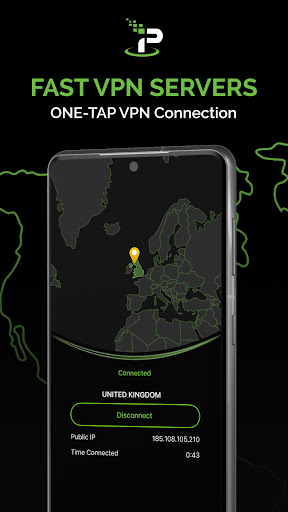
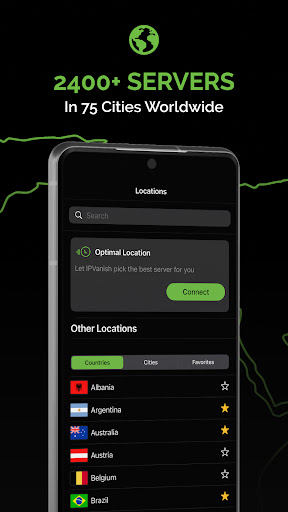
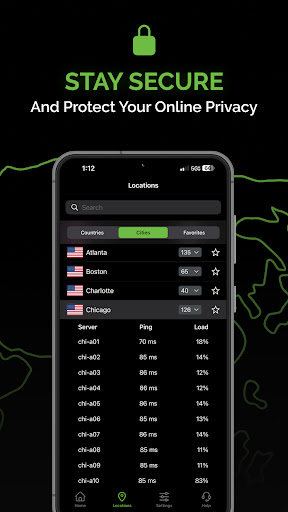
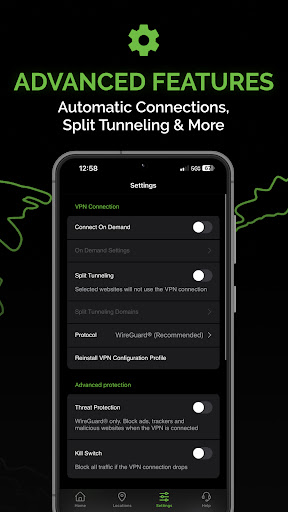
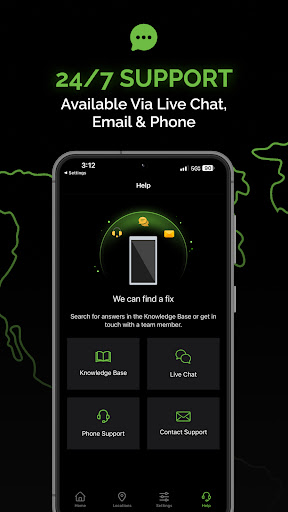
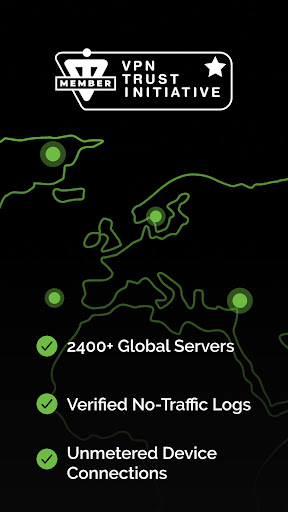
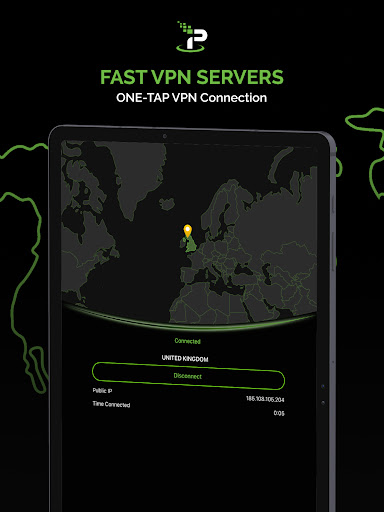
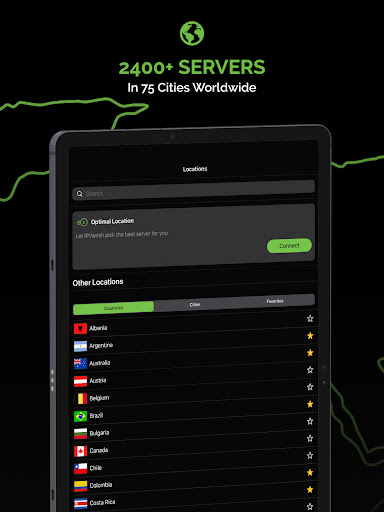
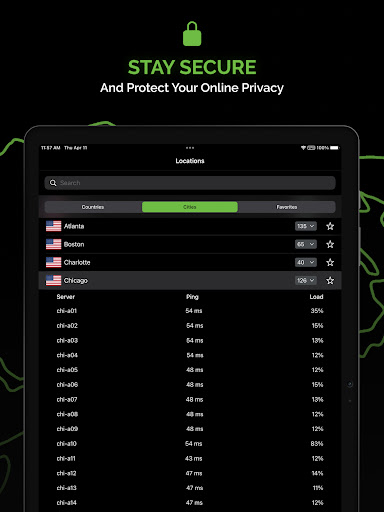
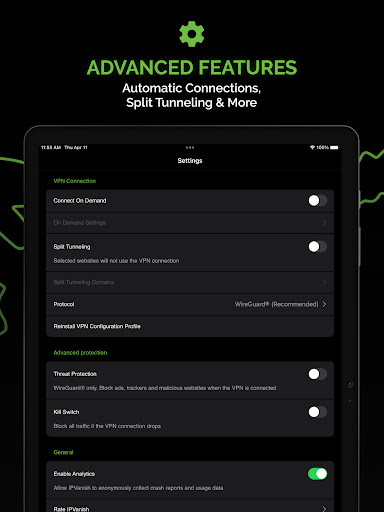
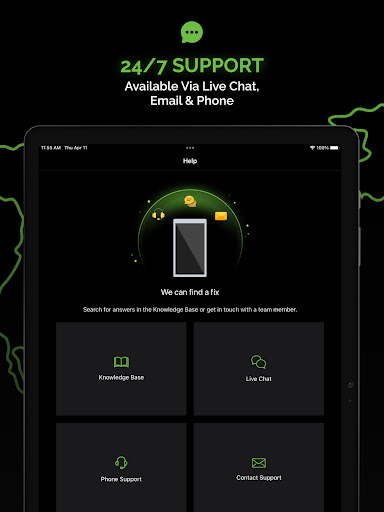
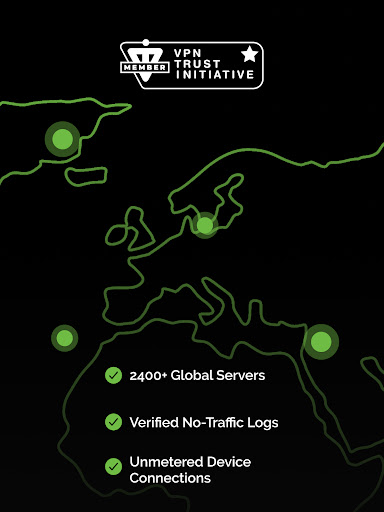
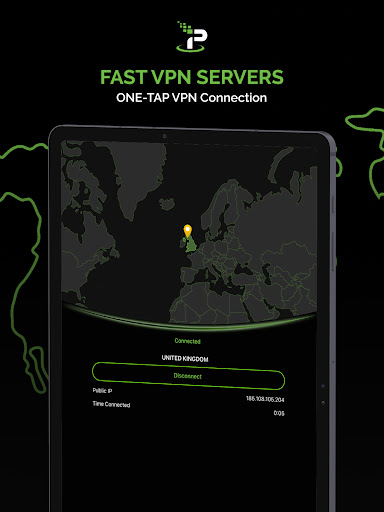
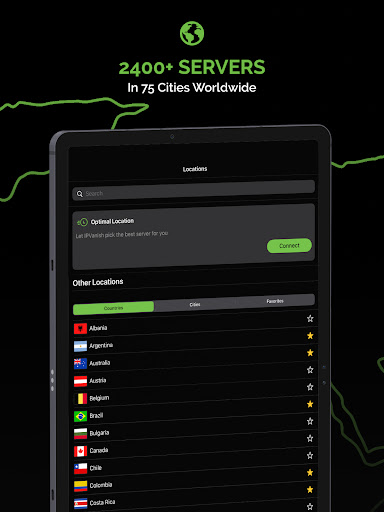
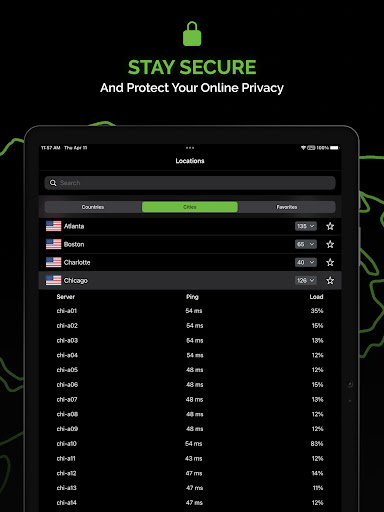
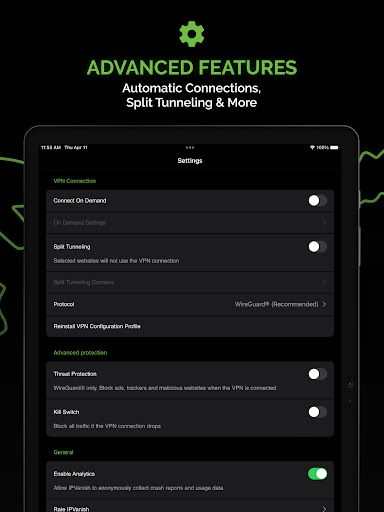
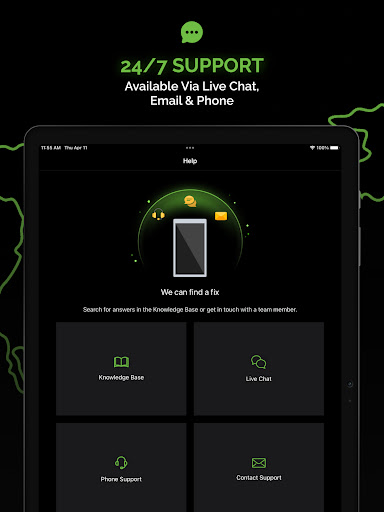
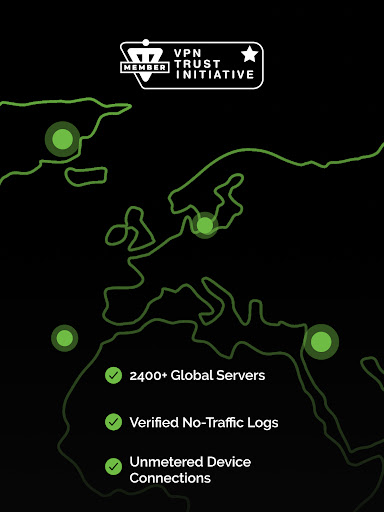
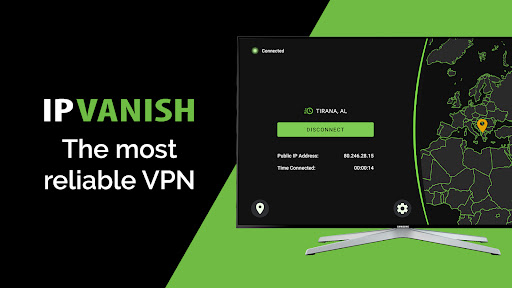
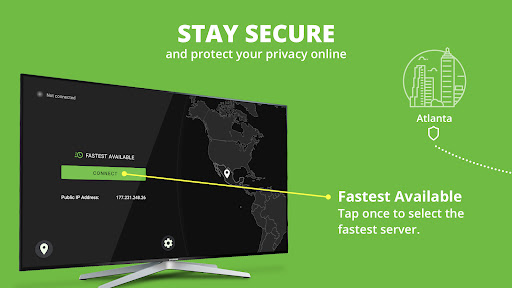
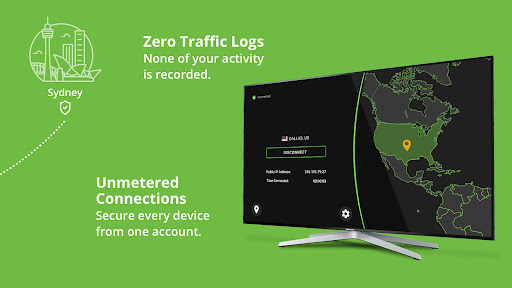
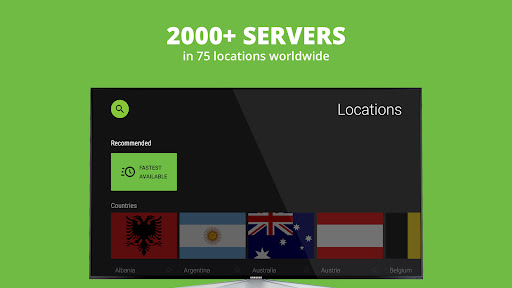
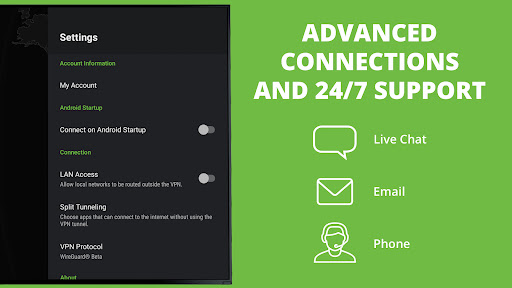
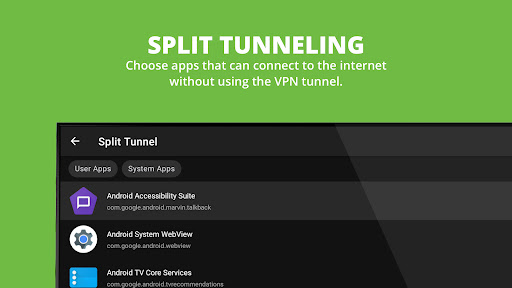
Get the IPVanish VPN app for unlimited access to fast VPN servers all over the world. With IPVanish VPN, you can change your location and IP address, and get unlimited VPN access to secure and fast browsing speeds when connected to WiFi hotspots! Enjoy ultimate security with IPVanish VPN, equipped with elite military-grade encryption to shield your personal information from cyber threats. Boost your security and internet protection with IPVanish VPN's advanced mobile security features, helping to ensure safe and reliable browsing! Location Changer with Ultra VPN Protection IPVanish VPN allows you to change your device's location and IP address to countries and cities all over the world. In addition to changing locations, IPVanish VPN provides secure encrypted connections from anywhere in the world. Eliminate cyber threats and stay safe online. WiFi Security & Privacy with IPVanish VPN IPVanish VPN Proxy shields your valuable data on public WiFi hotspots, providing exceptional security and privacy. Leverage state-of-the-art data encryption protocols to help assure your privacy and solidify your connections in all online communications. Connect to public WiFi hotspots with confidence, whether you're traveling, working from a coffee shop, or browsing on any public WiFi network. IPVanish VPN delivers unwavering protection for your online activities, helping to ensure optimal safety and peace of mind. ► IPVANISH HELPS YOU: • Secure WiFi & mobile networks • Thwart ads, stop trackers, and block harmful websites • Protect your data from third parties & sites • Shield your visible location with an IP changer • Set up automatic fast VPN connections • Secure access to media • IP address changer to conceal your IP address from tracking • Keep your app VPN activity more anonymous • Defend yourself from DDoS attacks while gaming • Encrypt network traffic to shield it from snoopers • Use online banking securely • Download & share private files quickly ► IPVANISH VPN FEATURES • Free VPN and free trial to download and try IPVanish VPN • Access to over 2,400 fast VPN servers in 90+ locations • Super VPN server speeds and network performance • No traffic logs are recorded, verified in a third-party audit • 24/7 customer support via in-app live chat, email, and phone • Secure VPN connections for every device you own from one account • WireGuard ®, OpenVPN, and IKEv2 connection protocols • Advanced-standard encryption (AES-256) • Optimal Location, which automatically picks the best VPN server available • Split-tunneling, which allows specific apps to operate outside the VPN • IPv6 leak protection, which drives all traffic through IPv4 • SOCKS5 proxy complementary with every account • Multi-platform support: VPN for iPhone, Android, Fire TV, Apple TV, Chromebook, Windows, Mac PRIVACY POLICY https://www.ipvanish.com/privacy-policy TERMS OF SERVICE https://www.ipvanish.com/tos/ CONTACT US If you need help, have a question, or want to leave feedback, email us at…

What IPVanish: VPN Location Changer Is Used For

Based on the metadata, IPVanish: VPN Location Changer appears to be a VPN and network privacy app for Android phones. People commonly use apps like this to route internet traffic through remote servers, which may change the device’s visible IP address and location, especially when using public Wi‑Fi or other shared networks.

It also appears intended for general connection privacy and security tasks such as encrypting network traffic, reducing exposure on Wi‑Fi hotspots, and managing access to region-dependent online services. The permissions for network access, Wi‑Fi status, startup behavior, and keeping the device awake fit a tool that maintains an always-on VPN connection in the background. Because it is a phone app in the Tools category, it is likely used for everyday browsing, travel, and mobile internet use rather than for media or gaming specifically.

Common uses

  • Change the device’s visible IP address and location
  • Create encrypted connections on public Wi‑Fi
  • Use a VPN for more private mobile browsing
  • Keep a VPN connection running in the background
  • Access network traffic through remote server locations
  • Support secure internet use while traveling or away from home
  • Manage connection privacy on an Android phone
Best for:
mobile privacy public wifi use travel browsing phone app network protection

App Details

Package:
com.ixolit.ipvanish
Category:
Tools
Developer:
IPVanish VPN
Version:
Varies with device
Updated:
Jan 19, 2026
Min Android:
Varies with device
Age Rating:
Everyone
Contains Ads:
No
In-App Purchases:
Yes

Official Listing

  • Official listing available on Google Play
  • Package name: com.ixolit.ipvanish
  • Age rating: Everyone

Explore More

Browse more apps in Tools or explore the Phone hub .

Related Tools Apps

TunnelBear VPN icon

TunnelBear VPN

Tools TunnelBear, LLC

No data logging. No add-ons. Just privacy. Just protection

Version 4.9.4 12.5 MB ⭐ 3.70 10,000,000+ installs
Avast SecureLine VPN & Privacy icon

Avast SecureLine VPN & Privacy

Communication Avast Software

Secure internet & wifi: Use mobile browser anonymously through private tunnel

Version 7.1.14681 61.3 MB ⭐ 4.30 10,000,000+ installs

How to Download IPVanish: VPN Location Changer

If this app is not hosted directly on APKApps official link, then for the safest and most up-to-date version, install it from its official Google Play listing.