SuperDisplay - Virtual Monitor

Phone

SuperDisplay - Virtual Monitor

Productivity Coffee & Work ⭐ 4.60 1,000,000+
Version 1.2.25 Everyone

Screenshots

SuperDisplay - Virtual Monitor screenshot

About SuperDisplay - Virtual Monitor

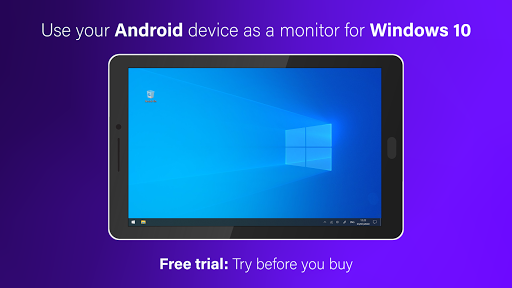
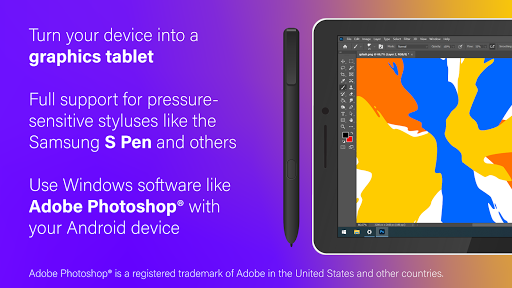
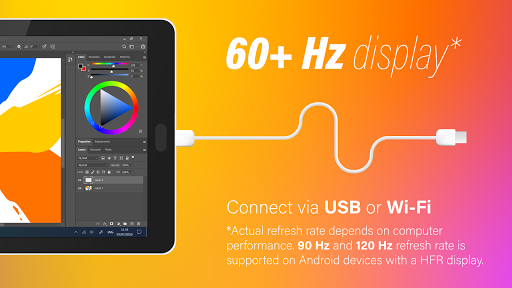
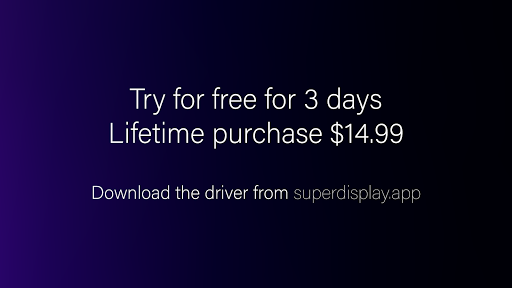
SuperDisplay turns your Android phone or tablet into a high-performance USB display with pressure support for Windows 10. Here's how to get started: ① Download SuperDisplay from Google Play. ② Download the Windows driver from https://superdisplay.app ③ Connect your device to your PC via USB or Wi-Fi. Second monitor SuperDisplay turns your Android device into a portable USB display for your Windows 10 PC. Duplicate or extend your screen simply by plugging in your phone or tablet. Superb performance A laggy display is as good as no display. SuperDisplay was built with performance in mind, and we’re not afraid to show it. SuperDisplay works at 60 fps for the optimal drawing and mirroring experience. Try the app for free to see for yourself. Pressure-sensitivity Turn your Android device into a graphics tablet and use apps like Adobe Photoshop® through it. SuperDisplay supports pressure-sensitive styluses like the Samsung S Pen making it ideal for digital art and other creative work. Adobe Photoshop® is a registered trademark of Adobe in the United States and other countries.

App Details

Package:
com.kelocube.mirrorclient
Category:
Productivity
Developer:
Coffee & Work
Version:
1.2.25
Updated:
Oct 17, 2025
Min Android:
5.0
Age Rating:
Everyone
Contains Ads:
No
In-App Purchases:
Yes

Permissions

This app requests 5 permissions.

  • record audio
  • view Wi-Fi connections
  • view network connections
  • full network access
  • Google Play license check

Official Listing

  • Official listing available on Google Play
  • Package name: com.kelocube.mirrorclient
  • Age rating: Everyone

Explore More

Browse more apps in Productivity or explore the Phone hub .

Related Productivity Apps

Microsoft OneDrive icon

Microsoft OneDrive

Productivity Microsoft Corporation

Securely save and share your favorite memories and files across your devices.

Version Varies with device 89.8 MB ⭐ 4.60 5,000,000,000+ installs
Google One icon

Google One

Productivity Google LLC

Cloud storage, automatic phone backup, and more.

Version 1.302.885140631 25.5 MB ⭐ 4.10 1,000,000,000+ installs
Microsoft Word: Edit Documents icon

Microsoft Word: Edit Documents

Productivity Microsoft Corporation

Craft your story with formatting and grammar tools to ensure it’s right, always

Version Varies with device 120.4 MB ⭐ 4.80 1,000,000,000+ installs
Microsoft Excel: Spreadsheets icon

Microsoft Excel: Spreadsheets

Productivity Microsoft Corporation

Use powerful, industry-leading AI tools to generate visual charts from any data

Version Varies with device 230.4 MB ⭐ 4.80 1,000,000,000+ installs
Microsoft PowerPoint icon

Microsoft PowerPoint

Productivity Microsoft Corporation

Seamlessly integrate data and reports to build your presentation to impress

Version Varies with device 226.3 MB ⭐ 4.80 1,000,000,000+ installs
Microsoft Outlook icon

Microsoft Outlook

Productivity Microsoft Corporation

Stay on top of multiple accounts with emails, calendars & contacts in one place

Version 5.2611.0 106.4 MB ⭐ 4.40 1,000,000,000+ installs

How to Download SuperDisplay - Virtual Monitor

If this app is not hosted directly on APKApps official link, then for the safest and most up-to-date version, install it from its official Google Play listing.