About Battleship: The Board Game
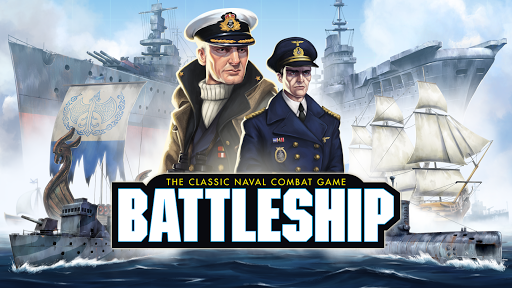
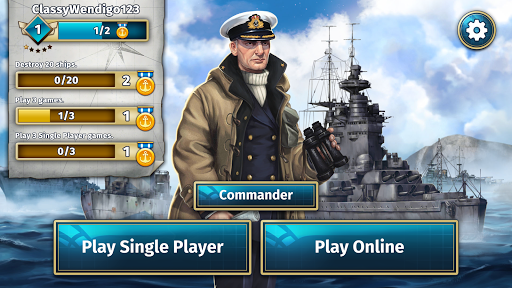
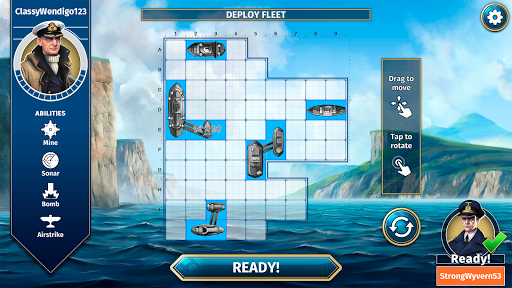
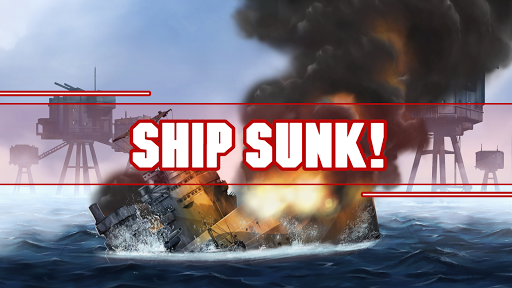
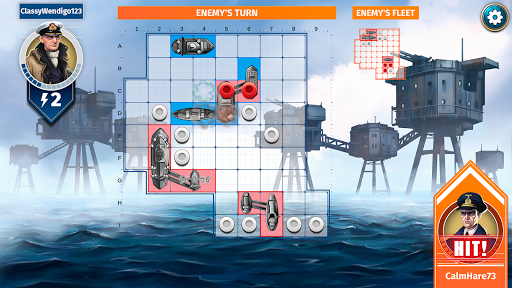
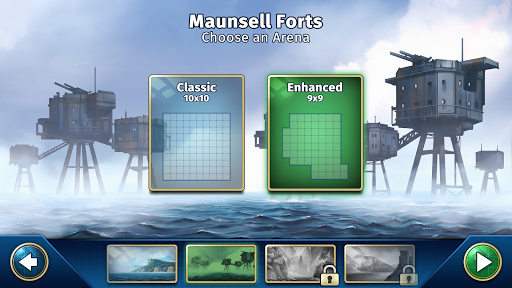
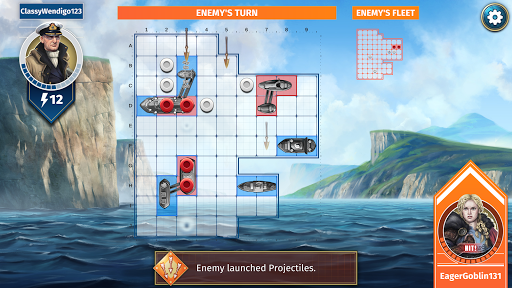
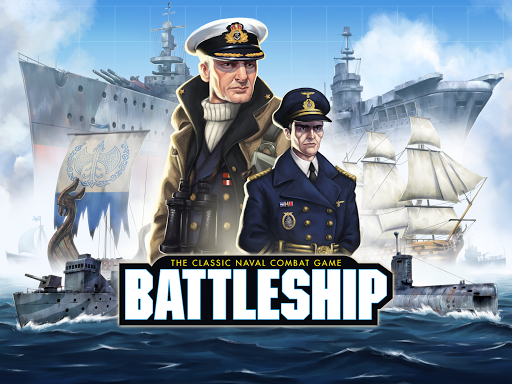
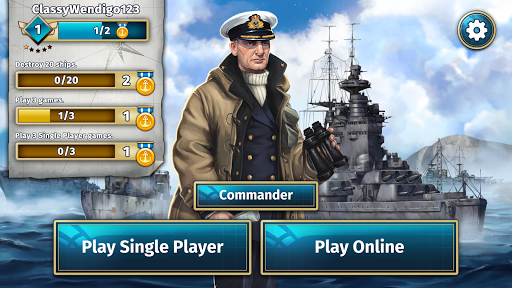
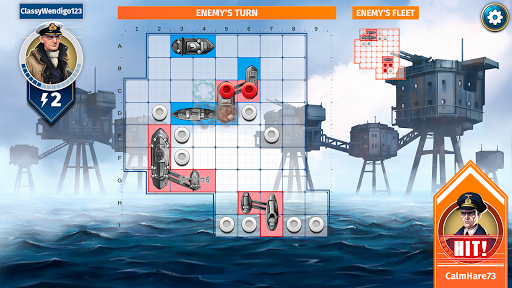
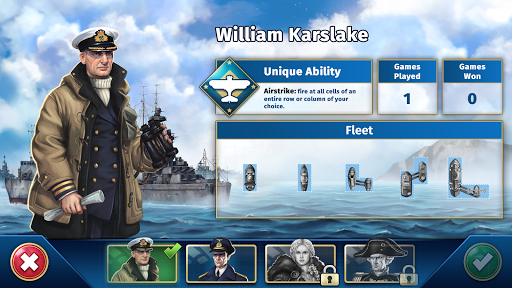
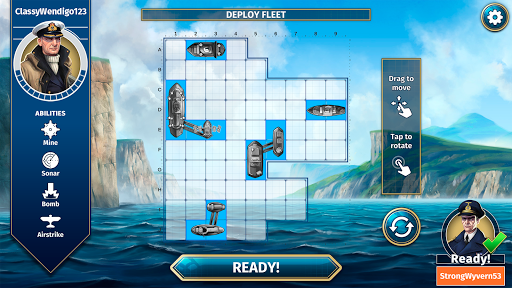
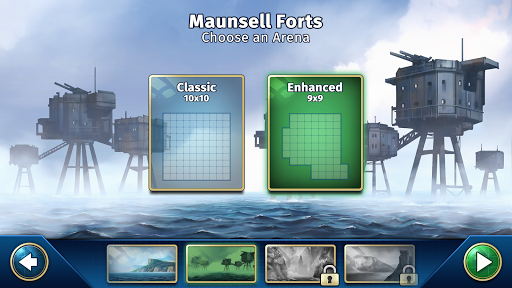
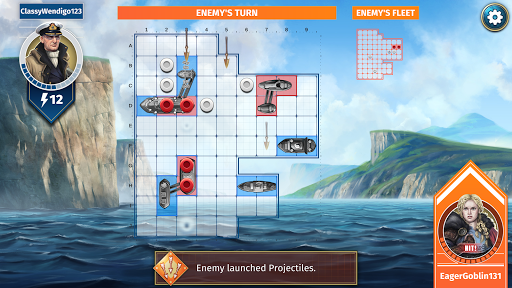
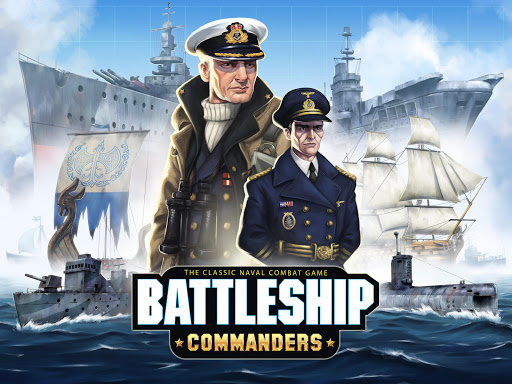
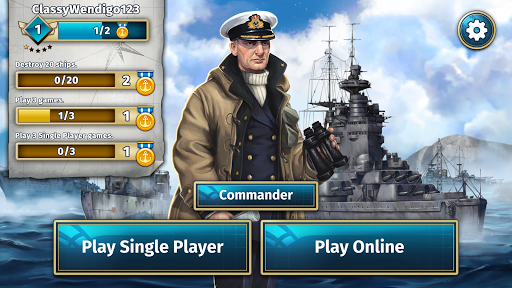
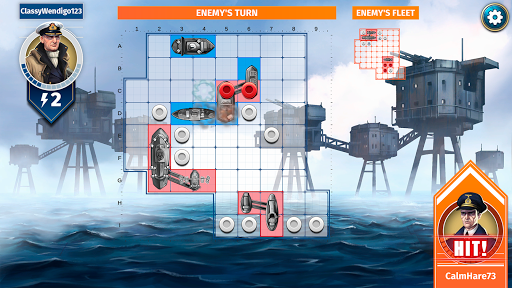
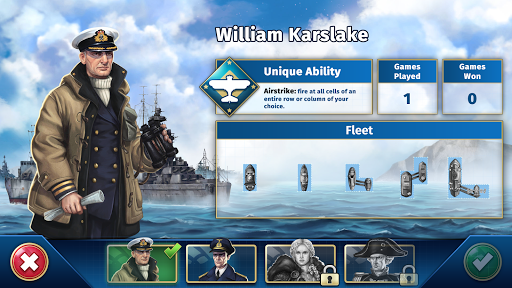
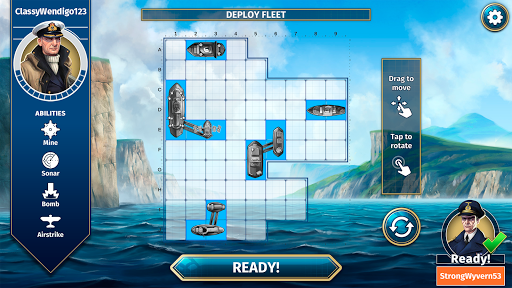
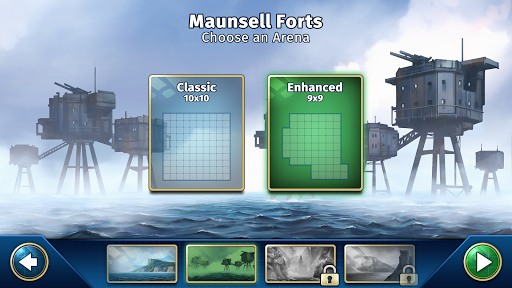
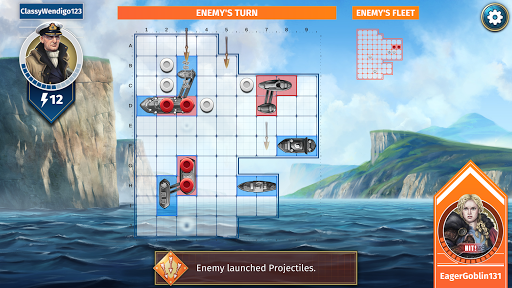
⚓🌊 Enter the arena and prepare to face your foe in Hasbro’s Battleship, the official and most faithful digital adaptation of the classic board game on mobile. Position your ships and face your enemy across a vast ocean. Success depends on how well you can read your opponent and the accuracy of your deductions. Choose your coordinates, launch your missiles and sink their fleet! It’s the two-player head-to-head combat game that’s different every time you play. With the base game, you’ll unlock three arenas to play in: Montevideo, Maunsell Forts and Fort St. Angelo. You’ll also get three playable Commanders: William Karslake, Johannes Schmidt and Giuseppe Ferrara! Use them across all game modes, including the brand-new Commanders Mode, where each will come equipped with a unique ability – William Karslake can order a devastating Airstrike, Johannes Schmidt launches a destructive Torpedo and Giuseppe Ferrara can unleash a Bombardment upon his opponent! HOW TO PLAY BATTLESHIP: 1. Decide where you want to place your ships on your grid. 2. Take turns to call out a coordinate on the grid – this is where you’ll launch your missiles. 3. If you correctly deduce the coordinate of one of your opponent’s ships, they’ll say “Hit!” If not, they’ll say “Miss!” 4. Once you’ve hit all the spaces a ship occupies, the ship sinks – “You sank my battleship!” 5. Sink all your opponent’s ships first to win! FEATURES - THE OFFICIAL BATTLESHIP GAME – There’s no better way to play your favourite tactical board game on mobile. - MULTIPLE MODES – Set sail in multiple ways. Play against expert AI opponents in Single Player, test your tactics against the world in Online Mode or challenge your friends in Play with Friends Mode. - EARN MEDALS – Complete fun in-game missions to earn medals! - NEW COMMANDERS MODE – A new, more tactical variation of the game! Pick from a variety of Commanders, each with unique abilities and ship shapes. Join your friends online and sink their fleet before they sink yours – play Hasbro’s Battleship today! BATTLESHIP is a trademark of Hasbro and is used with permission.
What Battleship: The Board Game Is Used For
Battleship: The Board Game appears to be a mobile adaptation of the classic two-player strategy board game. Based on the metadata, it is used for placing ships on a grid, choosing coordinates, and taking turns to guess where an opponent’s fleet is located. The core activity is deduction and turn-based play, where players try to sink all of the other side’s ships before their own are destroyed.
As a phone app in the Board category, it may be used for quick matches on the go, solo play against AI, or online head-to-head games with other players. The description also points to play with friends and a commanders mode that adds special abilities and different ship shapes, so the app seems aimed at users who want a more tactical version of the traditional Battleship experience on mobile. Its network permissions suggest online features are part of the app’s normal use, while storage access may relate to saving game data or app content.
Common uses
- Play the classic Battleship grid game on a phone
- Place ships and guess enemy coordinates in turn-based matches
- Use single-player mode to practice against AI opponents
- Join online matches against other players
- Play with friends in multiplayer sessions
- Try commanders mode for abilities and varied ship setups
- Complete in-game missions to earn medals
App Details
Package:
com.marmalade.battleship
Developer:
Marmalade Game Studio
Version:
1.4.0
Updated:
Oct 15, 2025
Min Android:
6.0
Age Rating:
Everyone
Contains Ads:
No
In-App Purchases:
Yes
Official Listing
-
Official listing available on
Google Play
-
Package name:
com.marmalade.battleship
-
Age rating:
Everyone
Related Board Apps
Board
•
Acram Digital sp z o.o.
Version 1.20.6
⭐ 4.30
100,000+ installs
Board
•
Acram Digital sp z o.o.
Version 1.3.7
⭐ 3.80
5,000+ installs
Board
•
Dire Wolf Digital
Version 1.2.0
⭐ 4.30
1,000+ installs
Board
•
smuttlewerk interactive
Sink the enemy!
Version 2.1.929
118.6 MB
⭐ 4.55
10,000,000+ installs
How to Download Battleship: The Board Game
If this app is not hosted directly on APKApps official link,
then for the safest and most up-to-date version, install it from its official Google Play listing.