NaturalReader - Text to Speech icon

Phone

NaturalReader - Text to Speech

Productivity Naturalsoft Limited ⭐ 4.40 1,000,000+
Version 9.41 Everyone

Screenshots

NaturalReader - Text to Speech screenshot
Permissions Explained 12 permissions requested View details

This app requests 12 permissions. The table below explains what each permission may allow and what users should review before installing.

Status Permission What it means Why it may be used User safety note
ℹ️ Review Read Phone Status And Identity read phone status and identity This is an Android permission or app-specific permission requested by the app. The app may use this permission for features related to its category, device support, background behavior, storage, connectivity, or system integration. Review this permission before installing, especially if it does not match the app’s expected purpose.
ℹ️ Review Read The Contents Of Your Usb Storage read the contents of your USB storage This is an Android permission or app-specific permission requested by the app. The app may use this permission for features related to its category, device support, background behavior, storage, connectivity, or system integration. Review this permission before installing, especially if it does not match the app’s expected purpose.
ℹ️ Review Modify Or Delete The Contents Of Your Usb Storage modify or delete the contents of your USB storage This is an Android permission or app-specific permission requested by the app. The app may use this permission for features related to its category, device support, background behavior, storage, connectivity, or system integration. Review this permission before installing, especially if it does not match the app’s expected purpose.
ℹ️ Review Take Pictures And Videos take pictures and videos This is an Android permission or app-specific permission requested by the app. The app may use this permission for features related to its category, device support, background behavior, storage, connectivity, or system integration. Review this permission before installing, especially if it does not match the app’s expected purpose.
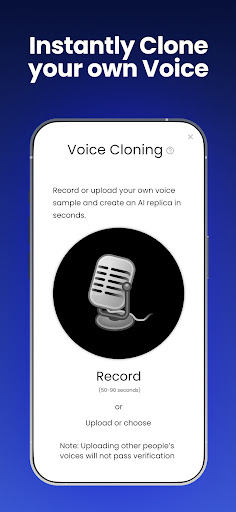
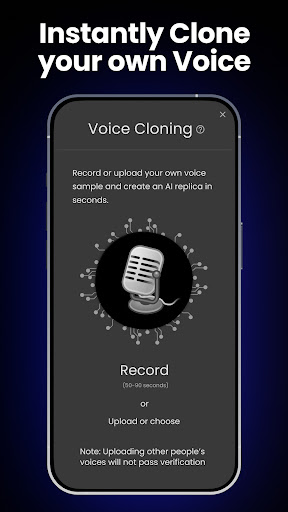
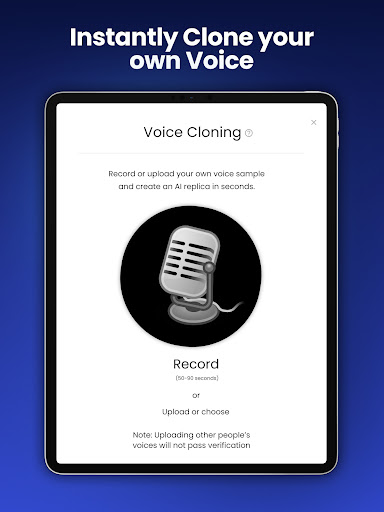
ℹ️ Review Record Audio record audio This is an Android permission or app-specific permission requested by the app. The app may use this permission for features related to its category, device support, background behavior, storage, connectivity, or system integration. Review this permission before installing, especially if it does not match the app’s expected purpose.
ℹ️ Review View Network Connections view network connections This is an Android permission or app-specific permission requested by the app. The app may use this permission for features related to its category, device support, background behavior, storage, connectivity, or system integration. Review this permission before installing, especially if it does not match the app’s expected purpose.
ℹ️ Review Expand/collapse Status Bar expand/collapse status bar This is an Android permission or app-specific permission requested by the app. The app may use this permission for features related to its category, device support, background behavior, storage, connectivity, or system integration. Review this permission before installing, especially if it does not match the app’s expected purpose.
ℹ️ Review Full Network Access full network access This is an Android permission or app-specific permission requested by the app. The app may use this permission for features related to its category, device support, background behavior, storage, connectivity, or system integration. Review this permission before installing, especially if it does not match the app’s expected purpose.
ℹ️ Review Change Your Audio Settings change your audio settings This is an Android permission or app-specific permission requested by the app. The app may use this permission for features related to its category, device support, background behavior, storage, connectivity, or system integration. Review this permission before installing, especially if it does not match the app’s expected purpose.
ℹ️ Review Prevent Device From Sleeping prevent device from sleeping This is an Android permission or app-specific permission requested by the app. The app may use this permission for features related to its category, device support, background behavior, storage, connectivity, or system integration. Review this permission before installing, especially if it does not match the app’s expected purpose.
ℹ️ Review Install Shortcuts install shortcuts This is an Android permission or app-specific permission requested by the app. The app may use this permission for features related to its category, device support, background behavior, storage, connectivity, or system integration. Review this permission before installing, especially if it does not match the app’s expected purpose.
ℹ️ Review Disable Or Modify Status Bar disable or modify status bar This is an Android permission or app-specific permission requested by the app. The app may use this permission for features related to its category, device support, background behavior, storage, connectivity, or system integration. Review this permission before installing, especially if it does not match the app’s expected purpose.

About NaturalReader - Text to Speech

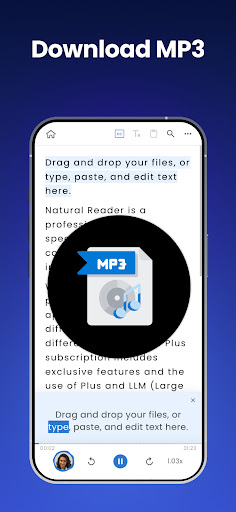
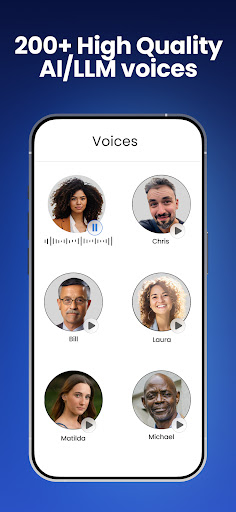
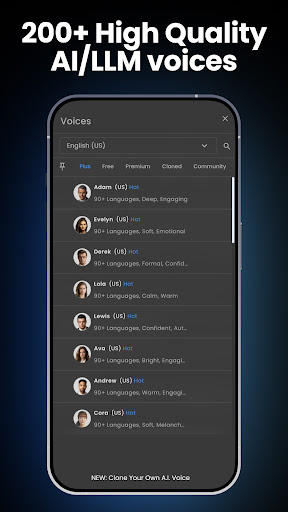
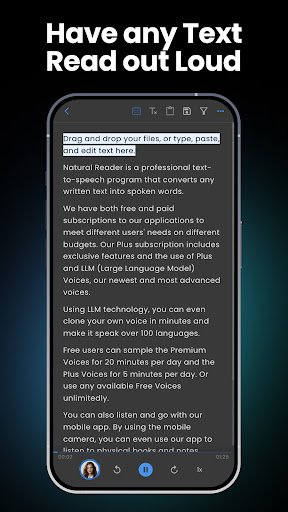
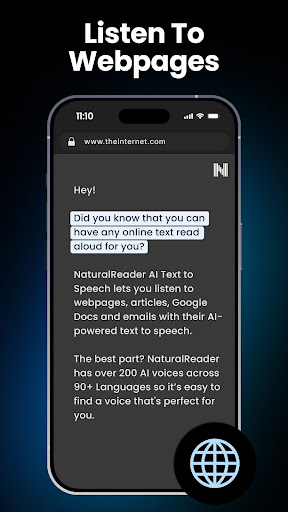
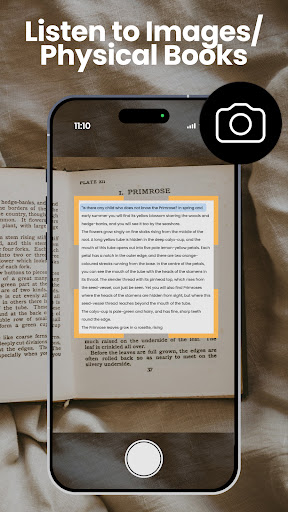
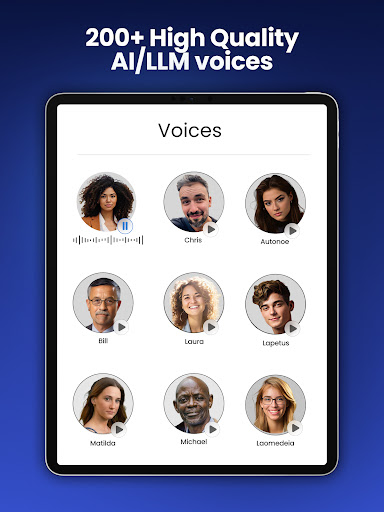
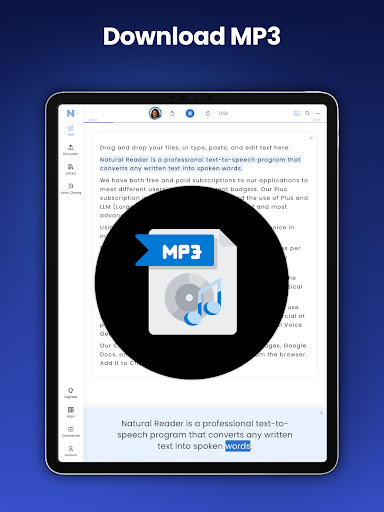
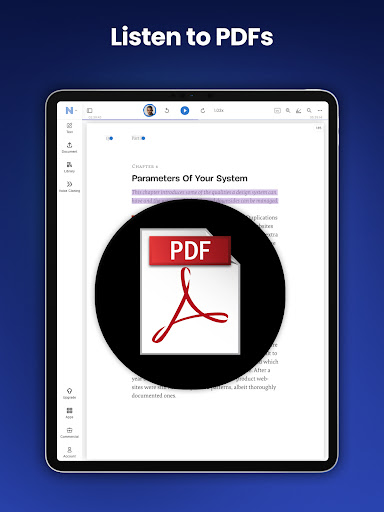
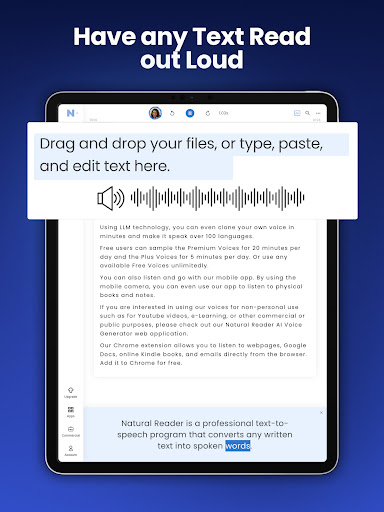
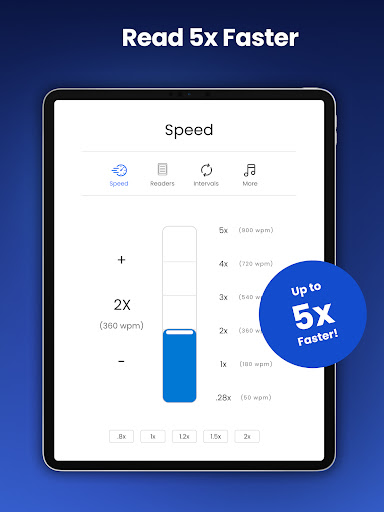
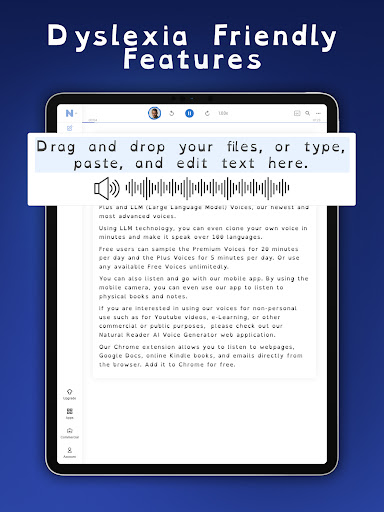
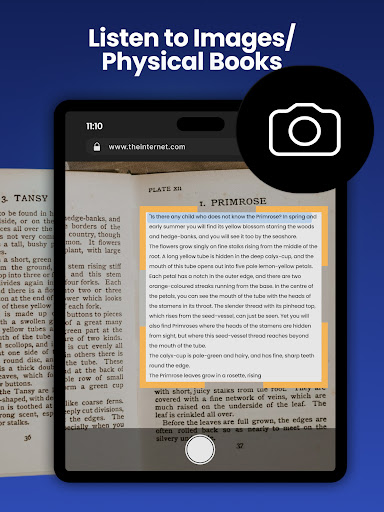
Have your books, PDFs, documents, and more read aloud to you by 1000+ AI-powered voices in over 100 different languages/dialects! NaturalReader is a mobile app that can read aloud a variety of texts like PDFs, online articles, cloud documents, even images taken by your camera and so many more. With over 1 million monthly users and over 15 years of experience dedicated to AI technology that improves the user’s experience, we are one of the most trusted text-to-speech brands today. Our app has innovative features like the ability to convert and download text into MP3 files, OCR text recognition for PDFs and our camera scanner. NaturalReader is also an essential reading tool for those with dyslexia and other reading difficulties. By presenting the text both audibly and visually, readers can focus less on the act of reading, and more on the content they are reading. We also offer a dyslexia-friendly font for closed captions and within our text box. HOW IT WORKS: Just like a podcast or audiobook, our app lets you be productive anywhere with your mobile device. Complete readings laying in bed, during your daily commute, or walking around campus. By listening on the go, you create more time to do what you love. Listening to our app couldn’t be easier! Simply choose the document type you wish to upload, select your desired file, and you are ready to start listening. For the best experience, remember to choose your favourite speaker’s voice and optimal listening speed. Here are just a few of the reasons why our 1,000,000 monthly users love using NaturalReader -- Camera Scanner: Listen to physical books and notes by using your mobile camera. Convert any piece of physical text into audio, which reads aloud to you. Just take a picture of the pages you wish to upload and you’re ready to start listening. -- Natural Voices: Enjoy over 1000+ AI-powered Voices across 100+ Languages/Dialects to choose from, including our plus voices, the newest and highest technology of AI voices. Plus voices enable fluid, natural-sounding text to speech that matches the patterns and intonation of human voices. Plus voices are available through our Plus Subscription plan. -- AI Text Filtering: Choose to filter out distracting and unwanted text such as URLs and text within brackets. Our advanced AI technology will detect these types of text and ignore them, limiting any distractions. -- Customizable Experience: We have loaded our app with features built to create the most natural listening experience for our users. Choose your preferred speaker voice and optimal reading speed for the best experience. Other features ways to customize include a dark mode, word highlight, closed captions and an advanced pronunciation editor for new or unusual words, or to improve the readability of acronyms. -- Cross-Device Compatibility: A free NaturalReader account gives you access to our Mobile App, Online Reader and Chrome Extension. Run out of time? Seamlessly continue listening from your…

What NaturalReader - Text to Speech Is Used For

NaturalReader - Text to Speech appears to be a productivity app built for listening to written content on a phone. Based on the metadata, people commonly use it to have books, PDFs, documents, online articles, and cloud files read aloud with AI-generated voices. That can make it useful for hands-free reading during commuting, multitasking, or when someone prefers audio over screen reading.

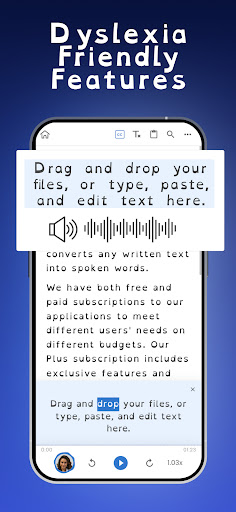
The app also seems aimed at accessibility use cases. The description mentions support for dyslexia and other reading difficulties, plus features such as synchronized visual text and a dyslexia-friendly font. It may also be used to convert text into MP3 files for later listening, and to scan printed pages with the camera so physical text can be turned into audio.

Several listed permissions fit these use cases, such as storage access for opening and saving files, camera and audio permissions for scanning or voice-related features, and network access for online voices or document handling. Overall, it appears to be a mobile text-to-speech tool for reading support, audio learning, and listening to documents on the go.

Common uses

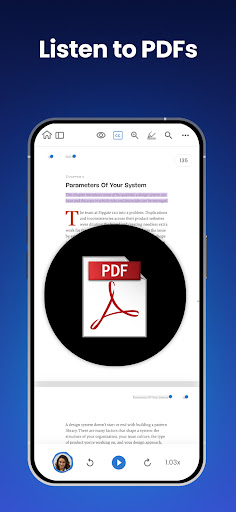
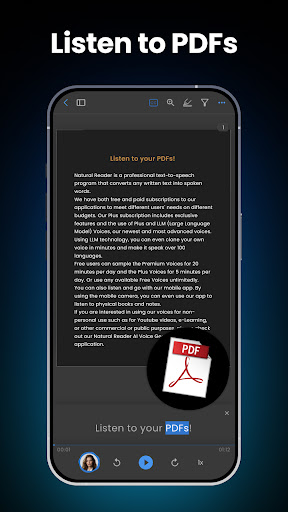
  • Listen to PDFs, books, and documents aloud
  • Turn online articles into spoken audio
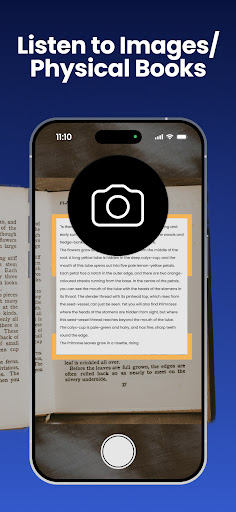
  • Scan printed text with the camera for OCR reading
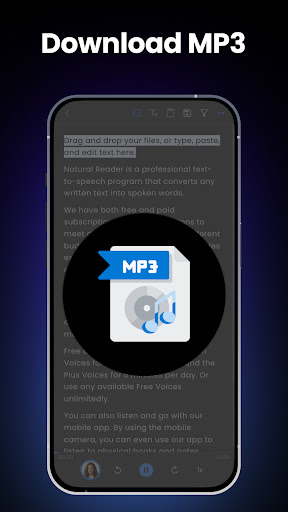
  • Convert text into MP3 files for later playback
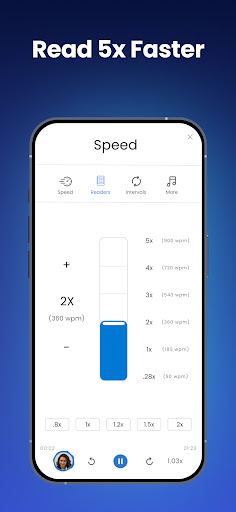
  • Adjust voice and speaking speed for easier listening
  • Use as a reading aid for dyslexia or reading difficulty
  • Review content hands-free while commuting or multitasking
Best for:
students accessible reading hands-free listening phone app productivity

App Details

Package:
com.naturalsoft.personalweb
Category:
Productivity
Developer:
Naturalsoft Limited
Version:
9.41
Updated:
Mar 2, 2026
Min Android:
7.0
Age Rating:
Everyone
Contains Ads:
No
In-App Purchases:
Yes

Official Listing

  • Official listing available on Google Play
  • Package name: com.naturalsoft.personalweb
  • Age rating: Everyone

Explore More

Browse more apps in Productivity or explore the Phone hub .

Related Productivity Apps

Microsoft OneDrive icon

Microsoft OneDrive

Productivity Microsoft Corporation

Securely save and share your favorite memories and files across your devices.

Version Varies with device 89.8 MB ⭐ 4.60 5,000,000,000+ installs
Google One icon

Google One

Productivity Google LLC

Cloud storage, automatic phone backup, and more.

Version 1.302.885140631 25.5 MB ⭐ 4.10 1,000,000,000+ installs
Microsoft Word: Edit Documents icon

Microsoft Word: Edit Documents

Productivity Microsoft Corporation

Craft your story with formatting and grammar tools to ensure it’s right, always

Version Varies with device 120.4 MB ⭐ 4.80 1,000,000,000+ installs
Microsoft Excel: Spreadsheets icon

Microsoft Excel: Spreadsheets

Productivity Microsoft Corporation

Use powerful, industry-leading AI tools to generate visual charts from any data

Version Varies with device 230.4 MB ⭐ 4.80 1,000,000,000+ installs
Microsoft PowerPoint icon

Microsoft PowerPoint

Productivity Microsoft Corporation

Seamlessly integrate data and reports to build your presentation to impress

Version Varies with device 226.3 MB ⭐ 4.80 1,000,000,000+ installs
Microsoft Outlook icon

Microsoft Outlook

Productivity Microsoft Corporation

Stay on top of multiple accounts with emails, calendars & contacts in one place

Version 5.2611.0 106.4 MB ⭐ 4.40 1,000,000,000+ installs

How to Download NaturalReader - Text to Speech

If this app is not hosted directly on APKApps official link, then for the safest and most up-to-date version, install it from its official Google Play listing.