About Sonoran Radio
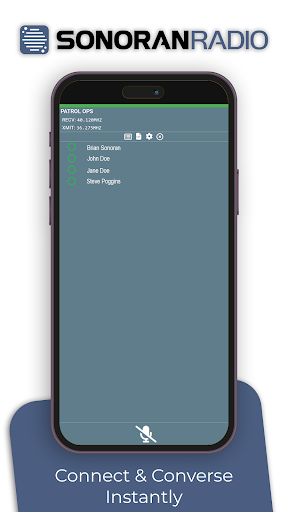
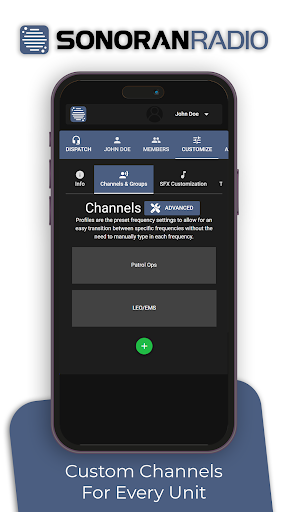
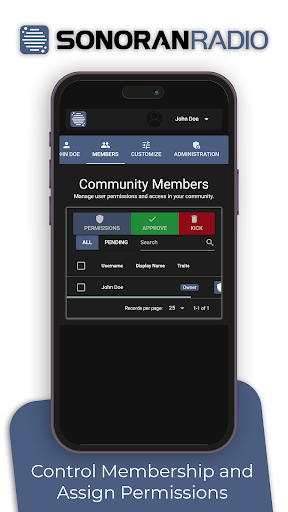
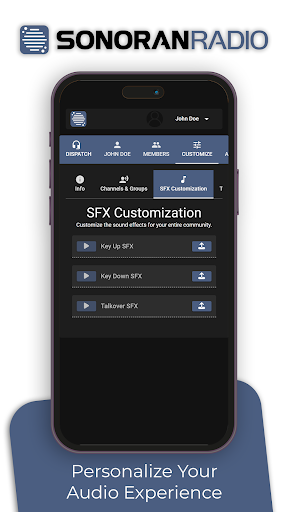
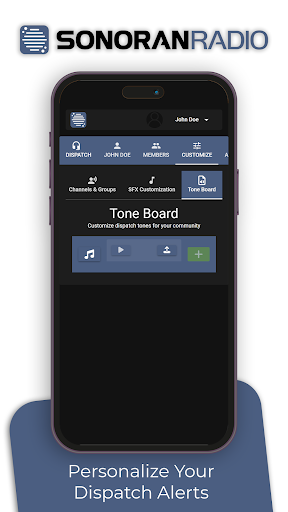
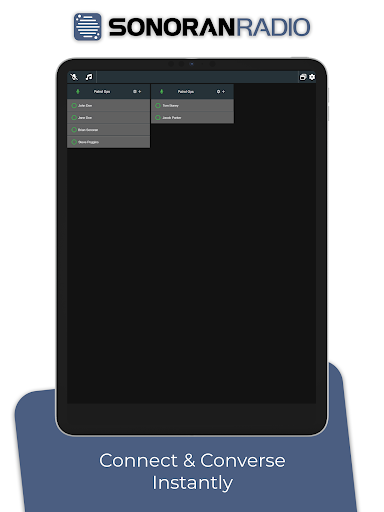
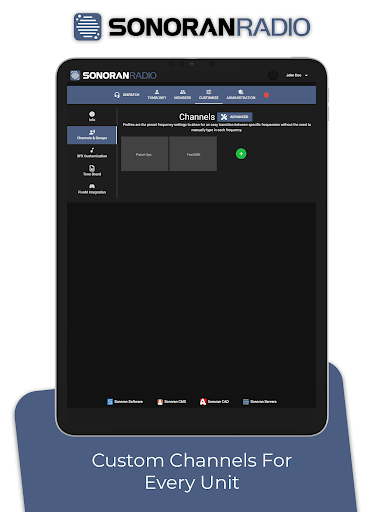
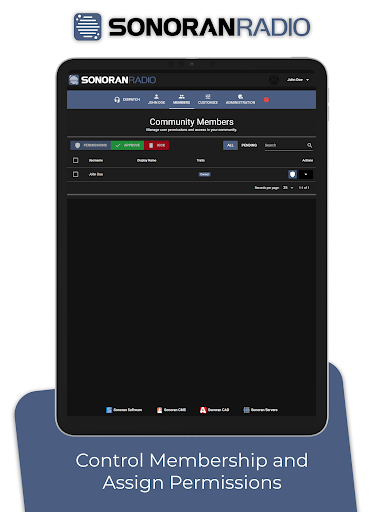
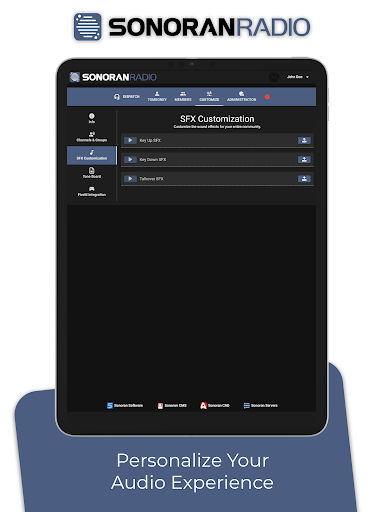
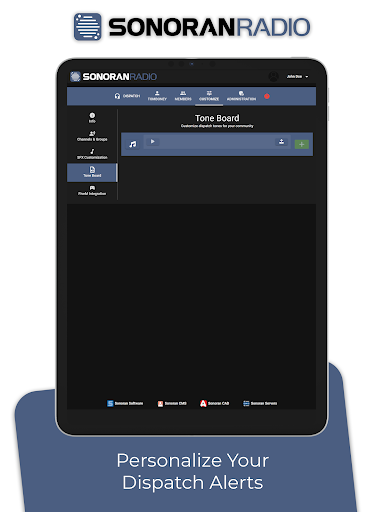
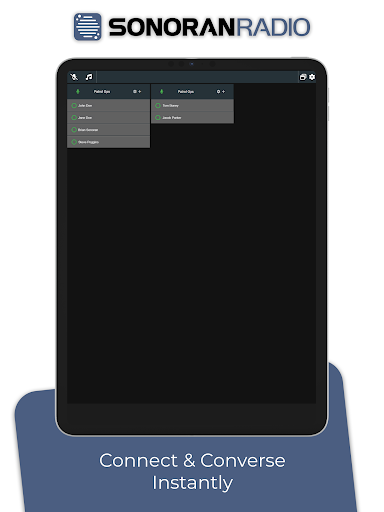
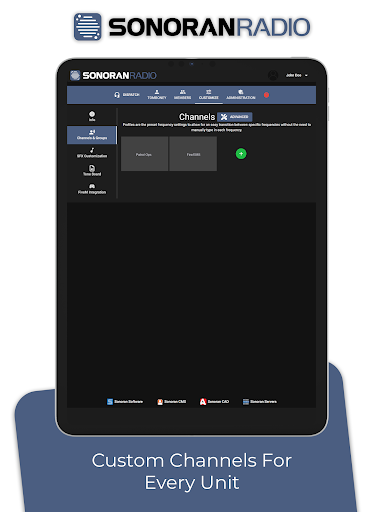
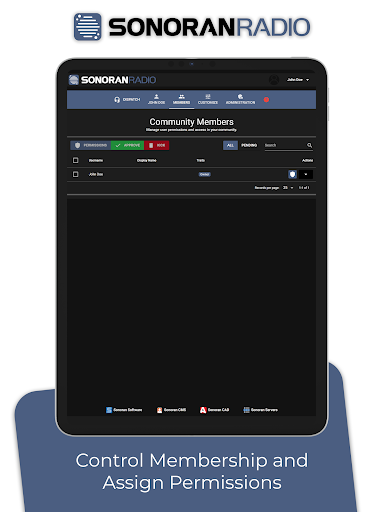
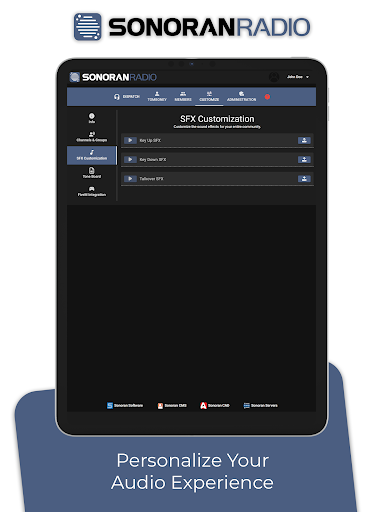
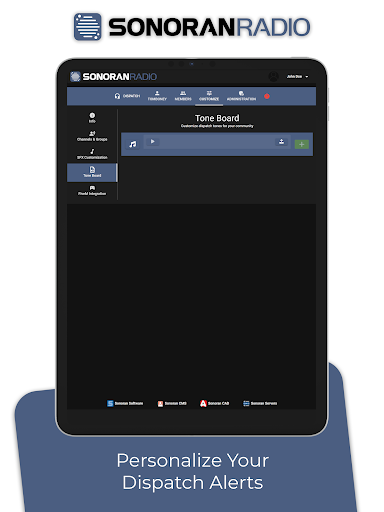
Sonoran Radio is designed to simulate realistic radio communication for emergency service roleplay games. Configure channels, customize sound effects, and communicate in real-time with authentic radio voice effects, enhancing immersion and realism.
What Sonoran Radio Is Used For
Sonoran Radio appears to be a communication app for roleplay scenarios that involve emergency-service style radio use. Based on the metadata, it is intended to simulate radio conversations with configurable channels and voice effects, which may make it useful for game groups, roleplay communities, or training-style immersion setups on a phone.
The app’s permissions suggest it can record audio, access the network, and adjust audio settings, which fits a real-time voice communication tool. That means users may use it to talk through radio-like channels, apply audio effects, and coordinate in sessions where an authentic radio feel is part of the experience. It is not described as a general phone dialer or everyday messaging app, but rather as a specialized communication tool for immersive roleplay use.
Common uses
- Simulating radio-style communication in emergency roleplay games
- Configuring channels for group or team coordination
- Applying voice effects to make audio sound more like radio traffic
- Using live voice communication during roleplay sessions
- Adjusting audio settings for a more realistic radio feel
- Supporting phone-based use in game or community setups
- Connecting through the network for real-time communication
App Details
Package:
com.sonoranradio
Developer:
Sonoran Software Systems LLC
Version:
Varies with device
Min Android:
Varies with device
Age Rating:
Everyone
Contains Ads:
No
In-App Purchases:
No
Official Listing
-
Official listing available on
Google Play
-
Package name:
com.sonoranradio
-
Age rating:
Everyone
Related Communication Apps
Education
•
Signal Stuff
Version 2.2.2
⭐ 5.00
10,000+ installs
How to Download Sonoran Radio
If this app is not hosted directly on APKApps official link,
then for the safest and most up-to-date version, install it from its official Google Play listing.