About Skincare Routine
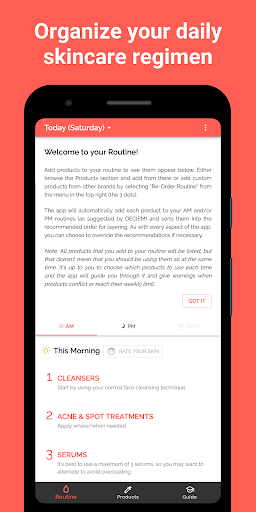
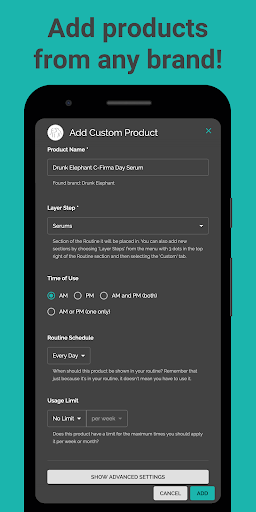
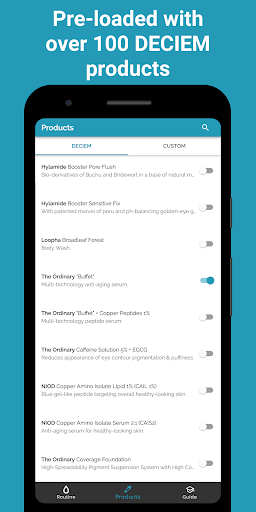
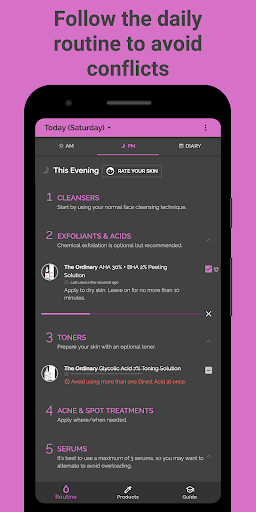
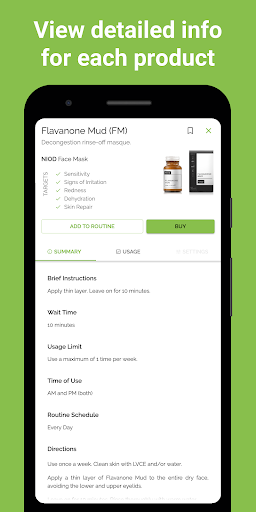
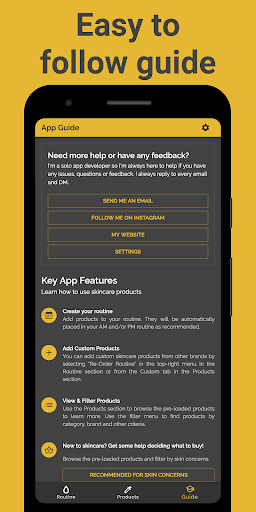
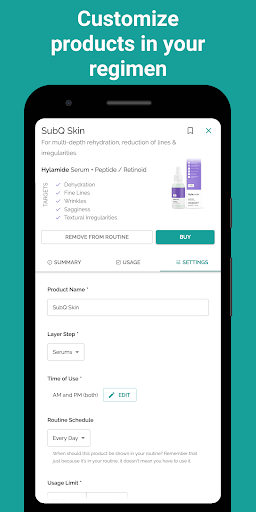
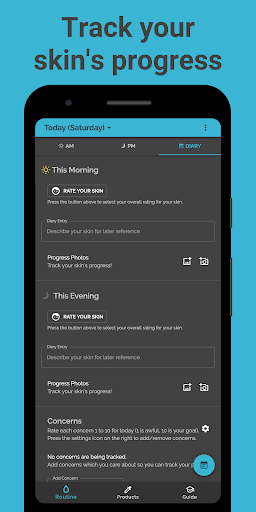
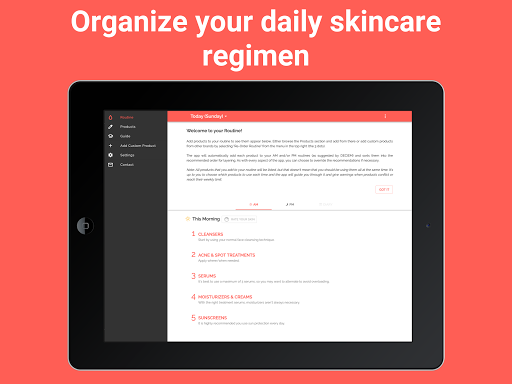
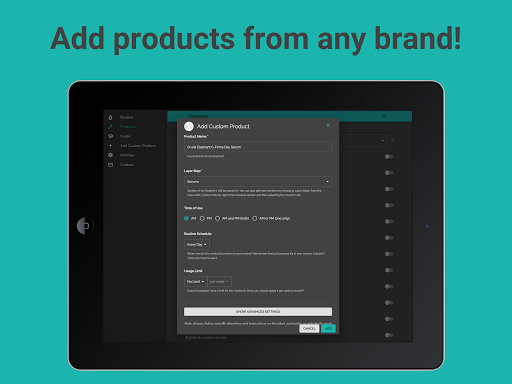
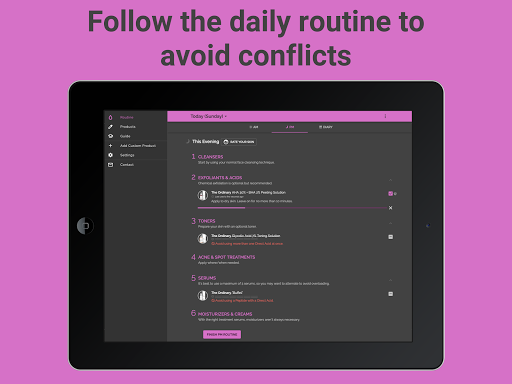
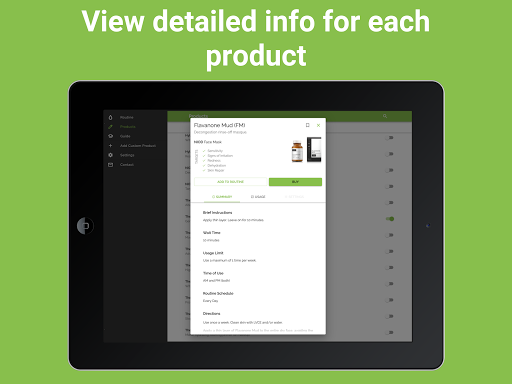
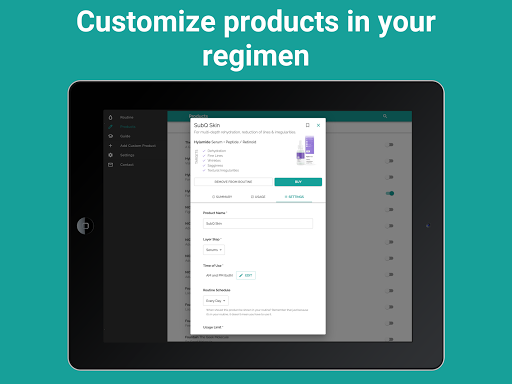
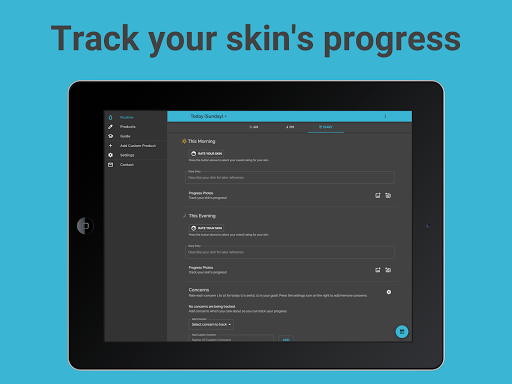
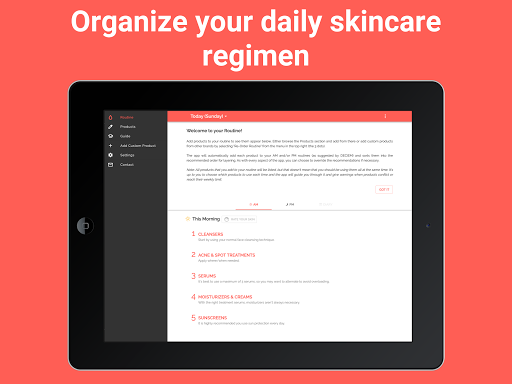
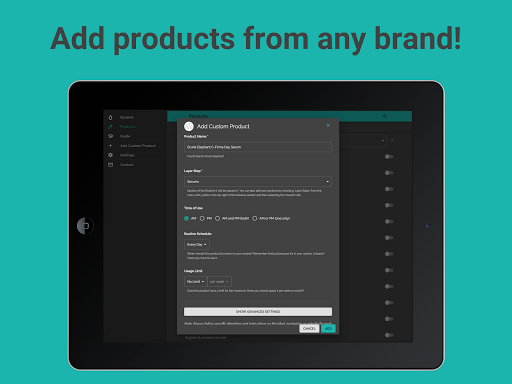
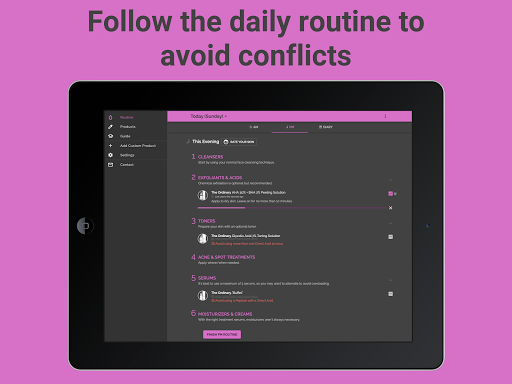
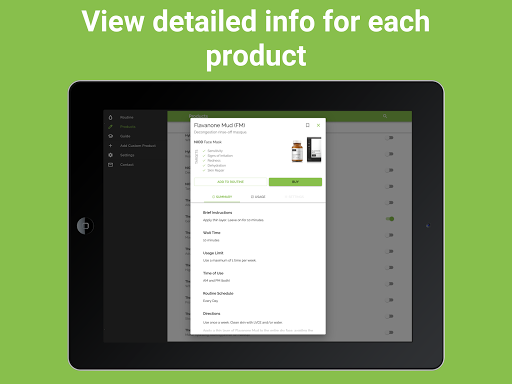
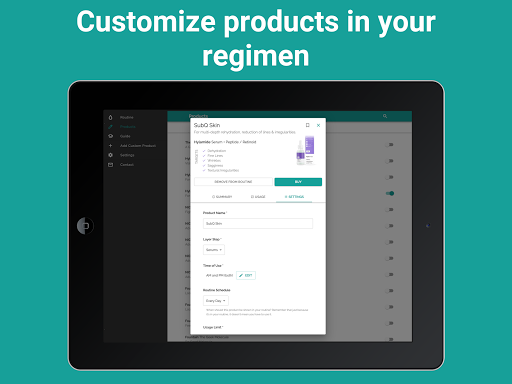
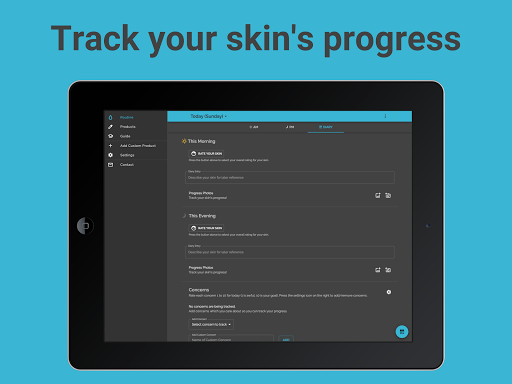
Transform your skincare and beauty regimen with a personalized routine! Skincare Routine helps you discover the best order to apply your skincare and makeup products, track your usage, and achieve your best skin ever. The app comes pre-loaded with DECIEM (The Ordinary, NIOD, Hylamide & Fountain) products but you can add any skin treatments from any brand including Drunk Elephant, Pixi Beauty, Paula's Choice, The Inkey List and any of your favorite brands! Note: The app price is a one-off payment and there are currently no subscriptions or recurring payments. *** Key App Features *** ✓ CREATE YOUR ROUTINE Add products to your routine. They will be automatically placed in your AM and/or PM routine as recommended. ✓ ADD CUSTOM PRODUCTS You can add custom skincare products from other brands by selecting the option in the top-right menu in the Routine section or from the Custom tab in the Products section. ✓ USE YOUR ROUTINE FOR LAYERING ADVICE The products are listed in the recommended layering order, along with advice for when and how to use each product. ✓ KEEP TRACK OF USAGE TO AVOID CONFLICTS Each morning and evening, check each product off your list to keep track of which treatments you have used. This will allow the app to prevent any conflicts by showing you which products should be avoided. ✓ TRACK YOUR SKIN'S PROGRESS Any time you notice your skin is looking particularly good or bad, you can make a note of it by pressing on the face icon next to the morning or evening routine. You can also add a comment to note down more details for your own record and add photos to track your progress. ✓ ADD PHOTOS You can add photos of your skin to your diary tracker and also add photos of custom products. ✓ REMINDERS & TIMERS You can set up notifications to remind you about your daily skin regimen. You can also set timers for products which require a specific wait time. Both can be found in the Settings. *** Advanced App Customization *** ✓ RE-ORDER YOUR ROUTINE If you don't wish to follow the recommended layering order, you can choose to re-order the products to fully customize your routine by selecting the option from the top right menu (with 3 dots) of the Routine section. You can also change the order of the layer steps, for instance DECIEM recommends oils before moisturizers but some users prefer the other way around. ✓ USE CONFLICTING PRODUCTS When we recommend not using a product due to conflicts with other products or because you've reached the usage limit, you can choose to ignore the warning and use it anyway. You will then have the option to permanently ignore conflicts on that specific product. ✓ SCHEDULE PRODUCTS You can choose specific days of the week for a product if you wish. For instance, you may wish to make it so that the "AHA 30% + BHA 2% Peeling Solution" only appears in your routine on Tuesdays and Fridays. You can also choose dates of the month, e.g. the 1st and 15th of every month. Another useful option is to schedule products…
What Skincare Routine Is Used For
Skincare Routine appears to be a phone app for organizing daily skin-care and makeup steps. Based on the metadata, it helps users build an AM and PM routine, place products in a recommended order, and keep track of which items have been used. That makes it useful for people who want a structured way to manage multiple products and follow a consistent regimen.
The app also seems designed for routine tracking and personal skin notes. Users can log when their skin looks better or worse, add comments, and attach photos to monitor changes over time. It may be especially helpful for people who want to compare products, avoid overlapping treatments, or remember wait times between steps. The listed network permissions suggest it can connect online for app-related functions, while startup and sleep-related permissions may support reminders or background behavior tied to routine tracking.
Common uses
- Build a morning and evening skincare routine
- Organize products in a suggested layering order
- Add custom products from different brands
- Track which products have been used each day
- Record notes and photos to follow skin changes
- Set reminders and timers for routine steps
- Reorder products if you want a custom sequence
App Details
Package:
com.theordinaryguide.app
Developer:
Mento Apps Ltd
Version:
7.4.77
Updated:
Mar 27, 2026
Min Android:
8.0
Age Rating:
Everyone
Contains Ads:
No
In-App Purchases:
No
Official Listing
-
Official listing available on
Google Play
-
Package name:
com.theordinaryguide.app
-
Age rating:
Everyone
Related Beauty Apps
Beauty
•
FeelinMySkin
Cosmetics Scanner • Skin Care Routines Planner • Acne Safe • Journal & Community
Version 2.11.322
11.7 MB
⭐ 4.60
100,000+ installs
How to Download Skincare Routine
If this app is not hosted directly on APKApps official link,
then for the safest and most up-to-date version, install it from its official Google Play listing.