FlipaClip: Draw 2D Animation icon

Phone

FlipaClip: Draw 2D Animation

Art & Design Visual Blasters LLC ⭐ 4.40 50,000,000+

Kickstart your animation journey in a few moments!

Version 4.2.25 25.4 MB Everyone

Screenshots

FlipaClip: Draw 2D Animation screenshot
Permissions Explained 13 permissions requested View details

This app requests 13 permissions. The table below explains what each permission may allow and what users should review before installing.

Status Permission What it means Why it may be used User safety note
Common View network status android.permission.ACCESS_NETWORK_STATE Allows the app to check whether the device is connected to Wi-Fi, mobile data, or another network. Often used to avoid loading content when offline or to adjust loading based on connection quality. Generally low risk by itself.
⚠️ Sensitive Approximate location android.permission.ACCESS_COARSE_LOCATION Allows the app to access an approximate device location. Used for weather, local content, regional features, nearby services, or location-based settings. Sensitive permission. Review whether the app needs location access.
⚠️ Sensitive Read phone state android.permission.READ_PHONE_STATE Allows the app to access phone status and device-related information. Used for call handling, carrier services, device identification, account security, or playback interruption handling. Sensitive permission. Review whether the app has a clear phone-related reason.
ℹ️ Review Com Vblast Flipaclip Unlocker com.vblast.flipaclip.UNLOCKER This is an Android permission or app-specific permission requested by the app. The app may use this permission for features related to its category, device support, background behavior, storage, connectivity, or system integration. Review this permission before installing, especially if it does not match the app’s expected purpose.
Common Internet access android.permission.INTERNET Allows the app to open network connections and communicate with online services. Commonly used for streaming, syncing, login, ads, analytics, downloads, cloud features, and app updates. Common permission. Review the app’s behavior if it does not appear to need online access.
⚠️ Sensitive Modify external storage android.permission.WRITE_EXTERNAL_STORAGE Allows the app to write or modify files in shared device storage. Used for saving downloads, media files, exports, edited documents, backups, or cached content. Sensitive permission. Make sure file access matches the app’s purpose.
⚠️ Sensitive Read external storage android.permission.READ_EXTERNAL_STORAGE Allows the app to read files from shared device storage. Used by media players, file managers, backup apps, editors, upload tools, and document apps. Sensitive permission. Review carefully if the app does not need access to files or media.
ℹ️ Review Flag Keep Screen On android.permission.FLAG_KEEP_SCREEN_ON This is an Android permission or app-specific permission requested by the app. The app may use this permission for features related to its category, device support, background behavior, storage, connectivity, or system integration. Review this permission before installing, especially if it does not match the app’s expected purpose.
ℹ️ Review Keep device awake android.permission.WAKE_LOCK Allows the app to prevent the device from sleeping while a task is running. Used for media playback, downloads, navigation, alarms, calls, or long-running background tasks. Review battery usage if the app keeps the device awake too often.
ℹ️ Review Get Accounts android.permission.GET_ACCOUNTS This is an Android permission or app-specific permission requested by the app. The app may use this permission for features related to its category, device support, background behavior, storage, connectivity, or system integration. Review this permission before installing, especially if it does not match the app’s expected purpose.
ℹ️ Review Use Credentials android.permission.USE_CREDENTIALS This is an Android permission or app-specific permission requested by the app. The app may use this permission for features related to its category, device support, background behavior, storage, connectivity, or system integration. Review this permission before installing, especially if it does not match the app’s expected purpose.
ℹ️ Review Googleapps Permission Google Auth com.google.android.googleapps.permission.GOOGLE_AUTH This is an Android permission or app-specific permission requested by the app. The app may use this permission for features related to its category, device support, background behavior, storage, connectivity, or system integration. Review this permission before installing, especially if it does not match the app’s expected purpose.
ℹ️ Review Googleapps Permission Google Auth Youtube com.google.android.googleapps.permission.GOOGLE_AUTH.youtube This is an Android permission or app-specific permission requested by the app. The app may use this permission for features related to its category, device support, background behavior, storage, connectivity, or system integration. Review this permission before installing, especially if it does not match the app’s expected purpose.

About FlipaClip: Draw 2D Animation

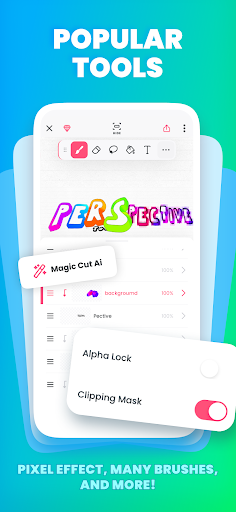
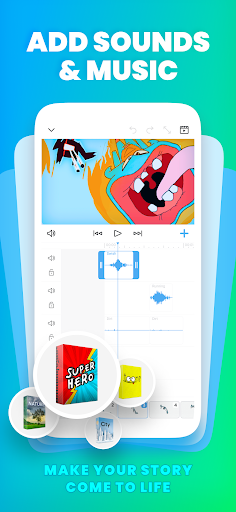
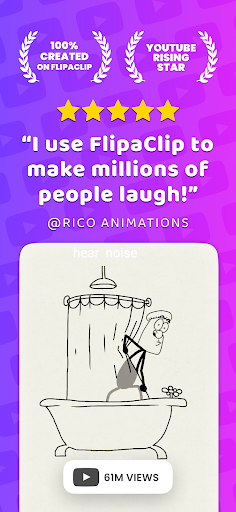
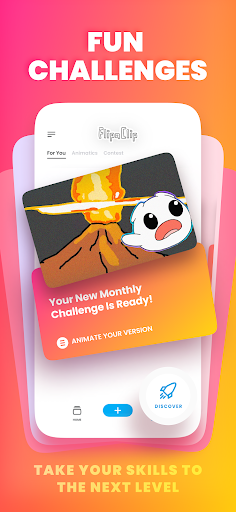
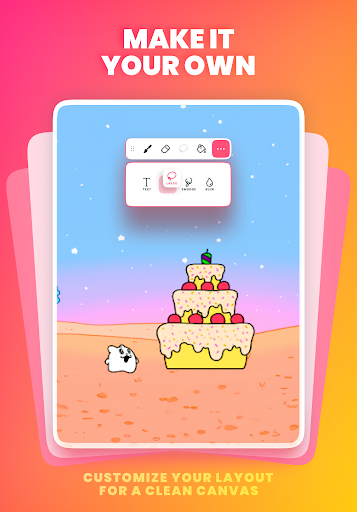
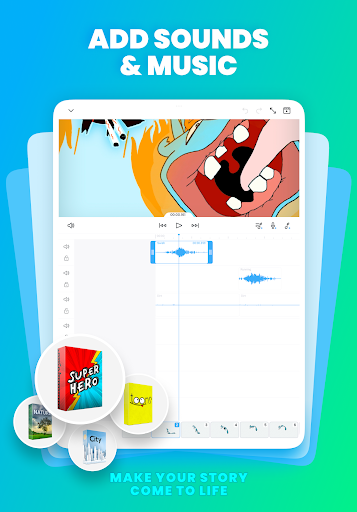
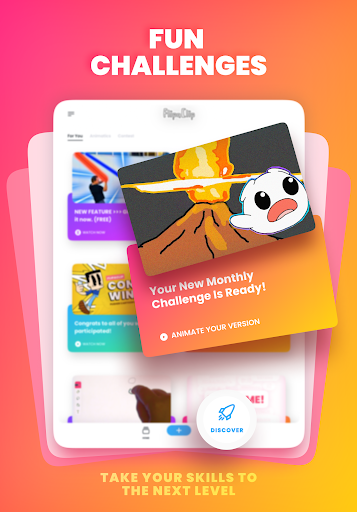
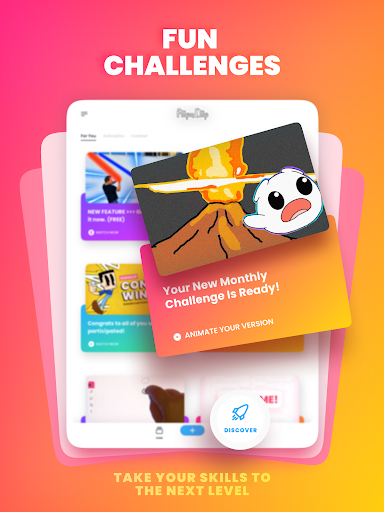
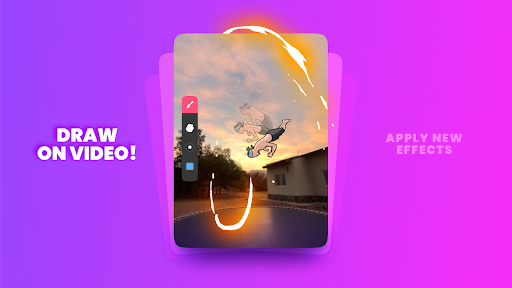
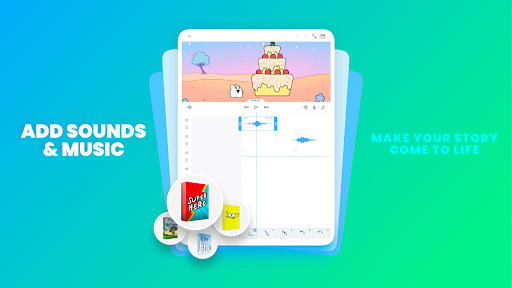
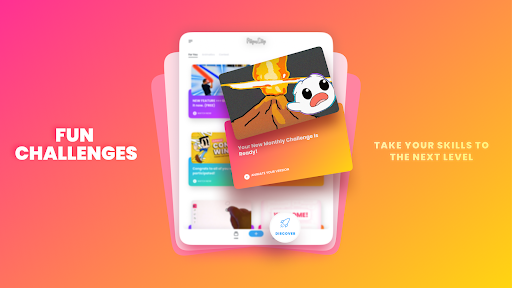
Bring your drawings to life with FlipaClip app — the ultimate 2D animation maker and cartoon drawing app loved by millions! FlipaClip lets you draw, animate, and create short animated movies and flipbooks. Discover why millions of influencers and creators love this animation maker — it’s the easiest way to bring drawings, cartoons, anime, and stories to life. Whether you want to learn how to draw anime, draw animation, create memes, stick animations, or start your next cartoon series. Turn your drawings into short movies and animations in seconds!. Our 2D animation app combines the simplicity of a flipbook animation with professional-grade animation editor tools. Draw frame by frame, edit every detail, and export your animation as a video or GIF. From beginners learning how to draw to professionals building storyboards. 🎨 DRAW AND CREATE FlipaClip offers a full suite of drawing tools designed for artists and beginners alike. Use brushes, fill, lasso, eraser, ruler, text, and shape tools to sketch your ideas. Paint on custom canvas sizes and create frame-by-frame animations that feel alive. Pressure-sensitive stylus support (Samsung S Pen, SonarPen) makes drawing precise and natural. Whether you’re into cartoon making, anime drawing, stick animation, draw my life, or stop motion animation, you can easily draw and animate anything—from simple doodles to professional scenes. Make movies and animations in seconds! The app works perfectly as a flipbook animation editor and easy animation app for creators of all ages. ⚡ ANIMATION TOOLS THAT INSPIRE -Frame-by-frame animation timeline for total control -Onion skin tool for smooth transitions -Up to 10 layers (3 free) for complex drawings -Glow effect and blending modes (free) -Import photos or videos to create rotoscope animations -Export in MP4, GIF, or PNG sequences with transparency -Try Magic Cut, our new AI-powered tool that instantly slices images and objects from your frames. Every feature in this animation maker is built to help you learn how to animate quickly. Whether you draw anime, cartoons, memes, or Gacha Life stories, FlipaClip is your go-to 2D animation app. 🎧 ADD MUSIC, VOICE & SOUND -Animations come alive with sound! Try AI Voice Maker to add natural, lifelike narration to your movies. -Add up to 6 free audio tracks -Import custom sound effects or songs -Sync every beat perfectly with your animation timeline Perfect for cartoon makers, YouTubers, TikTok creators, and influencers. 🌍 JOIN THE FLIPACLIP COMMUNITY More than 80 million users draw and animate with FlipaClip every month. Join weekly animation challenges, seasonal contests, and in-app events. Explore thousands of 2D animations shared with #MadeWithFlipaClip on YouTube, TikTok, Instagram, and Discord. Inspire others and grow as a creator while mastering how to draw and make animations. 🧑‍🎨 WHY FLIPACLIP STANDS OUT -Award-winning animation app (Google Play App of the Year) -Intuitive 2D animation maker for beginners and pros…

What FlipaClip: Draw 2D Animation Is Used For

FlipaClip: Draw 2D Animation appears to be a phone app for creating hand-drawn 2D animations, flipbooks, and short cartoon-style clips. Based on the metadata, it is commonly used by people who want to sketch frame by frame, build simple animated scenes, or turn drawings into GIFs or video exports. Its art-and-design focus suggests it is aimed at both beginners learning animation basics and more experienced users making storyboards or short creative projects.

The listed tools point to a workflow centered on drawing and animation editing rather than general photo editing. Users may use it for sketching, onion-skin frame comparison, layering, adding text or shapes, and importing images or video for rotoscope-style work. The permissions for storage and internet access fit functions like saving projects, importing media, and exporting finished animations. Because it is a phone app, it may be most practical for quick creative work on mobile devices, including stylus-supported drawing on compatible phones.

Common uses

  • Create frame-by-frame 2D animations on a phone
  • Draw cartoons, anime-style clips, or simple flipbooks
  • Use layers, onion skin, and timeline controls for animation
  • Import photos or video for rotoscope-style projects
  • Export finished work as MP4, GIF, or image sequences
  • Add sound, voice, or music to animated scenes
  • Use stylus support on compatible Android phones
Best for:
mobile animators beginner artists frame-by-frame drawing cartoon creators stylus users

App Details

Package:
com.vblast.flipaclip
Category:
Art & Design
Developer:
Visual Blasters LLC
Version:
4.2.25
Updated:
Mar 24, 2026
Min Android:
7.0
Age Rating:
Everyone
Contains Ads:
Yes
In-App Purchases:
Yes

Official Listing

  • Official listing available on Google Play
  • Package name: com.vblast.flipaclip
  • Age rating: Everyone

Explore More

Browse more apps in Art & Design or explore the Phone hub .

Related Art & Design Apps

Canva: AI Photo & Video Editor icon

Canva: AI Photo & Video Editor

Art & Design Canva

Graphic design and content creation app for mobile.

Version 2.354.1 43.1 MB ⭐ 4.80 500,000,000+ installs
ibis Paint X icon

ibis Paint X

Art & Design ibis inc.
Version 14.0.0 ⭐ 4.50 100,000,000+ installs
Sketchbook icon

Sketchbook

Art & Design Sketchbook
Version Varies with device 41.2 MB ⭐ 4.00 100,000,000+ installs
Crafto icon

Crafto

Art & Design Kutumb App

Get quotes with your name and photos daily

Version 10.6.4 168.5 MB ⭐ 4.60 100,000,000+ installs
Adobe Express: AI Photo, Video icon

Adobe Express: AI Photo, Video

Art & Design Adobe

AI-powered photo & video creation—fast, fun, and effortless with Quick Actions

Version 30.0.0 99.6 MB ⭐ 4.60 100,000,000+ installs

How to Download FlipaClip: Draw 2D Animation

If this app is not hosted directly on APKApps official link, then for the safest and most up-to-date version, install it from its official Google Play listing.