Shared Family Shopping List icon

Phone

Shared Family Shopping List

Shopping JoJo Apps: Meal Planner and Shopping List ⭐ 4.40 10,000+
Version 2.4.20 Everyone

Screenshots

Shared Family Shopping List screenshot
Permissions Explained 9 permissions requested View details

This app requests 9 permissions. The table below explains what each permission may allow and what users should review before installing.

Status Permission What it means Why it may be used User safety note
ℹ️ Review Read Phone Status And Identity read phone status and identity This is an Android permission or app-specific permission requested by the app. The app may use this permission for features related to its category, device support, background behavior, storage, connectivity, or system integration. Review this permission before installing, especially if it does not match the app’s expected purpose.
ℹ️ Review Take Pictures And Videos take pictures and videos This is an Android permission or app-specific permission requested by the app. The app may use this permission for features related to its category, device support, background behavior, storage, connectivity, or system integration. Review this permission before installing, especially if it does not match the app’s expected purpose.
ℹ️ Review View Wi Fi Connections view Wi-Fi connections This is an Android permission or app-specific permission requested by the app. The app may use this permission for features related to its category, device support, background behavior, storage, connectivity, or system integration. Review this permission before installing, especially if it does not match the app’s expected purpose.
ℹ️ Review View Network Connections view network connections This is an Android permission or app-specific permission requested by the app. The app may use this permission for features related to its category, device support, background behavior, storage, connectivity, or system integration. Review this permission before installing, especially if it does not match the app’s expected purpose.
ℹ️ Review Full Network Access full network access This is an Android permission or app-specific permission requested by the app. The app may use this permission for features related to its category, device support, background behavior, storage, connectivity, or system integration. Review this permission before installing, especially if it does not match the app’s expected purpose.
ℹ️ Review Control Vibration control vibration This is an Android permission or app-specific permission requested by the app. The app may use this permission for features related to its category, device support, background behavior, storage, connectivity, or system integration. Review this permission before installing, especially if it does not match the app’s expected purpose.
ℹ️ Review Prevent Device From Sleeping prevent device from sleeping This is an Android permission or app-specific permission requested by the app. The app may use this permission for features related to its category, device support, background behavior, storage, connectivity, or system integration. Review this permission before installing, especially if it does not match the app’s expected purpose.
ℹ️ Review Google Play License Check Google Play license check This is an Android permission or app-specific permission requested by the app. The app may use this permission for features related to its category, device support, background behavior, storage, connectivity, or system integration. Review this permission before installing, especially if it does not match the app’s expected purpose.
ℹ️ Review Read Google Service Configuration read Google service configuration This is an Android permission or app-specific permission requested by the app. The app may use this permission for features related to its category, device support, background behavior, storage, connectivity, or system integration. Review this permission before installing, especially if it does not match the app’s expected purpose.

About Shared Family Shopping List

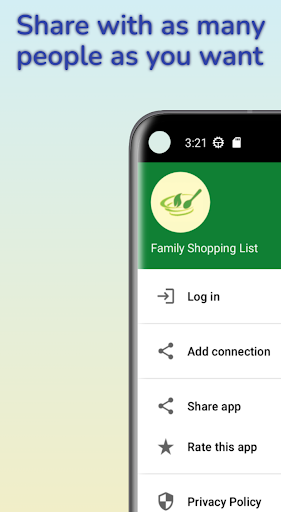
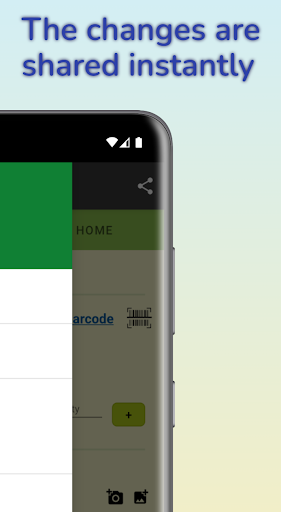
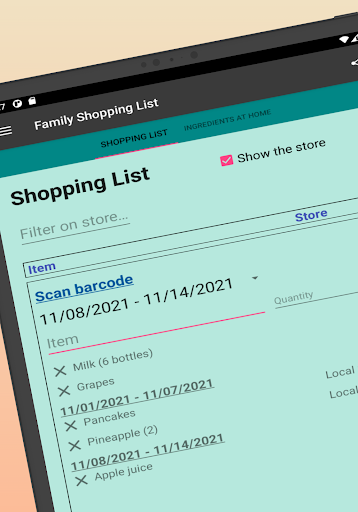
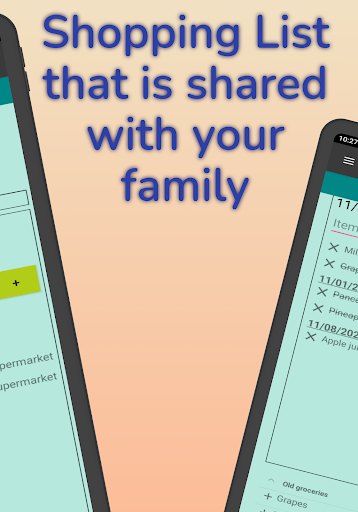
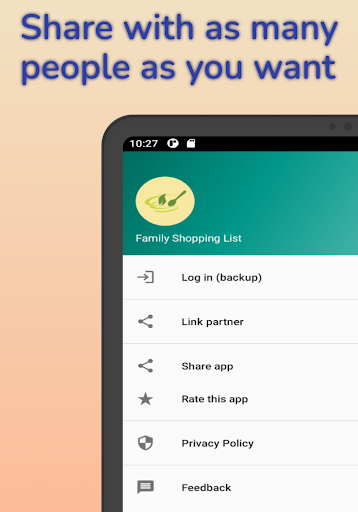
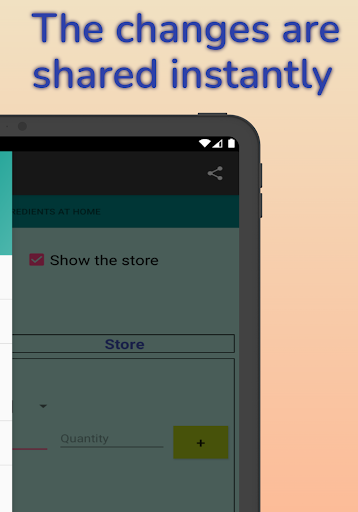
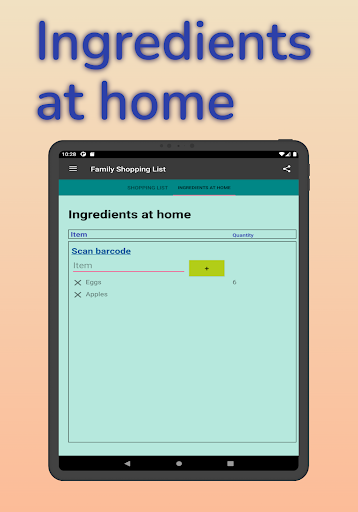
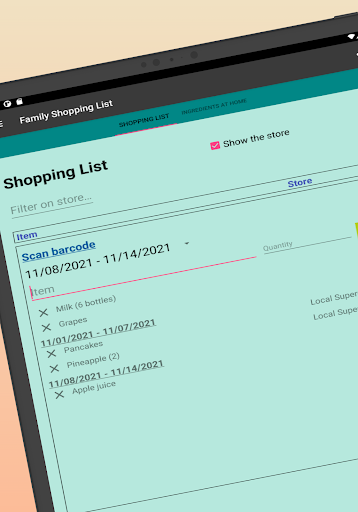
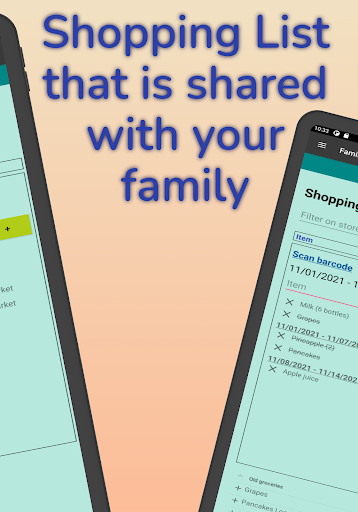
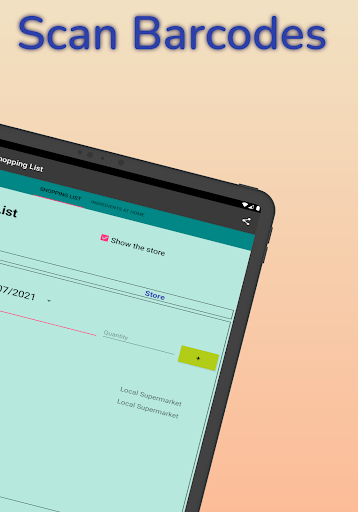
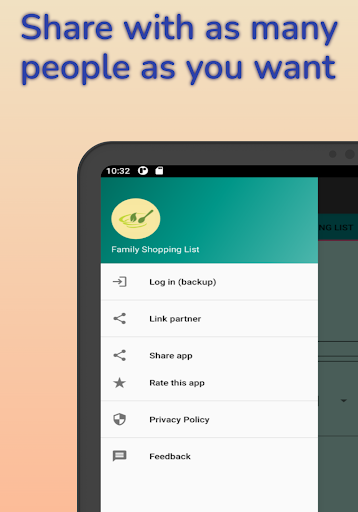
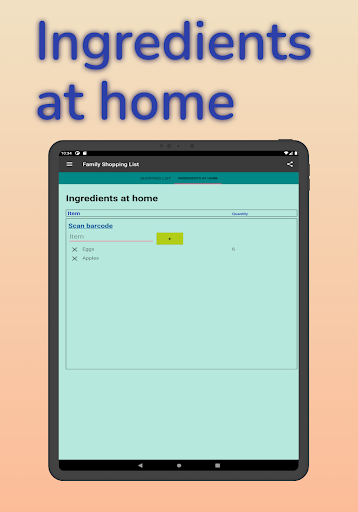
'Shared Family Shopping List' is a free shoping list app that allows you to manage your grovery list and ingredients at home and share it with an unlimited number of people. There is also a backup in case you switch to a new device. The app has the following functions: Instant sharing The sharing is instantaneous. This means when you are visiting a store and someone forgot to add something and this person adds it during the visit, you will see it immediately popping up in your shopping list. Filter on store You can optionally add the store for your groceries. It is possible to filter on them. This means that when you are visiting a store you can make sure you only see the groceries for this specific store. Weekly shopping list It is possible to add the week of your groceries to make sure they are ordered correctly. Quantities Optionally you can add the quantity. But this is not mandatory. Re-use old groceries You can re-use old groceries with one single click. Scan barcode It is possible to scan a barcode and then the app will automatically add the product to the shopping list. Edit modus With one single click you can edit anything of your groceries. Ingredients at home Next to your shopping list, you can also manage your ingredients at home in this app. Categories/Store Section It is possible to split the groceries based on a predefined list of categories/store sections. This will allow you to find your groceries faster as they will be grouped in the same way as in the store. Integrate with Meal Planning App It is possible to integrate this app with our meal planning app. If you have installed both apps, the products that are added as ingredient in the meal planning app can be automatically added to this shopping list app. Download Meal Planning App https://play.google.com/store/apps/details?id=com.yinqs.weeklymealplanner Why should you download this app and not one of the many similar shopping list apps? - All information is on one screen to increase productivity. But you can still filter and sort to only see the information that is relevant for you. - all functionality is optional, so you can make the app as complex as you want. - it is possible to add products based on bar code. - you can also manage the ingredients at home. - all products in the shopping list are editable by a simple click on it, without leaving the screen. This app is ideal if you have a small or large family and you want to manage and share your shopping list and ingredients at home. There are a lot of interesting additional functions, but everything is optional. So you can keep it as simple or complex as you want. Enjoy your shopping!

What Shared Family Shopping List Is Used For

Shared Family Shopping List appears to be a phone-based shopping list app for households or small groups that want to keep grocery items in one shared place. Based on the metadata, it is commonly used to build a running shopping list, add household ingredients, and update items from multiple people so changes can appear quickly for everyone involved.

The app may also be useful for organizing shopping by store, week, category, or quantity, which can help when planning trips or keeping separate lists for different stores. The barcode scanning feature suggests it can speed up adding products, while the reuse and edit options may make it easier to rebuild a regular list. The backup and network permissions indicate it is designed to sync or save list data across devices and support sharing between users.

Common uses

  • Share grocery lists with family members or housemates
  • Track ingredients at home alongside shopping items
  • Organize items by store, week, category, or aisle
  • Add products quickly with barcode scanning
  • Reuse old shopping items for repeat purchases
  • Edit list entries when plans change
  • Back up list data when switching devices
Best for:
households shared shopping grocery planning phone app everyday errands

App Details

Package:
com.yinqs.sharedfamilyshoppinglist
Category:
Shopping
Developer:
JoJo Apps: Meal Planner and Shopping List
Version:
2.4.20
Updated:
Mar 18, 2026
Min Android:
6.0
Age Rating:
Everyone
Contains Ads:
Yes
In-App Purchases:
Yes

Official Listing

  • Official listing available on Google Play
  • Package name: com.yinqs.sharedfamilyshoppinglist
  • Age rating: Everyone

Explore More

Browse more apps in Shopping or explore the Phone hub .

Related Shopping Apps

Amazon Shopping icon

Amazon Shopping

Shopping Amazon Mobile LLC

Browse, search & buy millions of products right from your Android device.

Version 32.6.0.100 67.5 MB ⭐ 4.40 1,000,000,000+ installs
OfferUp - Shop. Buy. Sell. icon

OfferUp - Shop. Buy. Sell.

Shopping OfferUp Inc.

Buy & sell local items. Find amazing deals. Join the largest mobile marketplace!

Version 2026.13.1 90.8 MB ⭐ 4.40 50,000,000+ installs
السوق المفتوح - OpenSooq icon

السوق المفتوح - OpenSooq

Shopping OpenSooq FZ-LLC

Cars, Real Estate, Electronics,and Jobs in your country. More than 60M Downloads

Version 12.1.01 53.4 MB ⭐ 4.60 10,000,000+ installs
Shpock: Buy & Sell Marketplace icon

Shpock: Buy & Sell Marketplace

Shopping Shpock

Buying & selling nearby. From fashion to electronics. Local, easy, secondhand.

Version 9.20.1 26.7 MB ⭐ 2.80 10,000,000+ installs
Méliuz: Cashback e Nota Fiscal icon

Méliuz: Cashback e Nota Fiscal

Shopping Méliuz

Earn money back with Méliuz Nota Fiscal and cashback in online stores

Version 7.193.1 61.2 MB ⭐ 4.60 10,000,000+ installs
Carousell: Sell and Buy icon

Carousell: Sell and Buy

Shopping Carousell

Buy and sell fashion & luxury items, electronics, home services, cars or houses

Version 2.447.7 52.7 MB ⭐ 4.10 10,000,000+ installs

How to Download Shared Family Shopping List

If this app is not hosted directly on APKApps official link, then for the safest and most up-to-date version, install it from its official Google Play listing.