My Inventory – Home Tracker icon

Phone

My Inventory – Home Tracker

Shopping Wasabi Applications (わさびアプリ) 1,000+
Version Varies with device Everyone

Screenshots

My Inventory – Home Tracker screenshot
Permissions Explained 6 permissions requested View details

This app requests 6 permissions. The table below explains what each permission may allow and what users should review before installing.

Status Permission What it means Why it may be used User safety note
ℹ️ Review Read The Contents Of Your Usb Storage read the contents of your USB storage This is an Android permission or app-specific permission requested by the app. The app may use this permission for features related to its category, device support, background behavior, storage, connectivity, or system integration. Review this permission before installing, especially if it does not match the app’s expected purpose.
ℹ️ Review Modify Or Delete The Contents Of Your Usb Storage modify or delete the contents of your USB storage This is an Android permission or app-specific permission requested by the app. The app may use this permission for features related to its category, device support, background behavior, storage, connectivity, or system integration. Review this permission before installing, especially if it does not match the app’s expected purpose.
ℹ️ Review View Network Connections view network connections This is an Android permission or app-specific permission requested by the app. The app may use this permission for features related to its category, device support, background behavior, storage, connectivity, or system integration. Review this permission before installing, especially if it does not match the app’s expected purpose.
ℹ️ Review Full Network Access full network access This is an Android permission or app-specific permission requested by the app. The app may use this permission for features related to its category, device support, background behavior, storage, connectivity, or system integration. Review this permission before installing, especially if it does not match the app’s expected purpose.
ℹ️ Review Run At Startup run at startup This is an Android permission or app-specific permission requested by the app. The app may use this permission for features related to its category, device support, background behavior, storage, connectivity, or system integration. Review this permission before installing, especially if it does not match the app’s expected purpose.
ℹ️ Review Google Play License Check Google Play license check This is an Android permission or app-specific permission requested by the app. The app may use this permission for features related to its category, device support, background behavior, storage, connectivity, or system integration. Review this permission before installing, especially if it does not match the app’s expected purpose.

About My Inventory – Home Tracker

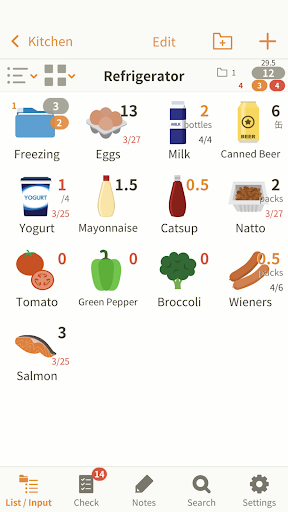
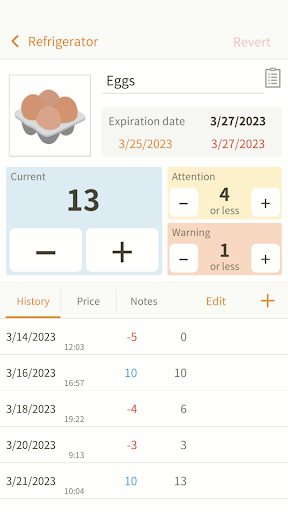
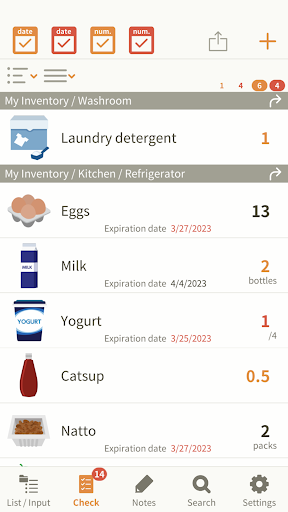
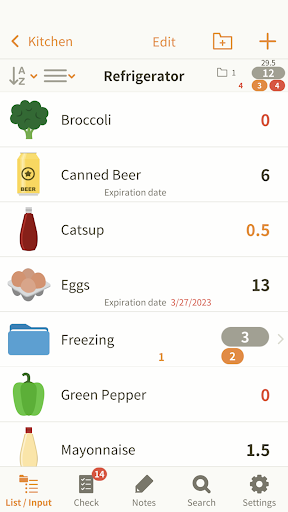
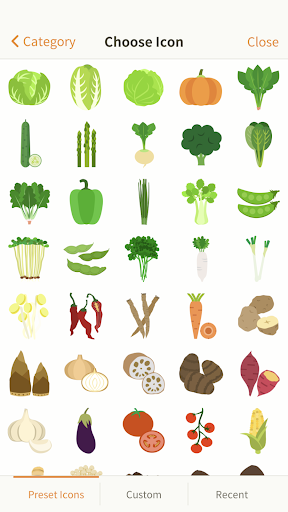
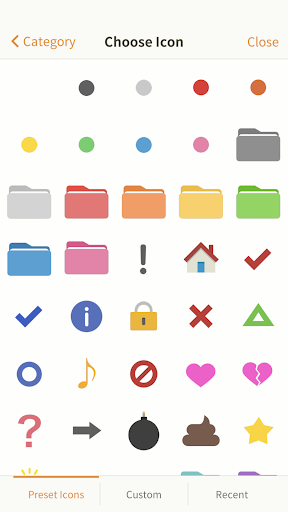
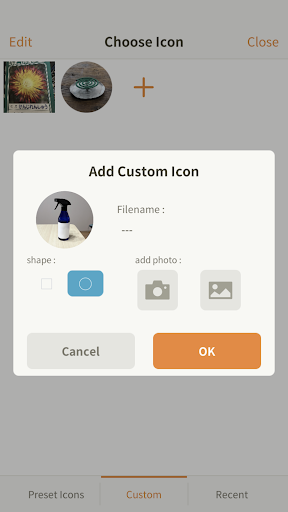
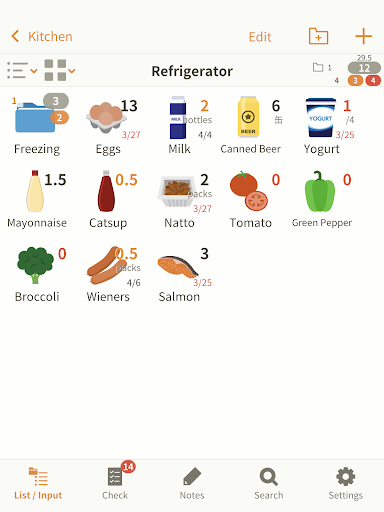
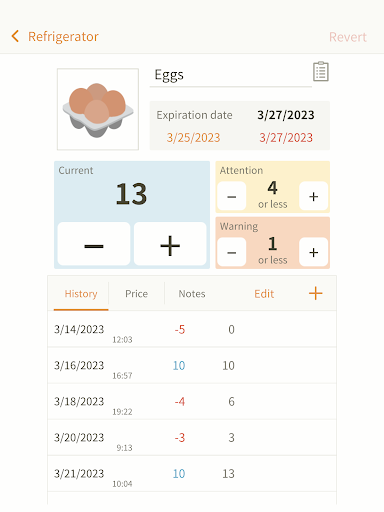
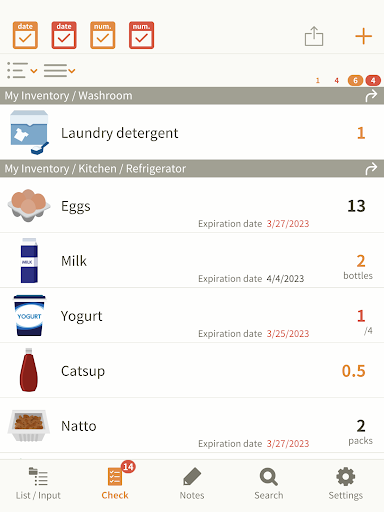
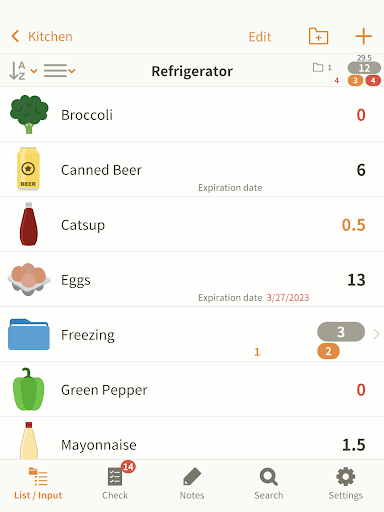
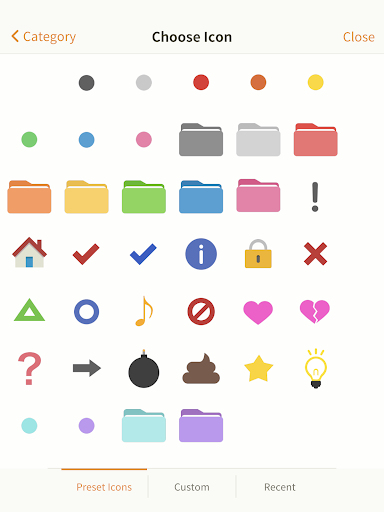
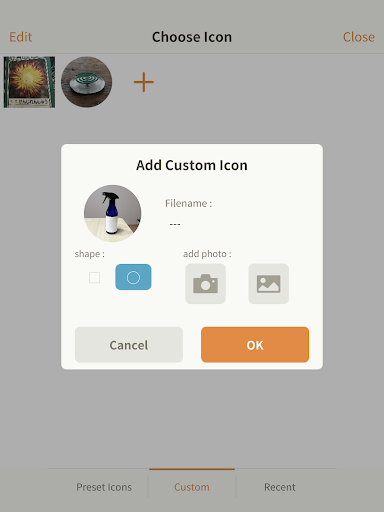
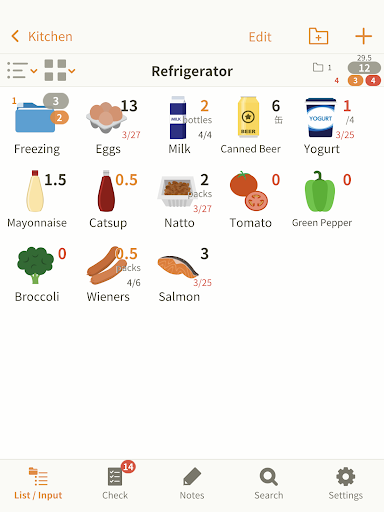
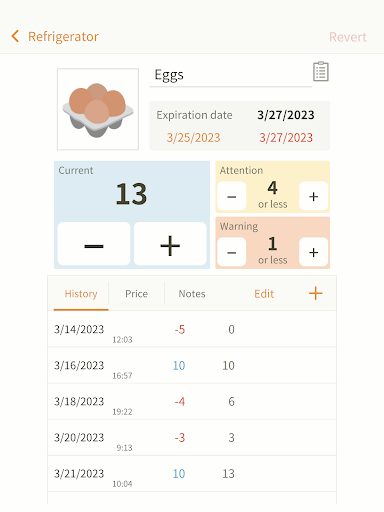
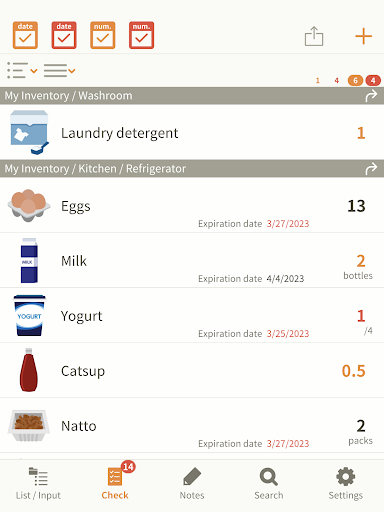
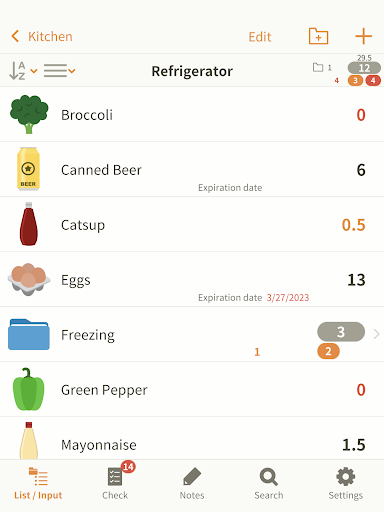
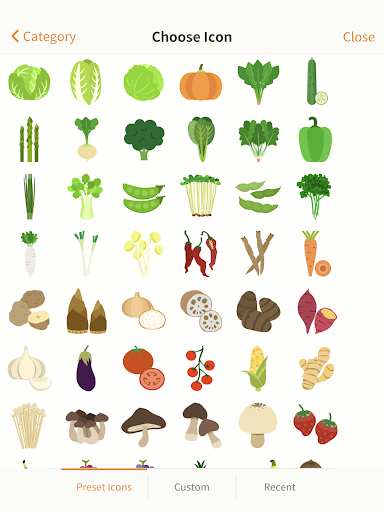
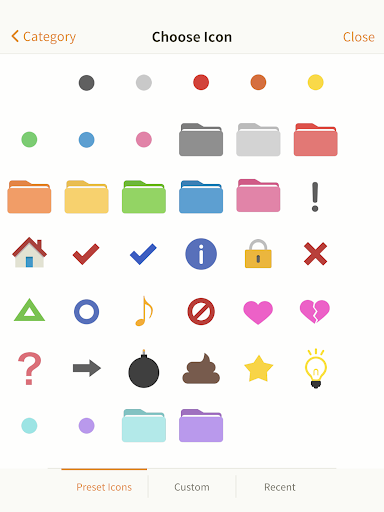
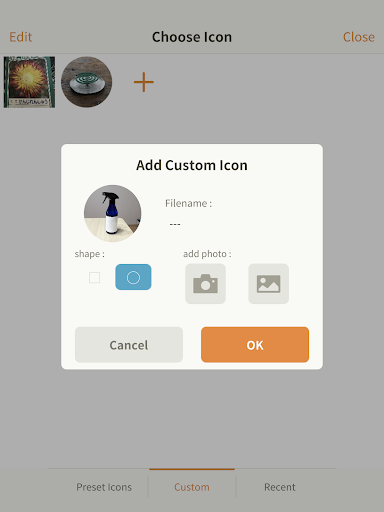
Track, organize, and manage your items—at home or anywhere. Have you ever wondered if you still have stocks when going grocery shopping? "My Inventory" will help you in such situations. Quickly launch the app, and check your inventory. Enter the number of pieces or expiration date of the commodities in your fridge or kitchen storage, for example. Then subtract number when you use them or add when you restock the products. This application helps you keep track of what you have at home, so you don't need to prepare notes before going at the grocery anymore. Furthermore it allows you to: 1. Take note of the price or store where you get a product. 2. See frequency of use (The increase and decrease will be recorded automatically). 3. Write down whatever you want to keep in mind in the Notes field. The app features more than 600 icons. If you don't find an appropriate icon, you can take a picture and create your original icons. It also allows you to organize groups for your convenience. The items that are running out are shown in the Checklist. Each item can be set to show a given number of warnings. When you restock the item, the warning will automatically disappear from the Checklist. Why don't you start using "My Inventory" as your daily living tool? You can try it with the free version "My Inventory LT".

What My Inventory – Home Tracker Is Used For

My Inventory – Home Tracker appears to be a personal inventory app for keeping track of household items. Based on the metadata, it is commonly used to record what you have in stock at home, such as groceries, kitchen supplies, or other everyday items, so you can check quantities before shopping and avoid relying on memory or handwritten notes.

The app also seems suited to tracking item details over time. It may let you log amounts, expiration dates, prices, store locations, notes, and usage frequency, which can be helpful for managing pantry rotation or watching when products are running low. The checklist and warning features suggest a phone-based tool for quick reference while shopping or organizing items at home. Permissions for USB storage indicate it may store or edit local data files, while network access and startup permission suggest it can connect online and remain ready for use on the device.

Common uses

  • Track household inventory and stock levels
  • Check what needs restocking before grocery trips
  • Record expiration dates for food and supplies
  • Save item price, store, and note details
  • Monitor how often items are used
  • Organize items into groups or categories
  • Use the checklist to spot items running low
Best for:
home organization grocery planning pantry tracking household inventory phone app

App Details

Package:
jp.co.wasabiapps.myinventory
Category:
Shopping
Developer:
Wasabi Applications (わさびアプリ)
Version:
Varies with device
Min Android:
Varies with device
Age Rating:
Everyone
Contains Ads:
No
In-App Purchases:
No

Official Listing

  • Official listing available on Google Play
  • Package name: jp.co.wasabiapps.myinventory
  • Age rating: Everyone

Explore More

Browse more apps in Shopping or explore the Phone hub .

Related Shopping Apps

Amazon Shopping icon

Amazon Shopping

Shopping Amazon Mobile LLC

Browse, search & buy millions of products right from your Android device.

Version 32.6.0.100 67.5 MB ⭐ 4.40 1,000,000,000+ installs
OfferUp - Shop. Buy. Sell. icon

OfferUp - Shop. Buy. Sell.

Shopping OfferUp Inc.

Buy & sell local items. Find amazing deals. Join the largest mobile marketplace!

Version 2026.13.1 90.8 MB ⭐ 4.40 50,000,000+ installs
السوق المفتوح - OpenSooq icon

السوق المفتوح - OpenSooq

Shopping OpenSooq FZ-LLC

Cars, Real Estate, Electronics,and Jobs in your country. More than 60M Downloads

Version 12.1.01 53.4 MB ⭐ 4.60 10,000,000+ installs
Shpock: Buy & Sell Marketplace icon

Shpock: Buy & Sell Marketplace

Shopping Shpock

Buying & selling nearby. From fashion to electronics. Local, easy, secondhand.

Version 9.20.1 26.7 MB ⭐ 2.80 10,000,000+ installs
Méliuz: Cashback e Nota Fiscal icon

Méliuz: Cashback e Nota Fiscal

Shopping Méliuz

Earn money back with Méliuz Nota Fiscal and cashback in online stores

Version 7.193.1 61.2 MB ⭐ 4.60 10,000,000+ installs
Carousell: Sell and Buy icon

Carousell: Sell and Buy

Shopping Carousell

Buy and sell fashion & luxury items, electronics, home services, cars or houses

Version 2.447.7 52.7 MB ⭐ 4.10 10,000,000+ installs

How to Download My Inventory – Home Tracker

If this app is not hosted directly on APKApps official link, then for the safest and most up-to-date version, install it from its official Google Play listing.