Tasker icon

Phone

Tasker

Tools joaomgcd ⭐ 4.10 1,000,000+

Automate everything from settings to photos, SMS to speech. ADC2 prize winner.

Version 6.6.20 5.6 MB Everyone

Screenshots

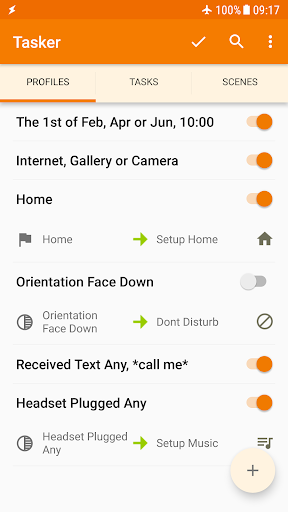
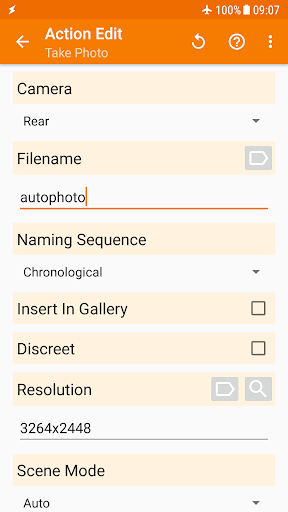
Tasker screenshot
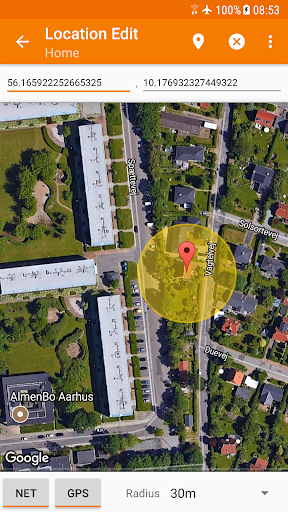
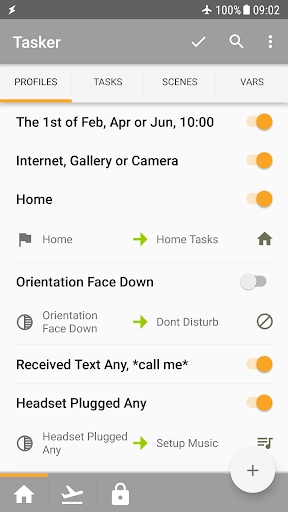
Tasker screenshot
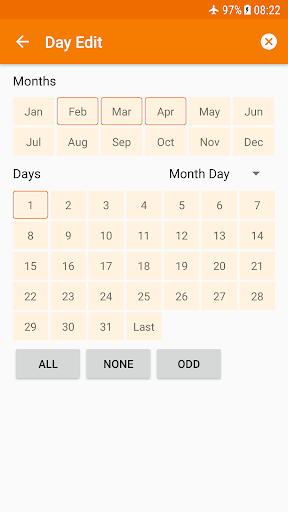
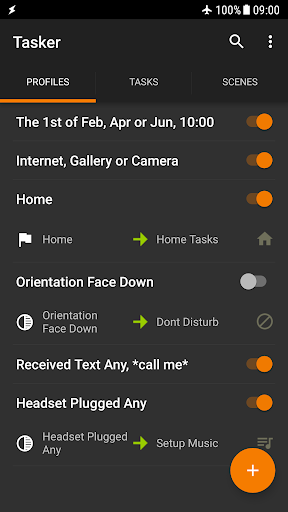
Tasker screenshot
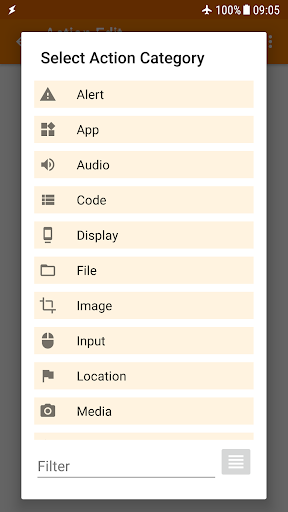
Tasker screenshot
Tasker screenshot
Tasker screenshot
Tasker screenshot
Tasker screenshot
Permissions Explained 9 permissions requested View details

This app requests 9 permissions. The table below explains what each permission may allow and what users should review before installing.

Status Permission What it means Why it may be used User safety note
Common Internet access android.permission.INTERNET Allows the app to open network connections and communicate with online services. Commonly used for streaming, syncing, login, ads, analytics, downloads, cloud features, and app updates. Common permission. Review the app’s behavior if it does not appear to need online access.
ℹ️ Review Access Wifi State android.permission.ACCESS_WIFI_STATE This is an Android permission or app-specific permission requested by the app. The app may use this permission for features related to its category, device support, background behavior, storage, connectivity, or system integration. Review this permission before installing, especially if it does not match the app’s expected purpose.
Common View network status android.permission.ACCESS_NETWORK_STATE Allows the app to check whether the device is connected to Wi-Fi, mobile data, or another network. Often used to avoid loading content when offline or to adjust loading based on connection quality. Generally low risk by itself.
⚠️ Sensitive Modify external storage android.permission.WRITE_EXTERNAL_STORAGE Allows the app to write or modify files in shared device storage. Used for saving downloads, media files, exports, edited documents, backups, or cached content. Sensitive permission. Make sure file access matches the app’s purpose.
⚠️ Sensitive Read phone state android.permission.READ_PHONE_STATE Allows the app to access phone status and device-related information. Used for call handling, carrier services, device identification, account security, or playback interruption handling. Sensitive permission. Review whether the app has a clear phone-related reason.
ℹ️ Review Receive Boot Completed android.permission.RECEIVE_BOOT_COMPLETED This is an Android permission or app-specific permission requested by the app. The app may use this permission for features related to its category, device support, background behavior, storage, connectivity, or system integration. Review this permission before installing, especially if it does not match the app’s expected purpose.
ℹ️ Review Keep device awake android.permission.WAKE_LOCK Allows the app to prevent the device from sleeping while a task is running. Used for media playback, downloads, navigation, alarms, calls, or long-running background tasks. Review battery usage if the app keeps the device awake too often.
ℹ️ Review System Alert Window android.permission.SYSTEM_ALERT_WINDOW This is an Android permission or app-specific permission requested by the app. The app may use this permission for features related to its category, device support, background behavior, storage, connectivity, or system integration. Review this permission before installing, especially if it does not match the app’s expected purpose.
⚠️ Sensitive Read external storage android.permission.READ_EXTERNAL_STORAGE Allows the app to read files from shared device storage. Used by media players, file managers, backup apps, editors, upload tools, and document apps. Sensitive permission. Review carefully if the app does not need access to files or media.

About Tasker

⚙No repetitive tasks for you, let your Android device handle it!⚙ Total Automation, From Settings to SMS. Here are only some of the things you could do with Tasker. Its real power is the flexibility to combine contexts and tasks however you wish: https://tasker.joaoapps.com/exampleuses.html ☑ Automations Make your phone a true smart phone! Why remember to change the volume every day when you leave home when your phone can do it for you? Automate stuff based on the app you're in, the time of day, your location, your Wi-Fi network, Received SMS or Calls, the currently playing song and many other (130+) states and events! Check out how easy it is to create an automation: https://www.youtube.com/watch?v=s6EAbLW5WSk ☑ Actions 350+ actions allow you to truly customize your phone like never before! Send SMS, create notifications, change almost any system setting like Wifi Tether, Dark Mode, Always On Display, change any volume, control Do Not Disturb, open apps, file manipulation, control music playback, get your location... you get the idea. If you can think of it, Tasker can probably do it for you! Note: root is NOT (I repeat NOT) required for majority of the functions. However, a few of the actions (like the Kill App and Mobile Data action on some devices) require root. This is because of Android security policies that developers cannot work around. ☑ Automatic File Backups If you set it up to do so, Tasker can automatically backup your files to a specific folder on the device, SD card, USB key or even Google Drive! This is useful if you want to keep your files safe even if you lose your phone. ☑ Download and Install APKs directly By your request (if you set up a task to do so), Tasker can automatically check a website for updated APKs, receive those APKs from said websites and initiate installation of any files! ☑ Other Triggers Manually trigger your actions via launcher shortcuts, quick setting tiles, widgets, long-pressing volume buttons, media buttons (like the ones on your BT headsets or headphones), Bixby button, Navigation Bar, Notifications and more! ☑ Join - Remote Tasker Adding Join (https://play.google.com/store/apps/details?id=com.joaomgcd.join) to the mix will even allow you to trigger tasks from another Android device or PC! ☑ Scenes Design your own UI and use it to display any info you want or trigger any task! ☑ App Creation Create your own standalone apps to share or sell with the Tasker App Factory : https://play.google.com/store/apps/details?id=net.dinglisch.android.appfactory ☑ Developer Friendly Many 3rd party developers already allow you to perform actions in their apps and listen to their events/states through Tasker! Check out some of them: https://tasker.joaoapps.com/pluginlist.html You can also call most of the Web APIs from Tasker with the powerful HTTP Auth and HTTP Request actions! Check out an example Video of HTTP Auth and Request: https://youtu.be/yAt2D1XmgUI. ☑ 7 day trial - one time payment to unlock Get it here…

What Tasker Is Used For

Tasker is a phone-focused automation app for Android that appears designed to help users reduce repetitive manual steps. Based on the metadata, it can create rules that respond to conditions such as time, location, connected Wi‑Fi, the app currently in use, incoming SMS or calls, and other device states. That makes it commonly used for routine phone automation, like adjusting settings, launching apps, or triggering actions at specific moments.

It also appears useful for more advanced device customization. The listed actions include changing system settings, sending messages, controlling notifications, managing music playback, handling files, and creating backups. The permissions suggest it may need network access, storage access, boot completion, wake lock, and overlay capability to support automations that run in the background and interact with device content. Some actions may require additional access or root on certain devices, but most functions do not appear to depend on root based on the metadata.

Common uses

  • Automating daily phone settings and routines
  • Triggering actions by time, location, or network
  • Launching apps or changing settings based on context
  • Managing notifications, volume, and Do Not Disturb
  • Creating scheduled file backups
  • Running background automations on a phone device
  • Using widgets, shortcuts, or quick settings tiles to start tasks
Best for:
automation users power users phone customization routine tasks productivity

App Details

Package:
net.dinglisch.android.taskerm
Category:
Tools
Developer:
joaomgcd
Version:
6.6.20
Updated:
Feb 24, 2026
Min Android:
8.1
Age Rating:
Everyone
Contains Ads:
No
In-App Purchases:
No

Official Listing

  • Official listing available on Google Play
  • Package name: net.dinglisch.android.taskerm
  • Age rating: Everyone

Explore More

Browse more apps in Tools or explore the Phone hub .

Related Tools Apps

IFTTT - Automate work and home icon

IFTTT - Automate work and home

Productivity IFTTT, Inc

Increase productivity and save time with Android, home, and business automation

Version Varies with device 32.9 MB ⭐ 3.20 10,000,000+ installs

How to Download Tasker

If this app is not hosted directly on APKApps official link, then for the safest and most up-to-date version, install it from its official Google Play listing.