About KLWP Live Wallpaper Pro Key
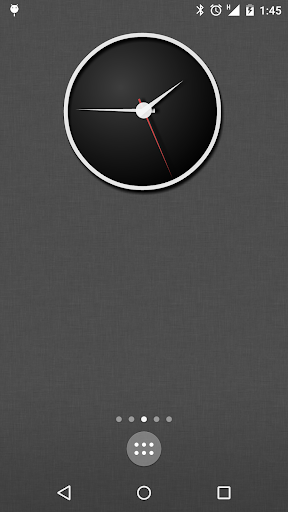
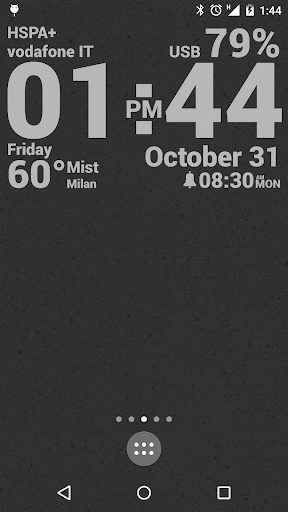
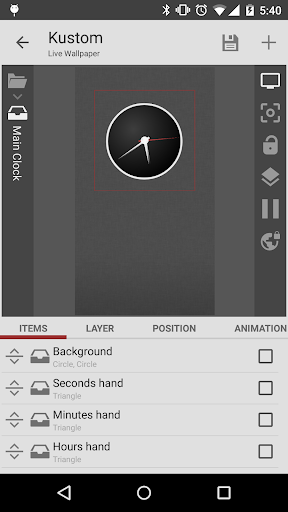
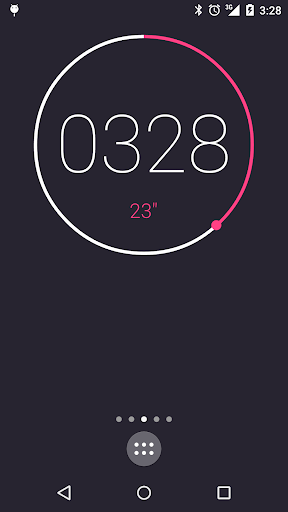
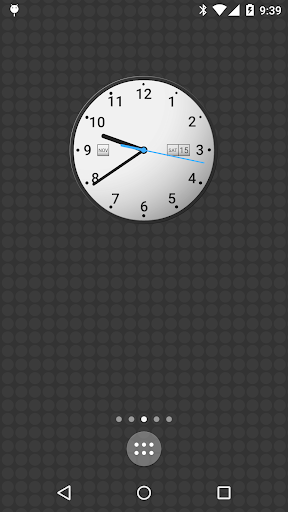
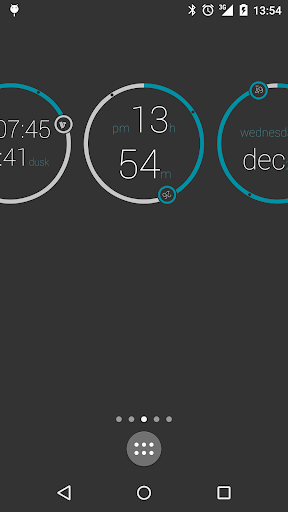
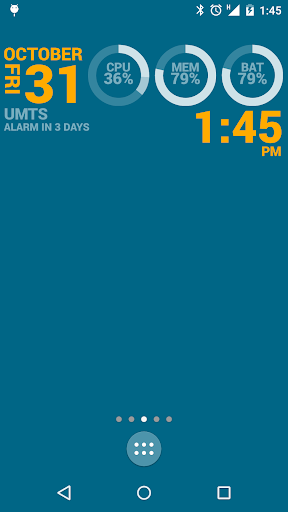
This is just a PRO Key, you will need Kustom Live Wallpaper app too! Make your Android Launcher look unique with Kustom the most powerful Live Wallpaper creator ever! Use its awesome WYSIWYG (What You See Is What You Get) editor to create you own designs and display any data you need, at once, and with wonderful animations too! If you were looking for Rainmeter or Conky on Android, this is it! Need just widget but as powerful? Check out KWGT. Unlock the following extras in KLWP by purchasing KLWP Pro Key: - Remove the ADS - Support the dev! - Unlock import from SD and all external skins - Allow exporting skins to SD and creation of APK preset packs - Save the world from alien invasion With Kustom you can create customized Digital and Analog Clocks (with seconds hand), Animated Patterns, Live Map background, Weather Widget, Material Wallpaper, Text Wallpaper, sophisticated CPU/Memory meters, randomly changing images, scrolling images, gyroscopic effects, astronomical data and much much more. Imagination is the limit. Launcher support Animations works only on launchers that fully supports the Android standards, so for example Google Now Launcher and Nova Launcher are fully supported. Some others might have problems, the only known launcher with issues right now is GO Launcher (and this cannot be fixed by us). You get: - Some skin to start with and some Komponent (a Widget in Kustom) - Text with custom fonts, colors, sizes and effects - Shapes like Ovals, Rects, Arcs, Triangles, Exagons and more - 3D flip transformations, curved and skewed text - Gradients, shadows, tiling and color filters - Zooper like progress bars and series - Layers with overlay effects like pro image / photo editors (blur, clear, xor, difference, saturation) - Touch actions / hotspots on any object you create - PNG / JPG / WEBp Image and SVG (scalable vector graphics) support - Google Fitness support (segments, calories, steps, distance, sleep) - Animations such as fading, scaling and scrolling based on screen position, accelerometer, touch, events... - Magnetic sensors / gyroscope support for wallpaper motion or objects animations - Complex programming language with functions, conditionals and global variables - Change Wallpaper based on time, location, weather, anything! - Dynamic download of content via HTTP (live maps, weather and so on) - Google Fitness support (segments, calories, steps, distance, sleep) - Native music utilities (current playing song title, album, cover) - Weather with wind chill, feels like temperature and more - RSS and free XML / XPATH / Text download - Tasker support - A huge amount of data to display such as: date, time, battery (with duration estimation), calendar, astronomy (sunrise, sunset, illumination, stardate), CPU speed, memory, countdowns, WiFi and cellular status, traffic info, next alarm, location, moving speed, rom/device info and much more)
What KLWP Live Wallpaper Pro Key Is Used For
KLWP Live Wallpaper Pro Key appears to be an unlock key for the KLWP live wallpaper app rather than a standalone wallpaper editor. Based on the metadata, it is commonly used to enable premium features in KLWP, such as removing ads, importing external skins, exporting presets, and saving customized wallpaper designs for later use. It is meant for users who already use Kustom Live Wallpaper and want access to the app’s extended tools.
In practical terms, the app fits into Android personalization workflows. Users may use KLWP to build custom home screen wallpapers with clocks, weather, system data, images, animations, and touch actions, then use this Pro Key to unlock additional options for importing and exporting designs. The metadata also mentions launcher compatibility, so it may be most relevant on phones using supported Android launchers. The only listed permission is Google Play license check, which is consistent with a license-unlock app.
Common uses
- Unlocks premium features for KLWP
- Used with Kustom Live Wallpaper, not as a standalone editor
- May allow importing skins from external storage
- May enable exporting presets or APK preset packs
- Fits Android home screen customization and live wallpaper setups
- Relevant for users who want advanced wallpaper and launcher design tools
- Uses Google Play license checking