About ReadEra Premium – ebook reader
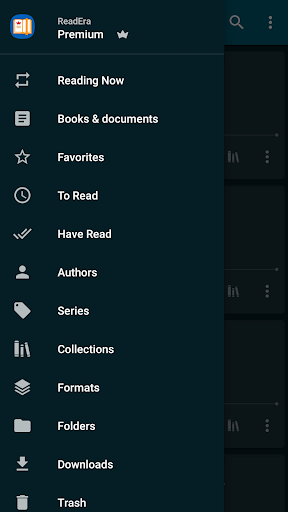
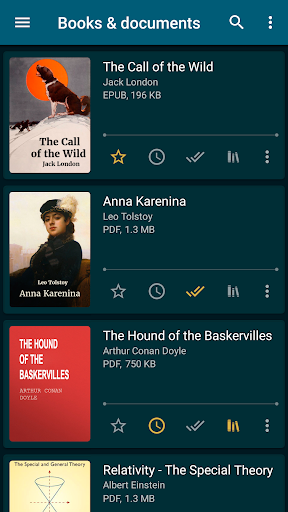
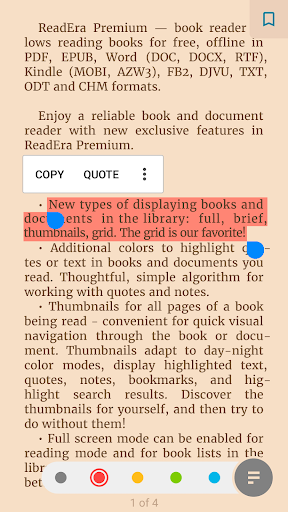
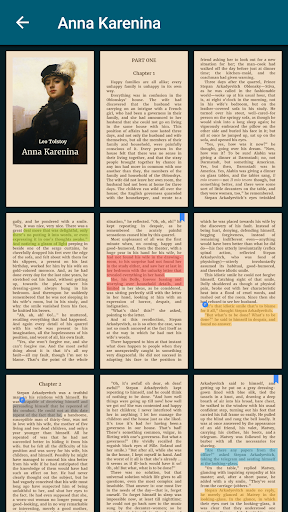
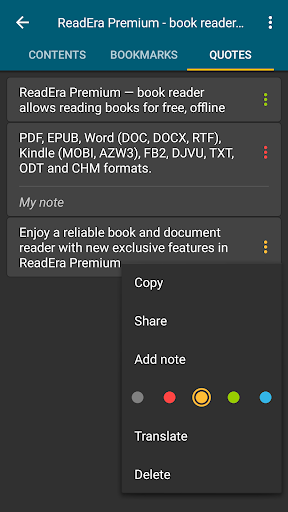
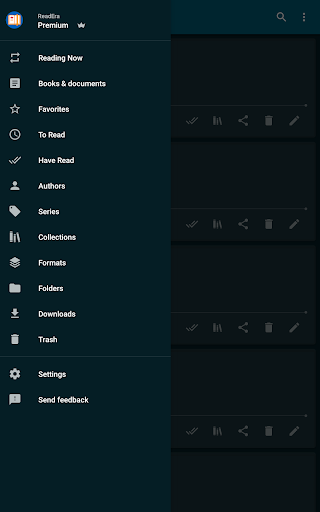
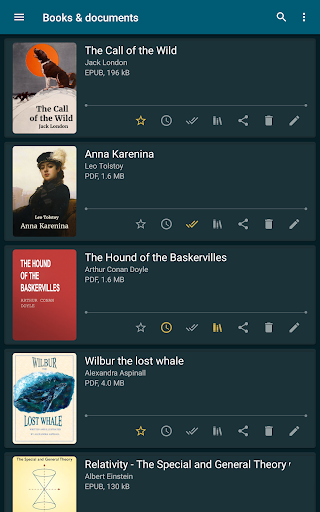
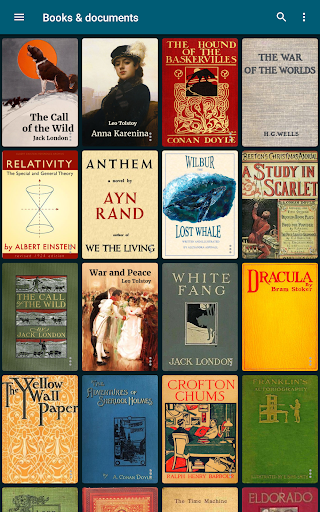
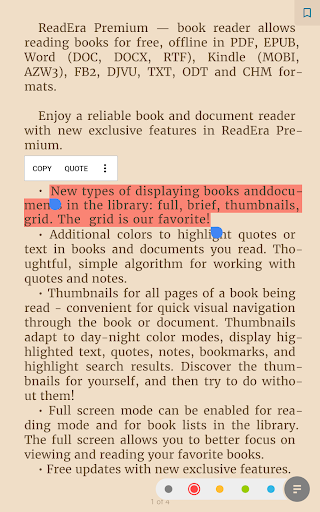
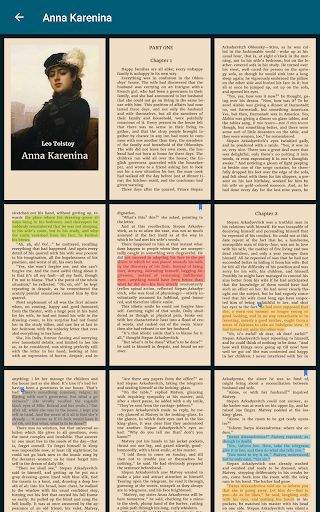
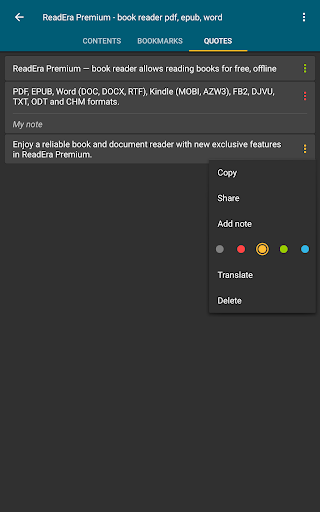
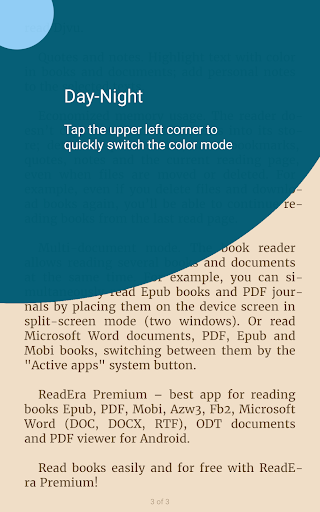
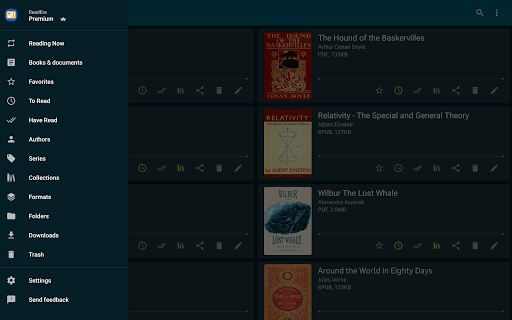
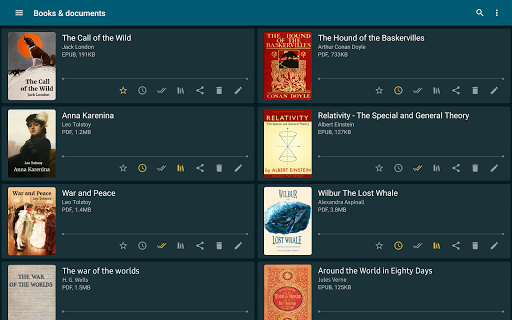
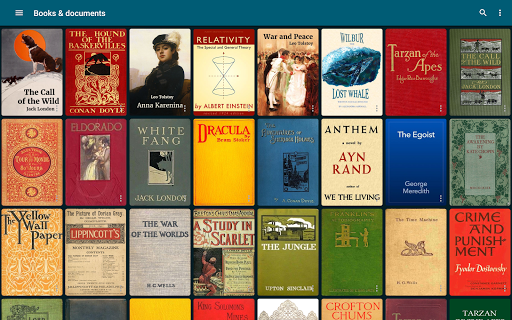
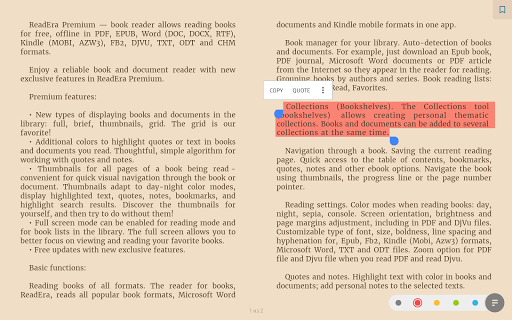
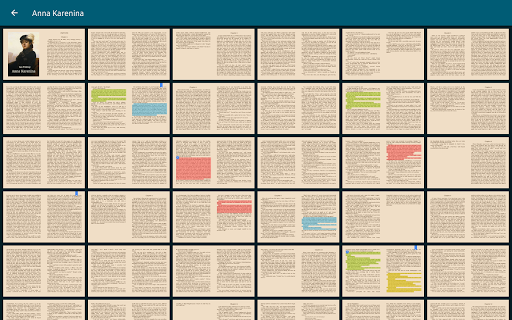
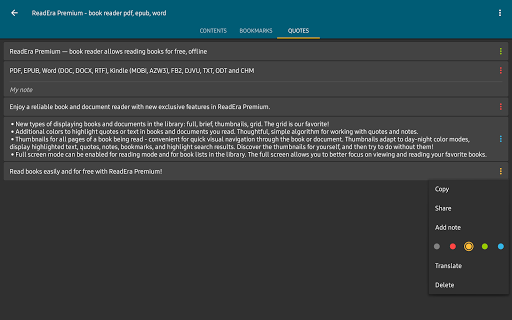
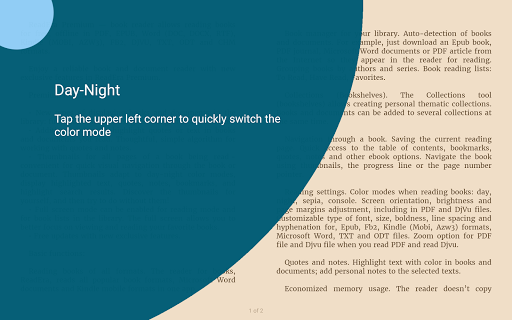
ReadEra Premium — a unique tool for searching, reading, and managing books and documents. The app allows you to automatically locate all supported books and documents on your device, search for books by title and author, read and listen to books, make bookmarks, notes and quotes, manage book and document files, sort and group books and documents by authors, series, and formats, add them to collections, find duplicate book files, view, rename, and move files across external folders, manage folders — create your own unique library of books and documents. ************* 30-day money-back guarantee! ************* You can search for books across your device, read books for free and manage files in PDF, EPUB, Microsoft Word (DOC, DOCX, RTF), Kindle (MOBI, AZW3), Comic (CBZ, CBR), DJVU, FB2, TXT, ODT, and CHM formats. Premium features: Synchronization. Synchronize books, documents, reading progress, bookmarks, and quotes with Google Drive on all your devices. Read aloud in the background TTS. You can listen to books and documents in the background and even with the screen locked. Section: Quotes, Notes ... All quotes, notes, bookmarks and reviews from all books and documents are collected in one place. Section: Dictionary. One section for all your words from all books and documents. My fonts. You can upload your fonts and use them for reading books and documents. Library view. Customize the view of displaying books and documents in the library: full, brief, thumbnails, grid. Colors for quotes. Additional colors to highlight quotes or text in books and documents you read. Page thumbnails. Thumbnails for all pages of a book being read - quick visual navigation through the book or document. Basic, core features: Search for books and documents Automatic detection of all books and documents on your device. The search function allows you to quickly find the desired book or document by title, author, series, format, or language. Quick navigation through book files found on the device The Books & Documents section displays all supported books and documents found on the device, with options to sort them by title, filename, file format, file size, modification date, and reading date. The Authors section displays all authors of books found on the device. The Series section lists all book series detected on the device. The Collections section allows you to create your own personal collections and add bookmarks to the files of found books and documents. The Downloads section displays all books found in the downloads folder on the device. Managing folders on the device The "Folders" section allows you to navigate through external folders, displaying the number of supported books and documents in each folder. This section provides tools for managing folders on the device, including viewing, creating, copying, deleting, and moving folders. Managing book and document files on the device The "About Document" section provides tools for managing compatible books and…
What ReadEra Premium – ebook reader Is Used For
ReadEra Premium appears to be a book and document reader for Android phones, with a focus on organizing local files and opening many common reading formats. Based on the metadata, people may use it to search their device for ebooks and documents, sort them by author, series, format, or file size, and build a personal library from files stored in local folders.
The app also seems useful for reading and managing study materials, reference documents, and comics in formats such as PDF, EPUB, DOC/DOCX, MOBI, AZW3, CBZ/CBR, FB2, TXT, and others listed in the metadata. The permissions for USB storage access and network access suggest it can work with files on the device and may connect for features such as synchronization. Premium features mentioned in the metadata include Google Drive sync, background text-to-speech reading, bookmarks, notes, quotes, dictionary tools, custom fonts, and alternate library views.
In practice, this app may be chosen by users who want one place to read, bookmark, and organize offline reading files instead of using separate apps for each format. It also appears relevant for people who keep large document collections and need file management tools like moving, renaming, deduplicating, and grouping content.
Common uses
- Searches the device for supported books and documents
- Opens common ebook, comic, and document formats
- Helps organize files by author, series, format, and folder
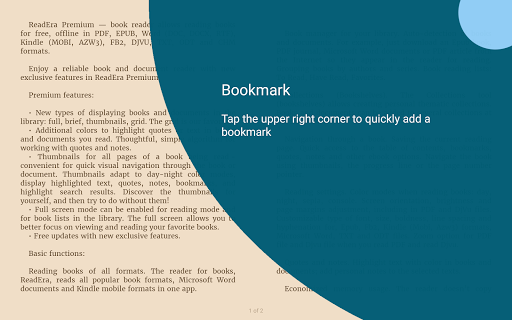
- Supports bookmarks, notes, quotes, and reading progress
- Can read aloud in the background as a premium feature
- May sync reading data with Google Drive
- Includes file tools like rename, move, and duplicate finding
App Details
Package:
org.readera.premium
Developer:
READERA LLC
Version:
26.02.02+2250
Updated:
Feb 3, 2026
Min Android:
4.1
Age Rating:
Everyone
Contains Ads:
No
In-App Purchases:
No
Official Listing
-
Official listing available on
Google Play
-
Package name:
org.readera.premium
-
Age rating:
Everyone
Related Books & Reference Apps
Books & Reference
•
Amazon Mobile LLC
Your library in your pocket. Anytime, anywhere.
Version Varies with device
139.7 MB
⭐ 4.80
100,000,000+ installs
Books & Reference
•
Wattpad.com
A story reading app: Read stories, novels and books, or write your own.
Version 11.27.0
44.1 MB
⭐ 3.80
100,000,000+ installs
Books & Reference
•
Audible, Inc.
Build a playlist of books & podcasts. Listen to true crime, news, fiction & more
Version Varies with device
57.1 MB
⭐ 4.60
100,000,000+ installs
Books & Reference
•
Ozion
An easy-to-use offline Bible reader with the KJV, daily verses, and study tools.
Version 3.64.0
68.0 MB
⭐ 4.80
100,000,000+ installs
Books & Reference
•
Bíblia Offline
Version 6.3.8
36.3 MB
⭐ 4.80
100,000,000+ installs
Books & Reference
•
MobiSystems
Version 15.9.1144
92.3 MB
⭐ 4.30
50,000,000+ installs
How to Download ReadEra Premium – ebook reader
If this app is not hosted directly on APKApps official link,
then for the safest and most up-to-date version, install it from its official Google Play listing.