Eon Player Pro icon

Phone

Eon Player Pro

Music & Audio QMS Apps ⭐ 4.20 5,000+
Version 5.9.2 Everyone

Screenshots

Eon Player Pro screenshot
Permissions Explained 10 permissions requested View details

This app requests 10 permissions. The table below explains what each permission may allow and what users should review before installing.

Status Permission What it means Why it may be used User safety note
ℹ️ Review Read The Contents Of Your Usb Storage read the contents of your USB storage This is an Android permission or app-specific permission requested by the app. The app may use this permission for features related to its category, device support, background behavior, storage, connectivity, or system integration. Review this permission before installing, especially if it does not match the app’s expected purpose.
ℹ️ Review Modify Or Delete The Contents Of Your Usb Storage modify or delete the contents of your USB storage This is an Android permission or app-specific permission requested by the app. The app may use this permission for features related to its category, device support, background behavior, storage, connectivity, or system integration. Review this permission before installing, especially if it does not match the app’s expected purpose.
ℹ️ Review View Wi Fi Connections view Wi-Fi connections This is an Android permission or app-specific permission requested by the app. The app may use this permission for features related to its category, device support, background behavior, storage, connectivity, or system integration. Review this permission before installing, especially if it does not match the app’s expected purpose.
ℹ️ Review View Network Connections view network connections This is an Android permission or app-specific permission requested by the app. The app may use this permission for features related to its category, device support, background behavior, storage, connectivity, or system integration. Review this permission before installing, especially if it does not match the app’s expected purpose.
ℹ️ Review Pair With Bluetooth Devices pair with Bluetooth devices This is an Android permission or app-specific permission requested by the app. The app may use this permission for features related to its category, device support, background behavior, storage, connectivity, or system integration. Review this permission before installing, especially if it does not match the app’s expected purpose.
ℹ️ Review Full Network Access full network access This is an Android permission or app-specific permission requested by the app. The app may use this permission for features related to its category, device support, background behavior, storage, connectivity, or system integration. Review this permission before installing, especially if it does not match the app’s expected purpose.
ℹ️ Review Run At Startup run at startup This is an Android permission or app-specific permission requested by the app. The app may use this permission for features related to its category, device support, background behavior, storage, connectivity, or system integration. Review this permission before installing, especially if it does not match the app’s expected purpose.
ℹ️ Review Draw Over Other Apps draw over other apps This is an Android permission or app-specific permission requested by the app. The app may use this permission for features related to its category, device support, background behavior, storage, connectivity, or system integration. Review this permission before installing, especially if it does not match the app’s expected purpose.
ℹ️ Review Prevent Device From Sleeping prevent device from sleeping This is an Android permission or app-specific permission requested by the app. The app may use this permission for features related to its category, device support, background behavior, storage, connectivity, or system integration. Review this permission before installing, especially if it does not match the app’s expected purpose.
ℹ️ Review Modify System Settings modify system settings This is an Android permission or app-specific permission requested by the app. The app may use this permission for features related to its category, device support, background behavior, storage, connectivity, or system integration. Review this permission before installing, especially if it does not match the app’s expected purpose.

About Eon Player Pro

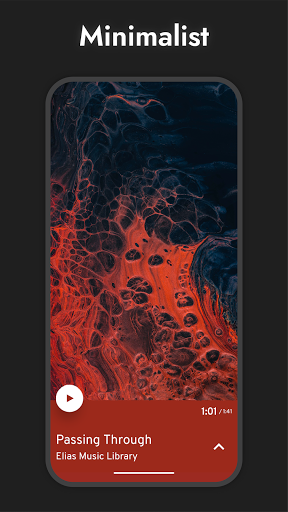
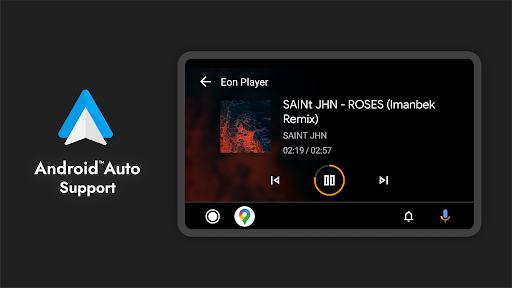
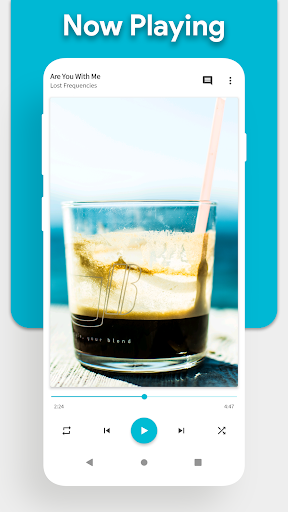
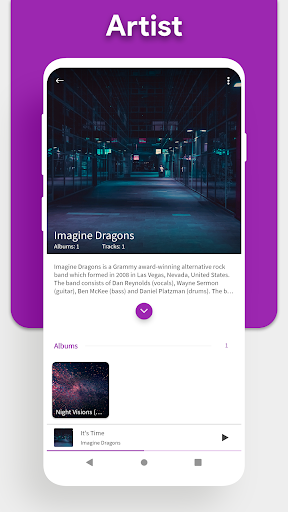
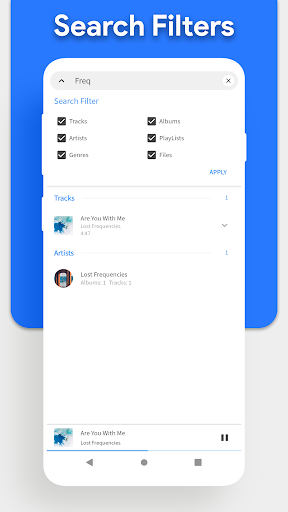
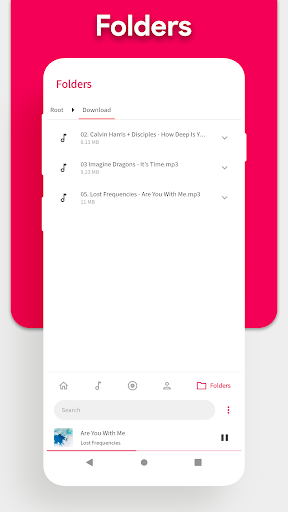
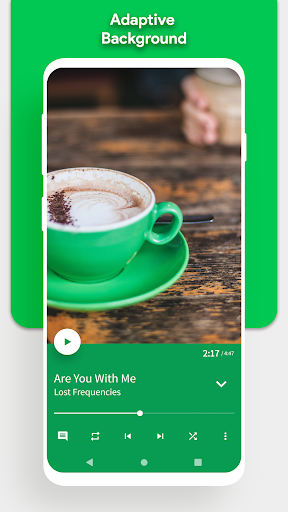
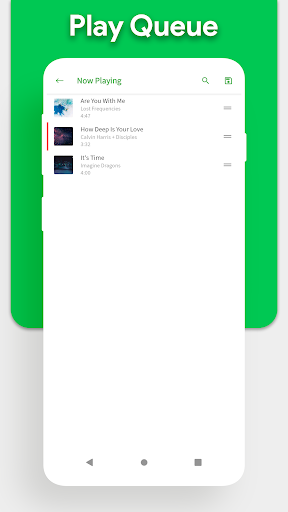
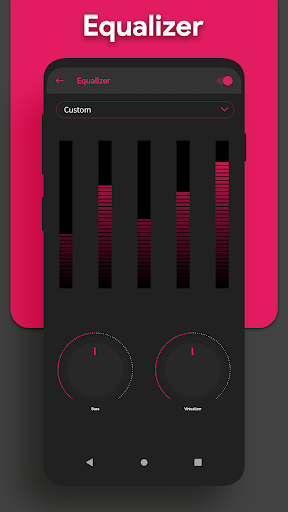
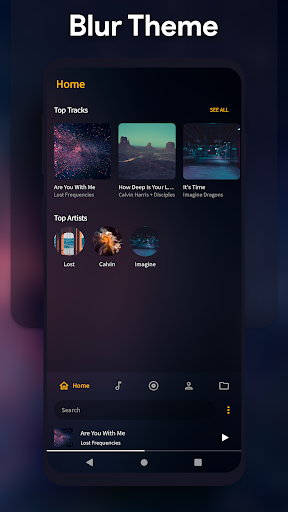
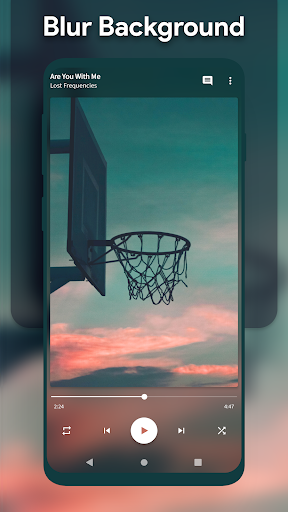
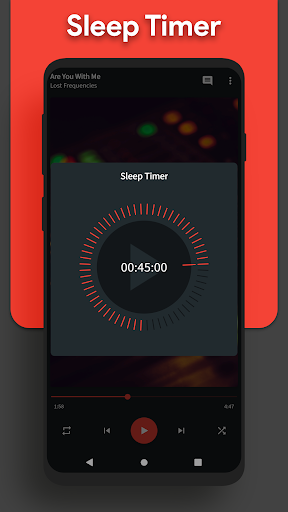
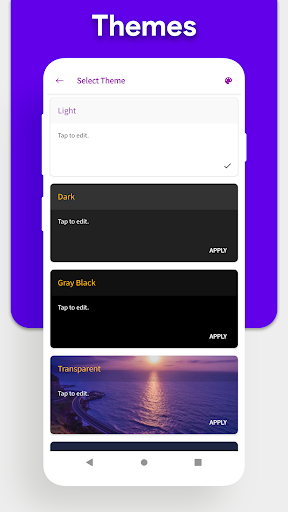
Please do NOT buy this app, instead get the FREE version of the app and then "Upgrade" to "Pro" from within the app. This version exists only to support the users who bought the app back when there were two different version. Eon Audio - MP3 Player Pro is minimal, feature packed, highly customizable and one of the cleanest Material Design Audio - MP3 Player. Adaptive Now Playing: Eon Audio - MP3 Player Pro includes adaptive UI feature, which enables Eon Audio - MP3 Player Pro to adapt Now Playing background colors according to the album art of currently playing track. Adaptive Widgets: Eon Audio - MP3 Player Pro also includes option to make home screen widget to adapt color according to the album art of current playing track. Home Screen: Option to customize home screen which by default includes following sections: Tracks, Albums, Artists, Playlists, Genre and Folder view. You have the option to remove any page you want from home screen or change the order in which they appear. Easy navigation & Quick controls: Eon Audio - MP3 Player Pro gives you easy to use navigation, quick controls and nicely formatted drop down menus. Everything is right where you need/expect it to be. There is no clutter and there are hardly any hidden or complex menus which make it one of the cleanest Material Design Audio - MP3 Player. Folder View: Eon Audio - MP3 Player Pro gives you access to all your audio files with a list of all folders which contain audio files. Eon Audio - MP3 Player Pro also includes Hierarchical folder view. Themes: Eon Audio - MP3 Player Pro gives you 9 preset themes (Light, Dark, Black, Transparent (Glossy), Mid Night Blue, Dark Brown, Pitch Black, Deep Purple and Ubuntu) to customize Eon Audio - MP3 Player Pro to make it your own the way you like it. Eon Audio - MP3 Player Pro also includes a built-in Theme Maker which allows to create as many themes as you want. Player Screen Skins: With Eon Audio - MP3 Player Pro you have the option to customize Player screen, two Player skins (themes) provided in free version and three more options in Eon Audio - MP3 Player Pro version. Android™ Auto Support: Eon Music Player enables you to take your music library with you while you travel, connect through Android™ Auto and enjoy your music with Eon Music Player. Standard Features: • Eon Audio - MP3 Player Pro supports all common formats like mp3 - aac - ogg - wav - m4a - flac • Clean and clutter free Material Design Audio - MP3 Player. • Equalizer • Folder filters • Search option • Tag Edit. • Homescreen widget in 12 sizes. • Notification/Lock screen controls. • Create, edit and listen to playlists. • Auto Download missing album arts in high quality. • Customize home screen. • Quick navigation. • Eon Audio - MP3 Player supports Android JellyBean to Android Q. Permissions Explained: Eon Audio - MP3 Player Pro needs following permissions: To read audio files. READ_EXTERNAL_STORAGE To save downloaded album arts for later use. WRITE_EXTERNAL_STORAGE To…

What Eon Player Pro Is Used For

Eon Player Pro appears to be a music player for Android phones that is used to browse and play audio files stored on the device or USB storage. Based on the metadata, it focuses on common library views such as tracks, albums, artists, playlists, genres, and folders, so it may be useful for people who keep a local music collection and want a simple way to organize and access it.

The app also seems aimed at users who want more control over the player interface. Its metadata mentions customizable home pages, themes, player skins, and adaptive colors tied to album art, which suggests it is used not only for playback but also for personalizing the listening experience. The Android Auto support indicates it may also be used for music playback in cars where supported.

Several listed permissions fit a media player context, such as access to storage for reading audio files, Bluetooth for audio devices, network access for app features, and preventing sleep during playback. Other permissions like overlay or system settings may relate to widgets, playback controls, or appearance options. Overall, it appears to be a local audio player for managing and listening to music on a phone rather than a streaming service.

Common uses

  • Play music files stored on the phone or USB storage
  • Browse audio by tracks, albums, artists, playlists, genres, or folders
  • Customize the home screen layout and player appearance
  • Use themes and player skins to change the look of the app
  • Control playback from widgets or quick controls
  • Connect with Bluetooth audio devices for listening
  • Use Android Auto support for in-car music playback
Best for:
local music listeners phone app android auto users customizable player library-based playback

App Details

Package:
qijaz221.github.io.musicplayer.premium
Category:
Music & Audio
Developer:
QMS Apps
Version:
5.9.2
Updated:
Aug 29, 2025
Min Android:
5.0
Age Rating:
Everyone
Contains Ads:
No
In-App Purchases:
Yes

Official Listing

  • Official listing available on Google Play
  • Package name: qijaz221.github.io.musicplayer.premium
  • Age rating: Everyone

Explore More

Browse more apps in Music & Audio or explore the Phone hub .

Related Music & Audio Apps

How to Download Eon Player Pro

If this app is not hosted directly on APKApps official link, then for the safest and most up-to-date version, install it from its official Google Play listing.