Mirror - Makeup icon

Phone

Mirror - Makeup

Beauty Life365 studio ⭐ 4.30 100,000+
Version 1.0.17 Everyone

Screenshots

Mirror - Makeup screenshot
Permissions Explained 8 permissions requested View details

This app requests 8 permissions. The table below explains what each permission may allow and what users should review before installing.

Status Permission What it means Why it may be used User safety note
ℹ️ Review Read The Contents Of Your Usb Storage read the contents of your USB storage This is an Android permission or app-specific permission requested by the app. The app may use this permission for features related to its category, device support, background behavior, storage, connectivity, or system integration. Review this permission before installing, especially if it does not match the app’s expected purpose.
ℹ️ Review Modify Or Delete The Contents Of Your Usb Storage modify or delete the contents of your USB storage This is an Android permission or app-specific permission requested by the app. The app may use this permission for features related to its category, device support, background behavior, storage, connectivity, or system integration. Review this permission before installing, especially if it does not match the app’s expected purpose.
ℹ️ Review Take Pictures And Videos take pictures and videos This is an Android permission or app-specific permission requested by the app. The app may use this permission for features related to its category, device support, background behavior, storage, connectivity, or system integration. Review this permission before installing, especially if it does not match the app’s expected purpose.
ℹ️ Review View Wi Fi Connections view Wi-Fi connections This is an Android permission or app-specific permission requested by the app. The app may use this permission for features related to its category, device support, background behavior, storage, connectivity, or system integration. Review this permission before installing, especially if it does not match the app’s expected purpose.
ℹ️ Review View Network Connections view network connections This is an Android permission or app-specific permission requested by the app. The app may use this permission for features related to its category, device support, background behavior, storage, connectivity, or system integration. Review this permission before installing, especially if it does not match the app’s expected purpose.
ℹ️ Review Full Network Access full network access This is an Android permission or app-specific permission requested by the app. The app may use this permission for features related to its category, device support, background behavior, storage, connectivity, or system integration. Review this permission before installing, especially if it does not match the app’s expected purpose.
ℹ️ Review Control Vibration control vibration This is an Android permission or app-specific permission requested by the app. The app may use this permission for features related to its category, device support, background behavior, storage, connectivity, or system integration. Review this permission before installing, especially if it does not match the app’s expected purpose.
ℹ️ Review Prevent Device From Sleeping prevent device from sleeping This is an Android permission or app-specific permission requested by the app. The app may use this permission for features related to its category, device support, background behavior, storage, connectivity, or system integration. Review this permission before installing, especially if it does not match the app’s expected purpose.

About Mirror - Makeup

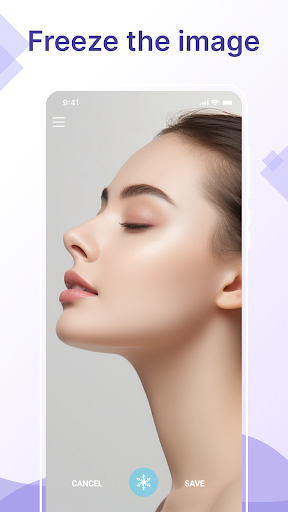
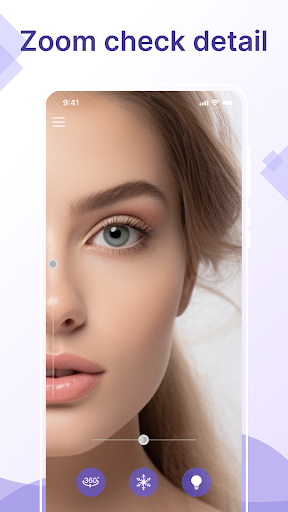
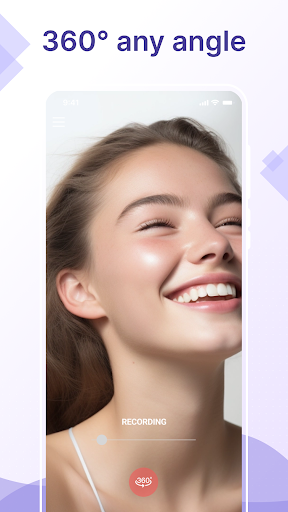
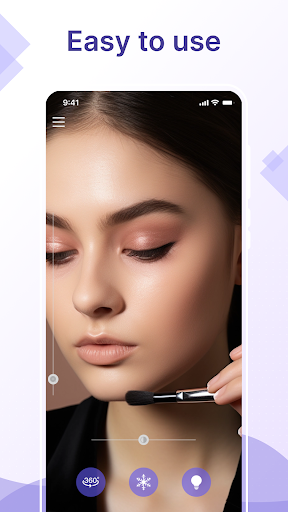
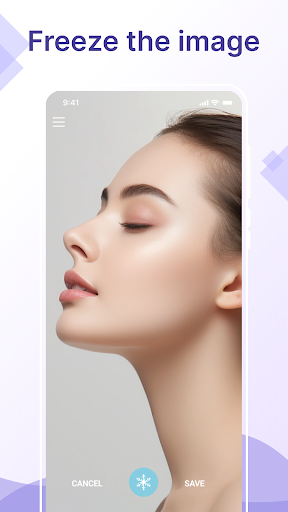
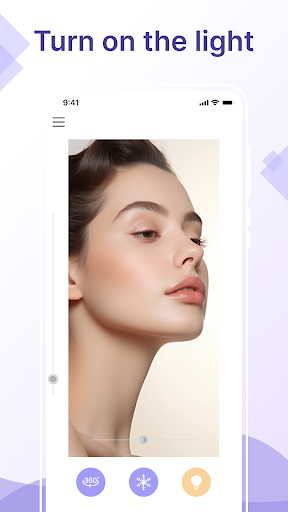
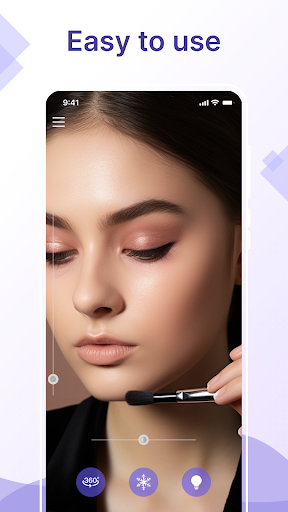
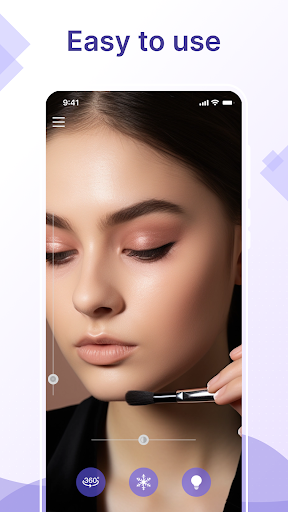
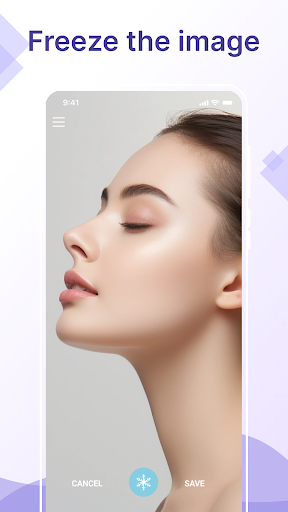
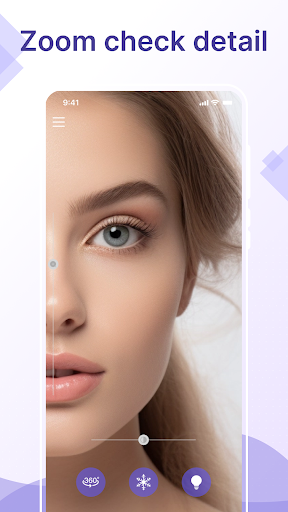
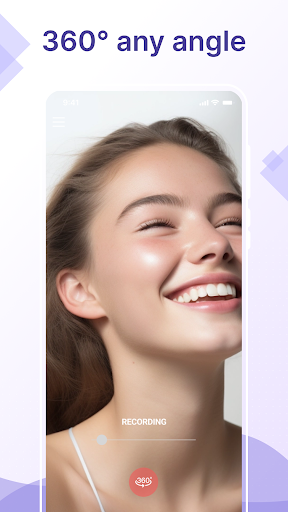
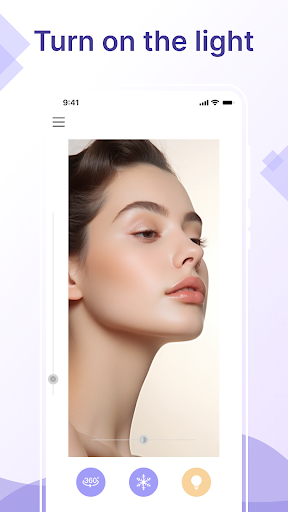
Ever needed to touch up your makeup before a meeting with no mirror nearby? Did you forget your pocket mirror while traveling and want to fix your hair? Or needed to check your teeth up close without a mirror in sight? Meet Mirror - Makeup: the app that turns your Android into a high-quality HD makeup mirror, perfect for looking your best anytime, anywhere. This isn’t just any mirror app—it’s a dedicated makeup mirror built for your daily life. Whether you’re touching up lipstick, shaving, or making sure your hairstyle stays flawless, this app makes it easy. With a sharp camera that acts like a real mirror, you get a clear, true reflection: no filters, no hassle, just a reliable mirror experience. Why choose this makeup mirror app? ✅ Clear & detailed HD view: Use the HD camera to check every detail of your face. Zoom in easily for precise makeup touch-ups or to fix smudges. Zoom out to see your full look. ✅ Intuitive gestures, easier than your camera: Unlike your phone’s camera, this app is made for quick, on-the-go use. Swipe or tap to adjust settings—no fumbling with camera modes. Need more light? Brighten your view with one tap, even in dark rooms or outdoors. ✅ 3D rotation for stunning photos: Show off your makeup and hairstyle from every angle with 3D rotation. Perfect for capturing social media-worthy shots that highlight your style. ✅ Freeze & save instantly: Freeze the frame with one tap to save photos. Compare before-and-after looks, or track how your style changes over time. All saved photos are easy to view in the app. ✅ Share your look in one tap: Share photos and videos directly to social media without switching apps. Why use this app instead of your phone’s camera? Your phone’s camera is great for photos, but this app is built specifically as a makeup mirror: ✅ Dedicated mirror function: Not a generic camera—made only for makeup touch-ups, hair fixes and shaving. ✅ True, real-life reflection: No reversed image like other cameras. What you see is what everyone else sees. ✅ One-handed use: Simple, tap controls make it perfect as a pocket mirror, even on the move. ✅ Adjustable lighting: Brightness control for any environment, no more squinting or harsh flash. This app is more than a tool—it’s your daily companion. At home, at work or traveling, Mirror - Makeup is your essential pocket mirror. Ditch the bulky compact mirror—your phone is now your best mirror. Try it now. This makeup mirror app is designed to make looking your best simple, from quick touch-ups to detailed makeup sessions. If you have suggestions or need help, feel free to contact us. We’re here to make this the best makeup mirror app for you.

What Mirror - Makeup Is Used For

Mirror - Makeup appears to be a phone app designed to turn an Android device into a front-facing mirror for quick personal grooming. Based on the metadata, people may use it to check makeup, fix hair, shave, or inspect small details on their face when a physical mirror is not available. Its beauty category and mirror-focused description suggest it is intended for everyday touch-ups rather than general photography.

The app also seems useful in situations where lighting or convenience matters, such as getting ready before a meeting, traveling, or checking your appearance on the go. The listed camera permission fits that mirror-style use, since the app needs access to take pictures or display a live camera view. Other permissions like storage access may support saving frozen images or photos, while network permissions may relate to ads, app features, or updates. Because it is a phone app, it appears aimed at handheld, one-handed use rather than tablet or TV screens.

Common uses

  • Use the front camera as a handheld makeup mirror.
  • Check hair, shaving, or grooming details up close.
  • Adjust the view for quick touch-ups before going out.
  • Freeze or save a frame for comparing looks or keeping a reference.
  • Use it when traveling or away from a physical mirror.
  • Open it for fast, one-handed use on a phone.
  • Manage brightness or viewing adjustments in different lighting.
Best for:
quick touch-ups travel use phone app daily grooming personal mirror

App Details

Package:
top.tinysoft.mirror
Category:
Beauty
Developer:
Life365 studio
Version:
1.0.17
Updated:
Jul 8, 2025
Min Android:
6.0
Age Rating:
Everyone
Contains Ads:
Yes
In-App Purchases:
Yes

Official Listing

  • Official listing available on Google Play
  • Package name: top.tinysoft.mirror
  • Age rating: Everyone

Explore More

Browse more apps in Beauty or explore the Phone hub .

Related Beauty Apps

Perfect365 Makeup Photo Editor icon

Perfect365 Makeup Photo Editor

Beauty Perfect365, Inc.

Edit Your Photos and Videos with Beauty Filters & Get Makeup Artist Tutorials

Version 10.17.26 237.9 MB ⭐ 3.60 50,000,000+ installs
Beauty Makeup Editor & Camera icon

Beauty Makeup Editor & Camera

Beauty Photo & Video Editors - Instant Solution

One-tap Makeup, Fine-tune Eyes, Lipstick, Auto-beauty Retouch, Photo makeover...

Version 2.1.2 145.6 MB ⭐ 4.70 50,000,000+ installs
Mirror Plus - HD Mirror app icon

Mirror Plus - HD Mirror app

Beauty Digitalchemy, LLC

Use your phone as a makeup mirror, shaving mirror. Magnifying mirror with light!

Version 4.4.12 7.1 MB ⭐ 4.80 10,000,000+ installs
DSLR HD Camera : 4K HD Camera icon

DSLR HD Camera : 4K HD Camera

Beauty DOSA Apps

DSLR Hd camera capture high quality 4k hd picture with filters and blur editor

Version 7.1.2 46.0 MB ⭐ 4.50 10,000,000+ installs
Barber Chop icon

Barber Chop

Beauty Lajeune & Associates, LLC

This barber game allows you to create and design hair styles on diverse people

Version Varies with device 196.8 MB ⭐ 3.80 10,000,000+ installs

How to Download Mirror - Makeup

If this app is not hosted directly on APKApps official link, then for the safest and most up-to-date version, install it from its official Google Play listing.