About Outlined Watch Face
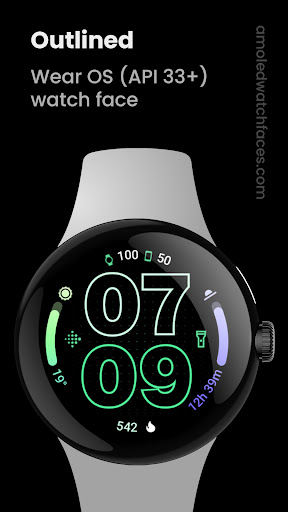
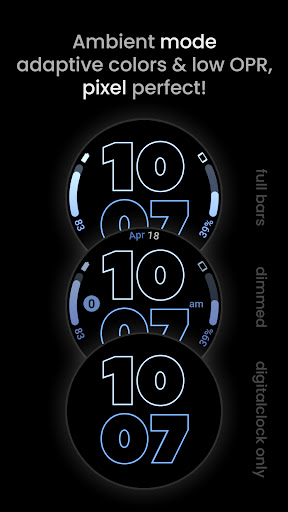
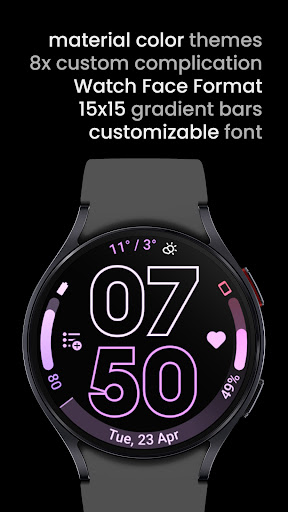
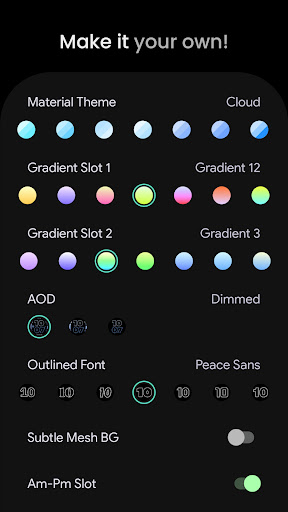
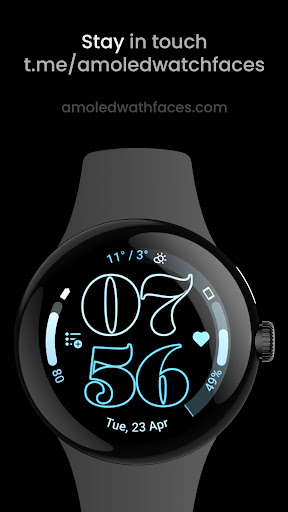
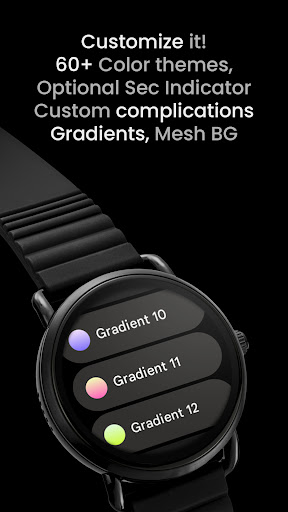
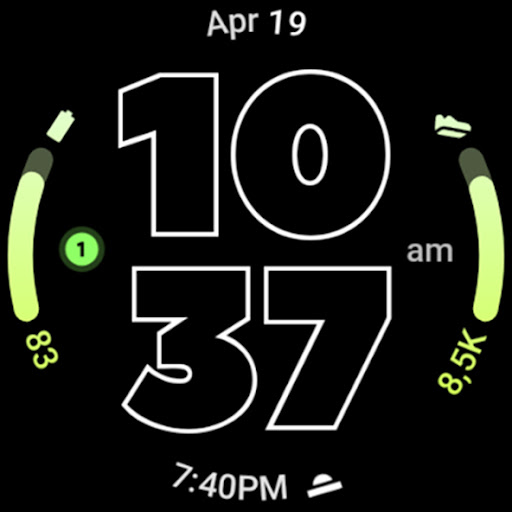
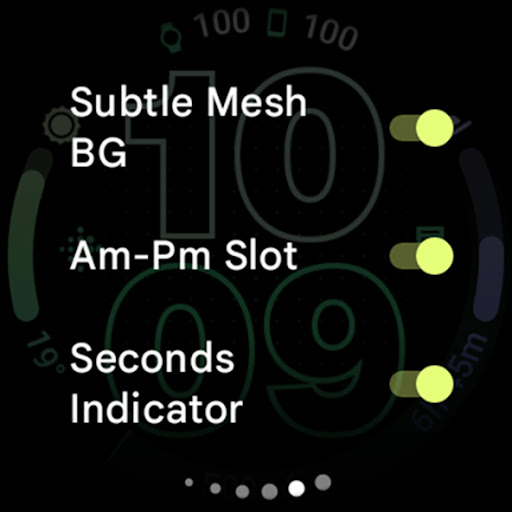
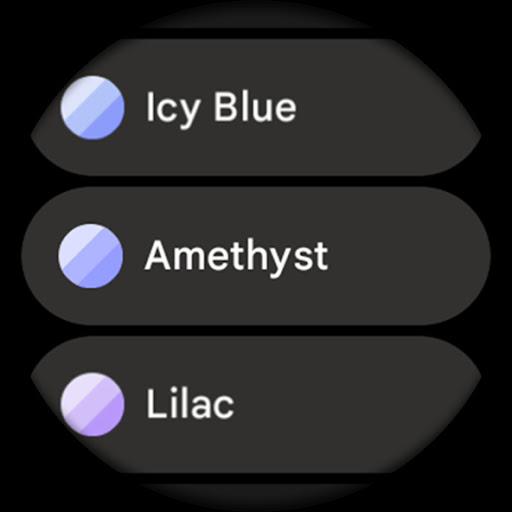
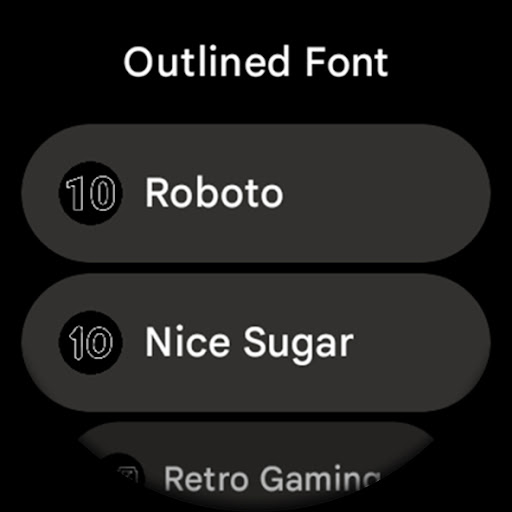
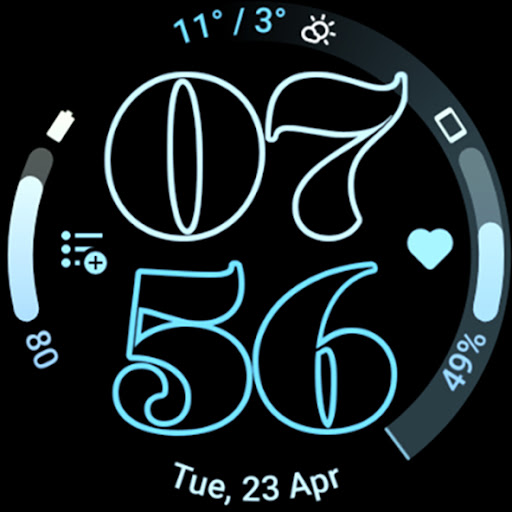
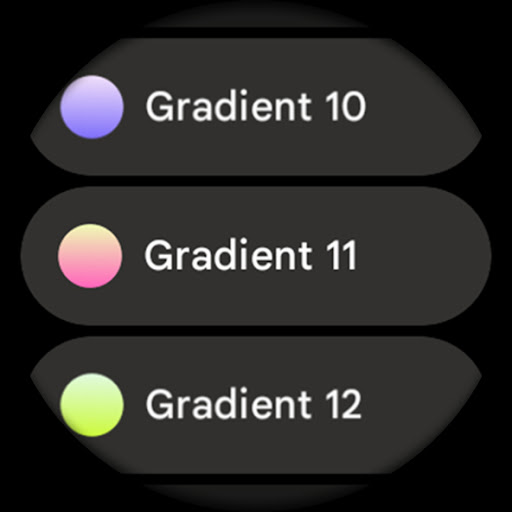
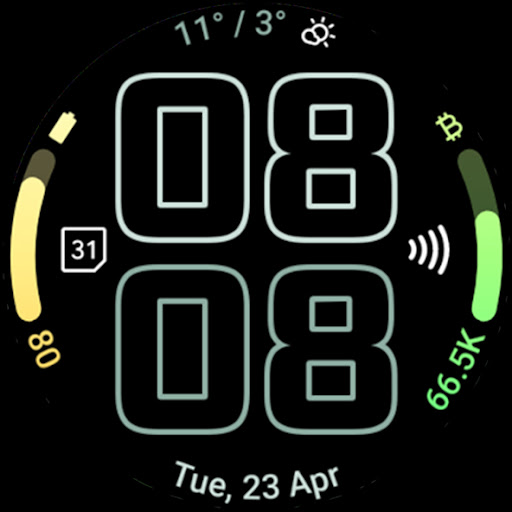
Only for Wear OS 4+ devices // Not suitable for rectangular watches Powered by Watch Face Format amoledwatchfaces.com BUY ONE GET ONE OFFER! amoledwatchfaces.com/bogo CUSTOM COMPLICATION APPS amoledwatchfaces.com/apps FEATURES • Watch Face Format • two gradient arc complication slots • combined watch / phone batteries complication support! • unique / selectable outlined Digital Clock fonts • true black background • battery friendly! • high-res design • unique material you color themes • fully compatible with Pixel Watch 2 & Galaxy Watch6 • make it your own, customize each progress bar gradient individually when ranged value complication is used • burn-in protection • optional wave styled seconds indicator • different settings to create your unique daily companion • three AOD styles with an option to use only Digital Clock and fully offload to MCU (battery++) USER CONFIGURATIONS • Material Theme (60+) • Gradient Slot 1,2 (19 Gradients, White, Tint) • Outlined Font (10x) • AOD (Style - 3x) • Subtle Mesh Background (Toggle) • Am-Pm Slot (Toggle) - turns one complication into am-pm indicator (12h) • Seconds Indicator (Toggle) - wave style • Tint Icons (Toggle) - monchromatic icon complication slots tinting • Custom Complication (8x) - two custom app shortcuts Installation and troubleshooting guide amoledwatchfaces.com/guide Please send any issues reports or help requests to our support address
[email protected] Join our Telegram group for live support and discussion t.me/amoledwatchfaces Newsletter amoledwatchfaces.com/contact#newsletter amoledwatchfaces™ - Awf
What Outlined Watch Face Is Used For
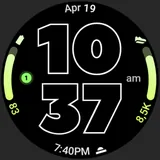
Outlined Watch Face appears to be a customizable watch face for Wear OS 4+ smartwatches. Based on the metadata, people would commonly use it to give their watch a digital time display with outlined fonts, gradient accents, and a black background that may suit AMOLED screens. It is not described as a general phone app; instead, it is aimed at watch use and is not suitable for rectangular watches.
The app may be used by people who want quick access to at-a-glance information on their wrist, such as battery status and supported complications. The listed features suggest it can show different complication slots, including combined watch and phone battery data, and it offers several display styles for always-on display behavior. The permission list is minimal, with only Google Play license check shown, which fits a watch-face app that mainly focuses on display customization rather than broad device access.
Common use cases likely include personalizing a smartwatch for everyday wear, matching Material You color themes, and adjusting the layout for readability or battery-minded use. The metadata also mentions burn-in protection and optional seconds display, which may appeal to users who want a functional face with some visual styling options.
Common uses
- Customize a Wear OS watch face with outlined digital clock styling.
- Display time alongside selected complication data on the watch face.
- Use battery-related complications, including watch and phone battery support.
- Adjust colors, gradients, fonts, and AOD styles for a personalized look.
- Enable or disable extras like the seconds indicator or AM/PM slot.
- Choose a design that may be better suited to AMOLED watch screens.
How to Download Outlined Watch Face
If this app is not hosted directly on APKApps official link,
then for the safest and most up-to-date version, install it from its official Google Play listing.