About Resprite: pixel art studio
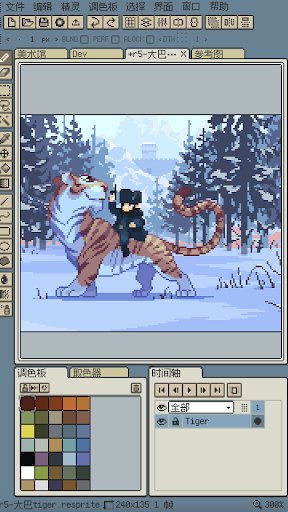
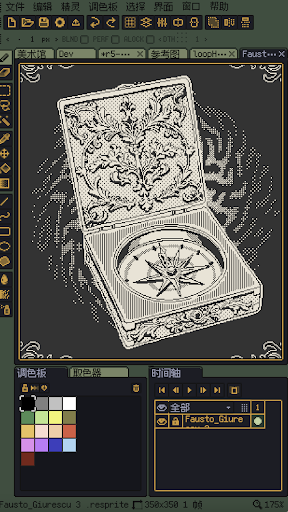
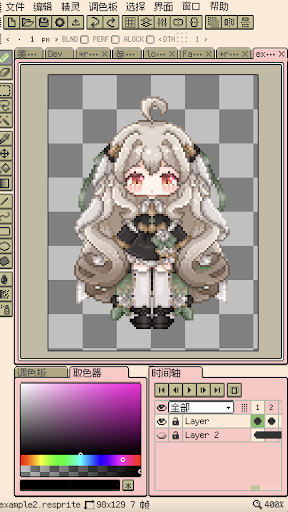
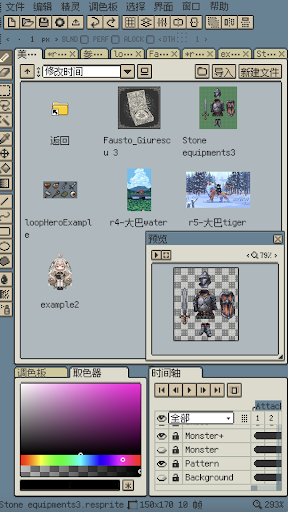
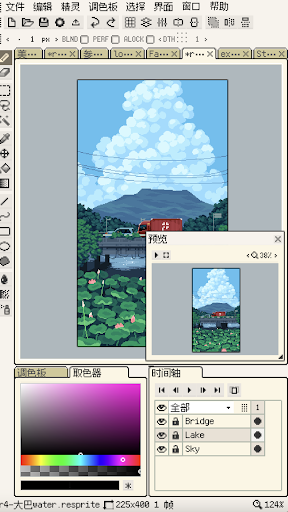
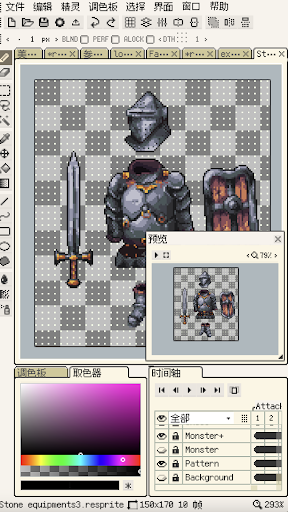
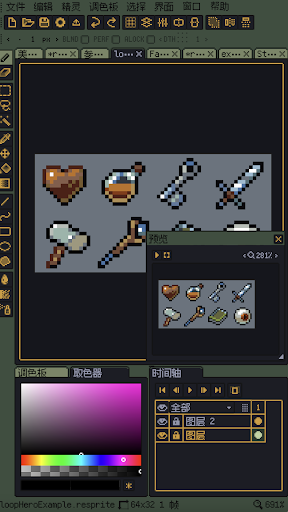
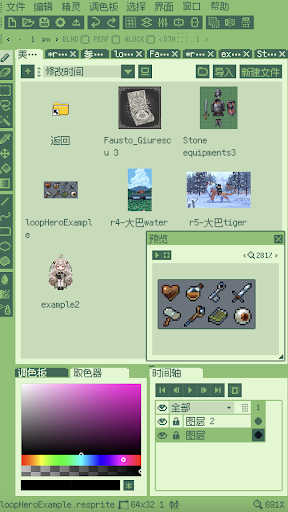
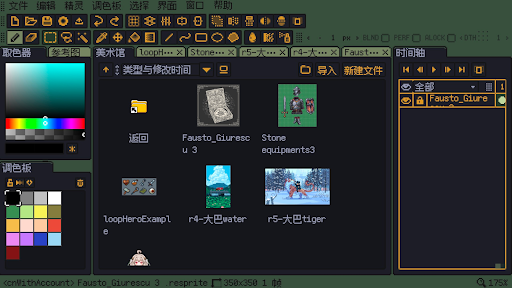
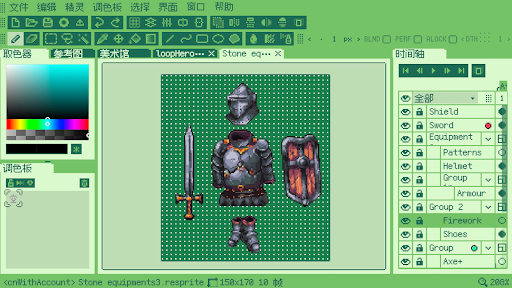
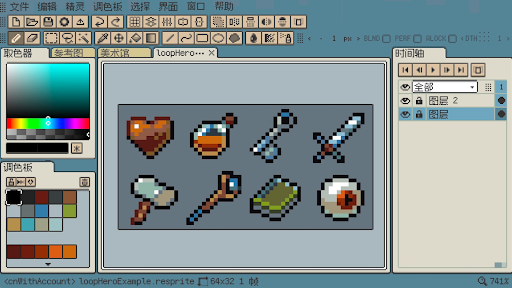
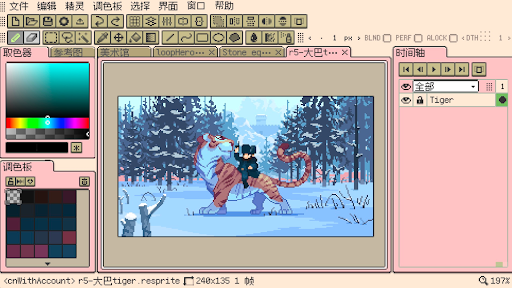
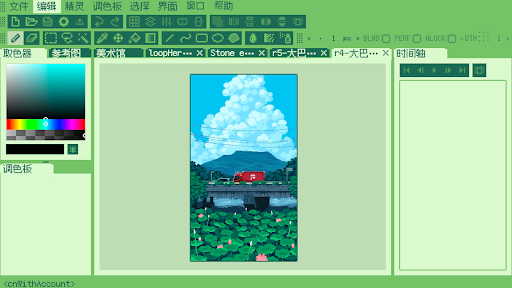
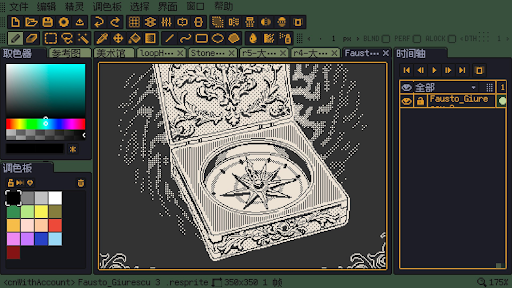
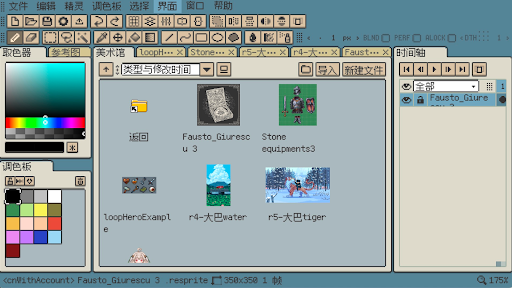
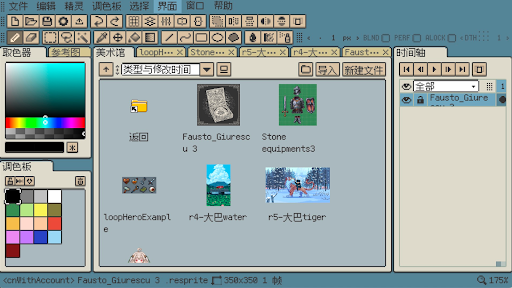
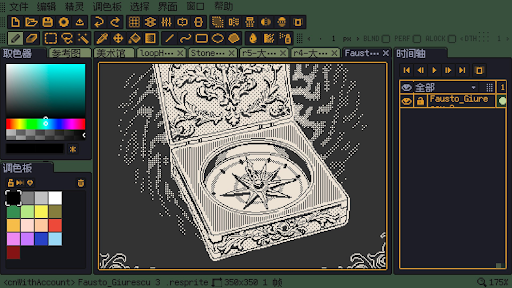
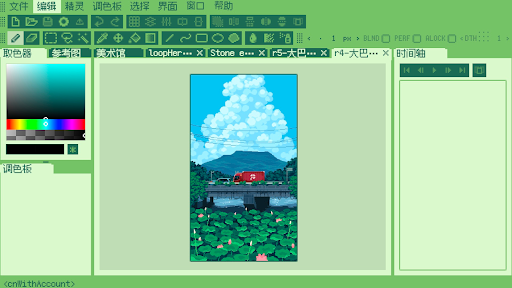
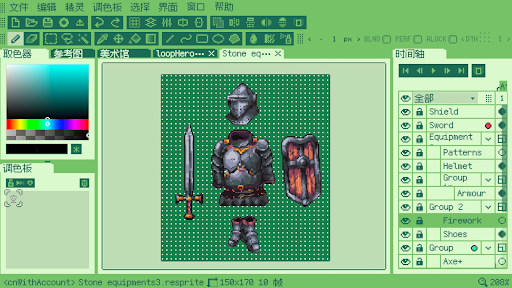
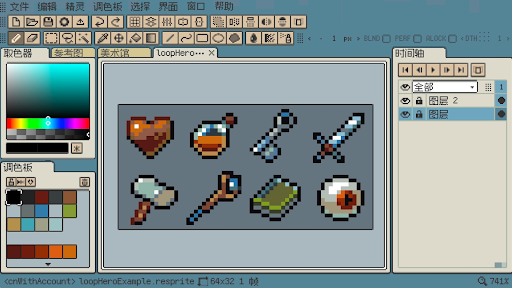
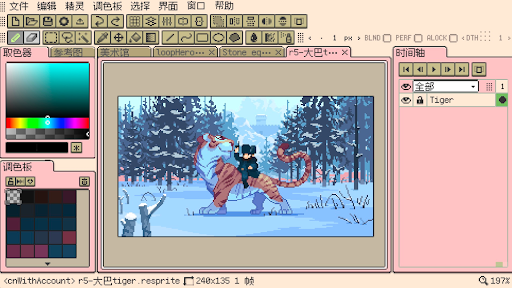
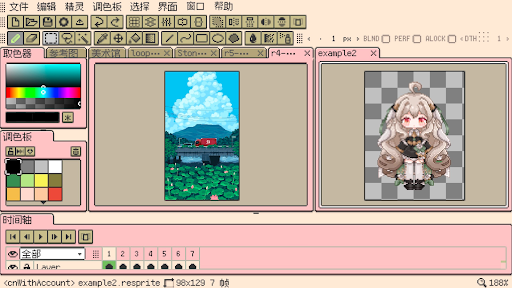
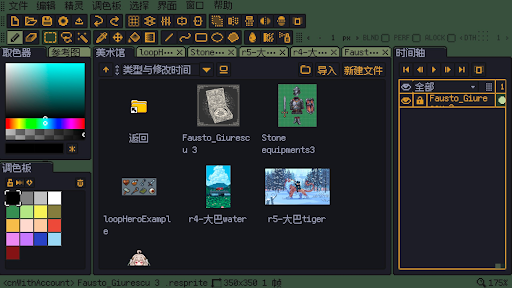
Resprite is a pixel art and sprite animation editor. It is powerful and is committed to becoming a powerful tool for creating pixel sprite images in the game field on mobile terminals, which can meet the needs of professional creators. The powerful and complete feature set comparable to desktop applications, and the extreme optimization and innovation to adapt to the mobile environment and the pen, let you create as you like. Resprite provides a complete pixel painting editing tool, a set of advanced layers and timeline systems, and a high-performance rendering engine based on Vulkan, which can help you create charming pixel art, exquisite spritesheets, charming GIF dynamic expressions and wonderful game art resources. Whether lying on the sofa, in a camping tent, relaxing on the beach, or waiting at the airport, you can easily create. Resprite is a mobile pixel painting studio in your hands. Resprite includes: Features: * High-performance drawing engine * Low energy consumption, long-lasting creation * Innovative and efficient palette and coloring tools * Complete dithering pattern support * Extremely flexible interface layout, one-touch access * Unprecedentedly optimized gesture and pen control, handy * Complete undo and redo mechanism * Freely create colorful and personalized themes Extremely flexible interface layout: * Adjust the interface layout as you like * Handy floating window * Shorten the distance between the pen and the destination = improved efficiency * Perfect pixel style software interface All-round tool combination: * Supports brushes, 3 different selection tools, color picker, paint bucket, 3 different shape tools, etc., and rich sub-options * Supports Pixel perfect, Alpha lock, Dithering and other elements * Make the toolbar instantly accessible wherever you want * Support copy, paste (across files), horizontal and vertical flip, rotation, scaling * Support scaling and transformation of canvas and image Innovative palette: * Free position arrangement * Interpolation creates intermediate colors * Import and export palettes * Automatically collect palettes from artboards Import and share: * Support export of spritesheet files, GIF\APNG animations, and Resprite package * When exporting, you can set the magnification, frame margins, spritesheet arrangement, etc. * You can export by animation clips individually or in rows * Support importing and exporting palette files, supporting GPL and RPL formats Fully functional layers and timelines: * Flexible creation through layers through complete features * Support advanced operations such as copying, merging, flattening, and staticization * Support setting multiple animation clips, and can select them * Reliable performance, hundreds of frames of animation, still smooth * Support color labels, support multi-level grouping, set transparency for layers * Support clipping mask and blend modes Quick gesture operation: * Universal two-finger click, three-finger click undo and redo *…
What Resprite: pixel art studio Is Used For
Resprite: pixel art studio appears to be a mobile editor for creating pixel art, sprites, and sprite animations. Based on the metadata, it is aimed at users who want to draw and edit game-style artwork on an Android phone, with tools for painting, layering, timeline-based animation, and exporting sprite sheets or animated image formats.
The app may be especially useful for artists and game developers who need a portable way to sketch characters, objects, or effects without relying on a desktop setup. Its network permissions suggest it may handle online features such as sharing, syncing, or downloading related content, while the core work seems centered on local creative editing. Because it supports pen and gesture controls, it also appears designed for hands-on drawing on touch devices, including smaller screens where quick access to tools matters.
Overall, this is the kind of app people would use for making pixel art assets, animated GIF-style loops, and other 2D game graphics while on the go. The metadata suggests a strong focus on detailed editing rather than casual drawing.
Common uses
- Create pixel art and sprite graphics on an Android phone
- Edit frame-by-frame animations with a timeline workflow
- Build spritesheets and export animated image formats like GIF or APNG
- Use layers, selection tools, and color controls for detailed artwork
- Work with touch gestures or a pen for mobile drawing
- Adjust palettes and dithering for classic pixel-style results
- Import, copy, and transform artwork across files or canvases
App Details
Package:
com.fengeon.resprite_desktop
Developer:
Fengeon
Version:
1.30.0
Updated:
Mar 27, 2026
Min Android:
7.0
Age Rating:
Everyone
Contains Ads:
No
In-App Purchases:
Yes
Official Listing
-
Official listing available on
Google Play
-
Package name:
com.fengeon.resprite_desktop
-
Age rating:
Everyone
Related Art & Design Apps
Art & Design
•
Canva
Graphic design and content creation app for mobile.
Version 2.354.1
43.1 MB
⭐ 4.80
500,000,000+ installs
Art & Design
•
ibis inc.
Version 14.0.0
⭐ 4.50
100,000,000+ installs
Art & Design
•
Sketchbook
Version Varies with device
41.2 MB
⭐ 4.00
100,000,000+ installs
Art & Design
•
Kutumb App
Get quotes with your name and photos daily
Version 10.6.4
168.5 MB
⭐ 4.60
100,000,000+ installs
Art & Design
•
Adobe
AI-powered photo & video creation—fast, fun, and effortless with Quick Actions
Version 30.0.0
99.6 MB
⭐ 4.60
100,000,000+ installs
Art & Design
•
Visual Blasters LLC
Kickstart your animation journey in a few moments!
Version 4.2.25
25.4 MB
⭐ 4.40
50,000,000+ installs
How to Download Resprite: pixel art studio
If this app is not hosted directly on APKApps official link,
then for the safest and most up-to-date version, install it from its official Google Play listing.