AR Ruler App: Tape Measure Cam icon

Phone

AR Ruler App: Tape Measure Cam

Tools Grymala apps ⭐ 4.00 10,000,000+
Version 3.2.3 Everyone

Screenshots

AR Ruler App: Tape Measure Cam screenshot
Permissions Explained 7 permissions requested View details

This app requests 7 permissions. The table below explains what each permission may allow and what users should review before installing.

Status Permission What it means Why it may be used User safety note
ℹ️ Review Read The Contents Of Your Usb Storage read the contents of your USB storage This is an Android permission or app-specific permission requested by the app. The app may use this permission for features related to its category, device support, background behavior, storage, connectivity, or system integration. Review this permission before installing, especially if it does not match the app’s expected purpose.
ℹ️ Review Modify Or Delete The Contents Of Your Usb Storage modify or delete the contents of your USB storage This is an Android permission or app-specific permission requested by the app. The app may use this permission for features related to its category, device support, background behavior, storage, connectivity, or system integration. Review this permission before installing, especially if it does not match the app’s expected purpose.
ℹ️ Review Take Pictures And Videos take pictures and videos This is an Android permission or app-specific permission requested by the app. The app may use this permission for features related to its category, device support, background behavior, storage, connectivity, or system integration. Review this permission before installing, especially if it does not match the app’s expected purpose.
ℹ️ Review View Network Connections view network connections This is an Android permission or app-specific permission requested by the app. The app may use this permission for features related to its category, device support, background behavior, storage, connectivity, or system integration. Review this permission before installing, especially if it does not match the app’s expected purpose.
ℹ️ Review Full Network Access full network access This is an Android permission or app-specific permission requested by the app. The app may use this permission for features related to its category, device support, background behavior, storage, connectivity, or system integration. Review this permission before installing, especially if it does not match the app’s expected purpose.
ℹ️ Review Control Vibration control vibration This is an Android permission or app-specific permission requested by the app. The app may use this permission for features related to its category, device support, background behavior, storage, connectivity, or system integration. Review this permission before installing, especially if it does not match the app’s expected purpose.
ℹ️ Review Prevent Device From Sleeping prevent device from sleeping This is an Android permission or app-specific permission requested by the app. The app may use this permission for features related to its category, device support, background behavior, storage, connectivity, or system integration. Review this permission before installing, especially if it does not match the app’s expected purpose.

About AR Ruler App: Tape Measure Cam

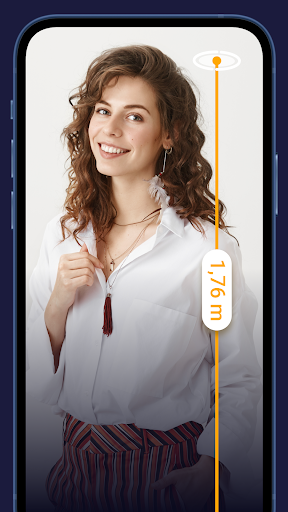
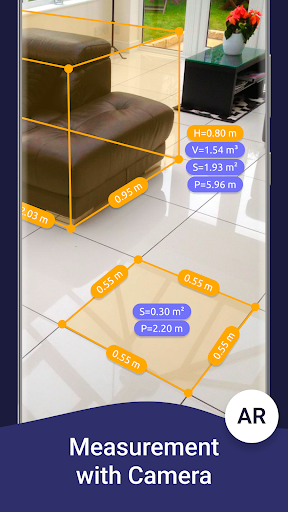
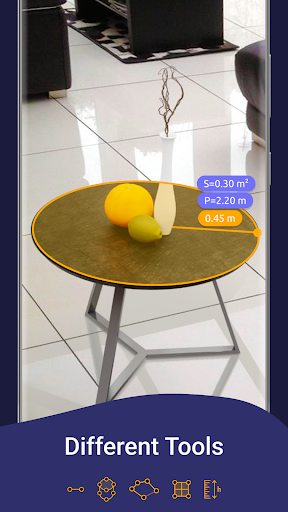
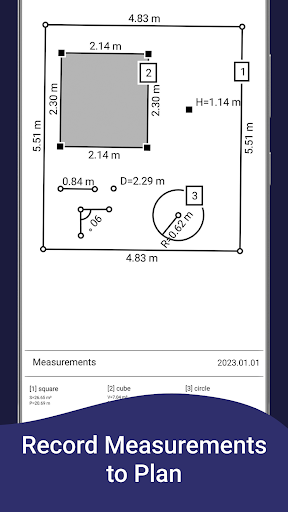
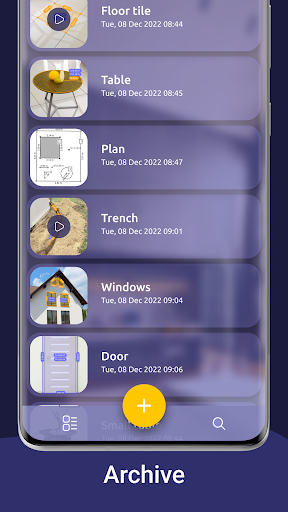
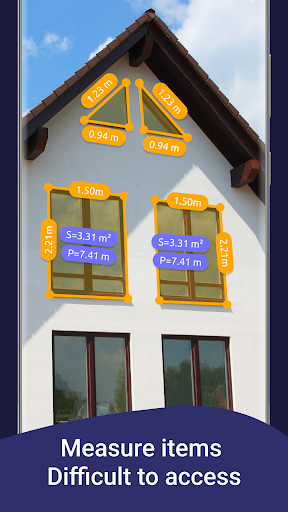
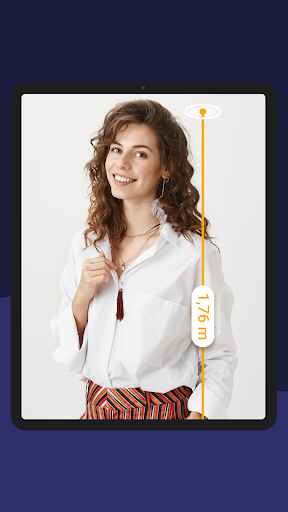
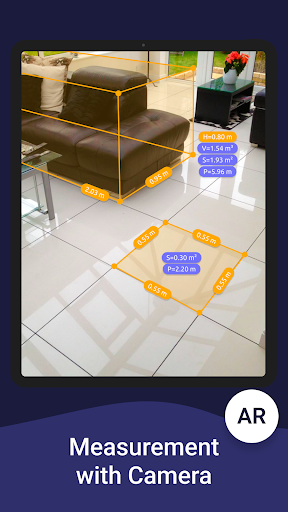
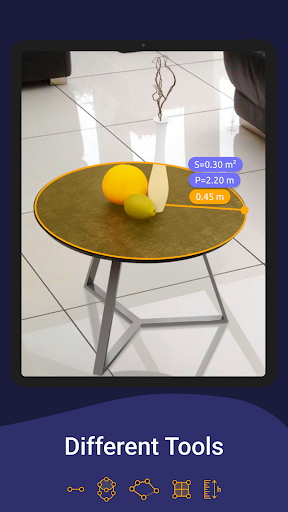
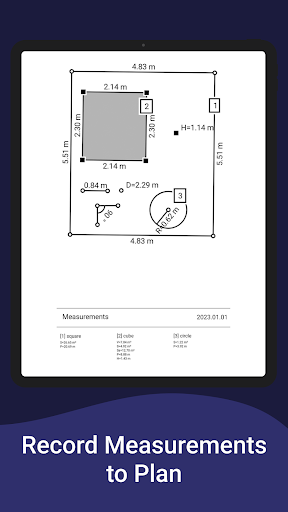
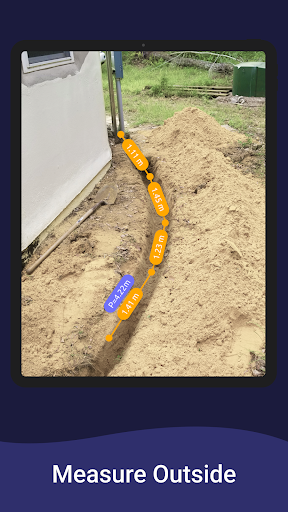
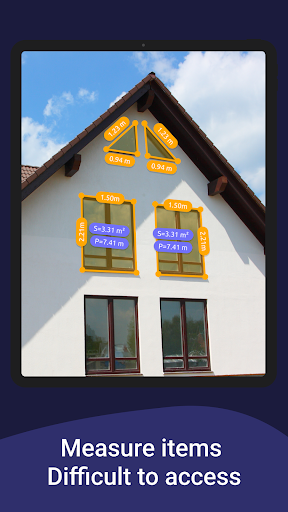
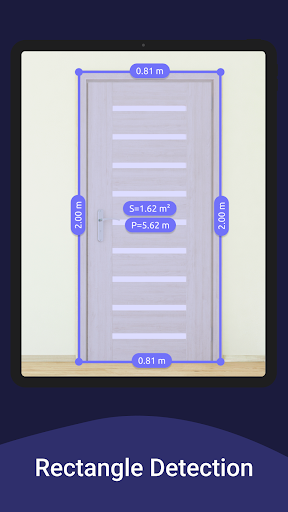
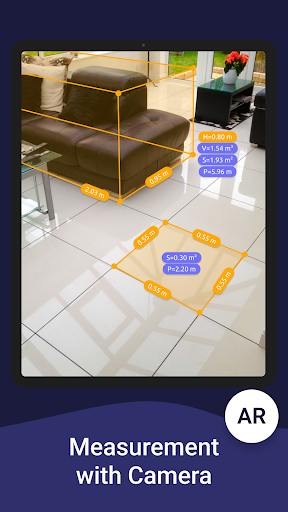
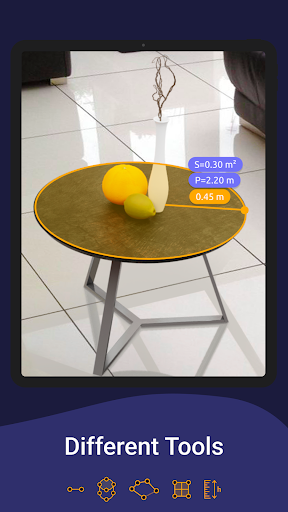
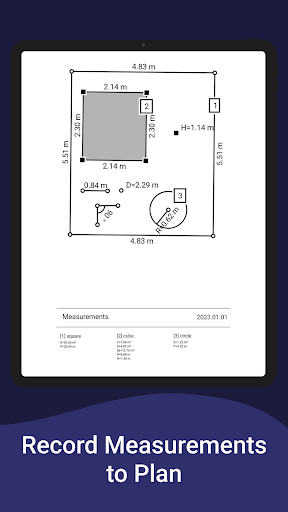
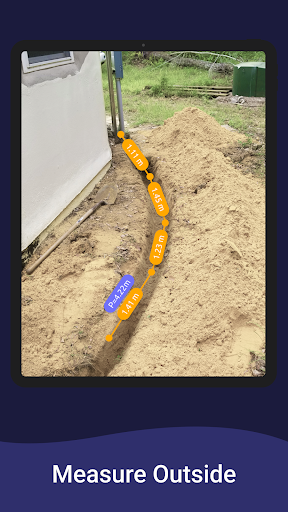
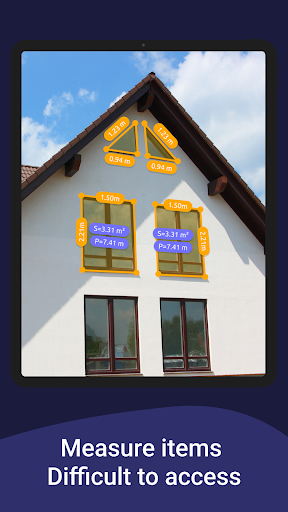
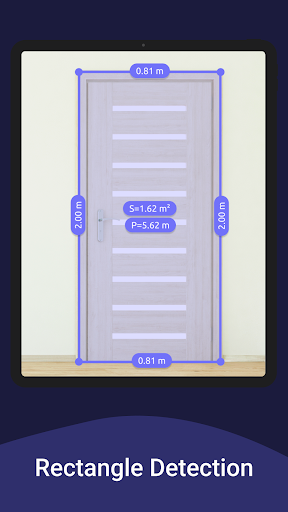
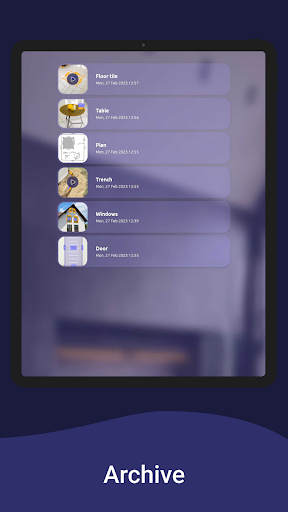
AR Ruler app uses augmented reality technology (AR) to tape measure room, home, house, homescapes with your phone camera. Target aim on the detected plane and start to use AR tape measurement tool. Try to room scan and floor plan your house with a new computer technology. iPhone lidar scanner & iPad lidar version: https://itunes.apple.com/us/app/ar-ruler-app-tape-measure/id1326773975?mt=8 1) AR Ruler app – allows to tape measure linear sizes in cm, m (meter), mm, inches, feet, yard. 2) Distance meter – allows to tape measure distance from device camera to a fixed point on the detected 3D plane. 3) Angle – allows to tape measuring corners on 3D planes. 4) Area and Perimeter – allows to tape room measurement and area of the house. 5) Volume scanner – allows to tape measure size of 3D objects. 6) Path scan – allows to calculate the length of the photo path. 7) Height measure – allows to tape measure height relative to the recognized surface. 8) Room Planner and Home Design – generates a room plan projection for drawn objects and exports the floor plan to PDF format. 9) On-screen Ruler app – measuring small objects directly on the phone screen. 10) Photo measure app. Note: Some features are Core only. Need to measure room with phone, scan room in 3D, or calculate wall area in seconds? With the AR Ruler app, you can use AR ruler app to measure height with camera, measure distance in AR, and scan objects with lidar for accurate results. Quickly create floor plan AR, measure furniture size, and design home in AR using your phone. This smart tool helps you get room dimensions, calculate area fast, and measure space accurately anytime, anywhere. Try AR Ruler app now and make your little homescapes – we’d love to hear your feedback! Note: Please note that AR Ruler app requires ARCore (aka lidar iOS) library produced by Google. ARCore is constantly improving, which, in turn, positively affects the room scanner quality and photo measurements accuracy of AR Ruler app in units of measurement such as cm, m (meter), mm, inch, feet, yard. Follow us! Twitter: https://twitter.com/grymalaofficial Instagram: https://www.instagram.com/grymala_official/ Pinterest: https://www.pinterest.com/grymalaapps/ LinkedIn: https://www.linkedin.com/company/grymala/ Customer Support: Should you have any questions about Augmented Reality Ruler app or need help, please do not hesitate to contact us via developer email: [email protected].

What AR Ruler App: Tape Measure Cam Is Used For

AR Ruler App: Tape Measure Cam appears to be a measurement tool for Android phones that uses the camera and augmented reality to estimate sizes in real-world spaces. Based on the metadata, it is commonly used for measuring distances, room dimensions, object height, angles, area, perimeter, and volume without relying only on a physical tape measure.

The app also seems geared toward home and room planning tasks. It mentions scanning rooms, estimating furniture size, and generating floor plan projections that can be exported to PDF, which may make it useful when sketching a layout or checking how much space an object might take up. Because it references ARCore and camera-based functions, it is likely intended for phone use in spaces where the device can detect surfaces and track measurements on-screen. Permissions such as camera access, storage access, and network access fit with taking photos/video, saving results, and loading online components.

Common uses

  • Estimate linear distances in cm, m, inches, feet, or yards
  • Measure room area, perimeter, and wall-related dimensions
  • Check object height, angles, and approximate volume
  • Create basic room plans or floor-plan exports for home layout work
  • Use the on-screen ruler for small items directly on the device display
  • Take photo-based measurements or room scans when AR support is available
Best for:
home measurement room planning camera measurement phone app productivity

App Details

Package:
com.grymala.aruler
Category:
Tools
Developer:
Grymala apps
Version:
3.2.3
Updated:
Feb 25, 2026
Min Android:
10
Age Rating:
Everyone
Contains Ads:
Yes
In-App Purchases:
Yes

Official Listing

  • Official listing available on Google Play
  • Package name: com.grymala.aruler
  • Age rating: Everyone

Explore More

Browse more apps in Tools or explore the Phone hub .

Related Tools Apps

Magnifier & Microscope icon

Magnifier & Microscope

Lifestyle HANTORM

Good magnifier app to see tiny things bigger and more clearly!

Version 6.3.1 9.9 MB ⭐ 4.73 10,000,000+ installs
Easy Area icon

Easy Area

Maps & Navigation Marothia Techs

Easiest Area calculator for measuring land area & distance of GPS maps, photos.

Version 2.96 7.1 MB ⭐ 4.10 1,000,000+ installs

How to Download AR Ruler App: Tape Measure Cam

If this app is not hosted directly on APKApps official link, then for the safest and most up-to-date version, install it from its official Google Play listing.