About Magic Poser - Art Pose Tool
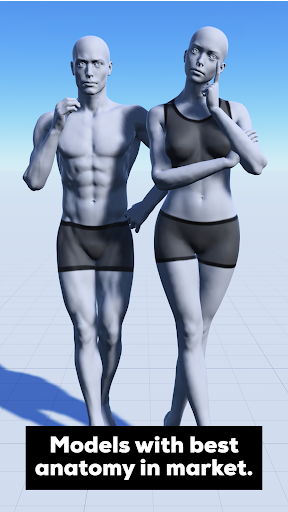
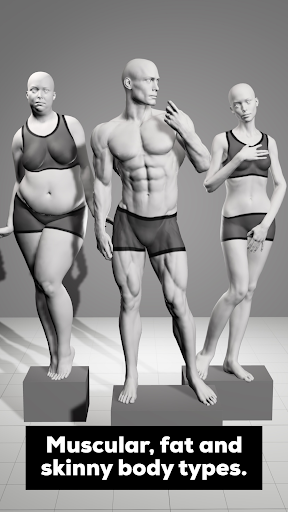
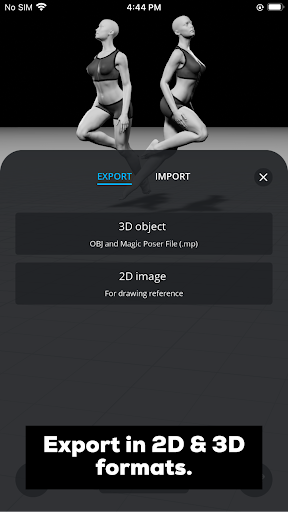
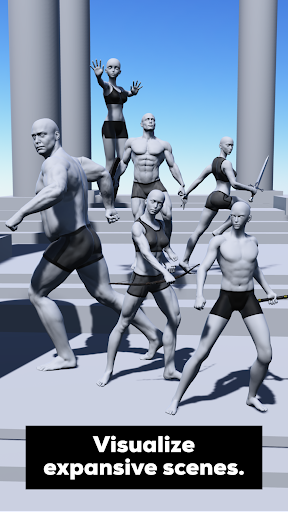
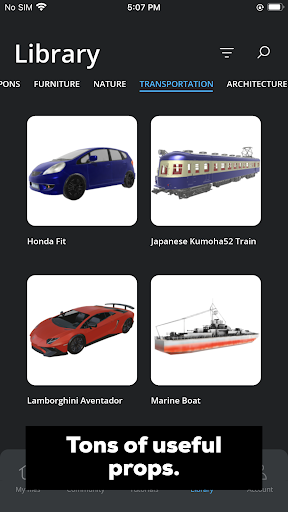
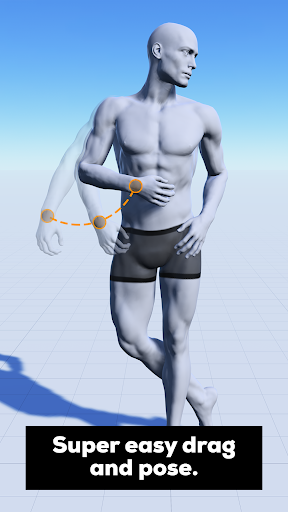
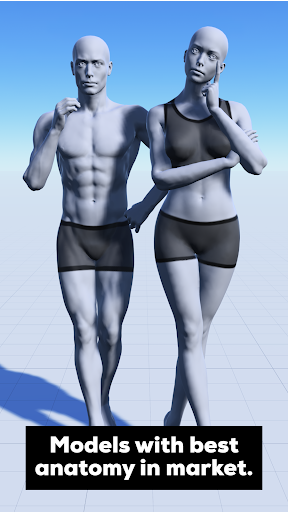
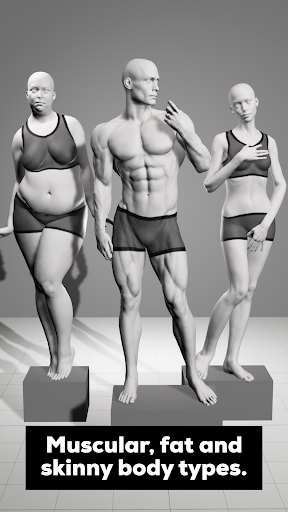
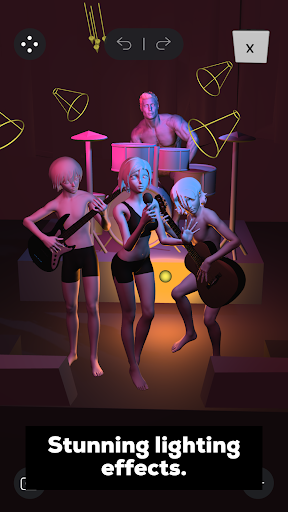
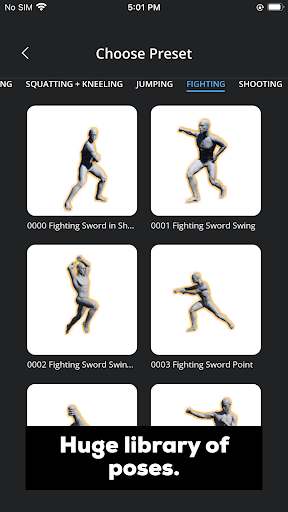
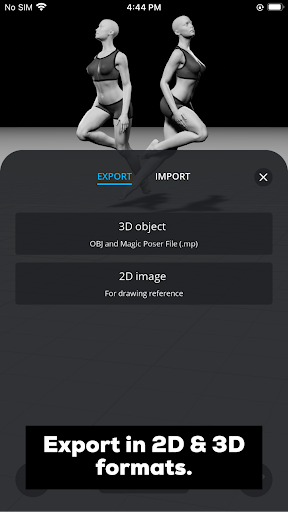
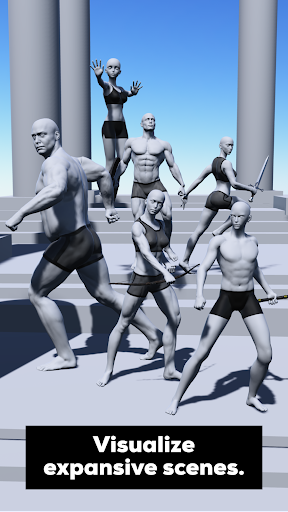
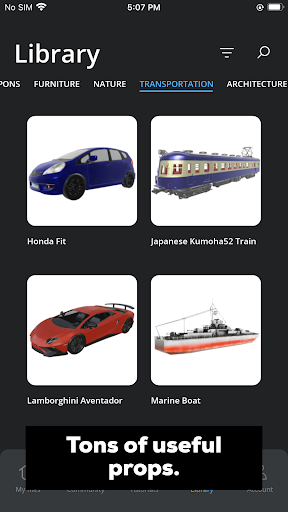
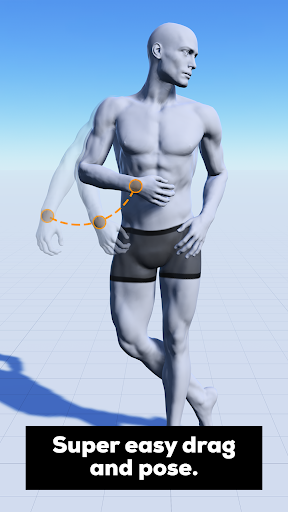
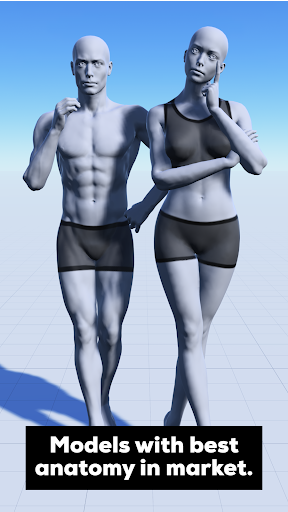
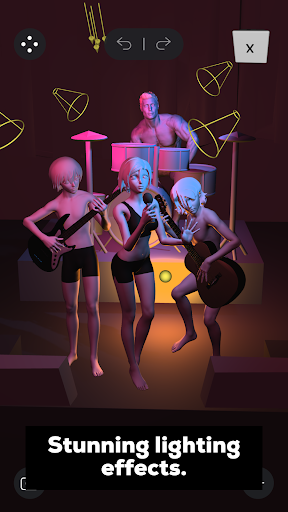
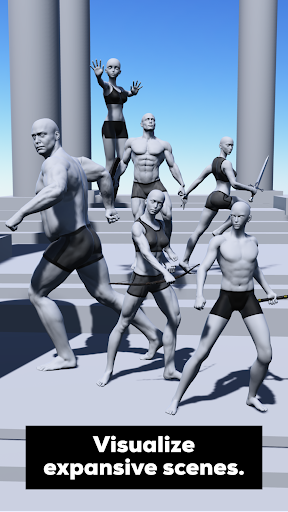
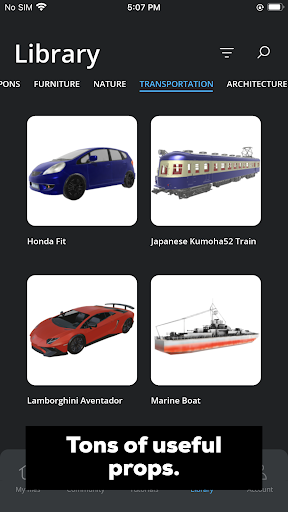
Ever tried googling for a pose or asking your friend to pose for your artwork? Then you should download and try Magic Poser! Magic Poser is the leading app for posing 3D characters, creating 3D scenes and setting up stunning lighting effects. 12+ million artists use our app to draw better and faster. Start creating poses within minutes on your mobile devices today! Magic Poser is extremely user-friendly and powerful. A must-have app for figure drawing, illustration, comics, storyboarding, concept art, sculpting, fitness instructions, and more! Feature highlights: • Super easy drag-and-pose - Most intuitive posing experience on the market - Anyone can pick it up in minutes - Advanced physics engine - Allows you to manipulate the 3D model like a real doll and automatically adjusts it to the dynamic poses you want - Full control up to every finger and toe - Our skeleton offers control of every part in a real human - Fastest hand posing - 50+ presets and curl sliders to make posing the hand easy and fun! • Best anatomy ever - Best realistic models crafted by our award winning sculptors - Nail male and female anatomy in your figure drawing - Super natural muscle deformations - Much more accurate than a rigid wooden doll • Muscular, fat and skinny body types - Morph your male or female character to different body types - Bring a variety of characters into your artwork - Adjust the amount of change and combine morphs with sliders - You can truly create a unique character just for your art piece • Stunning lighting effects - Add three types of lights - We feature directional light, spotlight and point lights - Add up to 8 lights per scene - Create cinematic shots using multiple light sources - Change brightness, color, radius and a range of parameters - Change time of day - Create any mood such as dawn, noon, dusk and midnight • Extensive library of characters, preset poses, props, hairstyles and clothing! - 25 characters of different styles - Realistic, anime, comic characters for every genre of artists - 3000+ preset poses for full-body, hands and feet - Truly speed up your posing or get more inspiration - 500+ props - Covers commonly used props such as geometric shapes, weapons, furniture, vehicles, everyday items, etc. - 100+ hairstyles and clothing - Customize your characters to another level • Export in 2D and 3D formats - Export in PNG - Export your scene as high resolution images to use in other graphics software - Export in OBJ - Bring our beautiful models seamlessly into other 3D programs • Create expansive scenes - Add unlimited characters and props to your scene - Your imagination is the limit - Group anything together with layers menu - Manage complicated scenes like a breeze • Versatile Views menu - Perspective slider - Bring more impact into your scene with strong perspectives - Save camera angles - Easily save your favorite angles of a 3D scene - Grid guides in three planes - No more headaches with any challenging perspective in your…
What Magic Poser - Art Pose Tool Is Used For
Magic Poser - Art Pose Tool appears to be a drawing reference app for artists who need quick 3D pose setups on a phone. Based on the metadata, it is commonly used to arrange human characters in different poses, adjust body types, and build scene references for figure drawing, illustration, comics, storyboards, concept art, and similar work. The app’s focus on 3D characters and scene building suggests it can help users explore composition before sketching or painting.
The app also appears useful for setting up lighting and camera angles for reference images. The listed permissions for storage access and internet connectivity suggest it may let users save or load assets and use online content or services within the app. Because it includes many preset poses, props, and character styles, it may be a practical tool for mobile artists who want a faster way to block out a pose rather than starting from scratch.
Common uses
- Create pose references for sketches and illustrations
- Adjust 3D characters to match different body shapes
- Set up scene composition before starting artwork
- Experiment with lighting and mood for reference images
- Use preset poses and props to speed up planning
- Build references for comics, storyboards, or concept art
- Work on a phone when a quick mobile reference is needed
App Details
Package:
com.magicposernew
Developer:
Wombat Studio, Inc.
Version:
3.1
Updated:
Mar 24, 2026
Min Android:
9
Age Rating:
Teen
Contains Ads:
No
In-App Purchases:
Yes
Official Listing
-
Official listing available on
Google Play
-
Package name:
com.magicposernew
-
Age rating:
Teen
Related Art & Design Apps
Art & Design
•
Canva
Graphic design and content creation app for mobile.
Version 2.354.1
43.1 MB
⭐ 4.80
500,000,000+ installs
Art & Design
•
ibis inc.
Version 14.0.0
⭐ 4.50
100,000,000+ installs
Art & Design
•
Sketchbook
Version Varies with device
41.2 MB
⭐ 4.00
100,000,000+ installs
Art & Design
•
Kutumb App
Get quotes with your name and photos daily
Version 10.6.4
168.5 MB
⭐ 4.60
100,000,000+ installs
Art & Design
•
Adobe
AI-powered photo & video creation—fast, fun, and effortless with Quick Actions
Version 30.0.0
99.6 MB
⭐ 4.60
100,000,000+ installs
Art & Design
•
Visual Blasters LLC
Kickstart your animation journey in a few moments!
Version 4.2.25
25.4 MB
⭐ 4.40
50,000,000+ installs
How to Download Magic Poser - Art Pose Tool
If this app is not hosted directly on APKApps official link,
then for the safest and most up-to-date version, install it from its official Google Play listing.